

Flim
Flim · Image
Flim is a visual search and AI creation platform for creatives, pairing a 2M+ still and video-cut library of movie stills with image and video generation, AI moodboard tools, and style options.
About Flim
What Is Flim
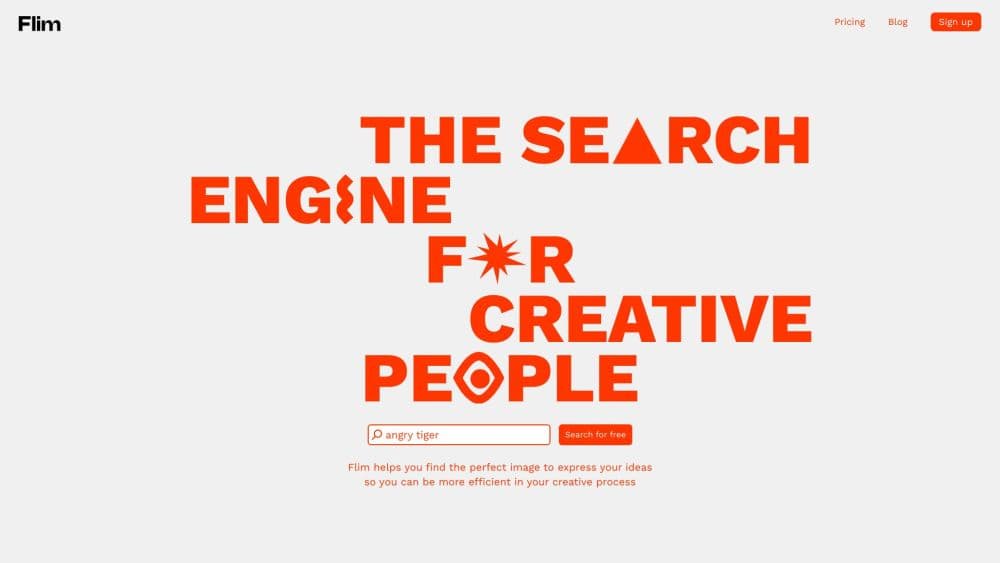
Flim is a platform from a Paris team that pairs a visual reference library with a set of AI creation tools. It started in 2020 as a search engine for stills pulled from movies, documentaries, commercials, and music videos, and grew into a workspace where art directors, directors, and designers find a look and then build from it.
The problem it targets is familiar to anyone who pitches visual work. You know the mood you want, but describing it in words to a client or a teammate gets you halfway there. Flim lets you search by concept, by mood, or by an image you already have, drop the hits into a shared board, and then generate new stills and clips that carry the same style. The whole reference-to-output loop sits in one browser tab.
Limits matter here. Flim is built for creative direction, not for commercial delivery. Library assets and AI generations are licensed for personal, educational, and internal professional work such as moodboards and pitch decks, not for finished campaigns, ads, or products you sell. There's also no public API, so it isn't a tool you wire into your own pipeline.
Getting Started
- Click Join on flim.ai, fill the short form or sign in with Google, and confirm your account through the email Flim sends.
- Search the library by keyword, mood, or a reference image, then filter with advanced options or reverse image search.
- Save the frames and clips that fit into a Board, and group references for each project.
- Open the AI tools to generate or edit images and videos from a prompt, from library assets, or from your own uploads.
- Apply a saved Aesthetic, build a Magic Board from a script, and share boards with teammates on a Team plan.
Product Information
A quick look at Flim's pricing, supported platforms, and performance.
Best for
The users, tasks, and scenarios where this tool fits best.
Users
- Directors and DOPs
- Art directors and designers
- Ad and music video teams
- Film students
Tasks
- Finding visual references
- Building a moodboard
- Generating images and video
- Pitching a story visually
Scenarios
- Preparing a commercial treatment
- Styling a campaign
- Studying a director's work
Key features
Visual Search Across a 2M+ Library
Flim's library holds over 2 million stills and clips pulled from films, series, ads, music videos, fashion films, and documentaries. You search by keyword, mood, or concept, refine with advanced filters, or run a reverse image search from a frame you have. It covers a wider spread of genres, eras, and regions than US-weighted competitors, which matters when your project draws on global references.
Video Cuts
Video Cuts are short extracts from commercials and music videos that capture movement, rhythm, and pacing, not just a frozen frame. You can save them into Boards or use them as references in the AI Dock. Teams working on treatments get to show how a shot moves, which is hard to convey with a still.
AI Image and Video Generation
The AI studio generates and edits images from a prompt, from a library asset, or from your own uploads, and turns a still into a moving clip. It runs on current models, including Nano Banana Lite, 2, and Pro for images, Veo 3.1 for cinematic text-to-video, and Seedance 2.0 for multi-reference image-to-video. Generations run on Mana credits, Flim's in-app currency.
Magic Boards and Aesthetics
Magic Board turns a script or a pitch description into a full selection of references you can edit, which cuts the grunt work of building a board by hand. Aesthetics let you lock a custom or preset visual style and apply it to anything you generate, so a series of images holds one look. You add 4 to 10 coherent references and Flim reads the treatment behind them.
Collaborative Boards
Boards are shared spaces where a team collects references project by project. On a Team plan, teammates work on the same boards, seats pool AI credits into a company account, and access runs through single sign-on. It turns scattered links and screenshots into one source the whole crew can point at.
Mana Credits and Top-Ups
Every generative action spends Mana, Flim's AI credit currency, where 1 Mana equals 0.01 EUR. Pro plans include 800 Mana a month that doesn't roll over, and each Team seat adds 1,600 Mana to a shared pool. You can buy Mana Packs anytime, and purchased Mana stays valid for 60 days even if you cancel Pro.
Pros and cons
Pros
- The library spans 2M+ stills and 410K+ video cuts across film, TV, ads, and music videos.
- One workspace covers reference search, boards, and AI generation, so you stop switching between tools.
- A free plan opens the cinema and TV database with a daily download, which is enough to test it.
- Aesthetics and Magic Boards speed up the direction stage instead of leaving you to write prompts from scratch.
- Team seats pool credits and share boards, which keeps a crew working from one set of references.
Cons
- Assets and generations are licensed for internal and non-commercial use only, so you can't ship ads or sellable products with them.
- AI runs on Mana credits that reset monthly on Pro, so heavy generation can run down your balance.
- There's no public API, which leaves teams that want programmatic access out of luck.
- Pricing is quoted in euros and excludes tax, which adds a step for buyers outside the EU.
Frequently asked questions
Flim is a visual research and creation tool for people who pitch and build visual work. You search a library of film, TV, ad, and music video frames, save the ones that fit into boards, and use AI tools to generate or edit images and videos in the same style.
Related content
Explore related tools, skills, and articles for Flim.
Flim Alternatives

Google EmbeddingGemma 2
Google DeepMind · Writing · Image · CodingGoogle EmbeddingGemma 2 is a 740M-parameter open model that turns text, code, images, audio, and video frames into vectors in one 768-dimension space, running on phones and laptops.

Tractionwave
TractionWave · Image · MarketingTractionWave is an AI attention heatmap tool for static ads. Upload a PNG or JPG and it returns predicted attention, ranked hotspots, and fixes before you spend budget.

Imejis.io
Imejis.io · Image · MarketingImejis.io is an AI design studio for agents and marketing teams. Describe an image in plain words, and it writes the copy, builds the layout, reflows it to every size, then exports a finished file.