

Floot
Floot (Y Combinator S25) · Coding
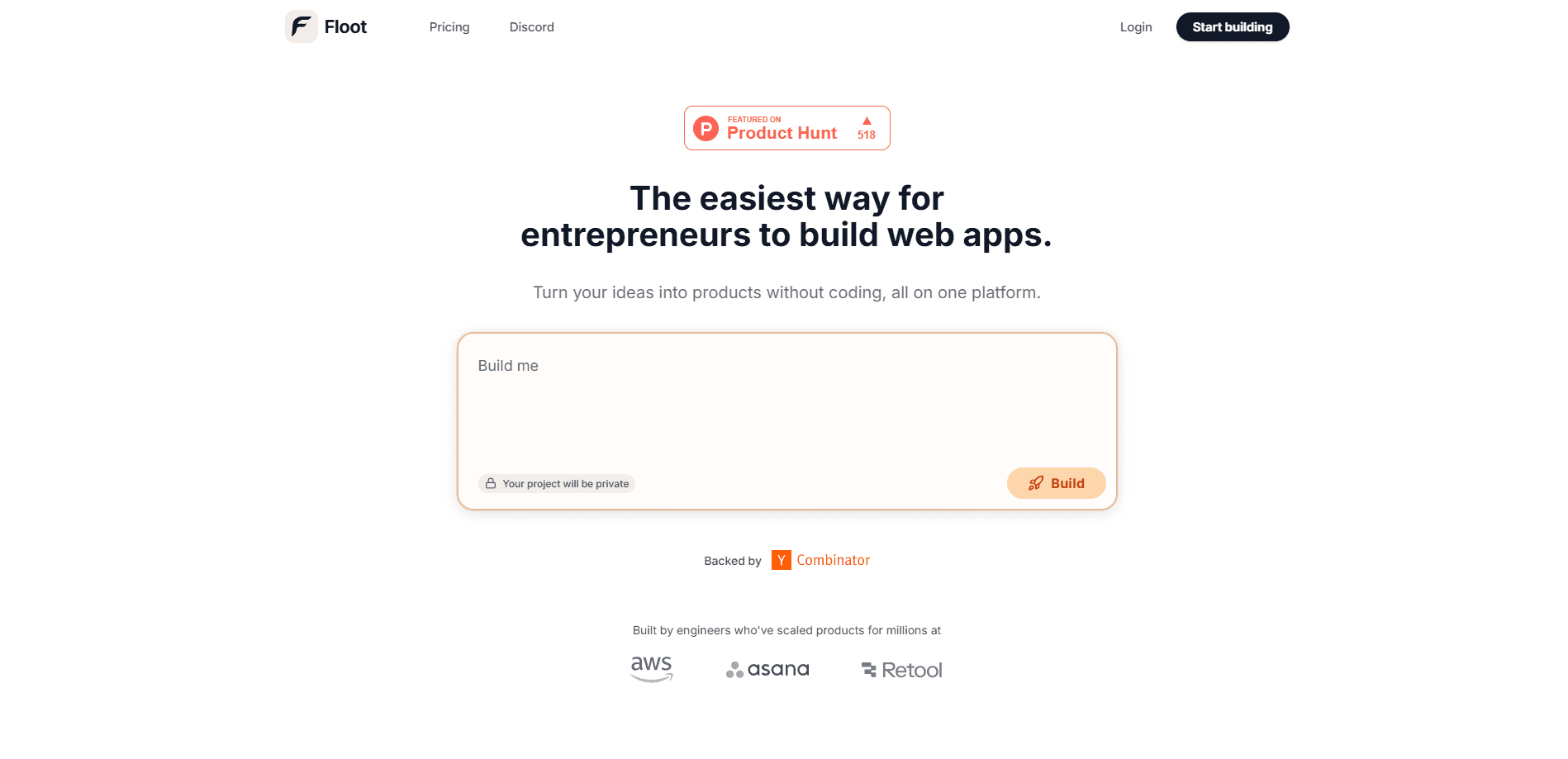
Floot turns Claude and ChatGPT into full-stack app builders. Describe an app in chat, and Floot builds the backend, database, logins and hosting, then publishes it live on the web or as a mobile app. It's a no-code app builder built for the vibe coding era.
About Floot
What Is Floot
Floot is a full-stack platform for building and shipping software with AI. It connects to the AI chat tools you already use, such as Claude, ChatGPT and Cursor, through a feature called the Floot Connector. You can build apps in Claude or build apps in ChatGPT by describing what you want in plain language, and your assistant writes the code while Floot supplies the backend, database, user logins and hosting underneath it.
The product targets founders, small teams and non-coders who have a real app idea but don't want to wire up git, a server, a database and a dozen other services by hand. Floot markets this as a way to skip the technical setup rather than a replacement for professional developers.
Its main limits are practical. A Free plan caps you at 5 projects and 100 build actions per day, custom domains need a paid plan, and mobile publishing still requires developer accounts with Apple and Google. If you build something heavy, you'll feel the daily action ceiling.
Getting Started
- Create a Floot account and connect it to Claude, ChatGPT or Cursor through the Floot Connector.
- Describe your project in the chat, including what it does and who it's for.
- Review the live preview your assistant generates and keep refining it until the app works the way you want.
- Publish to the web or convert the site into mobile app builds for the app stores.
Product Information
A quick look at Floot's pricing, supported platforms, and performance.
Best for
The users, tasks, and scenarios where this tool fits best.
Users
- Non-technical founders
- Solo makers and side project builders
- Small teams without an engineer
Tasks
- Building a full-stack web app from a description
- Turning an existing website into a mobile app
- Adding in-app AI features
- Automating recurring work
Scenarios
- Validating a product idea before investing in engineering
- Running a paid side business
- Internal admin tools for a small operation
Key features
Floot Connector
The Floot Connector plugs the platform into Claude, ChatGPT, Cursor or any other AI chat tool you already pay for. Your assistant writes and debugs the code while Floot runs the backend, so you build from the chat window instead of a separate editor. Because the assistant's own thinking runs on your existing subscription, it doesn't spend Floot credits.
Full-Stack Infrastructure Built In
Floot ships the parts that usually slow non-coders down: backend, database, user logins and AWS hosting with automatic scaling. Apps can save data, let people create accounts and run recurring tasks with no server config to touch. The company built a specialized React-based framework tuned for code that AI writes and runs.
Publish to Web and Mobile
One project can go live on the web and in the app stores. Floot handles the build side of native app conversion, with limits of 2 builds a month on Free, 12 on Pro and unlimited on Power. You still need Apple and Google developer accounts to publish, and Google Play connections require a paid plan.
Emails, Notifications and Integrations
Apps can send emails, receipts, updates and notifications without a separate email service. Floot also walks you through connecting Stripe payments, Google login, Zapier and thousands of other tools step by step, so common business logic doesn't require outside engineering.
SEO Built Into the Output
Floot builds apps that search engines can crawl and understand, rather than a bare single-page app. SEO essentials come configured automatically, which matters if you want your project to be found on Google instead of only reaching people you send there.
Flat Pricing Without Token Markups
Instead of charging per token, Floot sells flat monthly plans and meters work through build actions and credits. Failed or cancelled actions never count, and the assistant's reasoning runs on your own AI subscription. Monthly credits roll over for one extra month on paid plans, and top-ups convert at $1 per 1,000 credits.
Pros and cons
Pros
- Builds full-stack apps without a technical background, covering backend, database, logins and hosting in one place.
- Works inside Claude, ChatGPT and Cursor, so you don't learn a new editor or separate tool to get started.
- No AI token markup: your assistant's thinking runs on the subscription you already have.
- Flat plans at $0, $25 and $100 per month, with failed build actions never counted against your daily limit.
- Web and mobile publishing from the same project, plus built-in SEO so apps are crawlable.
Cons
- The Free plan caps you at 5 projects and 100 build actions a day, so serious building pushes you toward a paid tier quickly.
- Custom domains, code export and Google Play publishing are locked behind paid plans, which limits how far you can take a free project.
- You still need Apple and Google developer accounts, and cover your own hosting costs, to ship to the app stores.
- Floot is newer in a crowded field of AI app builders, so long-term support and roadmap stability are less proven than established rivals.
Frequently asked questions
Floot is used to build and host full-stack web and mobile apps by describing them in an AI chat. It handles the backend, database, logins and hosting so non-coders can launch real software, not just prototypes.
Related content
Explore related tools, skills, and articles for Floot.
Floot Alternatives

Udon
Udon · Coding · ProductivityUdon turns an Apple Silicon Mac into a home server you run from a browser, with container controls, file shares, and an optional AI sysadmin.

offstage
offstage cloud · Coding · Productivityoffstage gives AI coding agents and CI jobs a real Mac: a fresh macOS account on Apple silicon, driven over an API and billed by the second.

BotBus
Chengdu Tuyang Tusen Technology Co., Ltd. · Coding · ProductivityBotBus lets you control AI coding agents from your phone and watch: approve commands, start tasks and read results while the code stays on your desktop.