

Flowly - AI Bot, Agent
Nocetic · Productivity · Chatbot
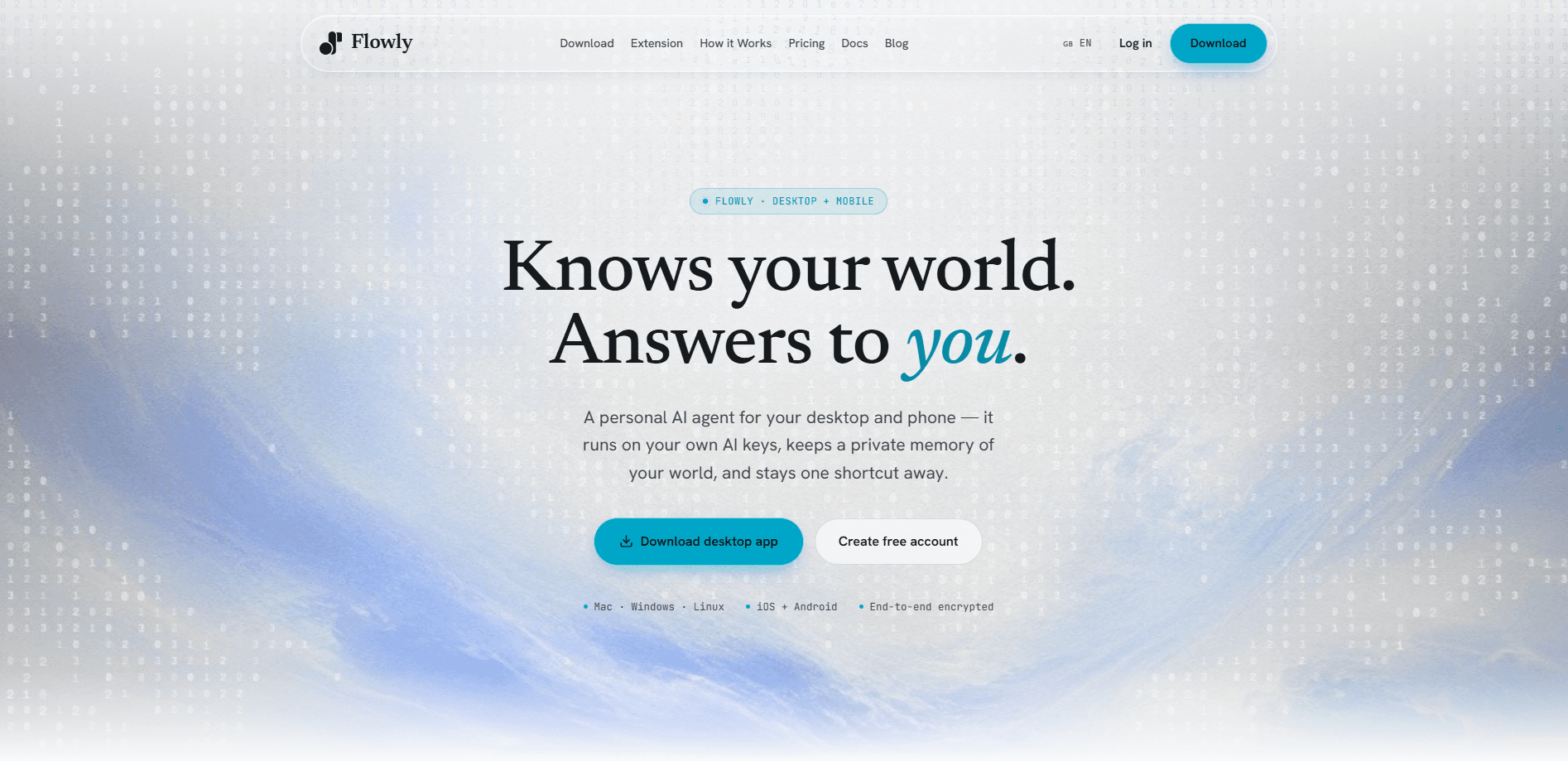
Flowly - AI Bot, Agent is a local-first personal AI assistant for Mac, iOS, and Android that runs on your own AI keys and keeps a private memory of everything you work on. It reads your messages, tracks your reminders, and answers questions across apps, then syncs that context to every device you own. If you want an AI agent that feels like yours rather than a rented account, Flowly is built for that.
About Flowly - AI Bot, Agent
What Is Flowly - AI Bot, Agent
Flowly is an open-core AI agent from Nocetic. The agent itself, meaning its brain, tools, skills, channels, and gateway, is open source under Apache 2.0, so you can self-host it on your own machine with your own model keys and never sign in. The Mac, iOS, and Android apps wrap that same compiled core in a native interface, then add optional cloud services like hosted models, a managed relay, and cross-device sync.
What sets it apart is the memory layer. Flowly keeps a persistent, end-to-end encrypted record of your world, so agents can recall your notes, tasks, and past conversations instead of starting from zero every time. It connects to the messaging tools you already use, including Telegram, Discord, Slack, WhatsApp, iMessage, and email, which means the assistant can act inside the apps where your work actually happens. That last part matters more than it sounds.
The tradeoff is setup. Flowly assumes you're comfortable bringing your own API key from a provider like Anthropic, OpenAI, Gemini, or OpenRouter, or paying for usage credits on top of a subscription. Hosted model access and always-on relay hosting are separate costs, so the sticker price isn't the whole story. For people who don't want that overhead, the free OpenRouter models and the guided desktop install make the first step easy, but the deeper you go, the more you're managing infrastructure rather than just chatting. Not ideal for everyone.
Getting Started
- Create your account with email or Google. It takes about 30 seconds.
- Install Flowly Desktop for macOS and sign in. On Windows or Linux, install the open-source CLI instead.
- Connect your AI key from a supported provider, or use the built-in free OpenRouter models to start without a key.
- Add the iOS or Android app to bring your phone into the loop, using the same account with synced controls.
- Start chatting from desktop or mobile, then add integrations or managed cloud hosting once your workflow needs them.
Product Information
A quick look at Flowly - AI Bot, Agent's pricing, supported platforms, and performance.
Best for
The users, tasks, and scenarios where this tool fits best.
Users
- Professionals who juggle several AI tools
- Privacy-minded users
- Non-technical people who still want a real agent
Tasks
- Remembering and surfacing tasks
- Research and summarizing
- Screening calls and messages
Scenarios
- Daily life admin
- Cross-device workflows
- Voice-first use
Key features
Persistent memory across every tool
Flowly's core idea is one memory layer for everything you use AI for. It stores your notes, tasks, and conversations in an encrypted store, so any agent you connect can recall what came before instead of starting cold. That's what makes it feel like an assistant that knows you rather than a fresh chatbot each session. Simple, but hard to fake.
Bring your own AI keys
You can run Flowly on keys from Anthropic, OpenAI, OpenRouter, Gemini, Groq, and xAI, plus any OpenAI-compatible local model. You pick the brain rather than being locked to one vendor. The free tier covers every free OpenRouter model. Paid plans add usage credits that open up premium models like Claude, GPT-5.5, Gemini, and Grok. Your key, your call.
Chat integrations that meet you where you work
Flowly connects to the messaging platforms you already live in, including Telegram, Discord, Slack, Teams, WhatsApp, iMessage, email, and voice. The assistant can send and receive in those channels, which means you don't have to open a separate app to get something done. All of these adapters are part of the open-source core.
Open-core and self-hostable
The agent, its 40+ tools, 135 skills, channels, and gateway are open source under Apache 2.0. The desktop app embeds that exact compiled core, so there's no stripped-down build. If you self-host, you get the same agent and never need to sign in.
A real toolset, not just chat
Flowly ships with more than 40 tools covering files, a sandboxed shell, web browsing, computer use, documents, and media. Skills you can drop in as Markdown extend what it can do without touching the core. This is what turns the assistant from a talker into something that takes actions. Big difference.
Encryption and private cloud connections
Memory is end-to-end encrypted, and the open-source core runs entirely on your own machine when you want it to. The closed cloud pieces, like managed relay and cross-device sync, are opt-in, so the agent never depends on them to function.
Always reachable with managed hosting
Optional managed relay hosting keeps your assistant reachable even when your laptop is asleep, without you exposing a port or running a VPS. It's a paid convenience, but it's the difference between an agent that's only live when your computer is and one that answers 24/7.
Pros and cons
Pros
- Local-first design with an open-source Apache 2.0 core means you can self-host the whole agent and keep control of your data.
- One memory layer spans the AI models and apps you already use, which cuts down on repeating yourself.
- BYOK support covers major providers plus local models, so you aren't locked into one vendor.
- Broad channel support lets the assistant work inside Telegram, Slack, WhatsApp, email, and more.
- A genuine free tier with free OpenRouter models and no credit card makes it easy to try.
Cons
- The deeper setup assumes you're comfortable handling API keys and provider billing, which will frustrate users who want a pure plug-and-play tool.
- Hosted model access and managed relay hosting cost extra on top of the subscription, so the real spend can run higher than the listed plan price.
- The Windows and Linux path goes through the open-source CLI, so desktop users outside Mac get a less polished experience than the native app.
- The full Mac, iOS, and Android apps plus cloud sync are closed, so the most convenient pieces aren't the open ones.
Frequently asked questions
What is Flowly - AI Bot, Agent used for? It's a personal AI agent that remembers your context and acts across the apps you use. You can ask it to track reminders, research topics, summarize documents, and handle tasks inside chat platforms like Telegram or Slack, all from one shared memory.
Related content
Explore related tools, skills, and articles for Flowly - AI Bot, Agent.
Flowly - AI Bot, Agent Alternatives

Base Code
Base44 (Wix) · Coding · ProductivityBase Code is a shared cloud development environment from Base44. Teammates describe changes to an existing GitHub codebase in chat, preview them live and send them back as pull requests.

Knocket
Knocket (Tencent RTC team) · Productivity · Business · ChatbotKnocket is a free live chat and contact page tool that lets visitors message you from your website, app, or a shareable link, with every reply handled from Telegram or one inbox.

FloorGen
Vinit Kumar (FloorGen) · Productivity · China AIFloorGen is a browser-based floor plan maker that turns a sentence or a sketch into an editable 2D plan and a 3D walkthrough. Export to PDF, DXF or video, and draw without an account.