

Flowstep
Flowstep · Image
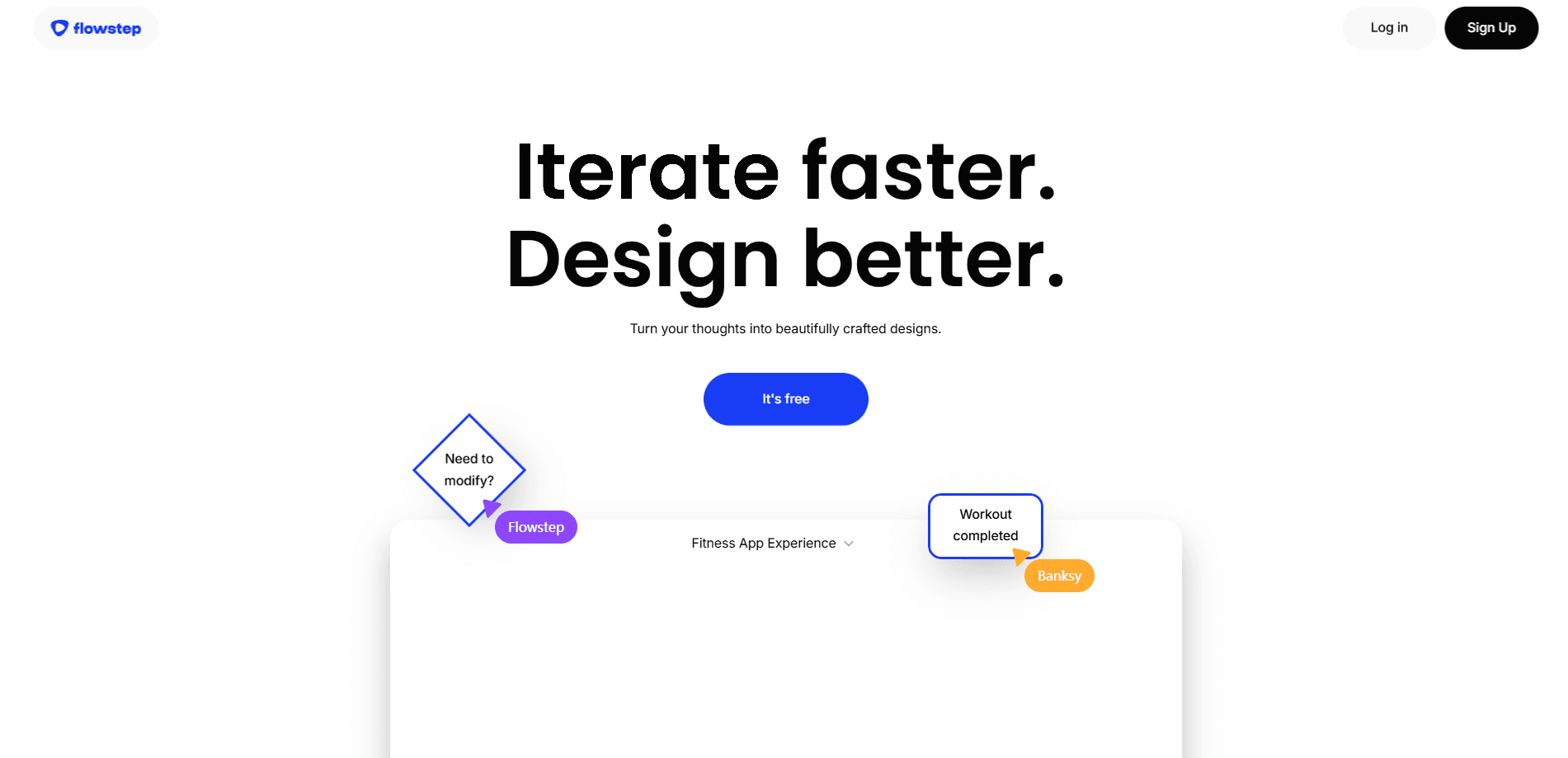
Flowstep is an AI design tool that turns text prompts, screenshots, or links into editable UI screens you can refine on a canvas, export as code, or copy into Figma.
About Flowstep
What Is Flowstep
Flowstep is a browser-based design tool built for people who ship product interfaces, whether they write code or not. You describe what you want, attach a spec, or paste a link, and it generates editable vector screens instead of flat images. The company behind it, based in Tallinn, Estonia, calls the product a design canvas for agents.
The core problem it targets is the gap between a design and the code that runs it. In most workflows a designer hands off a static file and a developer rebuilds it by hand. Flowstep skips that step by keeping everything you design on a one-to-one footing with code you can actually ship.
The trade-off is that this is a young tool with a narrow focus. It's aimed at product screens and app flows, not illustration, print, or heavy brand work, and its free plan caps how much you can generate. Teams that need deep asset libraries or advanced design systems will still lean on their existing tools.
What sets it apart from most AI UI generators is the surround: a built-in MCP server that plugs into coding agents, plus two-way Figma copy and paste that needs no plugin. If you already live in Cursor or Figma, Flowstep tries to meet you there rather than ask you to move.
Getting Started
- Sign up for a free account at flowstep.ai. No credit card is required, and you can generate designs right away.
- Start a new project and describe the screen in plain language, or attach a PRD, drop in a screenshot, or paste your product's URL so Flowstep reads the context.
- Set your style once by writing your colors, typography, and spacing into design guidelines, then ask Flowstep to follow them on every generation.
- Edit the result by chatting or by clicking any element directly on the canvas, then refine the flow across connected screens.
- Share a clickable prototype, copy a frame into Figma, or export the code and ship it.
Product Information
A quick look at Flowstep's pricing, supported platforms, and performance.
Best for
The users, tasks, and scenarios where this tool fits best.
Users
- Product designers at small teams who need to move from idea to a clickable flow in an afternoon instead of a week
- Software engineers who'd rather generate a screen and tweak it than hand-build UI from a spec
- Founders and indie builders without a designer on staff who still want a presentable product interface
- Designers already working in Figma who want AI generation without leaving their existing files
Tasks
- Turning a written product spec into a set of connected app screens
- Recreating a screen from a screenshot or a competitor's URL as a starting point
- Generating a first-pass UI for an app idea so you have something to react to
- Keeping a project visually consistent across many screens with shared style guidelines
- Handing a working prototype to a developer as both a design and code
Scenarios
- Early product research when you need to test a concept before committing engineering time
- A quick demo or pitch deck where you need a believable product flow by tomorrow
- Adding a new page or feature to an existing app and matching the current look
- Side projects where you want real screens without learning a full design tool from scratch
Key features
Prompt, Screenshot, or Link to Editable Screens
You describe what you want in plain language and Flowstep builds an editable screen, not a static picture. You can also attach a PRD, drop in a screenshot, or paste your product's URL, and it reads that context to match what you already have. It cuts down on the long prompts you'd normally write to get a usable result.
One-to-One with Code
Everything you design in Flowstep maps directly to code, so what you preview is what you ship. You can check interactive designs in seconds or export the code straight out. That closes the usual gap where a polished mockup has to be rebuilt by a developer before it's real.
Chat or Direct Editing
You can change anything by chatting with the tool, or click an element and edit it by hand on the canvas. Generate as many versions as you like, since each edit stays inside the style rules you set. It means you're not locked into a single AI pass if the first result is close but not right.
Design Guidelines
Write your colors, typography, and spacing into a set of guidelines, and every generation and edit follows them. You can also tell Flowstep in ordinary words to switch a rule, and it updates the guidelines itself. This keeps a multi-screen project looking like one product instead of a pile of mismatched pages.
MCP Server for Your IDE
Flowstep ships an MCP server that connects to Cursor, Claude Code, Windsurf, and Codex. From inside your editor you can generate screens, edit designs, and keep guidelines in sync. Developers who don't want to bounce between a browser and an IDE get the design work where they already are.
Copy to Figma, or From It
You can paste any Flowstep frame into Figma with a keyboard shortcut, or import Figma frames back as fully editable screens. There's no plugin or extension to install. For teams with an existing Figma workflow, this makes Flowstep an addition rather than a replacement.
Real-Time Collaboration and Prototypes
Teams can design together in real time, with live cursors and edits that stay in sync. When you're done you share a clickable prototype that anyone can walk through. It turns a design into something stakeholders and testers can actually click through without a build.
Pros and cons
Pros
- Designs translate directly to code, so there's no rebuild step between mockup and shipped screen
- The MCP server slots into Cursor, Claude Code, Windsurf, and Codex, so you can design without leaving your editor
- Two-way Figma copy and paste works without any plugin, which keeps existing design files in play
- Style guidelines keep a multi-screen project consistent as it grows
- The free plan and no-credit-card signup let you test the workflow before paying
Cons
- The free plan caps messages, projects, and multi-screen generation, so it's really a trial rather than a long-term free tier
- It focuses on product and app screens, so illustration, print, and heavy brand work aren't what it's built for
- The paid tier starts at $15/mo for 80 messages, which goes fast if you iterate heavily on complex flows
- Prices are listed in USD only, which adds friction for teams paying in other currencies
Frequently asked questions
Flowstep generates editable user interface designs for apps and web products. You prompt it, or feed it a spec, screenshot, or link, and it produces screens you can refine and either export as code or move into Figma.
Related content
Explore related tools, skills, and articles for Flowstep.
Flowstep Alternatives

Google EmbeddingGemma 2
Google DeepMind · Writing · Image · CodingGoogle EmbeddingGemma 2 is a 740M-parameter open model that turns text, code, images, audio, and video frames into vectors in one 768-dimension space, running on phones and laptops.

Tractionwave
TractionWave · Image · MarketingTractionWave is an AI attention heatmap tool for static ads. Upload a PNG or JPG and it returns predicted attention, ranked hotspots, and fixes before you spend budget.

Imejis.io
Imejis.io · Image · MarketingImejis.io is an AI design studio for agents and marketing teams. Describe an image in plain words, and it writes the copy, builds the layout, reflows it to every size, then exports a finished file.