
Flowtica: AI Note Taker
Flowtica · Productivity
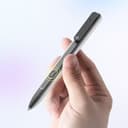
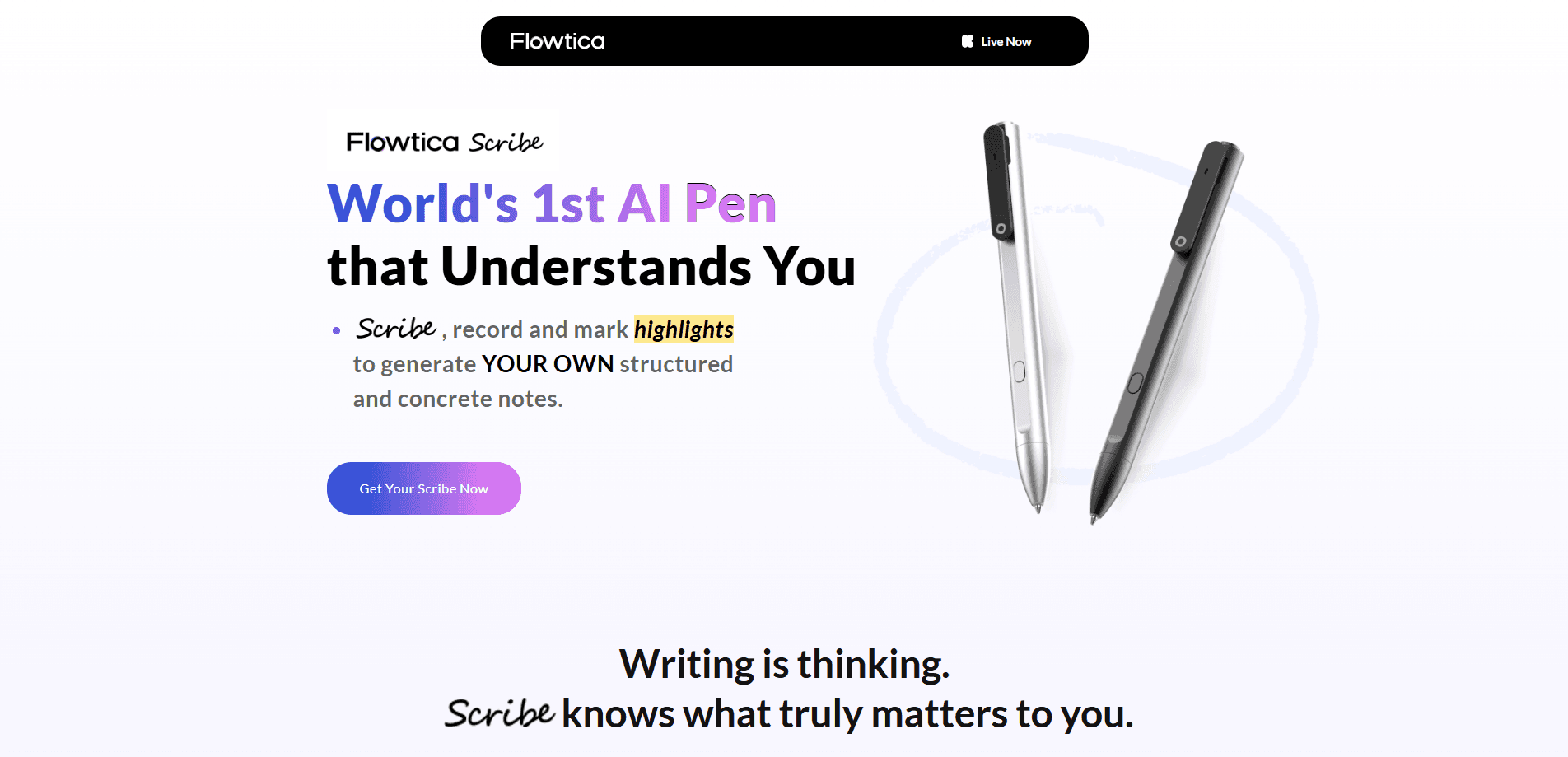
Flowtica Scribe is an AI note-taking pen that records meetings while you write on paper by hand. It turns audio, handwriting, and photos into searchable transcripts, summaries, and to-dos.
About Flowtica: AI Note Taker
What Is Flowtica Scribe
Flowtica Scribe is a smart pen from Flowtica that records meetings while you keep writing on paper, the way you already take notes. It pairs with the Flowtica app, where everything you write, say, or photograph lands in one searchable record. Our take: it's built for people who think better with a pen but still want the automation of a modern AI note taker.
The problem it solves is losing the room. When you type or scroll through a phone, you stop making eye contact and the decision that mattered gets buried in a long recap. Scribe keeps your hands free to jot down what matters while it captures the full conversation. Afterward you get speaker-labeled transcripts, structured summaries, and follow-up tasks in the app.
The main limits come with the model. Scribe is a physical product, so there's nothing to try without buying the pen, which starts around $159. The advanced AI features, like 15-speaker recognition and custom summary templates, run on a monthly minute allowance, with heavier use tied to a subscription. Standard on-device transcription is free for as long as you own the pen, but the deep automation is metered.
Getting Started
- Order the Flowtica Scribe pen and, if you want the extra battery, the Folio case, then charge it over USB-C.
- Download the Flowtica app and create an account, choosing the free plan or a paid subscription.
- Press the button on the pen to start recording, then write on paper as you normally would.
- Snap photos of your written pages, whiteboards, or slides so the app reads them alongside the audio.
- Review the transcript, summary, and to-dos in the app, then push tasks to Google or Apple Calendar.
Product Information
A quick look at Flowtica: AI Note Taker's pricing, supported platforms, and performance.
Best for
The users, tasks, and scenarios where this tool fits best.
Users
- Executives and founders
- Lawyers and advisors
- Sales reps and consultants
Tasks
- Recording client calls
- Digitizing handwritten notes
- Turning talks into to-dos
Scenarios
- Back-to-back meeting days
- Reviewing an old negotiation
- Capturing a whiteboard session
Key features
Record While You Write by Hand
Scribe is a working pen first. You write on paper the way you always have, and one press starts recording the room at the same time. A 16.4 ft audio range and up to 15 identified voices cover a normal meeting table, so most people in the room end up on the record. As a voice recorder pen, it also doubles as AI meeting transcription for anyone who'd rather not touch a phone during the talk.
Audio, Text, and Photo Notes in One Place
A meeting is more than what's said. You can type your thoughts or snap your written pages, whiteboards, and slides, and Flowtica reads them alongside the audio as one complete picture. It acts as a handwritten note capture tool too, turning paper into text you can search. Everything lands in a single record instead of scattering across three tools.
Ask Flowtica Across Every Session
Every word you record is indexed, so you can ask questions in plain language. Ask what a client said three weeks ago, or which promises you've made but haven't kept. Flowtica searches across every session and answers in under five seconds, which turns an archive of meetings into something you can actually query.
Speaker-Labeled Transcripts and Summaries
Transcripts come out labeled by speaker and tuned to your field's vocabulary, so names and jargon land correctly. Each AI meeting summary is a visual recap built from professional templates. Flowtica claims 98% transcription accuracy on its advanced tier, so the result is a recap you can skim rather than reread line by line.
FlowMark One-Tap Highlighting
FlowMark lets you flag a key moment live during a meeting with a single tap on the pen. Flagged items become follow-up tasks instead of getting lost in a long transcript. It's a small feature that saves a lot of scrubbing later.
To-Dos and Calendar Sync
Flowtica pulls action items from the talk and pushes them to Google or Apple Calendar. You can also add tasks by voice, as if you were telling an assistant, and the app files them for you. Follow-ups stay tied to the meeting they came from, so context travels with the task.
Storage, Battery, and Languages
The pen holds 32GB, enough for up to 4,000 hours of recording, and runs up to 100 hours on a charge with the charging case. It identifies speakers in up to 15 voices and supports 92 languages for transcription, which makes it usable across multilingual teams.
Pros and cons
Pros
- Records meetings while you keep writing by hand, so you stay present
- Combines audio, handwriting, and photos into one searchable record
- Speaker identification for up to 15 voices with 98% claimed accuracy
- Long battery life, up to 100 hours with the charging case
- Ask Flowtica answers questions across every past session in seconds
Cons
- It's a physical pen, so there's no way to try it without buying the hardware at about $159
- Advanced AI features run on a monthly minute allowance, and heavier use needs a subscription
- Best features like handwriting capture depend on the companion app and the Folio case
Frequently asked questions
Flowtica Scribe is an AI note taker in pen form. You write on paper as usual while it records the room, then it turns the audio, your handwriting, and any photos into transcripts, summaries, and to-dos inside the Flowtica app.
Related content
Explore related tools, skills, and articles for Flowtica: AI Note Taker.
Flowtica: AI Note Taker Alternatives

Base Code
Base44 (Wix) · Coding · ProductivityBase Code is a shared cloud development environment from Base44. Teammates describe changes to an existing GitHub codebase in chat, preview them live and send them back as pull requests.

Knocket
Knocket (Tencent RTC team) · Productivity · Business · ChatbotKnocket is a free live chat and contact page tool that lets visitors message you from your website, app, or a shareable link, with every reply handled from Telegram or one inbox.

FloorGen
Vinit Kumar (FloorGen) · Productivity · China AIFloorGen is a browser-based floor plan maker that turns a sentence or a sketch into an editable 2D plan and a 3D walkthrough. Export to PDF, DXF or video, and draw without an account.