
FLUX.1 AI
Black Forest Labs · Image · Other · Prompts
FLUX.1 AI is Black Forest Labs' family of text to image models. It pairs a hosted pro API with open weight dev and schnell builds that run on your own hardware.
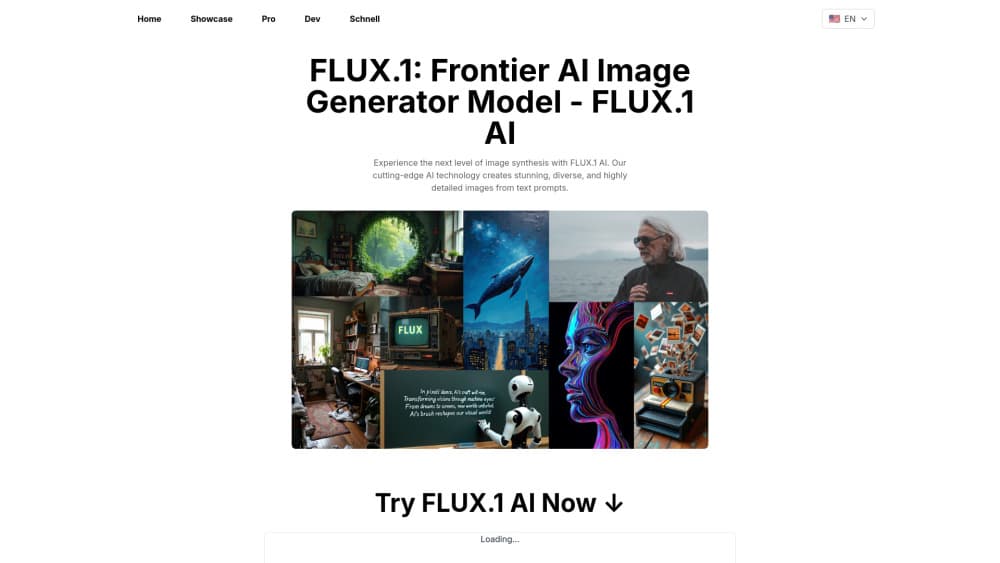
About FLUX.1 AI
What Is FLUX.1 AI
FLUX.1 AI is the first image model family from Black Forest Labs, a German lab founded in 2024 by researchers who worked on Stable Diffusion. The team released the models in August 2024 and pitched them at one job: turning a written prompt into a finished image with fewer retries than the open models that came before it. Every FLUX.1 model is a 12 billion parameter transformer, which is why the output holds up on hands, small text and crowded scenes where older generators fell apart.
The family splits three ways, and the license matters more than the name. FLUX.1 [pro] is the closed flagship, reachable only through the FLUX API or partner platforms. FLUX.1 [dev] is a guidance distilled version of pro with weights on Hugging Face, free for personal and research work but not for commercial use without a license. FLUX.1 [schnell] is the fast one, openly licensed under Apache 2.0, which means you can ship it inside a commercial product without asking anyone.
That license split is the main thing to understand before you pick a version. The second is that this is a previous generation line. Black Forest Labs now sells FLUX.2 and FLUX 3, so the newest controls, editing tools and video features land there first. FLUX.1 is still worth using: it's cheaper, well documented, widely supported by third party tools, and the open weights make it the easiest way to learn how a modern AI image generator behaves.
Getting Started
- Create an account at the Black Forest Labs dashboard if you want hosted access, then buy credits. One credit costs $0.01 and a single image usually burns a few of them.
- Generate an API key in the dashboard and keep it server side. The FLUX API takes a prompt, a model name such as flux-pro or flux-dev, and optional width, height and seed values.
- Or skip the API and download the weights. Pull FLUX.1 [schnell] or [dev] from Hugging Face, then load them through ComfyUI or the diffusers library.
- Write a prompt that describes subject, lighting, lens and mood in plain sentences. Send it, check the seed, then adjust one variable at a time.
Product Information
A quick look at FLUX.1 AI's pricing, supported platforms, and performance.
Best for
The users, tasks, and scenarios where this tool fits best.
Users
- Designers and art directors
- Indie developers
- Machine learning researchers
Tasks
- Product mockups and ad concepts
- Social media visuals at volume
- Batch catalog images
- Style training with LoRA
Scenarios
- Local generation with no data leaving your machine
- High volume API work where per image cost decides the margin
- Prototyping a product idea before committing to a vendor
Key features
Three Versions With Different Licenses
FLUX.1 AI ships as pro, dev and schnell. Pro is API only and aimed at commercial output. Dev gives you the same look with weights you can download, restricted to non commercial use. Schnell is the Apache 2.0 release, fast enough for real time experiments and free to embed in a paid product. Picking the wrong one is the most common mistake, so read the license before you build.
Strong Prompt Adherence
The model follows long prompts with several constraints at once: a specific pose, a named lighting setup, a color palette and a camera angle. In practice that means fewer rerolls, which matters when you pay per image. Short text inside an image comes out better than with earlier open models, but long strings and unusual fonts still break.
Fast Sampling With Schnell
The schnell build is distilled for few step sampling, so it produces a usable image in a handful of passes instead of the twenty or more a base diffusion model needs. On a mid range GPU that's a couple of seconds per image. The trade is detail: schnell loses some texture and fine geometry compared with pro.
Open Weights and Local Tooling
Weights for dev and schnell live on Hugging Face, and the reference code is on GitHub. ComfyUI, Automatic1111 style front ends and the diffusers library all load them, so you can wire FLUX into an existing pipeline instead of renting an endpoint. This is the part that made FLUX.1 an open weights image model people actually build on.
FLUX API and Partner Hosting
The hosted FLUX API takes a prompt and returns an image with a request id you poll for the result. If you'd rather not manage keys and rate limits, the same models run on Replicate, fal.ai, Together AI and Freepik, often with a per image price that undercuts the official endpoint. Async handling and webhook style polling are documented for production use.
Editing and Control Tools
Black Forest Labs ships a set of companion models for FLUX.1: Fill for inpainting and object removal, Depth and Canny for structure guided generation, and Redux for image variation. They run through the same image generation API, so a retouching step fits into the same code path as the first render.
Pros and cons
Pros
- Image quality that holds up on hands, faces and small text, which cuts the number of retries you pay for.
- A real free path through Apache 2.0 schnell weights, no account or credit card needed for local use.
- Published, simple pricing at $0.01 per credit, so cost per image is easy to forecast.
- Wide third party support, from ComfyUI nodes to hosted endpoints on Replicate and fal.ai.
- Active fine tuning community, with LoRA files and style presets you can drop in.
Cons
- The dev weights are non commercial, so a product built on them needs a paid license before launch.
- Running the 12 billion parameter model locally wants a modern GPU with plenty of VRAM, and older laptops will struggle.
- FLUX.1 is now a previous generation line, so new features and controls arrive first on FLUX.2 and FLUX 3.
- There's no built in editor, so you still need a separate tool for layers, masks and typography.
Frequently asked questions
It generates images from text prompts. Teams use it for ad concepts, product shots, social visuals and illustrations, and developers call it through an API or run the open weights locally.
Related content
Explore related tools, skills, and articles for FLUX.1 AI.
FLUX.1 AI Alternatives

Google EmbeddingGemma 2
Google DeepMind · Writing · Image · CodingGoogle EmbeddingGemma 2 is a 740M-parameter open model that turns text, code, images, audio, and video frames into vectors in one 768-dimension space, running on phones and laptops.

Tractionwave
TractionWave · Image · MarketingTractionWave is an AI attention heatmap tool for static ads. Upload a PNG or JPG and it returns predicted attention, ranked hotspots, and fixes before you spend budget.

Imejis.io
Imejis.io · Image · MarketingImejis.io is an AI design studio for agents and marketing teams. Describe an image in plain words, and it writes the copy, builds the layout, reflows it to every size, then exports a finished file.