

Flux AI - Free Online AI Image Generator
Flux1.ai · Image
Flux AI - Free Online AI Image Generator turns text prompts into high-quality pictures through Black Forest Labs' FLUX.1 models, with a free credit tier and paid plans for heavier use.
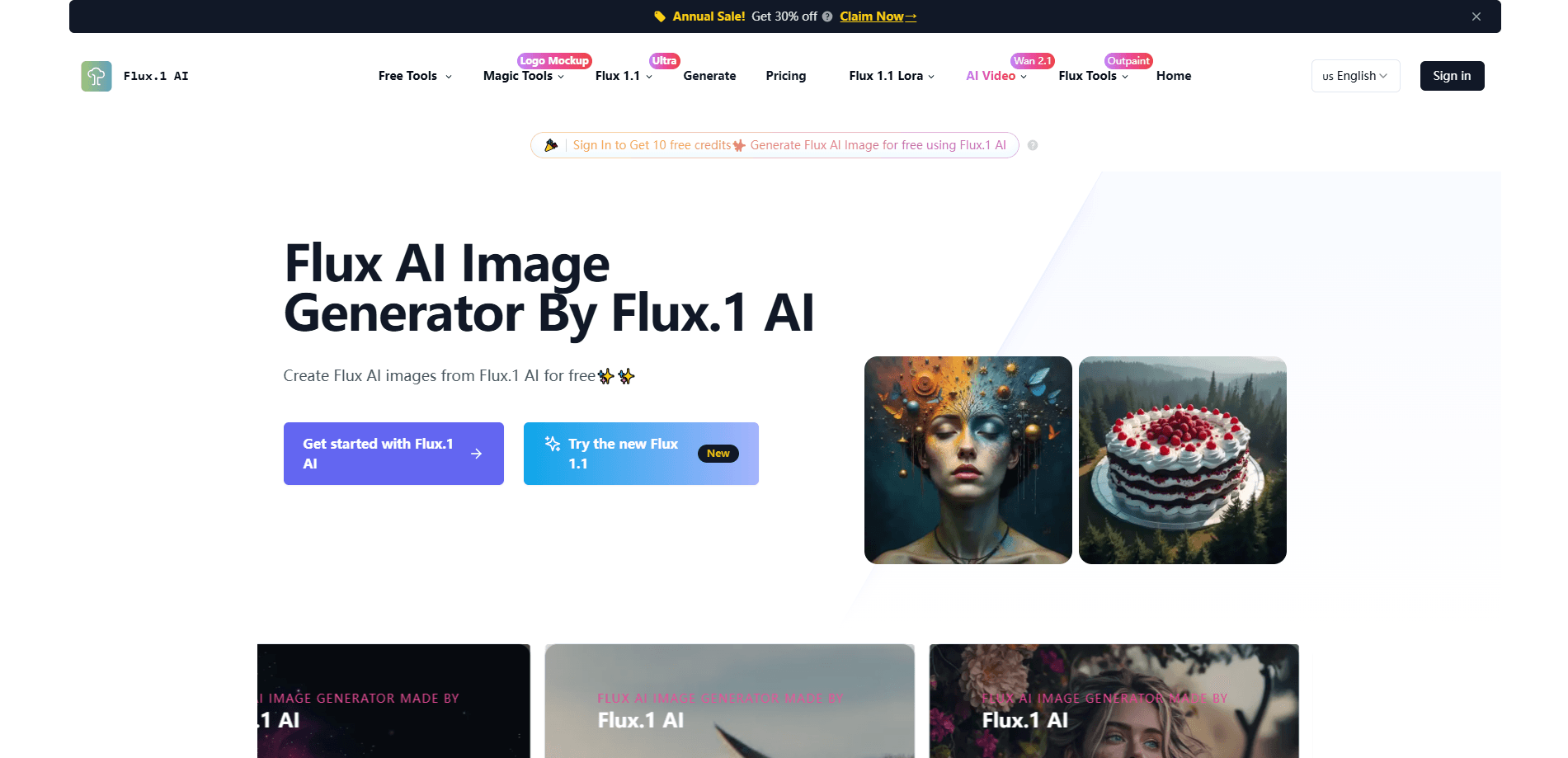
About Flux AI - Free Online AI Image Generator
What Is Flux AI - Free Online AI Image Generator
Flux AI - Free Online AI Image Generator is a browser tool that runs Black Forest Labs' FLUX.1 models for you. You type a description, pick a model, and get an image back in seconds. It leans on three variants: FLUX.1 [schnell] for speed, FLUX.1 [dev] for open-weight quality, and FLUX.1 [pro] for the sharpest output. The base model packs 12 billion parameters and handles detail, prompt following, and varied art styles well.
The pitch is access. FLUX.1 normally runs on your own hardware or through an API, which shuts out anyone without a strong GPU. This site moves that work to the cloud, so a laptop or phone can generate images. Registered users get free credits, and people who need more buy a subscription.
The limits are worth knowing upfront. Content moderation can block sensitive prompts, and the free credits run out, after which generation depends on a paid plan. Output tops out around 2 megapixels, so this isn't built for large print work. You're also relying on a third-party host rather than Black Forest Labs directly.
Getting Started
- Open the site and register an account, or start a quick generation without one.
- Head to the Create page and type a prompt describing the image you want.
- Pick a model, then set the aspect ratio and any output options.
- Hit generate and wait a few seconds for the result.
- Download the image, or keep experimenting with new prompts.
Product Information
A quick look at Flux AI - Free Online AI Image Generator's pricing, supported platforms, and performance.
Best for
The users, tasks, and scenarios where this tool fits best.
Users
- Casual creators
- Designers and marketers
- Hobbyists and students
Tasks
- Text to image
- Concept and mood boards
- Asset drafts
Scenarios
- Making social posts
- Exploring an idea
- Trying FLUX.1 before subscribing
Key features
Three FLUX.1 model variants
You can switch between FLUX.1 [schnell], [dev], and [pro] from the same workspace. Schnell is the fast model for quick drafts, dev leans on the open-weight version for detail, and pro pushes quality higher. That range means the same prompt can go from a rough idea to a polished image without leaving the site.
Free credits for registered users
Signing up grants a batch of free credits that unlock the generator at no cost. It's the fastest way to see whether FLUX.1 fits your work, and you spend nothing until the credits run out. Heavy users then move to a paid plan for more.
Text-to-image from plain prompts
The core flow takes a written description and returns an image that follows it. Detailed prompts steer lighting, texture, and composition, so you don't need design skills to get a usable result. It reads prompts in more than one language too.
High-resolution output
Generated images reach up to roughly 2 megapixels with a range of aspect ratios. Square, wide, and vertical formats are all covered, which suits web and social use where you need the right crop. The resolution is plenty for screens and short of what large-format printing needs.
Styles and aspect ratio control
You can steer the look toward photorealism, illustration, or a specific mood, and set the frame to match your target. That control cuts the back-and-forth of regenerating until a default style happens to fit.
Browser-based, no install
Everything runs in the browser, so there's no download, driver, or GPU requirement. You can work from a laptop, a tablet, or a phone and still generate images. It lowers the barrier for anyone who wants to try modern AI image generation.
Pros and cons
Pros
- Free credits let you test FLUX.1 quality before paying anything.
- Three model variants cover speed, detail, and top-tier output from one place.
- No GPU or install is needed, since generation runs in the cloud.
- Supports several aspect ratios and styles for web and social images.
- Accepts prompts in more than one language, useful for non-English users.
Cons
- Free credits are limited, so regular use needs a paid plan.
- Output caps around 2 megapixels, which rules out large print jobs.
- Content moderation can block prompts, adding a step for sensitive subjects.
- It's a third-party host, so you depend on its uptime and policies rather than Black Forest Labs' own service.
Frequently asked questions
It's a browser-based tool that runs Black Forest Labs' FLUX.1 models for you. You describe an image in text, and it returns a generated picture in seconds.
Related content
Explore related tools, skills, and articles for Flux AI - Free Online AI Image Generator.
Flux AI - Free Online AI Image Generator Alternatives

Google EmbeddingGemma 2
Google DeepMind · Writing · Image · CodingGoogle EmbeddingGemma 2 is a 740M-parameter open model that turns text, code, images, audio, and video frames into vectors in one 768-dimension space, running on phones and laptops.

Tractionwave
TractionWave · Image · MarketingTractionWave is an AI attention heatmap tool for static ads. Upload a PNG or JPG and it returns predicted attention, ranked hotspots, and fixes before you spend budget.

Imejis.io
Imejis.io · Image · MarketingImejis.io is an AI design studio for agents and marketing teams. Describe an image in plain words, and it writes the copy, builds the layout, reflows it to every size, then exports a finished file.