

Fluxx AI
Black Forest Labs (FLUX models); platform by Fluxx AI · Image
Fluxx AI is an AI image generator that turns text prompts or reference photos into polished images. It runs on FLUX models and adds context-aware editing for fast rework.
About Fluxx AI
What Is Fluxx AI
Fluxx AI is an online image generation platform that gives you access to the FLUX family of models, which Black Forest Labs builds. You type a description, pick a model, and get an image back in seconds. It also handles image-to-image work, so you can feed in a photo and ask for changes instead of starting from scratch.
The platform targets people who make visuals daily but don't want to run models on their own hardware. Designers, brand managers, marketers, and content creators are the main audience. The draw is the mix of speed and prompt accuracy: FLUX models are known for reading detailed prompts well and rendering text inside images more reliably than older generators.
The main limits are cost and control. Free use is capped by daily credits, so heavy output pushes you onto a paid plan. The model lineup and any per-image limits sit with the platform, not with you, so you can't swap in a self-hosted checkpoint the way you would with a local setup.
Getting Started
- Open fluxx.ai and create an account with an email or a linked sign-in.
- Choose a model. Lighter versions are faster and cheaper; heavier ones give more detail.
- Write your prompt, or upload a reference image for image-to-image and editing tasks.
- Set the aspect ratio and output options, then run the generation.
- Download the result and re-run with a tweaked prompt if you want a variant.
Product Information
A quick look at Fluxx AI's pricing, supported platforms, and performance.
Best for
The users, tasks, and scenarios where this tool fits best.
Users
- Designers
- Marketing and brand teams
- Content creators
Tasks
- Text-to-image generation
- Image-to-image editing
- Style and variant exploration
Scenarios
- Rapid creative drafts
- Fixing existing assets
- Batch content needs
Key features
Access to the FLUX model family
Fluxx AI runs on Black Forest Labs' FLUX models. The lineup covers the fast Schnell version and the higher-detail Pro and Pro Ultra versions. You pick the model per task, so you can trade speed against quality. This is the core of the product: the model quality comes from FLUX, and the platform makes it usable without setup.
Context-aware editing
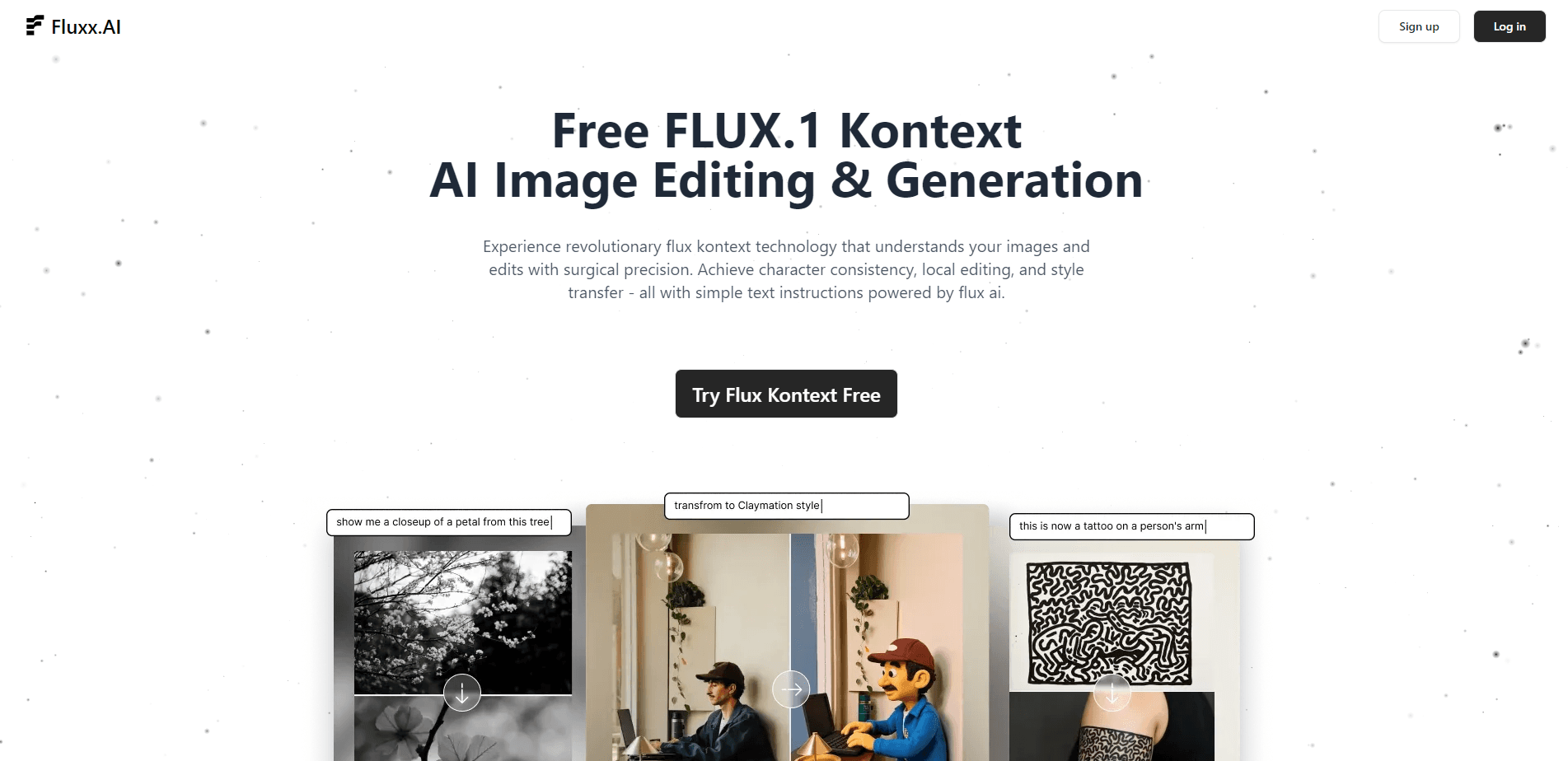
The editing mode reads both your instruction and the image, so you can change one part without wrecking the rest. This is where AI image editing earns its keep: earlier generators tended to redraw the whole frame, but this keeps untouched areas stable. It's what makes quick fixes practical instead of a full regeneration.
Text-to-image generation
You write a prompt in plain language and get an image. FLUX models follow detailed prompts closely and handle text inside images better than many alternatives. For posters, labels, and mockups, that accuracy cuts down on re-runs.
Image-to-image and variant generation
Upload a reference image and ask for changes, or generate close variants of a result you already like. This suits style tests and small adjustments. It also means you don't always pay the cost of a fresh generation.
Simple web workflow
Everything runs in the browser, with a short path from prompt to download. There's no install, no GPU, and no model files to manage. The trade-off is that you depend on the platform's uptime and its current model list.
Commercial use on paid plans
Paid tiers include a commercial license, so output can go into client and brand work. Free-tier images typically can't. If you plan to sell or publish the results, the license is the deciding factor, not the image quality.
Pros and cons
Pros
- Runs FLUX models in the browser with no local setup or GPU.
- Prompt adherence is strong, and text inside images is more reliable than older tools.
- Context-aware editing keeps untouched parts of an image stable.
- Paid plans include a commercial license, which matters for client work.
Cons
- The free tier is capped by daily credits, so heavy users hit the limit fast.
- You can't swap in your own model, so the lineup is fixed by the platform.
- Pricing and model details can shift, and you can't pin a specific model version long term.
Frequently asked questions
It generates and edits images from text prompts or reference photos, mainly for design, marketing, and content work.
Related content
Explore related tools, skills, and articles for Fluxx AI.
Fluxx AI Alternatives

Google EmbeddingGemma 2
Google DeepMind · Writing · Image · CodingGoogle EmbeddingGemma 2 is a 740M-parameter open model that turns text, code, images, audio, and video frames into vectors in one 768-dimension space, running on phones and laptops.

Tractionwave
TractionWave · Image · MarketingTractionWave is an AI attention heatmap tool for static ads. Upload a PNG or JPG and it returns predicted attention, ranked hotspots, and fixes before you spend budget.

Imejis.io
Imejis.io · Image · MarketingImejis.io is an AI design studio for agents and marketing teams. Describe an image in plain words, and it writes the copy, builds the layout, reflows it to every size, then exports a finished file.