

Fokus
Fokus · Productivity
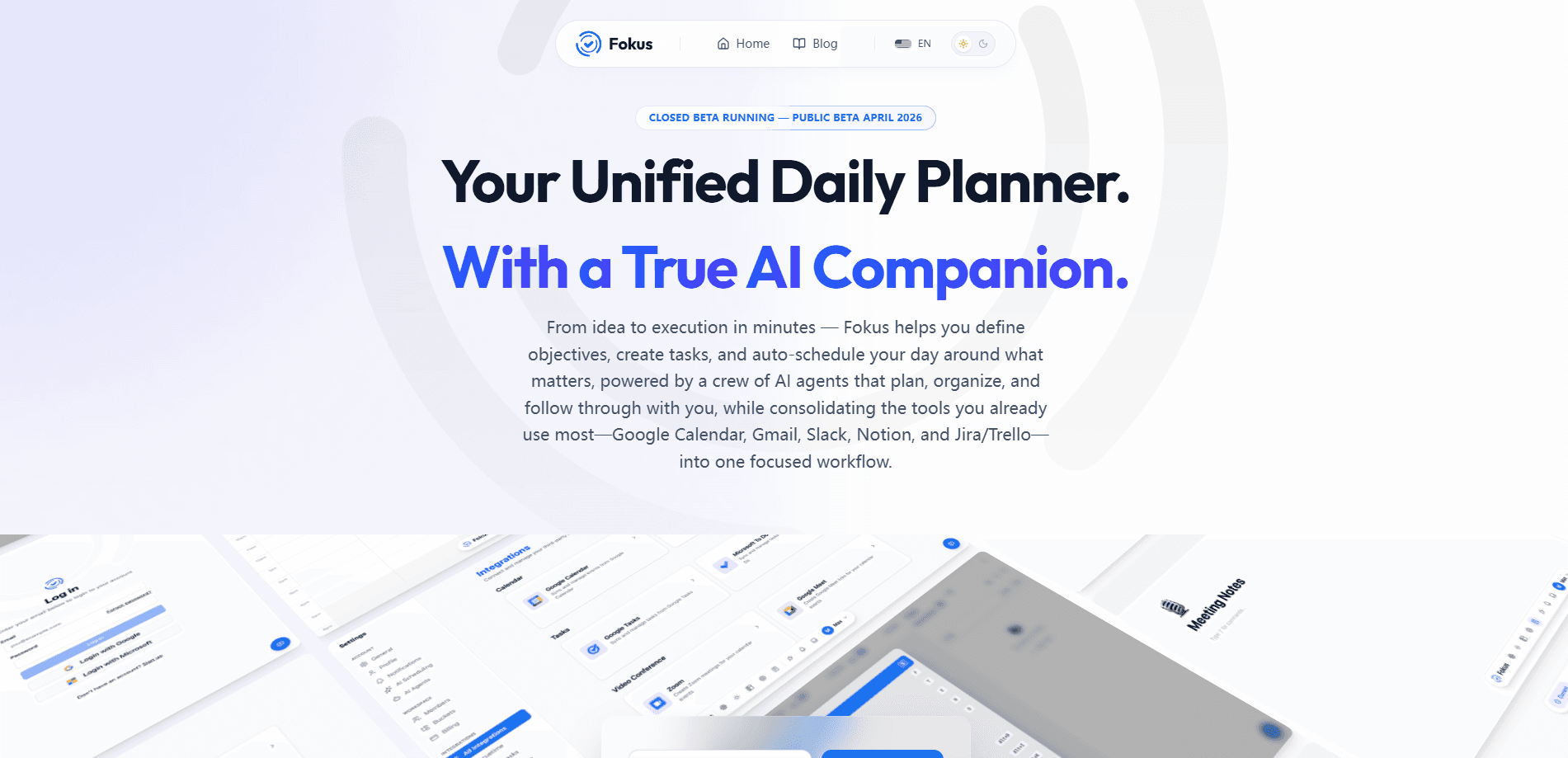
Fokus is an AI-powered unified daily planner that reads your tasks and calendar, then builds a real schedule around your actual meetings. It works as an AI task manager and an AI scheduling app in one. Instead of a static to-do list, it rebuilds your day the moment something shifts, and a crew of AI agents handles the small work in between. Tasks, calendar, notes, and objectives all live in one workspace. Plan your day, and let the app keep it honest. It's in public beta right now, so you can try the whole thing for free.
About Fokus
What Is Fokus
Fokus is a productivity app built around one stubborn problem: a to-do list doesn't run your day. You can capture every task you want, but the list won't tell you when to actually do each one, and it won't notice that a client call just moved to 3pm. Fokus reads your calendar, takes your tasks, and turns both into a schedule that fits the hours you actually have. When your day changes, it rebuilds the plan rather than leaving you to rework it by hand.
The app runs on an AI assistant the team calls Captain Fokus, backed by a set of specialized agents. Some handle quiet background work, like breaking a big goal into right-sized tasks or pulling context from your connected tools. Others show up as add-ons you switch on per workspace, including a meeting scribe, an email triage assistant, a voice agent, and booking pages. The idea is simple. The manual admin around planning gets absorbed by the app, and you mostly make decisions. So it ends up feeling like an AI productivity app that happens to look like a planner, and underneath, a smart calendar app that knows what you captured and what you committed to.
The big caveat is maturity. Fokus is in public beta, which means features are still moving and everything is free while the beta lasts. Desktop and mobile apps are listed as coming soon, so today the browser workspace and the Telegram bot are the main ways in. That's the reality. If you need a rock-solid planner for a mission-critical workflow right now, that beta status is worth weighing.
Getting Started
- Create an account at the Fokus web workspace, using the start-free link on the official site. No credit card is needed during the beta.
- Connect the tools you already work in, such as Google Calendar, Gmail, Slack, Notion, and Jira or Trello, so the agents can read your data.
- Capture what's on your plate by typing or pasting tasks, then let task enrichment add a priority, a time estimate, and the right bucket.
- Review the schedule Fokus builds around your existing meetings, and adjust any block or objective you want to change.
- Switch on the add-ons you need per workspace, or connect the Telegram bot for tasks and questions on the go.
Product Information
A quick look at Fokus's pricing, supported platforms, and performance.
Best for
The users, tasks, and scenarios where this tool fits best.
Users
- People with meeting-heavy days
- Freelancers and solo operators
- Users who capture ideas on the move
Tasks
- Turning a vague goal into a plan
- Keeping a to-do list plannable
- Prepping for and following up on meetings
Scenarios
- A day that keeps moving
- Working from a packed inbox
- Planning the next day at the end of a long one
Key features
Tasks, Calendar, Notes, and Objectives in One Place
Fokus keeps the pieces of a working day in a single workspace rather than scattered across four apps. You capture a task, it lands next to your calendar, and any objective you're working toward sits alongside the same list. That shared context is what lets the AI agents reason about your day as a whole. For anyone tired of copy-pasting between a to-do app and a calendar, the draw is obvious. It just works.
Captain Fokus and the AI Crew
At the center is Captain Fokus, an assistant that plans, breaks down projects, and schedules your day based on priorities and deadlines. Around it sits a crew of agent roles with narrow jobs, from a morning brief that lists priorities and deadlines to an end-of-day review that closes out the day. Two more work quietly in the background: task enrichment and objective decomposition. The result feels less like a chatbot you have to prompt and more like a small team assigned to your day. That distinction matters. You're not managing a tool, you're assigning work.
The ETA Scheduler and Travel Time
The ETA scheduler handles a detail most planners ignore: getting there. It checks live traffic for located events, blocks travel time directly on your calendar, and nudges you when it's genuinely time to leave. If a meeting is at a location across town, the app reserves the drive as part of your day. No pretending the event starts the moment you arrive. So why does that matter? Because a moved meeting is normal, and a static list can't react to it. Fokus can.
Meeting Scribe Without a Bot in the Call
The meeting scribe records meetings bot-free, so nothing joins your call as a visible participant, and returns a clean note with the summary, the decisions, and action items with owners. That's a real difference for anyone who's watched a recorder awkwardly announced at the top of an external call. It's offered as an add-on, so you switch it on per workspace only when the work calls for it.
Email Triage and Voice Control
The email assistant sorts your inbox into categories, drafts replies in your voice, and turns commitments into tasks before they get lost. The voice agent goes further and lets you hold an actual voice conversation with your workspace, so you can hear your day, capture a task, or reshuffle a plan completely hands-free. Both are separate add-ons rather than part of the base plan. Worth trying if you're on the move a lot.
Booking Pages for Scheduling Others
Booking pages let you share a link so other people can schedule time with you, with buffer added automatically and the meeting dropping straight onto your calendar. It's the kind of feature you'd otherwise pay for in a dedicated scheduling tool. As an add-on, it's a sensible way to keep the base plan lean for people who don't take outside meetings. Small thing, big relief.
Pros and cons
Pros
- Scheduling that reacts to change, so a moved meeting doesn't mean rebuilding your afternoon by hand. That's the whole point.
- The AI agents split work sensibly, with quiet background tasks separate from the add-ons you deliberately enable.
- Add-ons are priced individually, so you don't have to buy a bundle to get the one feature you want. No forced upsell.
- Everything is free during the public beta, which makes it easy to test on a real workload. Zero risk.
Cons
- It's still in beta, so features can shift and you shouldn't depend on it for a critical workflow yet.
- Desktop and mobile apps aren't out, which limits offline use and keeps you tied to the browser or Telegram for now.
- Add-on pricing adds up, and the full bundle works out to roughly €50 to €64 a month once the beta ends.
- There's no public API, so you can't build custom integrations or wire Fokus into your own tooling.
Frequently asked questions
Fokus is an AI daily planner. It reads your tasks and calendar, builds a schedule around your existing meetings, and rebuilds that schedule whenever your day changes. A set of AI agents handles supporting work like breaking down goals, enriching tasks, and reviewing your day.
Related content
Explore related tools, skills, and articles for Fokus.
Fokus Alternatives

Base Code
Base44 (Wix) · Coding · ProductivityBase Code is a shared cloud development environment from Base44. Teammates describe changes to an existing GitHub codebase in chat, preview them live and send them back as pull requests.

Knocket
Knocket (Tencent RTC team) · Productivity · Business · ChatbotKnocket is a free live chat and contact page tool that lets visitors message you from your website, app, or a shareable link, with every reply handled from Telegram or one inbox.

FloorGen
Vinit Kumar (FloorGen) · Productivity · China AIFloorGen is a browser-based floor plan maker that turns a sentence or a sketch into an editable 2D plan and a 3D walkthrough. Export to PDF, DXF or video, and draw without an account.