

Food Diary
LeapTech, Inc. · Image
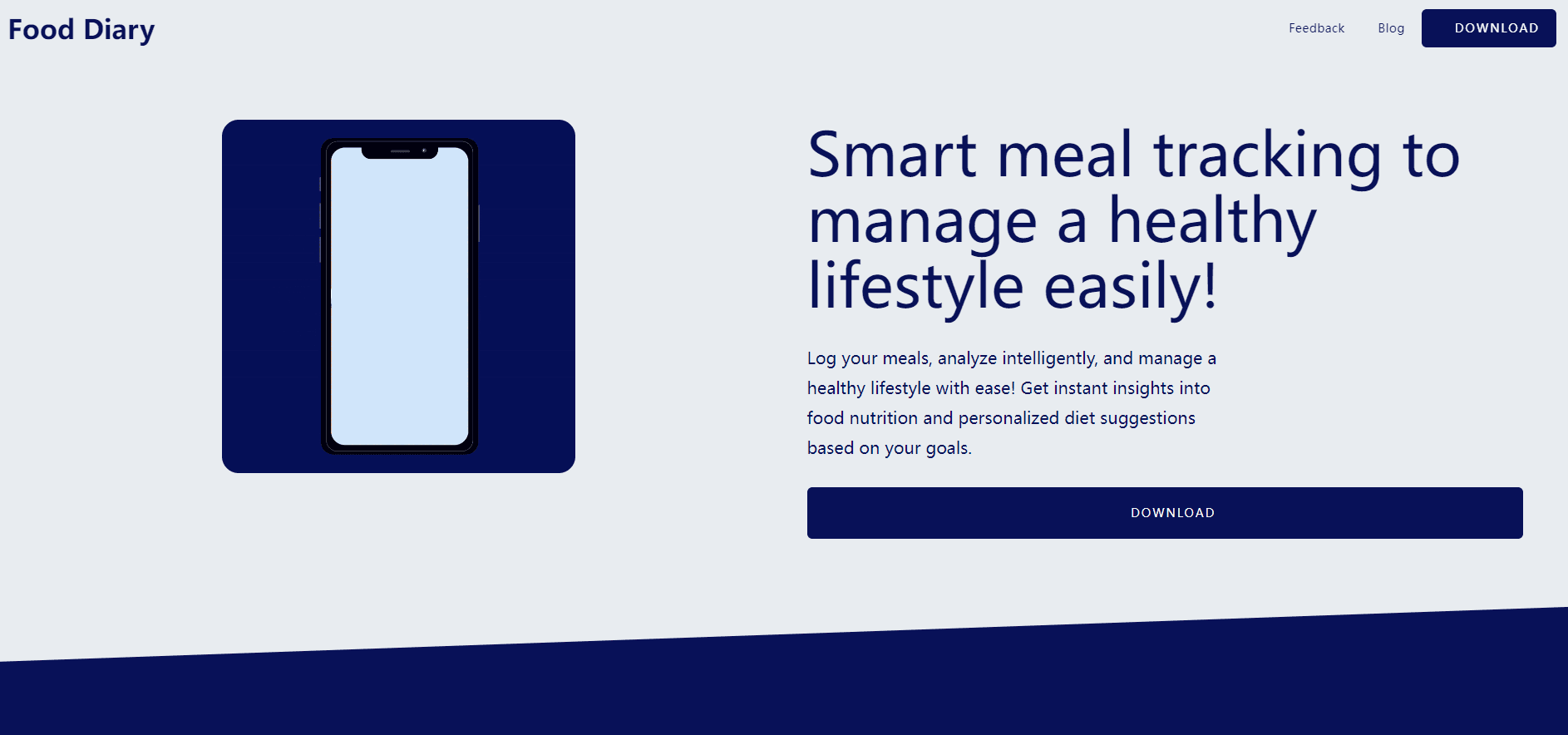
Food Diary is an AI nutrition tracking app that turns meal photos or short descriptions into calorie and macronutrient breakdowns, then suggests diet tweaks based on your goals.
About Food Diary
What Is Food Diary
Food Diary is an iPhone app for tracking what you eat without typing every ingredient by hand. You snap a photo of a plate, type a short description, or jot a note, and the app reads the meal, estimates calories, protein, carbs, and fat, and files it into a daily log. The point is speed: logging a meal takes seconds, not the minutes that manual food databases usually demand.
LeapTech built it for people who care about their diet but don't want to weigh portions or search a database for every item. You set a goal, like losing fat, gaining muscle, or holding steady, and the app evaluates your entries against that goal. It also offers suggestions for what to change. The app leans on AI food recognition for the analysis, which is convenient but not a substitute for a dietitian.
The limits matter here. Food Diary only runs on iPhone and iPad, so Android users are out of luck. There's no public API, and the nutrition numbers are estimates rather than lab measurements, so treat them as a guide rather than a precise record when accuracy is critical.
Getting Started
- Download Food Diary from the App Store and open it on your iPhone or iPad.
- Set your profile and dietary goal, such as fat loss, muscle gain, or maintenance.
- Log a meal by taking a photo, typing a description, or adding a text note about what you ate.
- Review the calorie and macronutrient breakdown the app returns, and adjust the entry if it read something wrong.
- Check the log and your goal progress over time, then act on the suggestions the app offers.
Product Information
A quick look at Food Diary's pricing, supported platforms, and performance.
Best for
The users, tasks, and scenarios where this tool fits best.
Users
- People tracking calories or macros
- Fitness-focused users chasing a goal
- Casual dieters who hate data entry
Tasks
- Photo-based meal logging
- Daily calorie and macro review
- Goal progress checks
Scenarios
- Tracking a normal week of home cooking without weighing every ingredient.
- Eating out and logging a restaurant plate you can't easily look up in a database.
- Checking whether a new eating routine is actually hitting your protein target after a few days.
Key features
Photo and Text Food Recognition
The core of Food Diary is reading a meal from a photo or a short text description. You don't pick items from a list; you show the app what's on the plate and it identifies the food and estimates the nutrition. That's the feature that sets the pace for everything else, because logging speed is what usually makes or breaks a food diary.
Calorie and Macronutrient Breakdown
Every logged meal comes back with calories plus protein, carbs, and fat. Seeing the full breakdown in one place is what makes the log useful beyond guesswork, since it shows whether a day was heavy on carbs or light on protein. You can review the numbers daily and over longer stretches.
Personalized Diet Suggestions
Beyond counting, the app evaluates your entries against your goal and offers advice on what to change. If your goal is fat loss, the feedback points at where your intake works against that; if it's muscle gain, it flags where protein falls short. These are general suggestions, not medical advice, so they suit people who want a nudge rather than a plan.
Goal Tracking
You set a dietary goal and the app tracks how your entries track against it over time. This turns the log from a pile of meals into a progress check, which is often what keeps people logging past the first week. It's simple on purpose: set the target, watch the trend.
Meal History and Daily Log
Food Diary keeps your past meals so you can look back at any point. Historical data helps you spot patterns, like weekends that consistently run high or weeks where protein slips. Being able to revisit the log is what makes the app a diary rather than a one-off calculator.
Pros and cons
Pros
- Logging from a photo is fast, which lowers the effort that usually kills a food diary after a few days.
- Calorie and macro breakdowns arrive together, so you don't need a separate tracker for the basics.
- Personalized suggestions tie the log to a goal instead of just showing raw numbers.
- Goal tracking keeps the focus on progress, which helps with sticking to a routine.
- The app is free to download, so you can test the photo logging before paying for anything.
Cons
- iOS only. If you're on Android, there's no version to install, which rules the app out entirely.
- Nutrition figures are AI estimates, so they can be off on mixed dishes and portions, meaning the totals aren't reliable enough to treat as a medical record.
- No public API, so developers can't pull Food Diary data into their own tools or dashboards.
- Some functions sit behind in-app purchases, so the free tier won't cover everything.
Frequently asked questions
It logs your meals and estimates their nutrition. You take a photo, type a description, or add a note, and the app returns calories, protein, carbs, and fat, then files the meal into your daily log.
Related content
Explore related tools, skills, and articles for Food Diary.
Food Diary Alternatives

Google EmbeddingGemma 2
Google DeepMind · Writing · Image · CodingGoogle EmbeddingGemma 2 is a 740M-parameter open model that turns text, code, images, audio, and video frames into vectors in one 768-dimension space, running on phones and laptops.

Tractionwave
TractionWave · Image · MarketingTractionWave is an AI attention heatmap tool for static ads. Upload a PNG or JPG and it returns predicted attention, ranked hotspots, and fixes before you spend budget.

Imejis.io
Imejis.io · Image · MarketingImejis.io is an AI design studio for agents and marketing teams. Describe an image in plain words, and it writes the copy, builds the layout, reflows it to every size, then exports a finished file.