
Fooocus
lllyasviel · Image
Fooocus is a free, open source offline AI image generator built on Stable Diffusion XL. It runs on your own PC, keeps prompting simple, and needs 4GB of VRAM to start.
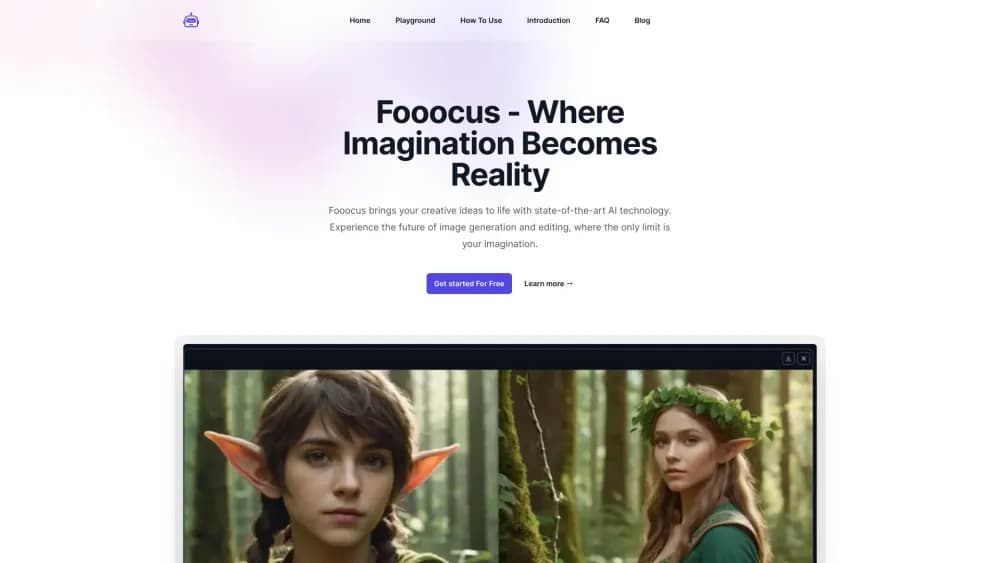
About Fooocus
What Is Fooocus
Fooocus is software you install on your own computer to generate images from text. It was released by lllyasviel, the developer behind ControlNet, and became widely known in 2023 as the easiest way to get polished AI art out of Stable Diffusion without learning a wall of settings. The whole thing runs locally, so no account, no subscription, and no images leaving your machine.
The design borrows from two worlds. From Stable Diffusion it takes the offline, open source setup. From Midjourney it takes the idea that typing a prompt and pressing generate should be enough. Fooocus handles the sampler settings, the refiner pass, and the prompt cleanup on its own, which is why people who never touched ComfyUI can get decent results in minutes.
The main limit is hardware. A dedicated Nvidia GPU is the target, 4GB of VRAM is the floor, and machines without one crawl. The project is also in limited long term support now: built entirely on SDXL, with bug fixes only and no plans to add newer architectures like Flux. Anyone who wants those newer models is pointed toward other tools from the same developer.
Getting Started
- Download the Windows package from the official GitHub releases page, unpack it, and run run.bat. Linux and Mac users install from the repo with Python 3.10 instead.
- Let the first launch download the default checkpoint. The general preset pulls Juggernaut XL, and the anime or realistic presets pull their own models.
- Leave the prompt box, type what you want, and pick a style from the presets if you don't want to describe lighting and camera by hand.
- Press Generate and wait. The web interface opens in your browser at a local address, and the images land in the output folder on your disk.
- Open Advanced only when you need a different aspect ratio, a negative prompt, a custom checkpoint, or an upscale of a finished image.
Product Information
A quick look at Fooocus's pricing, supported platforms, and performance.
Best for
The users, tasks, and scenarios where this tool fits best.
Users
- Beginners who want AI art without the setup maze
- Owners of a modest gaming laptop
- Privacy-minded creators
Tasks
- Generating concept art from a short prompt
- Making anime or photo-real illustrations
- Retouching and extending images
Scenarios
- Running a batch of images overnight on your own PC
- Preparing thumbnails and social posts without stock fees
- Trying ideas when you're offline or on a metered connection
Key features
Prompt First Interface
The screen is close to bare: a prompt box, a generate button, and an Advanced panel you can ignore. Fooocus moves the sampler choice, the CFG scale, and the refiner step out of your way and picks sensible values itself. For anyone used to Stable Diffusion WebUI, the first session feels like the settings page was deleted on purpose.
Fooocus V2 Prompt Expansion
A small offline language model, built on GPT-2, rewrites your prompt before it reaches the image model. Short prompts get filled out with scene detail and lighting terms, and long prompts are trimmed so the sampler isn't fighting itself. The result is that a five word prompt and a hundred word prompt both return something usable, which is the single biggest reason the software is forgiving.
Style Presets
Dozens of styles ship with the installer, covering anime, cinematic, comic, oil painting, and photography among others. Picking one adds its own instruction text and often swaps the checkpoint it pairs with. The style handles the look, so you spend your effort on the subject rather than on camera jargon.
Image Prompt and Face Swap
Drop in a reference image and Fooocus reads its content as an extra prompt, blending it with your text to steer composition and color. Face swap inside the same panel lets you keep a face consistent across images. This is the part that replaces a pile of ControlNet nodes in other setups.
Inpaint and Outpaint
The Inpaint and Outpaint tab works on an uploaded image rather than a text prompt. Scribble over an object to replace it, or push the canvas outward to extend a background. Fooocus uses its own inpaint model and algorithm here, which the project says gives better edges than stock SDXL inpainting.
Upscale and Variation
Once an image lands, you can upscale it 1.5x or 2x, or generate variants that keep the composition and shift the details. The variation slider runs from subtle to strong, which is handy when one of four results is close but not quite right. Upscaling in the app saves a trip to a separate tool.
Local API and Shared Access
Launching with the share flag exposes the interface through a public link, and the listen flag opens it on your local network. Basic authentication can be added with a small config file. Local image generation keeps the whole pipeline on your machine, and since the interface speaks Gradio, scripts can call the same endpoints the browser does.
Pros and cons
Pros
- Free and open source, with no subscription, credit system, or usage cap.
- Runs offline, so images and prompts stay on your own disk.
- The prompt expansion makes short, lazy prompts work, which lowers the skill floor a lot.
- Style presets and the Anime or Realistic presets cover common looks without checkpoint hunting.
- Built on SDXL, so it accepts community checkpoints and LoRAs from the usual model sites.
Cons
- An Nvidia GPU is effectively required, and 4GB is the bare minimum; CPU only mode is roughly 17x slower than an RTX 3XXX card.
- The project is in bug fix only mode, so newer architectures such as Flux won't arrive here.
- First launch downloads several gigabytes of models, which is painful on a slow connection.
- The interface hides most controls, so people who want per step tuning will end up in the Advanced panel anyway.
Frequently asked questions
Fooocus generates images from text prompts on your own computer. You type a description, optionally pick a style, and the software runs a Stable Diffusion XL model locally to produce the image. It's aimed at people who want AI art without renting a cloud service or learning a node graph.
Related content
Explore related tools, skills, and articles for Fooocus.
Fooocus Alternatives

Google EmbeddingGemma 2
Google DeepMind · Writing · Image · CodingGoogle EmbeddingGemma 2 is a 740M-parameter open model that turns text, code, images, audio, and video frames into vectors in one 768-dimension space, running on phones and laptops.

Tractionwave
TractionWave · Image · MarketingTractionWave is an AI attention heatmap tool for static ads. Upload a PNG or JPG and it returns predicted attention, ranked hotspots, and fixes before you spend budget.

Imejis.io
Imejis.io · Image · MarketingImejis.io is an AI design studio for agents and marketing teams. Describe an image in plain words, and it writes the copy, builds the layout, reflows it to every size, then exports a finished file.