

Formgen AI
FormGen · Productivity · Other
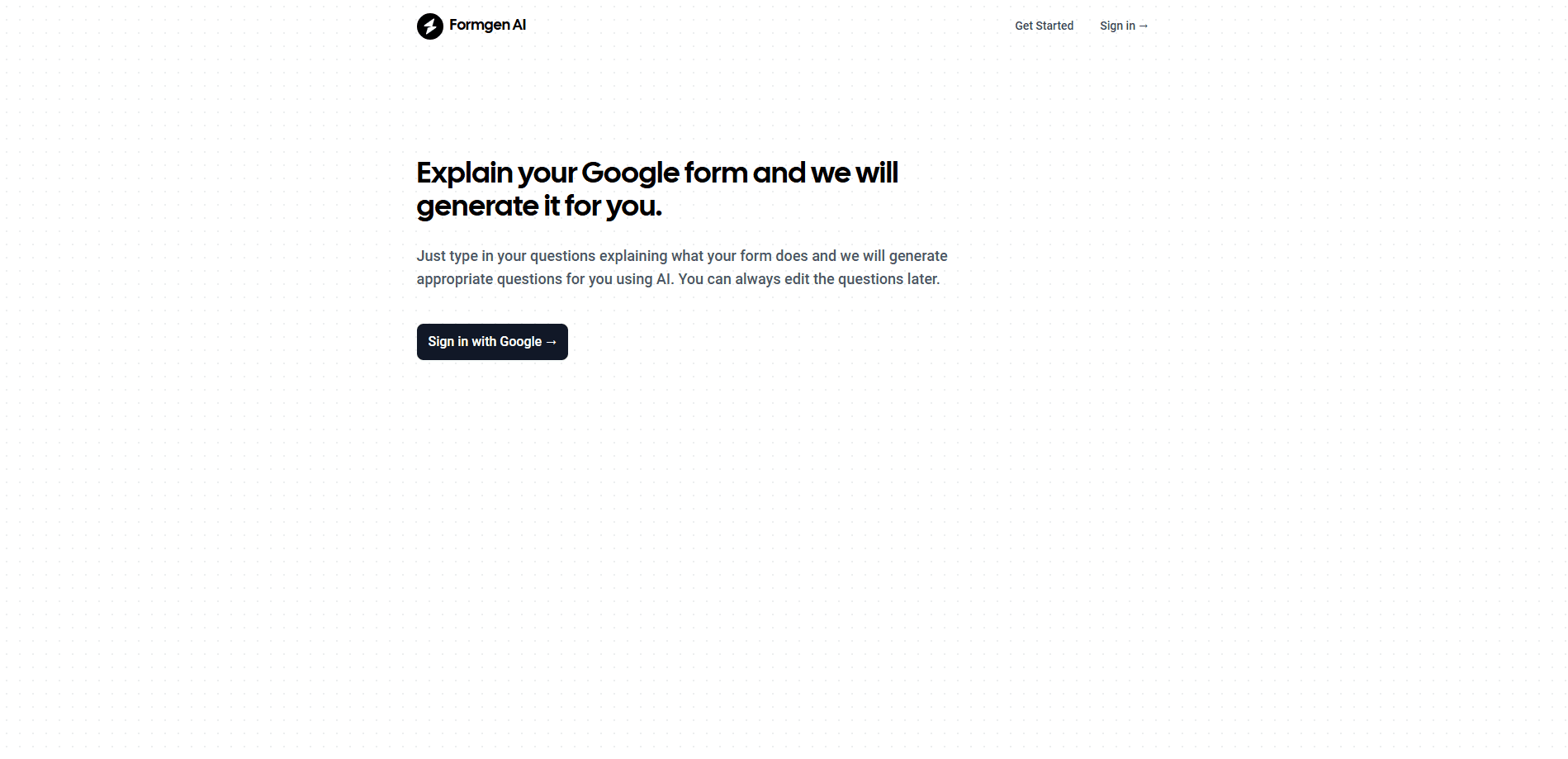
FormGen is an AI form builder that turns a plain description into a working survey, sign-up, or feedback form in seconds, then lets respondents answer in a chat flow or a classic page.
About Formgen AI
What Is FormGen
FormGen is a web-based AI form builder that drafts your form for you. You describe what you need in everyday language, and it picks the field types, writes the labels, and adds sensible validation, so you never start from a blank page. The output runs in two modes: a conversational flow that shows one question at a time, and a traditional page that shows everything at once. Respondents can pick whichever suits them.
The tool is aimed at people who need to collect answers without wrestling with a designer. Sign-ups, online surveys, feedback forms, quizzes, and registration pages all fit, and a library of ready-made templates means you can start from something that already works. Everything you build lives in one editor: logic, theming, embedding, and analytics sit alongside the form itself.
The main trade-offs are price and depth. The free plan caps you at 1,000 responses a month and five AI-generated forms, so busy teams will hit the ceiling and need to pay. Custom domains, AI summaries, and a shared team workspace are locked to the top tier. The AI model behind generation is Gemini, and there's no public API for programmatic form creation.
Getting Started
- Create a free account at formgen.ai. No card is needed to start, and the free plan covers unlimited forms.
- Describe the form you want in the compose box, the way you'd brief a colleague, and let FormGen draft it.
- Edit the draft like a document: type "/" to add a field, drag to reorder, or swap in a template.
- Add conditional logic, pick a theme, then publish and share a link or paste the embed snippet into your site.
- Read responses in the analytics dashboard, or export them as CSV or JSON.
Product Information
A quick look at Formgen AI's pricing, supported platforms, and performance.
Best for
The users, tasks, and scenarios where this tool fits best.
Users
- Small teams running surveys
- Solo founders and freelancers
- People who liked Typeform's feel
Tasks
- Building a customer feedback form
- Collecting event registrations
- Running an internal survey
Scenarios
- A launch week with no designer
- A survey people actually finish
- A form that needs to live on your own site
Key features
AI form generation
You describe the form you need in plain English, the way you'd brief a colleague, and FormGen returns a complete draft with the right field types, written labels, and validation rules. Free accounts include five AI-generated forms, Starter raises that to 50, and Pro is unlimited. It removes the blank-page problem that slows down anyone building a form from scratch.
Conversational and traditional modes
One form can run in two ways. Conversational mode shows a single question at a time with smooth transitions, a progress bar, and Enter to continue. Traditional mode puts every question on one page with inline validation. You can offer both and let each respondent choose, which matters when you don't know your audience's preference.
Conditional logic
Show, hide, or skip questions based on earlier answers, with eight operators and AND/OR conditions. Rules run for the respondent as they type and again on the server when the form is submitted, so branching survives even if someone bypasses the interface. It's on every plan, including Free, which is unusual at this tier.
Custom themes and brand kits
Sixteen light and dark theme presets ship on every plan, each checked for readable text and visible inputs. Starter unlocks your own colors, fonts, corners, and background patterns with a live preview, plus removal of the FormGen badge. Pro adds a workspace brand kit, so a logo and background apply to every new form automatically.
Embed anywhere
Share a link, or paste one snippet into your site to embed the form. The frame resizes itself to fit the form, so there are no inner scrollbars to fight with. That single-line embed is the difference between a form people finish and one they scroll past.
Analytics and export
Every plan includes response volume over time, completion rate, time to complete, and a breakdown of answers to each question. You can export everything as CSV or JSON whenever you like. Pro adds AI-written summaries that describe what people said across all responses, plus partial submissions that keep answers from people who started but didn't finish.
Pros and cons
Pros
- Fast first draft: AI generation returns a working form from a sentence, so you don't start from a blank page.
- Dual modes in one form: respondents choose conversational or traditional, which suits mixed audiences.
- Logic on the free plan: conditional branching and eight operators are included at no cost, not gated behind a paywall.
- Real free tier: unlimited forms and 1,000 responses a month let you launch before you pay.
- Self-resizing embeds: one snippet fits cleanly into any site without scrollbar problems.
Cons
- Response cap on Free: 1,000 responses a month is easy to blow past, and the next tier jumps to $12/mo.
- Key features sit up top: custom domains, AI summaries, and team workspaces all require the $29/mo Pro plan.
- No public API: there's no documented way to generate forms programmatically, so automated pipelines aren't an option.
- File uploads start at Starter: accepting attachments isn't available on the free plan, which blocks some sign-up and intake use cases.
Frequently asked questions
FormGen builds and hosts online forms for surveys, sign-ups, feedback, and registrations. You describe the form you need and the AI drafts it, then you edit, publish, and read the answers in one place.
Related content
Explore related tools, skills, and articles for Formgen AI.
Formgen AI Alternatives

Base Code
Base44 (Wix) · Coding · ProductivityBase Code is a shared cloud development environment from Base44. Teammates describe changes to an existing GitHub codebase in chat, preview them live and send them back as pull requests.

Knocket
Knocket (Tencent RTC team) · Productivity · Business · ChatbotKnocket is a free live chat and contact page tool that lets visitors message you from your website, app, or a shareable link, with every reply handled from Telegram or one inbox.

FloorGen
Vinit Kumar (FloorGen) · Productivity · China AIFloorGen is a browser-based floor plan maker that turns a sentence or a sketch into an editable 2D plan and a 3D walkthrough. Export to PDF, DXF or video, and draw without an account.