

FormToExcel
FormToExcel · Productivity
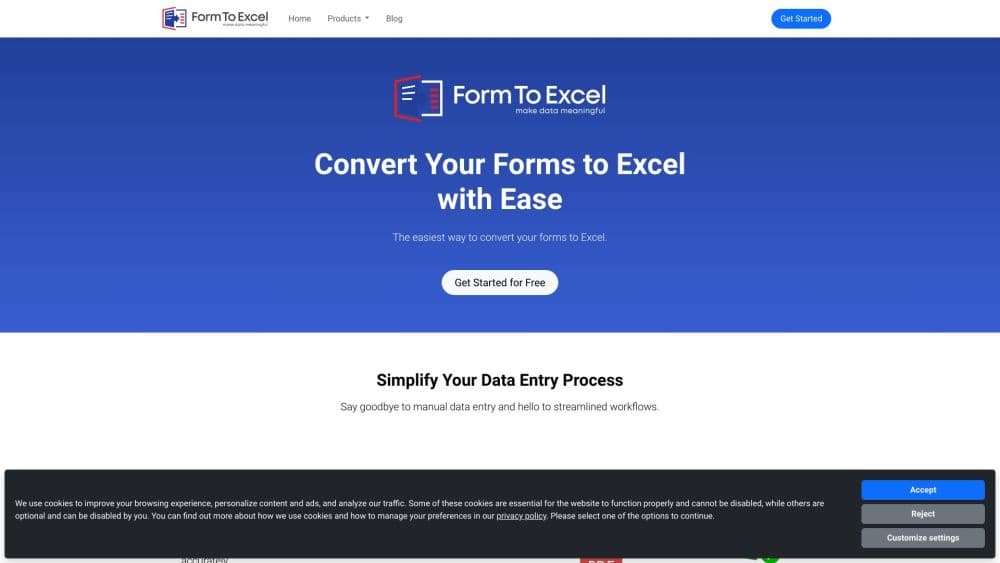
FormToExcel is an AI converter that reads paper forms, scanned PDFs, tables, receipts and invoices, pulls out the field values, and writes them into an Excel spreadsheet.
About FormToExcel
What Is FormToExcel
FormToExcel is a form to Excel converter for people who still receive data on paper or in fixed-layout files and need it in a spreadsheet. You upload a PDF or a photo of a form, and the AI engine locates the fields, reads the values, and returns a table you can open in Excel.
The job it takes on is Excel data entry automation, not document storage. A pile of intake forms, a folder of supplier invoices, or a scanned expense sheet all carry the same shape of information: a label and a value. Typing those values into columns one document at a time is slow, and the mistakes are hard to spot until a total comes out wrong. FormToExcel automates that step and leaves the spreadsheet as the place where the real work continues.
Its scope is narrower than a general AI data extraction platform. The official site names general forms, tables, receipts and invoices, which covers most administrative and bookkeeping paperwork. Custom model training, on-premise deployment and a public API aren't documented, so teams that need any of those should ask before they commit. Output lands in Excel, which keeps the result editable instead of locking it inside a dashboard.
Getting Started
- Open formtoexcel.com and create an account. The site advertises a free trial from the signup page, so you can run a real document through it before paying.
- Upload a file. The web app takes PDFs and scanned images; the Android app accepts the same formats straight from the camera or your gallery.
- Let the engine read the page. It recognizes text fields, checkboxes and radio buttons as separate elements rather than treating the document as one block of text.
- Compare the first few extracted rows with the original. A column that shifted during reading shows up early, and fixing it on one file beats fixing it across a whole batch.
- Export to Excel and keep going in the sheet. Sorting, filtering, joining the rows with other data, and building a report all happen after the export.
Product Information
A quick look at FormToExcel's pricing, supported platforms, and performance.
Best for
The users, tasks, and scenarios where this tool fits best.
Users
- Small business owners who collect paper intake forms
- Bookkeepers and accounting staff
- Field staff and site inspectors
- Administrative teams clearing a backlog
Tasks
- Digitizing a stack of intake forms
- Turning receipts and invoices into a spend sheet
- Pulling tables out of PDF reports
- Rebuilding a spreadsheet from a photographed log sheet
Scenarios
- Monthly bookkeeping close
- Event registration and check-in
- Site visits and field audits
Key features
Field Recognition Instead of Full-Page OCR
FormToExcel reads a form as a set of fields, not as a wall of text. It separates text fields, checkboxes and radio buttons, so a ticked box comes back as a value you can filter on. That distinction matters for surveys and consent forms, where the answer lives in the mark rather than in a sentence.
PDF and Scanned Image Intake
You can feed the tool a digital PDF or a scan of a printed page. Both routes lead to the same table, so a scanned form to Excel job doesn't need the document retyped by hand. Image quality still drives accuracy, so flat, well-lit scans do better than angled phone shots.
Separate Handling for Tables, Receipts and Invoices
Tables, receipts and invoices each get their own reading logic. A receipt has a merchant, a date and a total in predictable places, while a table has column headers and repeating rows. Treating them as different document types is what keeps a total in the total column instead of somewhere in the middle of the sheet.
Direct Export to Excel
Extracted data leaves as an Excel spreadsheet, not as a locked preview. You keep the formulas, pivot tables and formatting you already use, and the rows can be appended to an existing workbook. For anyone whose reporting already lives in Excel, that removes a conversion step.
Mobile Capture on Android
The Android app handles PDFs and images uploaded from a phone, which covers the case where the form is filled out somewhere without a desk. An iOS version is listed as coming soon, so iPhone users currently work through the browser.
Pros and cons
Pros
- Handles scans and photos, so paper documents don't need to be converted to digital text first.
- Recognizes checkboxes and radio buttons, which most OCR tools flatten into unreadable characters.
- Output is a real Excel file, so existing templates and formulas keep working.
- Covers four document types in one tool: general forms, tables, receipts and invoices.
- Free trial lets you test accuracy on your own forms before committing to a plan.
Cons
- Pricing isn't published on the site, so you can't compare plans or forecast cost without contacting the company first.
- No public API documentation, which rules it out for teams that want extraction wired into their own software.
- Accuracy depends on scan quality, and there's no stated benchmark, so heavily creased or handwritten forms need a trial run before a large batch.
- iOS users are stuck with the browser for now, and the mobile app is the better fit for field capture.
Frequently asked questions
It converts forms into spreadsheets. You upload a PDF or an image of a form, receipt, invoice or table, and the AI engine reads the field values and exports them to Excel so you can sort, filter and analyze the rows.
Related content
Explore related tools, skills, and articles for FormToExcel.
FormToExcel Alternatives

Udon
Udon · Coding · ProductivityUdon turns an Apple Silicon Mac into a home server you run from a browser, with container controls, file shares, and an optional AI sysadmin.

offstage
offstage cloud · Coding · Productivityoffstage gives AI coding agents and CI jobs a real Mac: a fresh macOS account on Apple silicon, driven over an API and billed by the second.

BotBus
Chengdu Tuyang Tusen Technology Co., Ltd. · Coding · ProductivityBotBus lets you control AI coding agents from your phone and watch: approve commands, start tasks and read results while the code stays on your desktop.