
image-upscaling.net
image-upscaling.net · Image
image-upscaling.net is a free AI image upscaler that enlarges photos, art and anime up to 4x with no sign-up, no watermarks and a daily free quota.
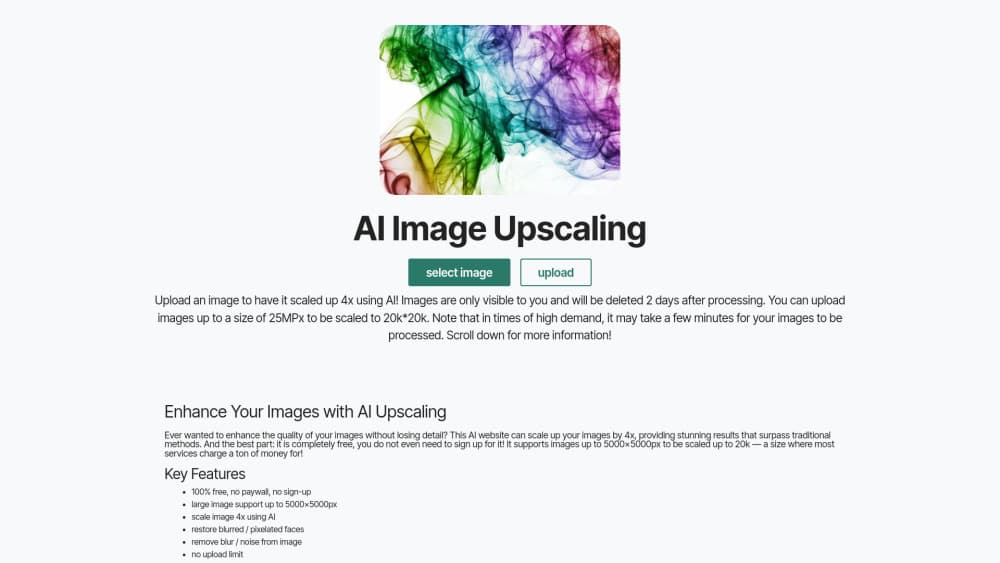
About image-upscaling.net
What Is image-upscaling.net
image-upscaling.net is a browser-based AI image upscaler. You drop in a low-resolution picture, pick one of four models, and the service rebuilds it at a higher resolution instead of just stretching pixels. This is where you can restore blurry photos, upscale drawings, AI art and anime, and it handles images up to 4096x4096 as input. Nothing to install for the web version, and processing runs server-side on the site's own GPUs.
The pitch here is cost. Most upscalers either hide quality behind a paywall or slap a watermark on free exports. This one gives small-scale use away outright, with a daily quota as the only brake. There's no account and no credit card.
The trade-offs are real. Each model has a narrow sweet spot, so a photo model can make line art look plastic, and the text-heavy models sometimes mangle fine structure. So which one do you actually pick? Match the model to your source, not the other way around. Free users also share a daily cap, so batch jobs need to be spread out. Transparent images only work on the Plus and General models.
Getting Started
- Open image-upscaling.net in any modern browser. No account, email or payment is required to start.
- Upload your picture with the file button or drag it onto the preview area. PNG, JPG and WebP work; animated GIF files don't.
- Choose a model based on your source. SeedVR2 for general photos, Plus or General for art and drawings, Diffuser for blurry or degraded shots.
- Set the scale to 2x or 4x, then run it. The job finishes in seconds for small images and longer for large ones.
- Download the result. Uploaded files are deleted a few minutes after processing ends.
Product Information
A quick look at image-upscaling.net's pricing, supported platforms, and performance.
Best for
The users, tasks, and scenarios where this tool fits best.
Users
- Photographers working with older or low-res shots
- Artists and anime fans
- E-commerce sellers with small product images
Tasks
- Enlarging AI-generated art before printing
- Repairing blurry phone photos
- Batch-converting a folder of thumbnails
Scenarios
- Cleaning up an old family photo scan before sharing it with relatives.
- Prepping a screenshot or logo for a slide deck so it doesn't look mushy on a projector.
- Fixing a client-supplied image that's too small to use in a design file.
Key features
Four specialized upscaling models
You can enlarge photo online files, anime and drawings without leaving the page. The site splits the work across four models instead of one generic engine. SeedVR2 handles most photo types and produces realistic textures, while Plus and General target art and drawings and support outputs up to 32MP and 256MP respectively. Diffuser is the repair option, built for blurry or degraded images. Picking the right one matters more than the settings.
Free use with no sign-up
You can upscale without creating an account, handing over an email or entering card details. Small-scale use is free and there are no watermarks on exports. A daily free quota is the only limit, which keeps casual use open without asking anything in return.
Large resolution ceiling
Output can climb to 256MP, roughly 16K, which is far past what most free tools allow. The General model carries that ceiling. If you need print-ready files or very large canvases, this is the reason to pick it over a 2x-only service.
Transparent image support
The Plus and General models keep transparency intact, so PNGs with alpha channels survive the upscale. That's uncommon, and it saves designers a manual re-cut after upscaling logos, stickers or interface assets.
Face and texture repair
It doubles as an AI photo enhancer. The Plus and General models include a Face Enhance step for blurry or pixelated faces, and the Diffuser model rebuilds natural micro-texture on damaged photos. So beyond enlargement, you get tools to restore blurry photos and clean up the low-quality sources that blunt simple resizing.
Bulk processing and broad format support
The tool accepts all the common formats you'd expect, PNG, JPG and WebP, and processes several files in one pass. It skips animated formats like GIF, so plan around that if your assets are motion-based.
Pros and cons
Pros
- Completely free for small-scale use with no account, no card and no watermarks.
- Four models tuned for different sources, so you're not forcing one engine to do everything.
- Output up to 256MP (16K), well above what most free upscalers cap at.
- Transparent PNGs are supported on the Plus and General models.
- Uploaded images are deleted a few minutes after processing.
Cons
- The daily free quota means you can't run a big batch in one sitting.
- Photos often look unnatural or plastic in the art-focused Plus and General models, so model choice takes trial and error.
- High upscale ratios can introduce artifacts, and Diffuser sometimes produces malformed hands or fingers on complex images.
- No public API, so it can't be wired into an automated pipeline.
Frequently asked questions
Yes, for small-scale use. There's no paywall, no sign-up and no watermark on your exports. A daily free quota applies, so very large or repeated jobs may need to wait until the next day.
Related content
Explore related tools, skills, and articles for image-upscaling.net.
image-upscaling.net Alternatives

Google EmbeddingGemma 2
Google DeepMind · Writing · Image · CodingGoogle EmbeddingGemma 2 is a 740M-parameter open model that turns text, code, images, audio, and video frames into vectors in one 768-dimension space, running on phones and laptops.

Tractionwave
TractionWave · Image · MarketingTractionWave is an AI attention heatmap tool for static ads. Upload a PNG or JPG and it returns predicted attention, ranked hotspots, and fixes before you spend budget.

Imejis.io
Imejis.io · Image · MarketingImejis.io is an AI design studio for agents and marketing teams. Describe an image in plain words, and it writes the copy, builds the layout, reflows it to every size, then exports a finished file.