

Plus AI
Plus Docs, Inc. · Productivity
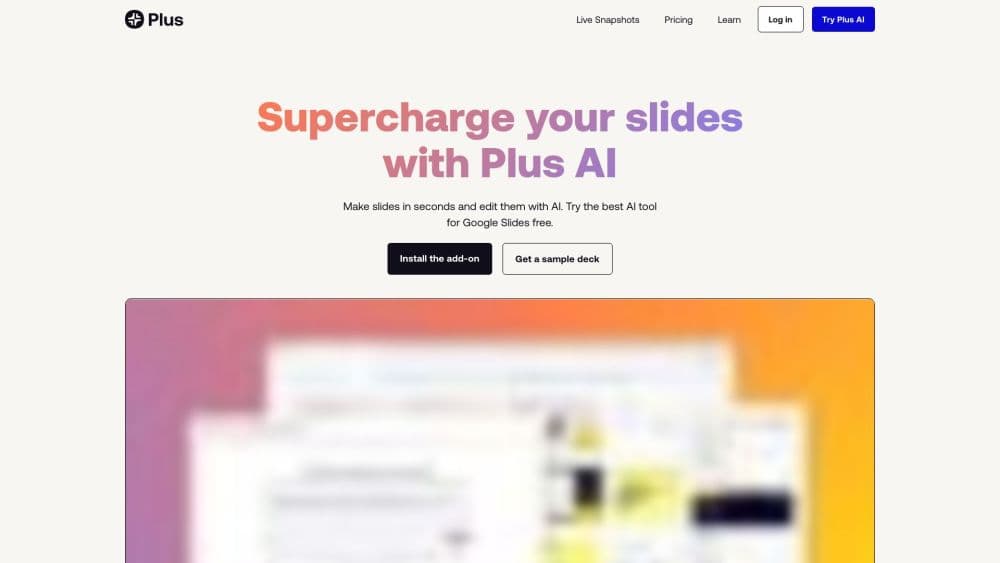
Plus AI is an AI presentation maker that runs inside PowerPoint and Google Slides. Prompt it or upload a document, and this AI PowerPoint generator builds native, editable slides.
About Plus AI
What Is Plus AI
Plus AI is an AI presentation tool built by Plus Docs, Inc. It installs as an add-in for PowerPoint and as a Google Slides AI add-on rather than as a separate app, so you keep working in the deck software you already use. You describe a presentation in a sentence or two, or drop in a PDF, Word file, or text document, and the tool generates a full deck with layouts, headings, and body text that you can edit right away.
The thing that sets it apart is how the output is built. Plus AI uses its own Open XML renderer to write native PPTX files, which means the slides behave like anything else you made in PowerPoint. Your existing templates, fonts, and master slides still apply. That matters if you work in an office that has brand rules, because you're not locked into a walled-garden format or a redesign later.
The limits are worth knowing up front. It's not a design tool in the Figma sense, and the AI output is a starting point you still have to sharpen. The add-in needs either PowerPoint or Google Slides, so it won't help if you present from Keynote or Canva. And the free tier is a trial rather than a permanent plan, so anyone planning long-term use should expect to pay.
Getting Started
- Sign up and start the 7-day trial from plusai.com. It comes with 1,000 AI credits and access to the features of whichever paid plan you pick.
- Install the add-in for PowerPoint (from Microsoft AppSource) or for Google Slides (from the Workspace Marketplace).
- Open the Plus AI sidebar inside your presentation app. Choose what you want to build and describe the deck in a prompt, or upload a document to convert.
- Review the generated slides. Use Insert, Rewrite, and Remix to add single slides, reword text, or reflow a slide into a new layout.
- Apply your branding and export. On paid plans you can match colors, fonts, and logo, then save the finished deck as a native PPTX or Google Slides file.
Product Information
A quick look at Plus AI's pricing, supported platforms, and performance.
Best for
The users, tasks, and scenarios where this tool fits best.
Users
- Consultants and analysts
- Sales and marketing teams
- Educators and course creators
Tasks
- Converting a document into a presentation
- Making a single slide rather than a whole deck
- Reformatting a messy existing deck
- Translating a presentation
Scenarios
- Preparing a client proposal the night before
- Turning a research report into a summary deck
- Keeping decks on standard under a strict brand
Key features
Works Inside PowerPoint and Google Slides
Plus AI is a native add-in, not a standalone web app. You install it into PowerPoint or Google Slides and generate slides in the same window you present from. There's no importing, no exporting between programs, and no new interface to learn. Your existing slide templates continue to work.
Native PPTX and Google Slides Output
The tool writes real PPTX files through its own Open XML renderer instead of exporting images or a proprietary format. The slides stay editable in PowerPoint, they inherit your master slides and layouts, and they open the same way any file you made yourself would. For teams with brand rules, that avoids a cleanup pass.
Prompt, Document, and PDF to Presentation
You can start from a short prompt, a detailed brief, or an uploaded file. Plus AI accepts PDFs, Word documents, PowerPoint files, and plain text, and converts any of them into structured slides. The document path is the useful one for reports and research, where you have the content but not the layout.
Insert, Rewrite, and Remix
Three editing tools cover most of the work. Insert adds new slides from a prompt or a piece of text. Rewrite elaborates, shortens, or changes the tone of existing text. Remix takes any slide and reformats it into a different design. Together they mean you can fix a deck without rebuilding it.
Custom Branding, Templates, and Preset Library
On the Team plan you can set your own colors, fonts, and logo. Enterprise customers can go further and use an organization's actual slide masters and templates. A preset library saves prompts you reuse, like a client proposal format or a weekly update, so you don't retype them each time.
API, MCP Server, and Zapier Access
Plus AI isn't limited to the add-in. There's a Presentation Agent API for generating native PowerPoint slides programmatically, plus an MCP server and a Zapier integration for wiring deck creation into other workflows. That makes it usable beyond a single person clicking through the sidebar.
Pros and cons
Pros
- It runs inside PowerPoint and Google Slides, so you keep your existing files, templates, and habits.
- Output is native PPTX and native Slides, which means slides stay editable and match your master templates.
- The document, PDF, and text conversion path saves time when the content already exists and only the layout is missing.
- Branding and custom templates on higher plans keep decks on standard without manual formatting.
- An API, an MCP server, and a Zapier connector let you automate deck creation rather than only doing it by hand.
Cons
- There's no permanent free tier. The free option is a 7-day trial with 1,000 credits, so ongoing use means paying.
- It only works inside PowerPoint or Google Slides. If you present from Keynote, Canva, or a web deck tool, the add-in won't help.
- The AI drafts still need editing. Right out of the box, the wording and structure can read generic until you refine them.
- Custom templates that follow an organization's slide masters sit behind the enterprise plan, which is quoted on request.
Frequently asked questions
Plus AI generates and edits presentations inside PowerPoint and Google Slides. You describe a deck or upload a document, the tool produces slides, and you refine them with its insert, rewrite, and remix tools. It's an AI presentation maker rather than a full design suite.
Related content
Explore related tools, skills, and articles for Plus AI.
Plus AI Alternatives

Udon
Udon · Coding · ProductivityUdon turns an Apple Silicon Mac into a home server you run from a browser, with container controls, file shares, and an optional AI sysadmin.

offstage
offstage cloud · Coding · Productivityoffstage gives AI coding agents and CI jobs a real Mac: a fresh macOS account on Apple silicon, driven over an API and billed by the second.

BotBus
Chengdu Tuyang Tusen Technology Co., Ltd. · Coding · ProductivityBotBus lets you control AI coding agents from your phone and watch: approve commands, start tasks and read results while the code stays on your desktop.