

FunBlocks AI Brainstorming
FunBlocks AI · Productivity
FunBlocks AI Brainstorming turns a topic into branching mind maps and ideas using AI and classic thinking models. It suits planners, marketers, and students who need fast, structured ideation.
About FunBlocks AI Brainstorming
What Is FunBlocks AI Brainstorming
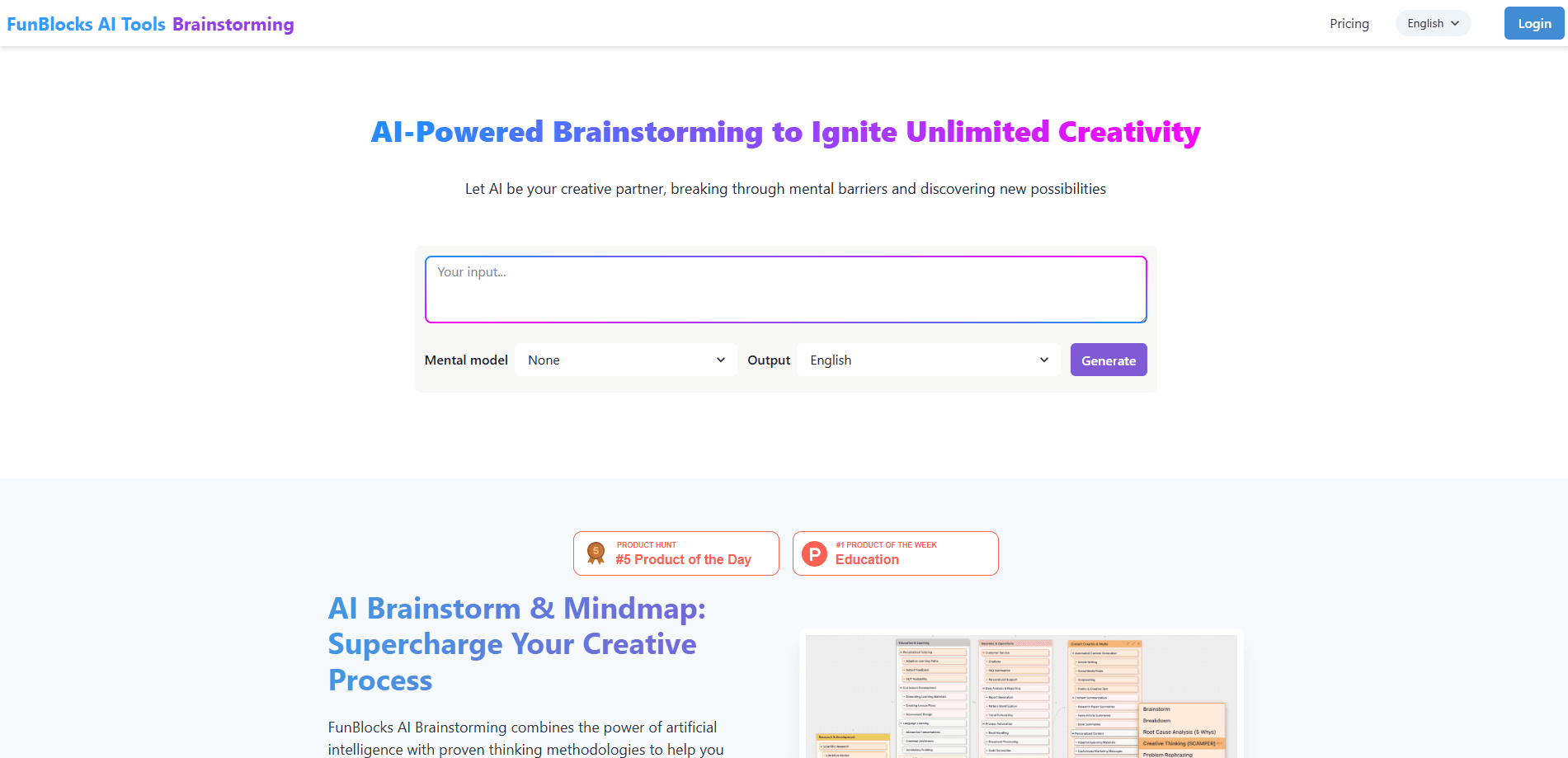
FunBlocks AI Brainstorming is an ideation tool from FunBlocks AI that generates mind maps and idea branches from a short prompt. You type a topic, pick a mental model, and the AI builds a structured map you can explore further.
The tool targets the messy early stage of any project, where ideas are vague and hard to organize. Instead of blank-page panic or a long chat thread, you get a visual map with several branches, each pointing to a subtopic you can expand. The same output can then move into slides, docs, or infographics.
The main limits are practical. Everything runs in the browser, so you work online. The free plan caps you at 10 AI requests per day, which goes quickly on heavy sessions. Output quality also depends on how specific your starting prompt is; vague topics produce shallow maps.
Getting Started
- Go to the FunBlocks AI Brainstorming page and log in with a free account.
- Enter a topic, or paste text, a PDF, or a link to a webpage or video.
- Pick a mental model such as Six Thinking Hats, SCAMPER, or First Principles to steer how the AI thinks.
- Click generate and let the tool build a mind map with multiple idea branches.
- Open the result in the MindMax canvas to expand nodes, reorganize, or export it.
Product Information
A quick look at FunBlocks AI Brainstorming's pricing, supported platforms, and performance.
Best for
The users, tasks, and scenarios where this tool fits best.
Users
- Product managers
- Marketing teams
- Students
Tasks
- Generating fresh campaign ideas
- Structuring a research topic
- Pre-writing planning
Scenarios
- Kickoff sessions where a team is stuck on the same old ideas
- Solo work when no one is around to bounce ideas off
- Early project scoping before you commit
Key features
AI Idea Generation
The core engine takes your topic and produces multiple idea branches rather than one linear answer. It works as an idea generation tool built on large language models, so you can push a branch further by asking for more detail. This is the feature that replaces the blank page and the long chat thread with a single structured result.
Built-In Mental Models
You can steer the AI with established thinking frameworks instead of hoping for a good default output. Options include Six Thinking Hats, the SCAMPER method, First Principles, and Mind Mapping. Each model changes how ideas get framed, so the same topic can yield very different maps depending on what you pick.
Progressive Exploration
Every branch in the map can be expanded into its own set of sub-ideas. This keeps a single session productive over time, since you don't have to restart when you find one thread worth following. It's the feature that turns a quick brainstorm into a deeper working session.
Visual Mind Maps
Results come out as interactive mind maps rather than walls of text. You see the whole picture at once and can reorganize nodes as your thinking shifts. Anyone who plans, writes, or teaches gets a shareable artifact instead of a transcript.
Export and Deliverables
You can export mind maps as images and push the same structure into slides, documents, or infographics. That step matters because most brainstorms die as notes; here the structure carries straight into something you can present or hand off.
MindMax Canvas
The tool works as an AI mind map generator inside MindMax, FunBlocks AI's infinite canvas. Once a map is generated, you keep working on a large surface with AI assistant support. This is what lets one session move from raw ideas to a finished output without changing apps.
Pros and cons
Pros
- Turns a one-line prompt into a full mind map with several idea branches.
- Ships with real thinking frameworks, including Six Thinking Hats and SCAMPER.
- Free tier gives 10 AI requests per day with a simple login.
- Exports to images, slides, docs, and infographics from the same structure.
- Runs in the browser, so there's nothing to install.
Cons
- The 10-request daily cap on the free plan runs out fast on long sessions.
- Vague topics produce shallow maps, so you need to write a focused prompt.
- Requires an online connection, since everything runs on the web.
- No public API is documented, which blocks custom automation.
Frequently asked questions
It generates structured mind maps and idea branches from a short topic or prompt. People use it for campaign planning, research mapping, and breaking a big subject into workable pieces.
Related content
Explore related tools, skills, and articles for FunBlocks AI Brainstorming.
FunBlocks AI Brainstorming Alternatives

Base Code
Base44 (Wix) · Coding · ProductivityBase Code is a shared cloud development environment from Base44. Teammates describe changes to an existing GitHub codebase in chat, preview them live and send them back as pull requests.

Knocket
Knocket (Tencent RTC team) · Productivity · Business · ChatbotKnocket is a free live chat and contact page tool that lets visitors message you from your website, app, or a shareable link, with every reply handled from Telegram or one inbox.

FloorGen
Vinit Kumar (FloorGen) · Productivity · China AIFloorGen is a browser-based floor plan maker that turns a sentence or a sketch into an editable 2D plan and a 3D walkthrough. Export to PDF, DXF or video, and draw without an account.