

FunBlocks AI Slides
FunBlocks AI · Productivity
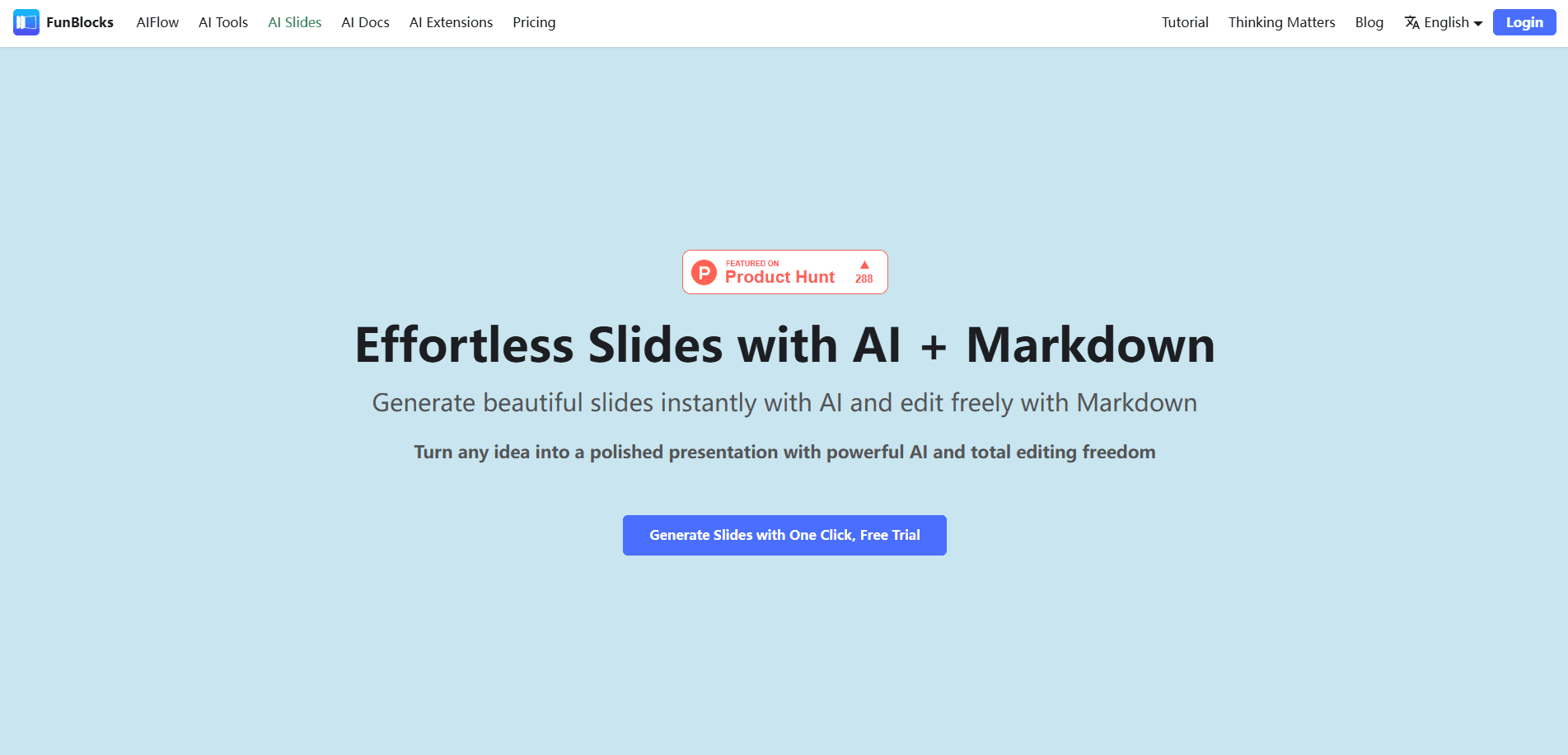
FunBlocks AI Slides is an AI presentation maker that drafts decks in Markdown, so you can generate slides from a topic or a mind map and still edit every line by hand.
About FunBlocks AI Slides
What Is FunBlocks AI Slides
FunBlocks AI Slides is the presentation tool inside the FunBlocks suite, a web app built around one idea: most AI slide generators hand you a finished deck you can barely touch. This AI slide generator writes in Markdown instead, so every slide stays a text file you can rewrite, reorder, or extend whenever you want.
That choice changes how you work. You type a topic, a prompt, or push over a structure from FunBlocks AIFlow, and the AI drafts a full presentation with titles, bullet points, and sections. From there you edit directly, select a block to ask AI for a rewrite, or ask for speaker notes. KaTeX math and code highlighting mean technical and academic decks hold up without dropping into a separate tool.
The trade-offs are real. Markdown-first design rewards people who like typing and laundry-list content, and it gives you fewer drag-and-drop design toys than PowerPoint or Canva. Heavy AI use runs against a shared daily credit pool, and slides sit inside a paid suite, so the value lands hardest if you also want the docs, mind maps, and writing tools.
Getting Started
- Create a free FunBlocks account and open AI Slides from the dashboard.
- Start a blank deck or pull in an existing structure from FunBlocks AIFlow or AI Docs.
- Enter a topic or prompt and let AI draft the first version of your slides.
- Select any section to rewrite it, add content, or generate speaker notes.
- Pick a theme, switch into presenter view, and share a link or present live.
Product Information
A quick look at FunBlocks AI Slides's pricing, supported platforms, and performance.
Best for
The users, tasks, and scenarios where this tool fits best.
Users
- Students and teachers
- Knowledge workers and consultants
- Technical and academic presenters
Tasks
- Building a deck from a mind map
- Writing speaker notes fast
- Adding clean diagrams
Scenarios
- Weekly team updates
- Course or workshop prep
- Conference or pitch preparation
Key features
Markdown Slides Editor
Every slide is written in Markdown, so you edit as text instead of hunting through menus. Type "/" to open a slash command menu, similar to Notion, and drop in headings, lists, or images as you go. The result is a deck you can restructure in seconds, not one locked behind a generator.
AI Content Generation
Give AI a topic or an existing draft and it writes high-quality slide content, from the overall outline down to individual bullet points. You can also select just one block and ask for an optimization or a continuation. This selective editing is what separates a flexible AI deck builder from tools that only regenerate the whole deck.
Speaker Notes
The tool generates speech notes for your slides, which helps presenters carry the message in their own words. You can edit the notes like any other text. It's a quiet feature that matters most the night before a talk.
Presentation and Presenter View
A full presenter view shows a timer, a preview of the next slide, and your notes, all from the same deck. Press S to open it, then present online by sharing a link. This is where the online slides software beats emailing files around, since everyone sees the same live version and you skip the "which file is current" problem.
Smart Layout and Mermaid Charts
Layout algorithms arrange text and images so slides stay readable, and first-level list items render as separate cards for comparison-heavy content. AI can also generate Mermaid diagrams from a short description, turning a process or framework into a chart in one click.
Academic and Technical Formatting
KaTeX typesetting handles math written in a LaTeX subset, and code blocks get syntax highlighting. For engineering, data science, or university decks, that means real formulas and readable code instead of screenshots pasted into slides.
Pros and cons
Pros
- Markdown editing keeps you in control, unlike AI tools that output a static deck you can barely change.
- One structure flows from AIFlow mind maps into slides, so the logic you built survives the jump.
- Presenter view, timer, and speaker notes are built in, which covers the whole presentation flow.
- Math and code formatting make it usable for technical and academic work, not just business decks.
Cons
- Markdown-first design means fewer visual layout controls, so pixel-perfect, design-heavy decks are harder than in PowerPoint or Canva.
- AI actions draw on the same daily credits across the whole FunBlocks suite, so regular users hit the ceiling quickly on the free plan.
- It's tied to the FunBlocks accounts and products, so the full benefit only appears if you adopt the wider suite.
- A public API for generating decks programmatically isn't clearly documented, so teams that want automation should treat API access as unconfirmed.
Frequently asked questions
It builds presentations from a prompt or an existing structure and lets you edit them as Markdown. You use it to draft, refine, and present decks without starting from a blank slide or fighting a rigid template.
Related content
Explore related tools, skills, and articles for FunBlocks AI Slides.
FunBlocks AI Slides Alternatives

Base Code
Base44 (Wix) · Coding · ProductivityBase Code is a shared cloud development environment from Base44. Teammates describe changes to an existing GitHub codebase in chat, preview them live and send them back as pull requests.

Knocket
Knocket (Tencent RTC team) · Productivity · Business · ChatbotKnocket is a free live chat and contact page tool that lets visitors message you from your website, app, or a shareable link, with every reply handled from Telegram or one inbox.

FloorGen
Vinit Kumar (FloorGen) · Productivity · China AIFloorGen is a browser-based floor plan maker that turns a sentence or a sketch into an editable 2D plan and a 3D walkthrough. Export to PDF, DXF or video, and draw without an account.