

Funy AI
Funy AI · Image · Video
Funy AI is a browser-based AI creation platform that handles video generation, image editing, and art creation in one place. You can turn a still photo into a moving clip, write a text prompt and get a short video, or clean up an image by removing backgrounds and watermarks. The big draw is that you don't need an account to start, and a batch of free credits covers your first tries before any payment comes up.
About Funy AI
What Is Funy AI
Funy AI is a collection of AI tools aimed at people who want quick visual results without learning professional software. Everything runs in your browser, so there's nothing to install. The tools split into two buckets: video work such as image to video and text to video, and image work such as an AI image generator, headshots, upscaling, and background removal.
The platform's selling point is low friction. You land on the site, pick a tool, upload or type something, and get an output. No signup wall. No credit card. For creators posting to social media, small business owners making product visuals, or anyone curious about AI image tools, that short path from idea to result is the main reason to try it.
The limits are worth knowing up front. Free credits run out fast once you're doing heavier tasks like video generation, and the output quality depends on the tool you pick rather than a single general-purpose model. So is it a full editing suite? No. It's a set of focused tools, so complex multi-step workflows will still send you elsewhere.
Getting Started
- Open funy.ai in your browser and pick a tool from the menu, such as Image to Video or Text to Image.
- Upload your file or type a prompt describing what you want to see.
- Adjust any available options, like aspect ratio or effect style, then hit the generate button.
- Wait for the tool to process your request, then preview the result.
- Download the output, or create a free account if you want to manage credits across sessions.
Product Information
A quick look at Funy AI's pricing, supported platforms, and performance.
Best for
The users, tasks, and scenarios where this tool fits best.
Users
- Social media creators who need quick video or image assets for posts
- Small business owners producing product or promo visuals
- Casual users curious about AI generation
Tasks
- Turning a single photo into a short animated clip
- Generating an image from a written idea
- Cleaning up a photo
Scenarios
- Making a quick animated greeting or social post from an existing picture
- Preparing clean product photos for an online store
- Experimenting with AI visual styles on a budget
Key features
Image to Video Converter
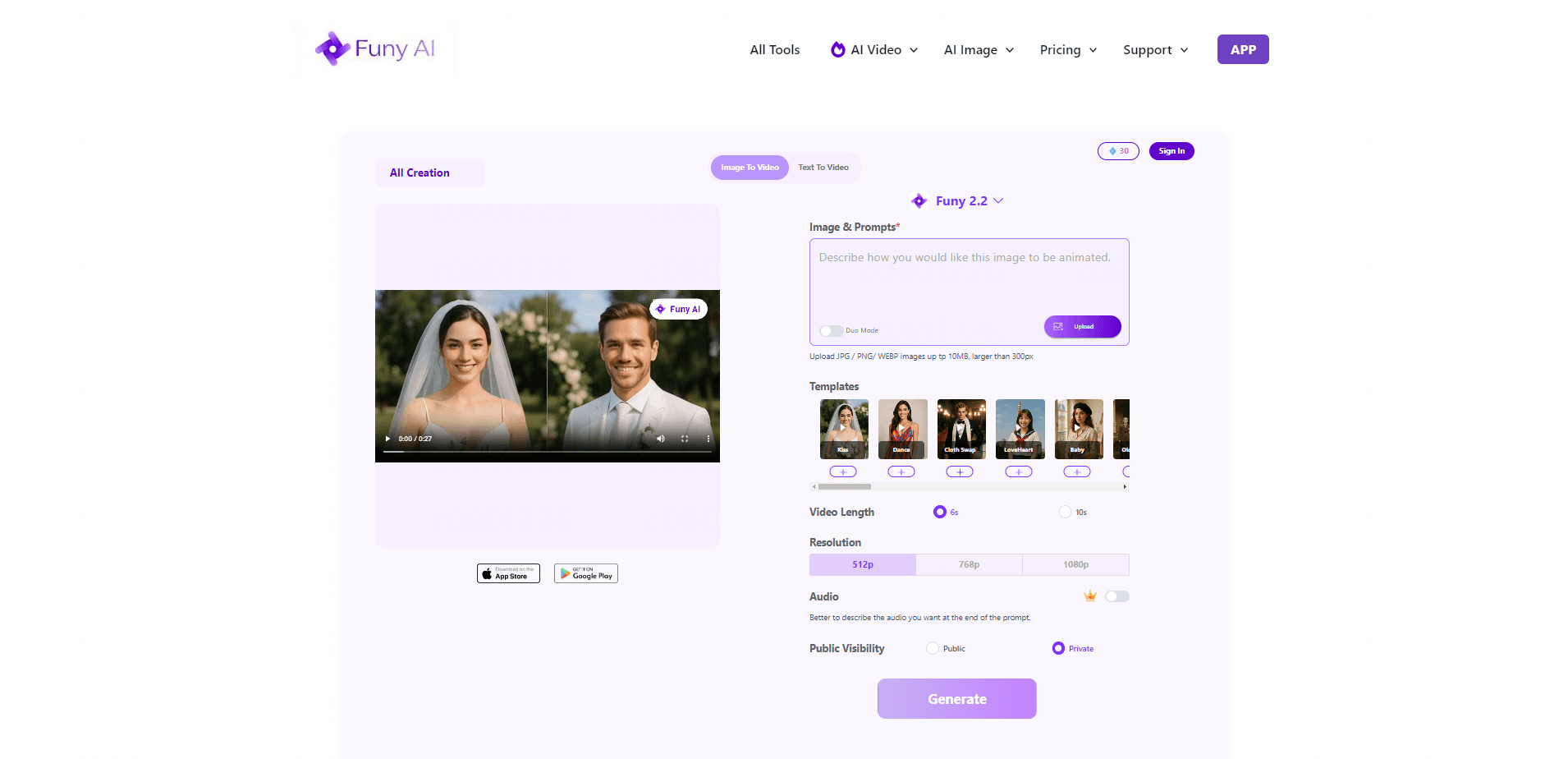
This tool takes a static photo and animates it into a short video clip. You upload one image, and the AI adds motion to bring it to life. It's the fastest route from a still picture to something you can post. No editing experience needed.
Text to Video Generator
Type a description of the scene you want, and the tool builds a short video from it. This is useful when you have an idea but no footage. The output quality moves with how specific your prompt is, so a clear description of the subject, setting, and mood gets the best results.
AI Image Generator
The image generator turns text prompts into pictures across several styles, from realistic photos to 3D characters and digital illustrations. You describe the image, pick a style if you want, and the tool produces the result. It's aimed at people who need visuals but don't want to source stock images.
Background and Watermark Removal
Two separate tools handle cleanup work. Background removal cuts the subject out of a photo for use in product listings or composites. Watermark removal strips unwanted overlays from images you own. Both are one-upload, one-download operations. Handy for batch-style tasks.
Image Enhancer and Upscaler
For photos that look soft or low resolution, the enhancer sharpens detail and the upscaler raises the resolution. This matters most for old images or screenshots you want to reuse at a larger size. Results vary by source quality, so a blurry image will improve but won't turn crisp from nothing.
Creative Effects and Filters
Funy AI packs a range of novelty effects, including hairstyle changes, hair color, age filters, and art-style filters. These lean toward fun and social content rather than professional editing. They're the kind of tools you use to make something eye-catching quickly. Not to fine-tune a portrait.
Pros and cons
Pros
- No signup required to start, so you can test tools before creating an account.
- Free credits cover your first attempts across video and image tools.
- Runs entirely in the browser, with nothing to install.
- Broad tool list in one place, covering video, image editing, and creative effects.
- Outputs generally come without added watermarks.
Cons
- Free credits deplete quickly on video tasks, which pushes you toward a paid plan fast.
- Quality varies by tool, so results aren't consistent across every feature.
- It's a set of single-purpose tools rather than a full editing suite, so complex workflows need other software.
- Batch processing and higher resolution sit behind the paid tier.
Frequently asked questions
You get a set of free credits you can spend across the tools without an account, which covers things like background removal, image enhancement, and a limited number of video generations. Once those run out, you upgrade to a paid plan for more credits.
Related content
Explore related tools, skills, and articles for Funy AI.
Funy AI Alternatives

Google EmbeddingGemma 2
Google DeepMind · Writing · Image · CodingGoogle EmbeddingGemma 2 is a 740M-parameter open model that turns text, code, images, audio, and video frames into vectors in one 768-dimension space, running on phones and laptops.

Tractionwave
TractionWave · Image · MarketingTractionWave is an AI attention heatmap tool for static ads. Upload a PNG or JPG and it returns predicted attention, ranked hotspots, and fixes before you spend budget.

Imejis.io
Imejis.io · Image · MarketingImejis.io is an AI design studio for agents and marketing teams. Describe an image in plain words, and it writes the copy, builds the layout, reflows it to every size, then exports a finished file.