

Fylia AI
Fylia AI · Image · Video
Fylia AI is a browser-based AI creation agent that handles both images and videos in one workspace. You can turn text prompts or uploaded photos into clips with models like Veo 3.1, Seedance 2.0, and Kling 3.0, or generate stills with Google Nano Banana Pro and Seedream. It suits creators who want several top-tier models without juggling a dozen separate subscriptions. No extra app needed. There's a free tier with 60 starter credits, and paid credit packs start at $19.99.
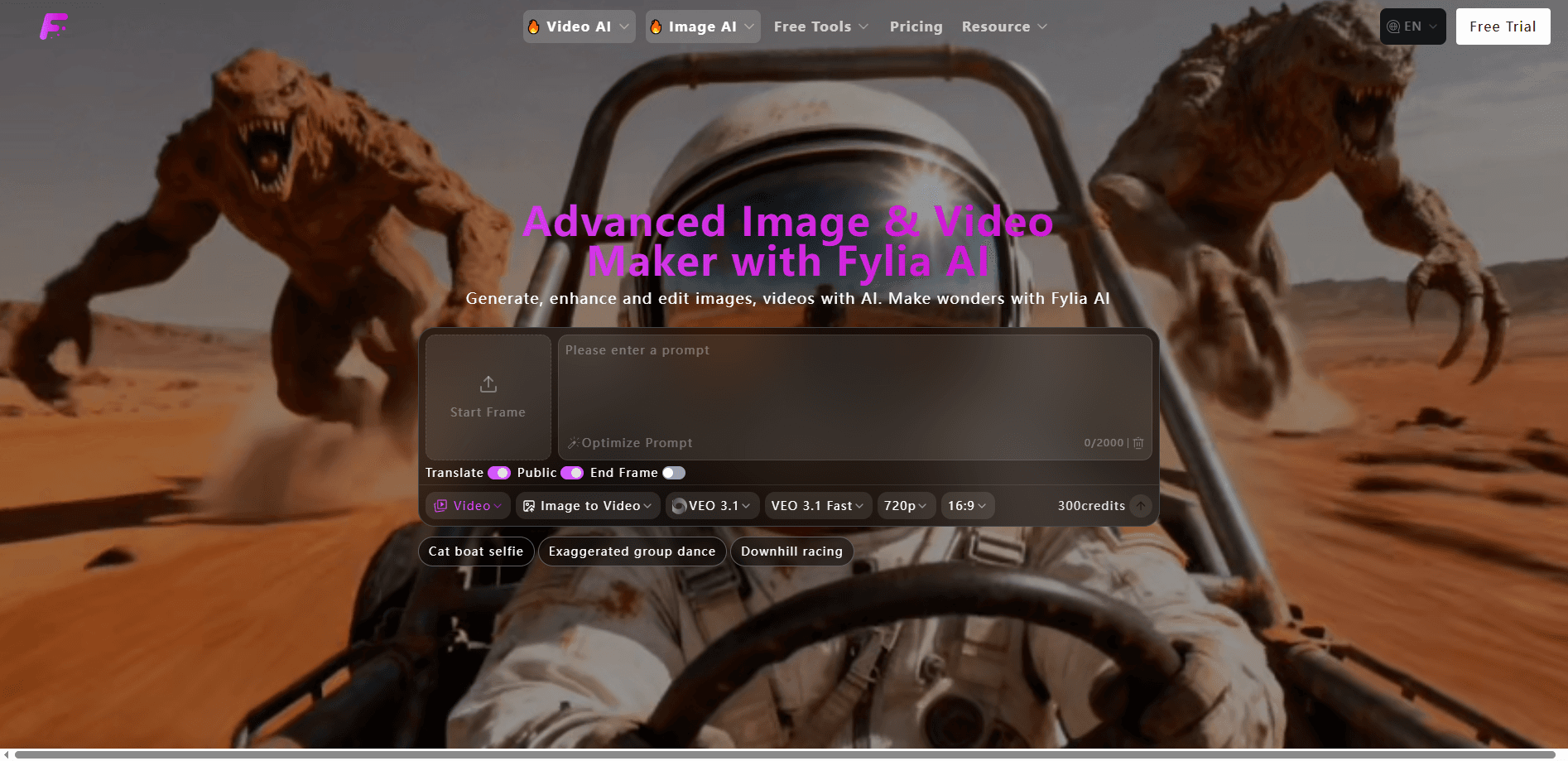
About Fylia AI
What Is Fylia AI
Fylia AI is an online media creation platform built around a single idea: stop switching between tools. Instead of subscribing to one image generator and a separate video generator, you get both inside one interface. The models behind it come from Google, ByteDance, Kling, and others.
The platform covers the whole pipeline. Text to image, image to image, image to video, text to video, and reference to video all live under the same roof. A generated image can drop straight into a video as a start or end frame. That sounds small, but it removes a lot of the friction that comes with exporting, re-uploading, and matching styles across apps.
The main limit is credits. Free users get 60 on signup plus 20 per daily check-in, but those credits are spent on low-quality generations with a shared queue and a 15-day history. High-quality video, watermark-free downloads, private generations, and commercial rights all sit behind paid packs. That part's not negotiable.
Getting Started
- Create a free account at fylia.ai to claim your 60 starter credits.
- Pick a mode from the top menu: AI Video, Image AI, or Free Tools.
- Choose a model (for example, Veo 3.1 for video or Nano Banana Pro for images), then type a prompt or upload a reference image.
- Set resolution and aspect ratio, then hit Generate and wait for your credits to be spent.
- Download the result, or push a generated image into the video tab to build a clip around it.
Product Information
A quick look at Fylia AI's pricing, supported platforms, and performance.
Best for
The users, tasks, and scenarios where this tool fits best.
Users
- Social media creators
- Small e-commerce sellers
- Designers and hobbyists
Tasks
- Text to video
- Image to video
- Image generation and upscaling
- Converting images between formats
Scenarios
- Producing daily short-form content for TikTok, Reels, or YouTube Shorts on a tight budget.
- Mocking up ad concepts for a client review before any real filming.
- Generating placeholder visuals for a pitch deck or landing page draft.
Key features
Multi-Model Video Generation
Fylia AI doesn't lock you to one engine. The video tab runs Veo 3.1 with native audio, Seedance 2.0, and Kling 3.0 side by side. So what does that buy you? You can compare outputs on the same prompt and pick the one that fits. Veo adds synchronized sound, which is rare in browser tools at this price point.
Text to Image and Image to Image
The image side leans on Google Nano Banana Pro and Seedream for high-fidelity stills. You can start from a written prompt or feed in an existing picture and have the AI redraw it. For character work or product shots, that image-to-image route keeps more of the original composition. Plain prompts don't. It's a small edge that adds up on repeat work.
Image to Video Integration
Generated or uploaded images become video starting points without leaving the page. You can set them as first and last frames, and the tool handles the transition between them. It's the feature that makes the whole suite feel connected. Not a loose bundle of widgets.
Prompt Tooling
There's a built-in prompt translator and a helper that rewrites weak prompts next to the text box. If you're writing in a non-English language or just unsure how to phrase a request, these smooth out the first draft. Small add-on, but it lowers the barrier for people new to prompting.
Free Utility Toolset
Beyond the paid models, Fylia AI ships a set of free tools: an image upscaler, a format converter, a prompt generator, and inpainting for filling in or removing parts of a picture. Free users get 50 uses of these tools per day, which covers casual editing without spending credits on a full generation.
Credits and Storage Rules
Every generation costs credits, and the balance decides quality, queue speed, and how long your files stick around. Free accounts keep history for 15 days, while paid accounts get 365 days plus watermark-free downloads that you can use in client work. Knowing this upfront matters, since a cheap pack buys credits, not unlimited access.
Pros and cons
Pros
- Several premium video and image models sit in one subscription, which cuts down on tool-hopping.
- Image-to-video and text-to-video share a workspace. Assets move between them without re-uploading.
- A genuine free tier. 60 starter credits and 50 daily uses of the free tools.
- Paid packs are one-time purchases valid for 100 days, so there's no forced monthly renewal.
- Free accounts skip the watermark question entirely until you need commercial use.
Cons
- Free generations are low quality with a shared queue, so slow waits are part of the deal.
- Watermark-free downloads and commercial rights are locked behind paid packs, which rules out client work on the free plan.
- Storage is short: 15 days on free, and files you don't download in time are gone.
Frequently asked questions
It generates images from text, redraws existing images, and turns text or images into short videos. Free utilities like upscaling and format conversion round it out. Think of it as a combined image and video studio rather than a single-purpose tool.
Related content
Explore related tools, skills, and articles for Fylia AI.
Fylia AI Alternatives

Google EmbeddingGemma 2
Google DeepMind · Writing · Image · CodingGoogle EmbeddingGemma 2 is a 740M-parameter open model that turns text, code, images, audio, and video frames into vectors in one 768-dimension space, running on phones and laptops.

Tractionwave
TractionWave · Image · MarketingTractionWave is an AI attention heatmap tool for static ads. Upload a PNG or JPG and it returns predicted attention, ranked hotspots, and fixes before you spend budget.

Imejis.io
Imejis.io · Image · MarketingImejis.io is an AI design studio for agents and marketing teams. Describe an image in plain words, and it writes the copy, builds the layout, reflows it to every size, then exports a finished file.