

Gab AI
Gab AI · Image · Chatbot
Gab AI is an uncensored AI chatbot and work agent that puts GPT, Claude, Gemini and the Arya model in one account, along with image, video and music tools.
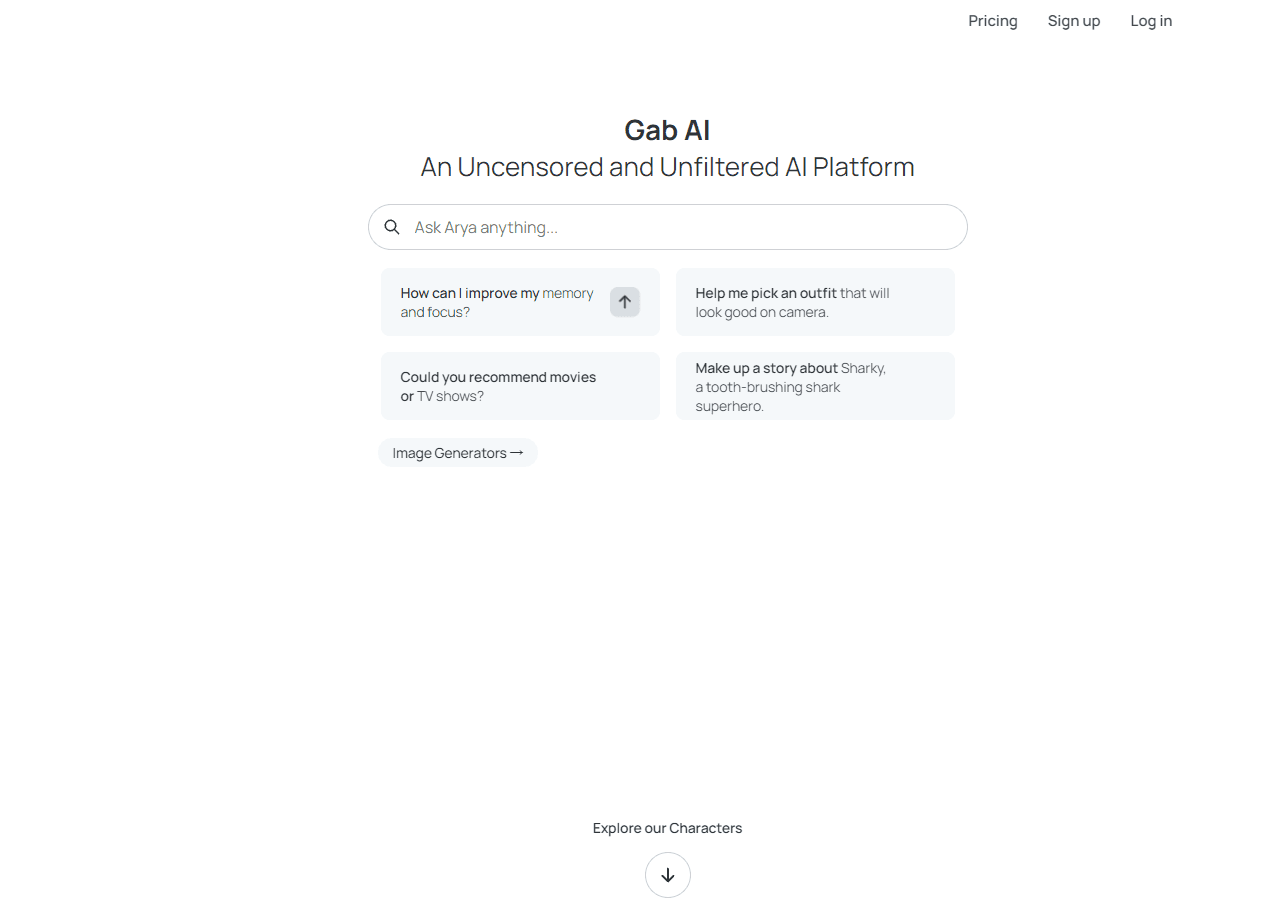
About Gab AI
What Is Gab AI
Gab AI is a multi-model AI platform built by the team behind Gab. The pitch is simple: instead of paying for ChatGPT, Claude and a separate image tool, you get one account that reaches all of them plus Gab's own model, Arya. It markets itself as an uncensored AI chat option, which means Arya is tuned to answer on subjects that other assistants tend to deflect. The platform splits work into two modes. Chat handles questions, research and files. Work mode hands an AI agent its own computer and tools. Ask for a website, a slide deck or a spreadsheet, and you get back real files you can edit. Work mode needs a paid plan, so free users live in chat and generation tools.
The main limits are worth knowing up front. Credits are the single currency. Every message, image and video request draws from one balance. Heavy video generation burns through credits fast. And Plus Premium is web only, so power users on mobile can't get the top tier.
Getting Started
- Sign up at gab.ai with an email address. No credit card is needed, and you get 250 credits to test models and tools.
- Pick a model from the picker, or leave automatic routing on and let Gab AI choose one that fits your request.
- Type a prompt in Chat for questions and research, or switch to Work mode if you have a Plus plan and want it to build a file.
- Bring in your own material by attaching documents, PDFs or spreadsheets, then ask questions about their contents.
- Move to a paid plan or buy credit packs once the free 250 credits run out.
Product Information
A quick look at Gab AI's pricing, supported platforms, and performance.
Best for
The users, tasks, and scenarios where this tool fits best.
Users
- Free thinkers who want AI chat that won't refuse on edge-case topics
- Writers and researchers juggling several models
- Small teams and freelancers who want documents and decks without a stack of tools
Tasks
- Drafting and rewriting text
- Generating images, video and music from a description
- Building a website, game or spreadsheet from a prompt
- Research with web search and file analysis
Scenarios
- Replacing two or three AI subscriptions with one bill
- Running recurring research on a schedule
- Importing your history from ChatGPT, Claude or Grok
Key features
One account, many AI models
Gab AI puts GPT, Claude, Gemini, DeepSeek, Qwen, Kimi and its own Arya model behind a single login. You pick a model per message, or let automatic routing choose. For anyone who already pays for two assistants, that's the headline feature. It's also the reason the platform calls itself a model library rather than a single bot.
Work mode agent
Work mode gives an AI agent its own computer and tools to carry out a project across several steps. Ask for a website, a playable game, a Word document or a PowerPoint deck and it builds real files you can edit and share. It's the clearest split from plain chat, and it sits behind the Plus plan.
Image, video and music generation
The platform doubles as an AI image generator, with text-to-image, editing and inpainting. It also does text-to-video and image-to-video, and writes both instrumental and vocal music from a description. Everything runs on the same credit balance. That keeps billing simple, but video requests cost more than a text message.
Built-in editors
Documents, slides and spreadsheets open in editors beside the chat, so you review and change them without leaving the page. You attach your own PDFs and spreadsheets to ask questions about their contents, then turn that material into new files. No exporting. No tab juggling.
Custom agents and scheduled tasks
You can build AI employees for specialized work or write your own bot with custom instructions. Tasks run on a schedule for recurring research and reports, which suits people who want the same briefing every week without typing the prompt again. Plus unlocks unlimited custom agents. Simple, and it saves real time.
Arya, the in-house model
Arya is Gab AI's own model, and the company pitches it as unfiltered on topics other assistants avoid. That positioning is the reason many users show up. Treat it as one option among several rather than a guarantee. Compare its answers against the flagship models when accuracy matters.
API and chat import
Gab AI exposes OpenAI-compatible endpoints, so existing clients can point at it with minimal changes. Plus includes API access billed in credits, and Plus Premium raises the limit to 50,000 requests per day. You can also import history from ChatGPT, Claude or Grok.
Pros and cons
Pros
- Several flagship models plus Arya under one login, so you don't run three subscriptions side by side.
- Credits cover text, images, video, music and code, which makes the pricing easier to track than a pile of separate bills.
- Work mode produces editable files, not just text answers, and the built-in editors open them in place.
- Apps for web, iOS, Android and Mac plus a Chrome and Brave extension, with one account across all of them.
- Documents, files and creations aren't used to train the model, and third-party requests are anonymized.
Cons
- Video and premium model requests cost more credits, so the free 250 credits run out quickly if you generate video. Budget for packs or a plan.
- Work mode requires Gab AI Plus, so free users only get chat and generation, not the agent that builds files.
- Plus Premium is web only, which blocks mobile users who need the higher credit allowance and API limits.
- The uncensored positioning means Arya's answers need more scrutiny, especially on factual topics.
Frequently asked questions
It's a multi-model AI workspace for chat, research, image and video generation, music, code, voice and file analysis. You can also hand off a whole project to Work mode and get back a website, deck or spreadsheet you can edit.
Related content
Explore related tools, skills, and articles for Gab AI.
Gab AI Alternatives

Google EmbeddingGemma 2
Google DeepMind · Writing · Image · CodingGoogle EmbeddingGemma 2 is a 740M-parameter open model that turns text, code, images, audio, and video frames into vectors in one 768-dimension space, running on phones and laptops.

Tractionwave
TractionWave · Image · MarketingTractionWave is an AI attention heatmap tool for static ads. Upload a PNG or JPG and it returns predicted attention, ranked hotspots, and fixes before you spend budget.

Imejis.io
Imejis.io · Image · MarketingImejis.io is an AI design studio for agents and marketing teams. Describe an image in plain words, and it writes the copy, builds the layout, reflows it to every size, then exports a finished file.