

Galerra
Michalis Apostolis · Image · Coding
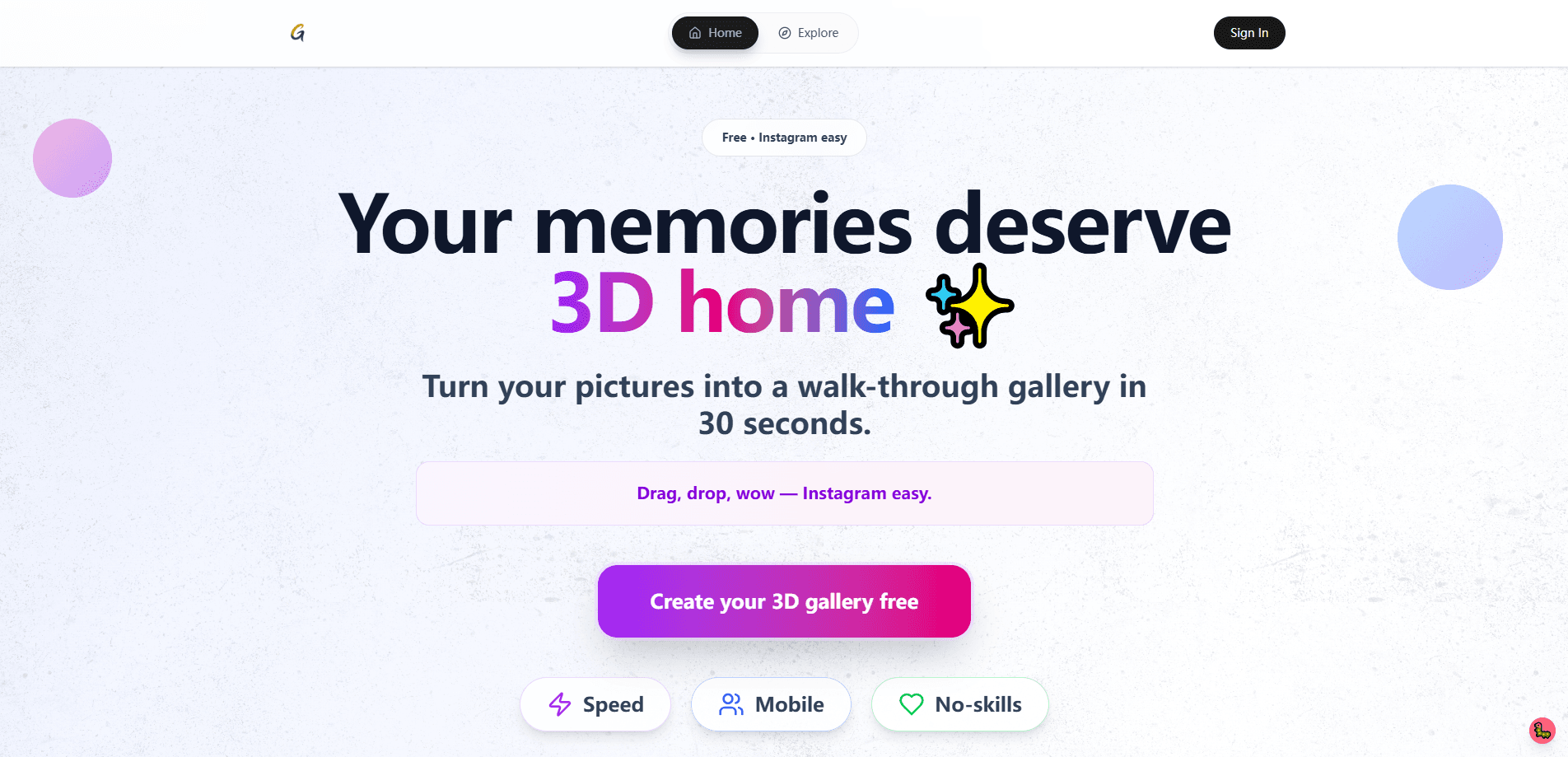
Galerra is a 3D virtual art gallery platform that turns photos into a walkable online exhibition in about a minute. Upload your art, let AI name and group the pieces, then share one link.
About Galerra
What Is Galerra
Galerra is a browser-based 3D gallery builder for showing visual art in three dimensions. You upload JPG, PNG, WebP, or HEIC files, pick one of five room templates, and the platform hangs the work on walls and lights the space for you. There's no 3D modelling, no download, and no headset involved. Visitors open a plain URL on a laptop or phone and walk through the rooms with a keyboard, mouse, or touch.
The product targets a problem most artists know well: an art portfolio website is usually a grid of thumbnails on a site that few people visit. Galerra swaps that grid for a space a collector can actually step into. Each artwork opens on click for details, and buyers can contact you directly to purchase.
Galerra is built and maintained by Michalis Apostolis, a solo developer based in Greece, and launched in 2025. It runs on Cloudflare. Because one person handles every feature and fix, support replies come from a human. That single-team setup also means the roadmap moves at the pace of one person.
Getting Started
- Create a free account with an email address and sign in to the Galerra dashboard.
- Start a new gallery and drag in your images. The platform optimizes each file for crisp, fast display on its own.
- Pick a room template, then let AI curation suggest titles, an artist statement, and room groupings that you can edit.
- Share the gallery link by email, social media, or a QR code, and let visitors walk the show in their browser.
Product Information
A quick look at Galerra's pricing, supported platforms, and performance.
Best for
The users, tasks, and scenarios where this tool fits best.
Users
- Visual artists
- Photographers
- Art teachers and professors
- Small galleries and institutions
Tasks
- Building an online exhibition
- Writing an artist statement
- Sharing a private preview
- Creating a 3D catalogue
Scenarios
- Posting a new virtual exhibition the day it's finished
- Preparing a student exhibition
- Pitching work to a buyer remotely
Key features
AI Curation for Titles and Rooms
One press makes Galerra suggest a title for every work, room groupings, an artist statement, and wall text. You review the drafts, change what you want, and keep the rest. Free accounts get a taste of this, while the €10 unlock adds 10 curation runs and the monthly plan refreshes 15 every month.
Five 3D Room Templates
Galerra ships five templates: classic, contemporary, modern, glass, and museum. Each carries its own scale and lighting, and the engine places your artwork on the walls automatically. You pick the mood of the room; you don't lay anything out by hand.
One Link, No App or Download
Visitors reach the show through a single URL. There's nothing to install, no plugin, and no account needed to walk in, so the link works the same on laptops, tablets, phones, and Chromebooks. That keeps the barrier low for anyone you send it to.
Shared Sales Without a Cut
Your gallery carries your contact details so buyers can reach you, and Galerra keeps none of what you sell. The company states plainly that it takes no cut of inquiries and doesn't sell your data or run ads. For artists who sell directly, that keeps the whole margin in your hands.
Visitor Analytics
Paid galleries show who visited, where they came from, and which pieces drew attention. The monthly membership extends this across the whole account, so you can see which shows pull a crowd over time.
Link-Only and Password-Protected Shows
You decide who can open a gallery. The default lists it on Explore and your profile; the link-only setting hides it and asks search engines not to index it; the password setting adds a lock screen. You can change the setting any time from the edit page, on free galleries too.
A Pageable 3D Catalogue
Every gallery doubles as a 3D catalogue you can flip through, which puts the show in a second format on the same link. It's a neat option when a visitor wants the pieces gathered in one sequence rather than spread across rooms.
Pros and cons
Pros
- Turns existing photos into a walkable 3D exhibition in about 60 seconds, with no 3D or coding skills needed.
- The free tier is genuinely usable. It covers a 5-work gallery, and that page stays online as a catalogue after the 3D walk closes.
- Artists keep the full amount from any sale, since Galerra takes no commission on buyer inquiries.
- Link-only and password settings let you preview a show privately before it goes public.
Cons
- The free 3D walk lasts 14 days, so anyone wanting a permanent walkable show has to pay for the €10 unlock or a subscription.
- The whole platform is run by one developer, so big feature requests may move slowly.
- There's no API, which rules it out for teams that want to build galleries into their own systems.
- AI curation drafts can miss the intent behind a body of work, so titles and statements still need a human pass.
Frequently asked questions
Galerra turns a folder of images into a walkable 3D art gallery you share with a link. It handles the room layout, lighting, and even drafts titles and an artist statement, so you can stage an exhibition without a designer.
Related content
Explore related tools, skills, and articles for Galerra.
Galerra Alternatives

Imejis.io
Imejis.io · Image · MarketingImejis.io is an AI design studio for agents and marketing teams. Describe an image in plain words, and it writes the copy, builds the layout, reflows it to every size, then exports a finished file.

Layoutr
Van Dijk Ontwikkeling · Image · China AILayoutr is a browser floor plan tool that scales your own plan, places furniture at true size, shows the room in 3D and renders it with AI.

Storytailor®
Storytailor Inc. · Writing · Image · LeaningStorytailor is an AI story generator for kids that turns a drawing or a small idea into a personalized children's book you can read, listen to, and play out together.