

GBrain
Garry Tan · Productivity
GBrain is a memory layer that gives ChatGPT, Claude, Cursor and other AI tools one shared set of notes, connected apps and scheduled skills you control.
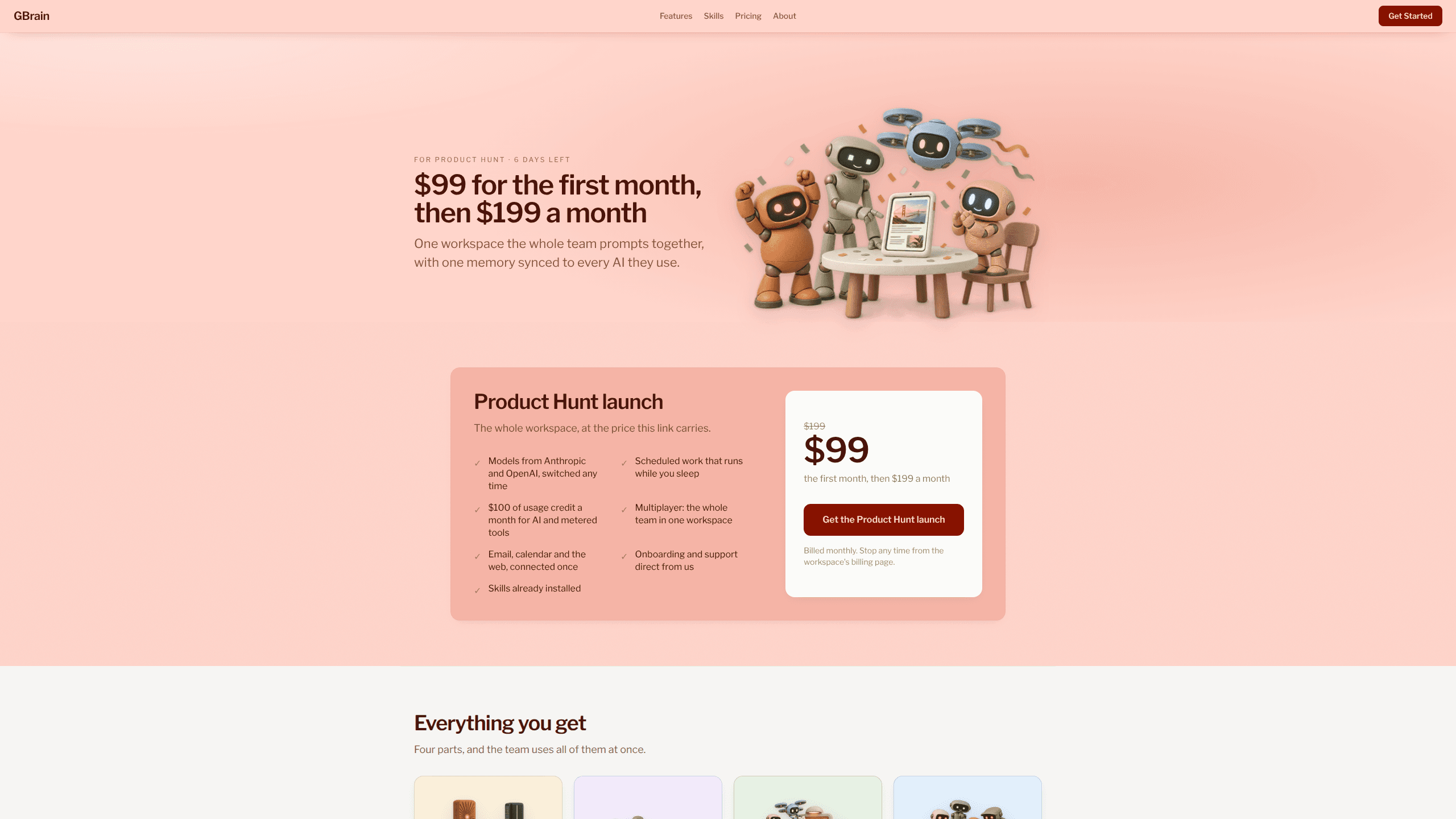
About GBrain
What Is GBrain
GBrain is a workspace that holds what your AI knows, which accounts it can reach, and which jobs it runs without you. You put knowledge in once, and every AI you connect reads it from the same place.
Garry Tan built it to run his own agents, then released the code under the MIT license. You can host it yourself for free. The paid setup at gbrain.io handles the server, the updates and the sign-in for you.
The problem it targets is simple. Chatbots forget between sessions, and whatever they do remember stays locked inside one app. GBrain keeps the memory as a folder of markdown files on a machine the workspace owns. Any assistant that speaks MCP can read that folder and add to it, so a note you type in Claude Code is there when you open ChatGPT. What you get is shared memory for AI that doesn't reset when you switch tools.
Getting Started
- Sign in with Google at gbrain.io and a workspace runs in about two minutes. A self-hosted install takes closer to 30 minutes with the command line tool.
- Connect your first AI through its MCP client, then set that client to Read or Full permission.
- Write a few notes, or let the agent write them as you work. Every person, company and idea gets one file with the current facts on top and the dated history below.
- Pick a skill for a job you want handled, such as a morning inbox summary, and choose whether it runs once or on a schedule.
Product Information
A quick look at GBrain's pricing, supported platforms, and performance.
Best for
The users, tasks, and scenarios where this tool fits best.
Users
- Founders and operators who make decisions from email, calls and meeting notes
- Developers working in Claude Code, Codex or Cursor
- Teams of five to fifty people
- Consultants and researchers who repeat the same background work
Tasks
- Getting ready for a meeting
- Finding something you wrote months ago
- Pulling work out of email, calendar and Slack
- Automating a recurring report
Scenarios
- Running a company brain across a team
- Keeping work and personal memory apart
- Letting an outsider read without changing anything
Key features
One memory across every AI
The same notes feed ChatGPT, Claude, Claude Code, Codex, Cursor and anything else that connects over MCP. A correction you type in one client shows up in all of them, because they're reading one folder rather than syncing copies. This is the part that separates GBrain from the AI agent memory built into a single assistant.
Per-AI permission levels
Each connected AI gets Read or Full, and you set it per client. Switching one to Read means it can pull context but can't write, and turning a client off stops its access without touching the notes themselves. For a team, that's the difference between sharing a memory and handing over the keys.
Connected apps behind an AI password manager
GBrain signs in to Gmail, Outlook, Calendar, Slack, Stripe, GitHub and Notion on your behalf, then passes an AI the result of a call instead of the credential. An AI never sees the password. When an app isn't on the list, you can add any MCP server by its address, and the official registry lists more than 10,000 of them.
Skills that run on a schedule
A skill is a written procedure the workspace knows how to carry out, such as triaging an inbox or drafting a weekly update. Some ship ready to use, and you can write your own in markdown. Skills run on demand or on a cloud schedule, so the work happens while the laptop is shut, and each one reports back when it finishes.
Answers with sources instead of a page list
GBrain returns a written answer with citations and a note about what the memory doesn't know yet. It also builds a typed graph of the people, companies and ideas it stores, so a question about who works somewhere walks relationships rather than guessing from text. On LongMemEval, a standard long-term memory test, GBrain placed the right conversation in its top five results for 449 of 470 questions, and the run and settings are published.
Guests, teams and separate workspaces
A workspace is the unit you pay for, and the team inside it shares memory, apps and skills. Guests get one link that answers questions from the memory and changes none of it. For people who set GBrain up for others, an experts screen puts every deployment on one page, reachable from a browser or a terminal.
Pros and cons
Pros
- The memory is plain markdown you can open, edit, copy or leave with, so nothing is trapped in a proprietary database.
- One connection covers every MCP-capable assistant, which ends the copy and paste between ChatGPT, Claude and Cursor.
- Credentials stay with GBrain, and an AI gets a result rather than a password, which is a cleaner permission model than pasting API keys into config files.
- Skills can run on a cloud schedule, so recurring work doesn't depend on your laptop being awake.
- The MIT license means you can self-host at no cost, and the hosted plans are flat: $199 covers the whole team rather than each seat.
Cons
- Hosted use starts at $19/mo for Tools and $49/mo for Personal, with no permanent free tier on gbrain.io. The free route is the self-hosted install, which needs a server and some comfort with a terminal.
- Self-hosting puts updates, backups and model costs on you. The README is honest that enrichment wants its own compute and API billing.
- The quality of answers tracks what has been written into the memory. A thin folder gives thin answers, and sources alone don't isolate every caller, which matters before you share a brain outside a trusted group.
Frequently asked questions
GBrain gives a set of AI assistants one memory to work from and one set of app connections to use. You use it to stop repeating context, to let an AI read your email or calendar, and to run recurring jobs such as a weekly summary without setting them up in each tool.
Related content
Explore related tools, skills, and articles for GBrain.
GBrain Alternatives

Base Code
Base44 (Wix) · Coding · ProductivityBase Code is a shared cloud development environment from Base44. Teammates describe changes to an existing GitHub codebase in chat, preview them live and send them back as pull requests.

Knocket
Knocket (Tencent RTC team) · Productivity · Business · ChatbotKnocket is a free live chat and contact page tool that lets visitors message you from your website, app, or a shareable link, with every reply handled from Telegram or one inbox.

FloorGen
Vinit Kumar (FloorGen) · Productivity · China AIFloorGen is a browser-based floor plan maker that turns a sentence or a sketch into an editable 2D plan and a 3D walkthrough. Export to PDF, DXF or video, and draw without an account.