

Gemini Spark
Google · Productivity
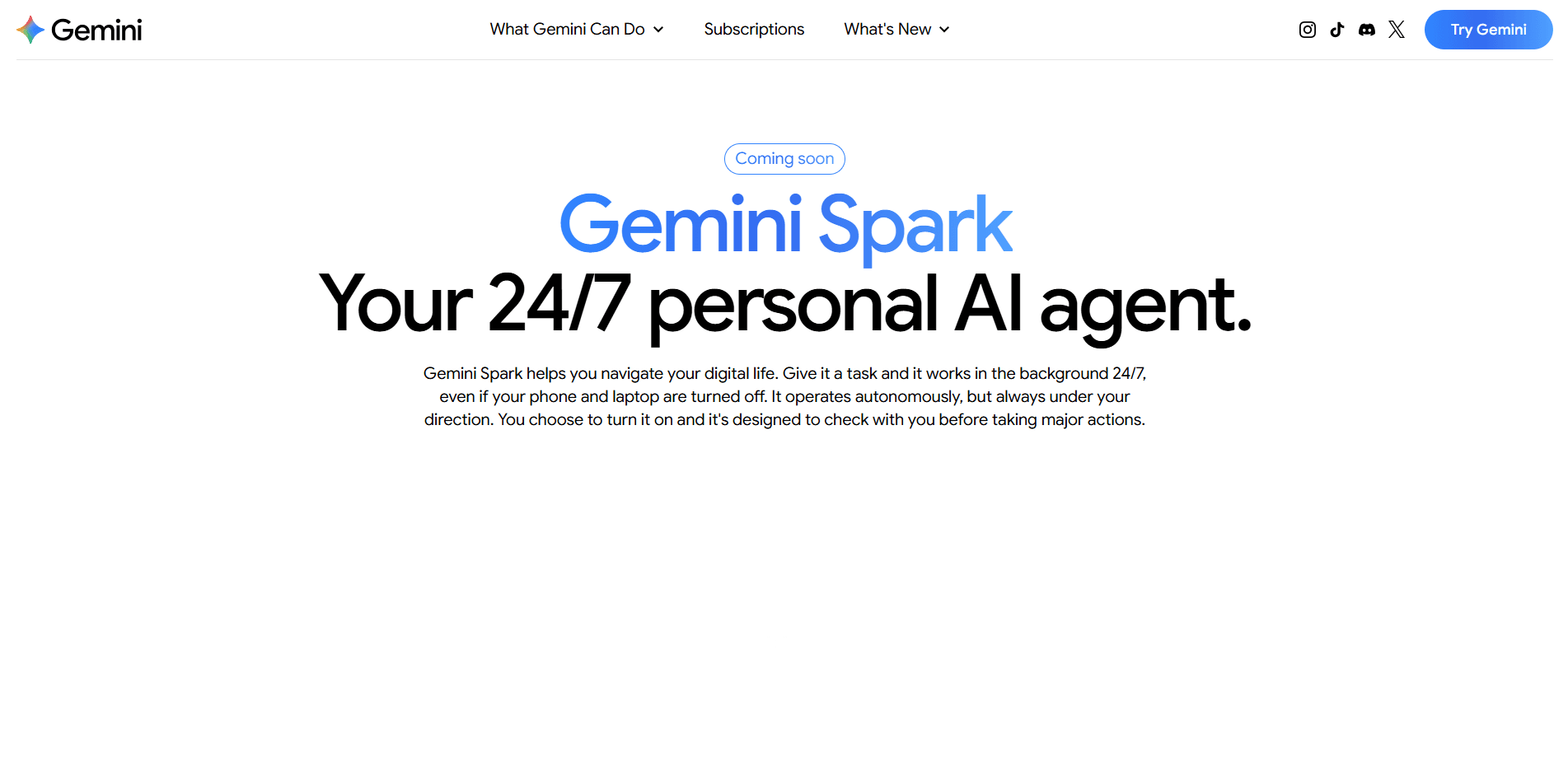
Gemini Spark is Google's personal AI agent that runs in the cloud around the clock, so the work keeps moving even when your laptop is shut. You hand it multi-step jobs through plain language, and it works across Gmail, Docs, Calendar, Drive, and the connected services you've authorized. It's built for people who want a digital assistant that acts on its own, not one that just answers when asked.
About Gemini Spark
What Is Gemini Spark
Gemini Spark is a personal AI agent from Google that lives in the cloud rather than on your device. The pitch is simple: instead of opening a chat window and typing a question, you describe a task and Spark carries it out in the background. It reads your email, drafts summaries, coordinates schedules, and moves information between apps on your behalf.
The product grows out of Google's Personal Intelligence system, which builds a picture of you from the data you connect. That's what lets Spark make sensible choices without constant instructions. You define Tasks, install Skills for specialized jobs, and set Schedules for anything recurring.
The catch is access. Spark sits behind Google AI Ultra, the company's top consumer tier, and Google still labels it experimental. You also have to grant broad permissions for it to be useful, including access to messages, files, and location. Approvals are required for major actions.
Getting Started
- Sign in with a Google account that's covered by an AI Ultra subscription.
- Open the Gemini app and turn on Spark from the agent section.
- Connect the services you want it to reach, such as Gmail, Calendar, and Drive.
- Write your first Task in plain language and set how often it should run.
- Review the approval prompt before it takes any action that touches money or sends messages.
Product Information
A quick look at Gemini Spark's pricing, supported platforms, and performance.
Best for
The users, tasks, and scenarios where this tool fits best.
Users
- Gmail power users with overflowing inboxes
- Small business owners who wear too many hats
- Researchers tracking a topic over weeks
Tasks
- Inbox triage
- Meeting prep
- Data gathering
- Party or event planning
Scenarios
- Clearing a backlog while you sleep
- Coordinating across apps on a deadline
- Research before a big decision
Key features
Cloud-Based Always-On Agent
Spark runs on Google's servers, not your phone or laptop. That means closing a lid or losing signal doesn't stop it. A task you set to run at 7 a.m. will actually run at 7 a.m., which is the whole point of an always-on assistant.
Tasks and Schedules
Tasks are the core unit of work. You describe one in natural language, and Spark executes it in the background. Schedules turn any task into a recurring job, so a weekly report or a daily inbox sweep happens automatically without you remembering to trigger it each time.
Google Workspace Integration
Spark connects to Gmail, Docs, Sheets, Calendar, and Drive, which is where a lot of its practical value sits. It can summarize a long email thread into a doc, or take numbers from a file and push them into a sheet. If you already live in Workspace, there's less setup involved.
Skills for Specialized Jobs
Skills are add-on capabilities that extend what Spark can do beyond its defaults. You can build your own task logic or install ready-made skills from a community library. If you're running the same kind of job every week, say pulling competitor prices into a sheet and flagging anything that moved more than ten percent, a dedicated skill saves you from rewriting the instructions.
Permission and Approval Controls
Spark doesn't act on everything unsupervised. Major actions require your sign-off, and you choose which services it can reach. So what happens when you're asleep and it hits a prompt? The task simply waits until you respond.
Chrome and Android Presence
Google has said Spark will run inside Chrome, and Android's new Halo interface is designed to show task progress and status updates in real time. That keeps you aware of what the agent is doing without opening a separate dashboard.
Personal Intelligence Context
Spark draws on Google's Personal Intelligence system to understand your preferences, contacts, and files. The benefit is fewer instructions per task. The trade-off is that the more you connect, the more you're trusting one system with a wide view of your digital life.
Pros and cons
Pros
- Runs entirely in the cloud, so long tasks finish even when your devices are off.
- Deep Workspace integration means less manual copying between Gmail, Docs, and Sheets.
- Tasks, Skills, and Schedules give you real control over what runs and when.
- Approval prompts for sensitive actions reduce the risk of an agent acting on its own.
- Works on a plain-language interface, so you don't need to learn a workflow builder.
Cons
- Locked behind AI Ultra, which starts at $100 a month, so it's an expensive add-on.
- Google still calls it experimental, and features can change or break between updates.
- Broad data access is required for it to be useful, which raises real privacy questions.
- Its remote browser stores session data, so you're trusting Google with a lot.
Frequently asked questions
It's a cloud-based AI agent that carries out multi-step tasks for you across Google apps and connected services. You describe a job in plain language, and it runs in the background, checking back for approval on major actions. The result is autonomous AI tasks that keep moving while you focus on something else entirely.
Related content
Explore related tools, skills, and articles for Gemini Spark.
Gemini Spark Alternatives

Base Code
Base44 (Wix) · Coding · ProductivityBase Code is a shared cloud development environment from Base44. Teammates describe changes to an existing GitHub codebase in chat, preview them live and send them back as pull requests.

Knocket
Knocket (Tencent RTC team) · Productivity · Business · ChatbotKnocket is a free live chat and contact page tool that lets visitors message you from your website, app, or a shareable link, with every reply handled from Telegram or one inbox.

FloorGen
Vinit Kumar (FloorGen) · Productivity · China AIFloorGen is a browser-based floor plan maker that turns a sentence or a sketch into an editable 2D plan and a 3D walkthrough. Export to PDF, DXF or video, and draw without an account.