

Gencraft
Gencraft, LLC · Image
Gencraft is an AI art generator that turns text prompts and photos into images, videos, and emoji-style art across web, iOS, and Android, with a free tier and a Pro subscription.
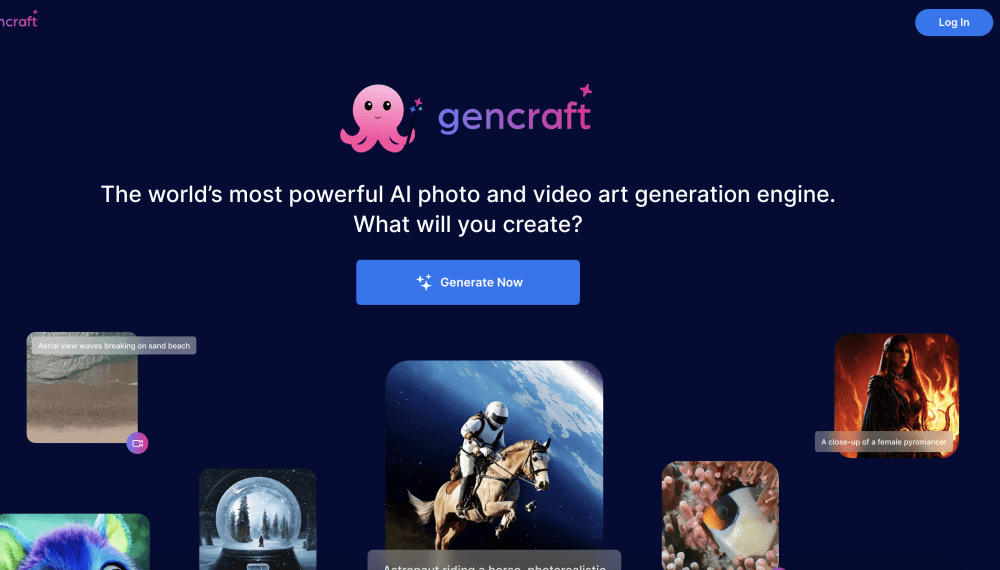
About Gencraft
What Is Gencraft
Gencraft is a consumer AI image generator built by Gencraft, LLC. You type a prompt, pick a style or one of the bundled models, and it returns high-resolution art in seconds. It runs in the browser and as a mobile app, so the same account works if you're sketching ideas on your phone or finishing them on a laptop.
The problem it targets is simple. Most people have a picture in their head and no way to draw it. Gencraft lowers that barrier to typing a sentence, then adds image-to-image so an existing photo or drawing becomes the starting point instead of a blank canvas. For casual creators, that's the whole appeal: no design skills, no software to learn.
The trade-offs matter just as much. The free tier is ad-supported and limited, and heavy use pushes you toward a Pro subscription. Output quality swings, especially on anatomy and unusual details, so you'll often generate several takes before one lands. There's no public API, which rules it out for teams that want to wire image generation into their own product.
Getting Started
- Open gencraft.com or install the iOS or Android app, then sign in with an email or social account.
- Type a prompt describing the scene, or upload a photo to use as a reference for image-to-image.
- Pick a model and a style from the list, then set the aspect ratio for your target size.
- Generate the image, remix or edit parts of it if needed, and download the result.
- Subscribe to Gencraft Pro if you want more models, video generation, and selfie variations.
Product Information
A quick look at Gencraft's pricing, supported platforms, and performance.
Best for
The users, tasks, and scenarios where this tool fits best.
Users
- Hobbyist artists
- Social media creators
- Writers and worldbuilders
Tasks
- Turning a text prompt into an image
- Transforming an existing photo
- Generating short videos
- Making emoji and sticker art
Scenarios
- A fast visual for a blog post
- Concepting a character for a game or story
- A profile picture in a new style
Key features
Text to Image Generation
The core feature takes a written prompt and returns a high-resolution image. You choose from a range of styles, from realistic photography to anime and oil painting, and the model applies that look to your scene. It's the fastest path from an idea to something you can download and share.
Image to Image Transformations
Instead of starting from a blank prompt, you upload a photo or drawing and let Gencraft rework it. You can create variations, keep a character consistent across images, or explore a new art style from an existing reference. This is the feature most people use once they've outgrown pure text prompts.
Custom Model Training
Gencraft Pro lets you train your own model on your style, so later generations match the look you trained it on. The listing puts training at a few dollars, and the appeal is consistency: a personal style engine rather than a one-off image. It takes some trial and error to train well, and each retrain is a separate charge.
Video Generation
Pro subscribers can generate short video clips from prompts, extending the tool beyond still images. It suits quick social content and motion tests rather than long or highly polished footage. For casual creators, it's a low-effort way to add movement to an idea.
Community and Remix
Gencraft shows what other people are generating, and you can remix their creations by building on an existing image. Prompts are visible, which doubles as a learning tool for writing better ones. It's part community feed, part inspiration board.
Pros and cons
Pros
- Runs on web and mobile with the same account, so you can start on a phone and finish on a laptop.
- Free tier lets you generate images before paying, which lowers the cost of trying it.
- Image-to-image and custom model training give returning users more than one-shot prompting.
- Visible prompts from the community help beginners learn what phrasing works.
Cons
- Output quality is uneven on hands, faces, and unusual details, so expect multiple attempts per usable image.
- No public API, which blocks developers who want to call it from their own apps.
- The free tier is limited and ad-supported, and Pro pricing sits at a weekly-to-monthly range that adds up for regular use.
Frequently asked questions
Gencraft generates images from text prompts and existing photos. People use it for art, character and scene concepts, social media visuals, and profile pictures, all without design software.
Related content
Explore related tools, skills, and articles for Gencraft.
Gencraft Alternatives

Google EmbeddingGemma 2
Google DeepMind · Writing · Image · CodingGoogle EmbeddingGemma 2 is a 740M-parameter open model that turns text, code, images, audio, and video frames into vectors in one 768-dimension space, running on phones and laptops.

Tractionwave
TractionWave · Image · MarketingTractionWave is an AI attention heatmap tool for static ads. Upload a PNG or JPG and it returns predicted attention, ranked hotspots, and fixes before you spend budget.

Imejis.io
Imejis.io · Image · MarketingImejis.io is an AI design studio for agents and marketing teams. Describe an image in plain words, and it writes the copy, builds the layout, reflows it to every size, then exports a finished file.