

Genie AI
Genie AI · Productivity · AI Assistant
Genie AI is an AI legal assistant that helps business and legal teams draft, review, and negotiate contracts, working in a web app or inside Microsoft Word.
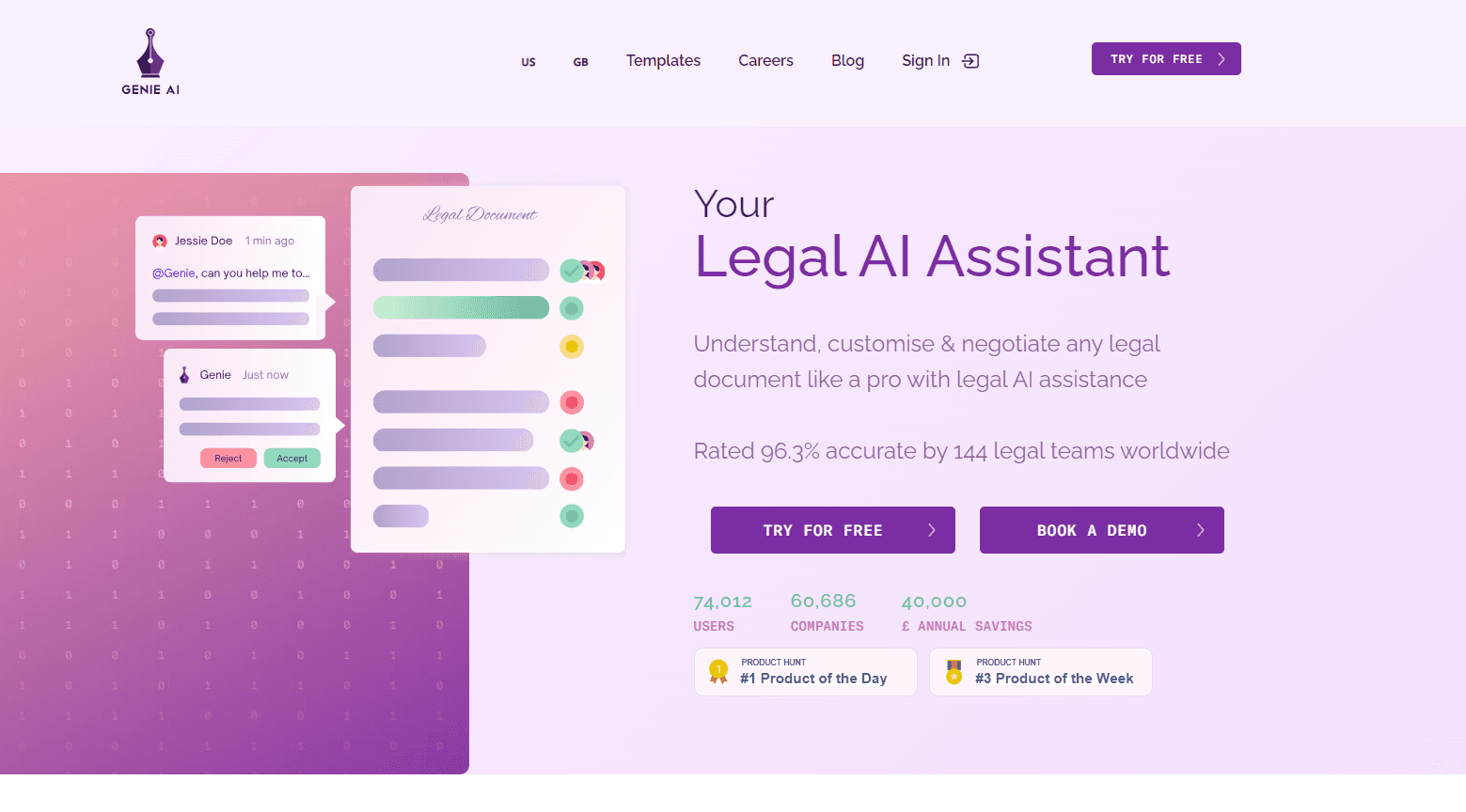
About Genie AI
What Is Genie AI
Genie AI is a legal AI platform built for contract work, and it comes from a London team that started the company in 2017. The founders were taught by people from Google DeepMind, and the product is aimed at the teams that live in agreements all day: in-house lawyers, procurement, sales, and founders who handle contracts without a lawyer nearby.
What separates it from a general chatbot is the legal scaffolding around the models. Genie keeps a memory of your past contracts and negotiation history, reviews drafts against your own playbook, and edits directly in tracked changes. It works across the whole document rather than answering one question at a time, and a quality-check layer runs before anything reaches you.
A few things are worth knowing up front. Genie is strongest inside the Microsoft Word add-in, where most contract work already happens, so teams that avoid Word get less out of it. The free plan is generous but token-limited, and the deepest features sit behind the Business and Enterprise tiers. If you compare legal AI tools side by side, the Word add-in and playbook review are usually where teams decide.
Getting Started
- Sign up free at genieai.co. No credit card is needed to open the AI Document Toolkit.
- Upload a contract, or start from one of the 500+ templates.
- Ask a question, run a review against your playbook, or brief Genie in plain English to draft a new agreement.
- Accept, reject, or adjust each suggestion in tracked changes, then export to Word when the document is ready.
- Upgrade to Pro or Business for more AI tokens, shared playbooks, and company knowledge that informs every new draft.
Product Information
A quick look at Genie AI's pricing, supported platforms, and performance.
Best for
The users, tasks, and scenarios where this tool fits best.
Users
- In-house legal teams
- Founders and directors
- Procurement and sales teams
Tasks
- AI contract review
- Contract drafting
- Document Q&A
Scenarios
- Reviewing a customer's MSA against your standard terms
- Filling a template for a new deal
- Managing a high-volume contract pipeline
Key features
AI legal assistant with document memory
Genie works across a whole agreement rather than one question at a time. It remembers decisions, cross-references, and figures as it moves through a long, multi-document deal, so a figure set in clause 4 stays consistent in clause 22. The company calls this Eidetic Intelligence.
Review and negotiate against your playbook
You can load your own standards and rules, and Genie checks each draft against them. It spots risky clauses, suggests edits that match your positions, and applies them as tracked changes so reviewers keep a clear audit trail.
The Microsoft Word add-in
Most of the platform runs inside Word, so you review, redline, and draft without leaving the document. Formatting, comments, numbering, and metadata stay intact, and every suggestion shows up in Word's native track-changes markup. Teams that already draft in Word avoid adopting another tool.
Drafting from a brief or template
Genie drafts from a plain-English brief or from one of 500+ templates. It guides you step by step, builds in structure, clauses, and logic for your use case, and fills templates with prior answers so you review rather than start from a blank page.
Tabular insights and document comparison
You can extract and compare key data points across hundreds of documents in a single table view. Comparing versions or documents side by side shows what changed without a line-by-line scan, which matters when a deal runs through many redline rounds.
Security and privacy
Documents stay private by default, encrypted with AES-256 at rest and TLS 1.2 or higher in transit. Genie AI is certified to ISO/IEC 27001:2022, hosts customer files in UK and EU data centres, and states that your contracts are never used to train shared models.
Pros and cons
Pros
- Reviews tie back to your own playbook, so results match house standards rather than generic advice.
- The Word add-in preserves formatting, comments, and tracked changes end to end.
- A free plan with the full AI Document Toolkit and 500+ templates, no credit card required.
- Built-in memory handles long, multi-document deals without losing a clause or figure.
- Strong privacy posture: ISO 27001:2022, UK/EU hosting, and no training on customer data.
Cons
- The free plan caps AI tokens, so heavy users hit the limit and need a paid tier.
- The best features, such as company knowledge and playbooks, sit behind Business and Enterprise plans.
- Word is the main working surface, so a team that drafts elsewhere loses much of the benefit.
- API and MCP integrations are reserved for Enterprise, which rules out lower tiers that want to connect their stack.
Frequently asked questions
Genie AI handles contract work: drafting from a brief, reviewing and redlining against your standards, answering questions about a document, and managing signed agreements. It runs as a web app and as a Microsoft Word add-in.
Related content
Explore related tools, skills, and articles for Genie AI.
Genie AI Alternatives

Udon
Udon · Coding · ProductivityUdon turns an Apple Silicon Mac into a home server you run from a browser, with container controls, file shares, and an optional AI sysadmin.

offstage
offstage cloud · Coding · Productivityoffstage gives AI coding agents and CI jobs a real Mac: a fresh macOS account on Apple silicon, driven over an API and billed by the second.

BotBus
Chengdu Tuyang Tusen Technology Co., Ltd. · Coding · ProductivityBotBus lets you control AI coding agents from your phone and watch: approve commands, start tasks and read results while the code stays on your desktop.