

GetThis
GetThis · Productivity
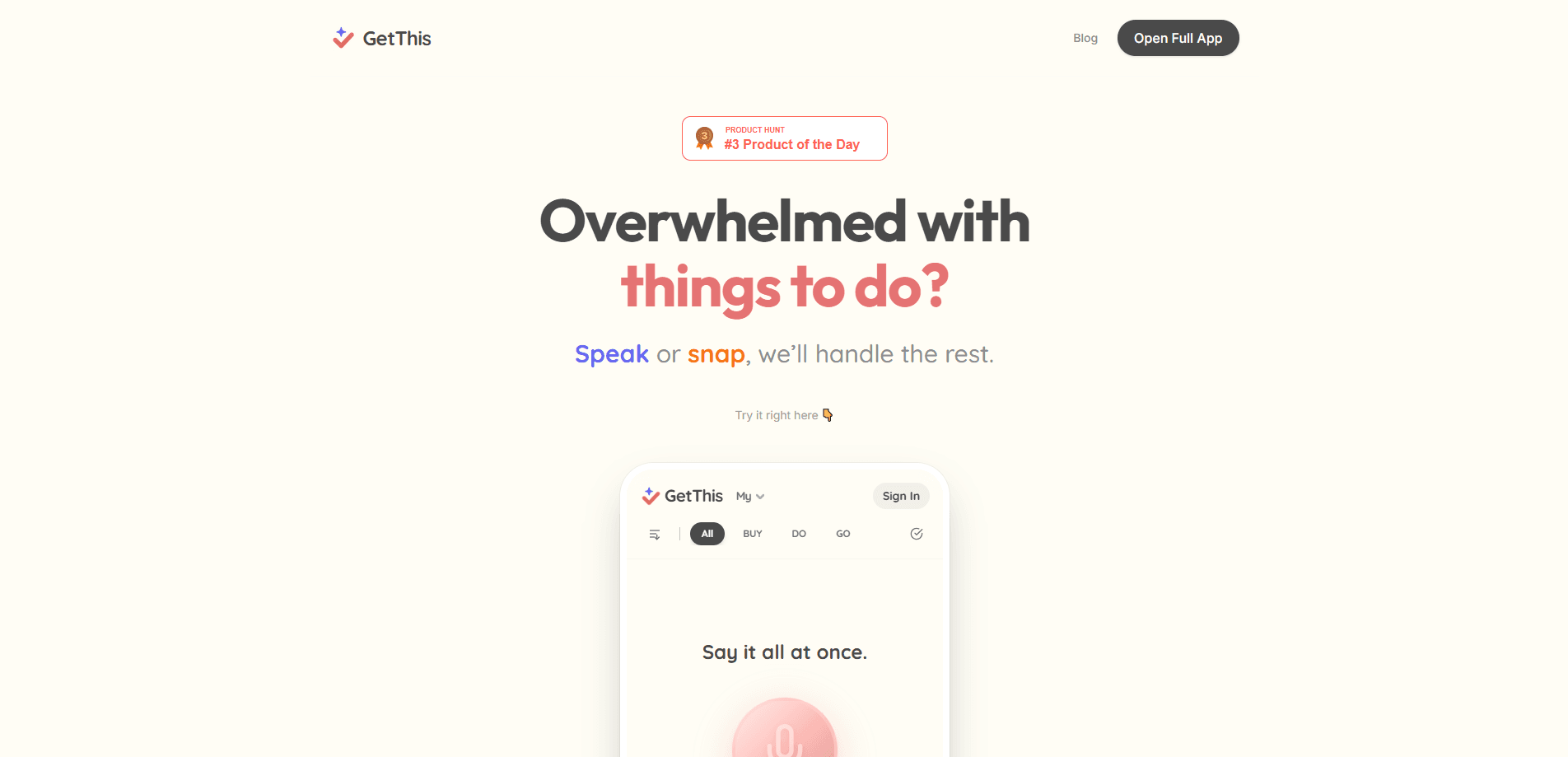
GetThis is an AI task manager and voice productivity app that turns your spoken notes and screenshots into a clean, sorted to-do list. Instead of typing every item by hand, you speak a messy brain dump or snap a photo of a handwritten note, and the app pulls out the tasks, dates, and categories for you. It's both a speech to task tool and a screenshot to task tool. Everything lands in three simple buckets: Buy, Do, and Go. It runs on iOS, Android, and the web, and there's a free tier to test before you commit.
About GetThis
What Is GetThis
GetThis is a productivity app built around one idea: capturing what's on your mind should be faster than typing it. Speak your tasks out loud or upload a screenshot, and AI turns that raw input into structured, categorized to-dos. No forms. No manual sorting.
The app organizes everything into three groups. Buy covers shopping items and errands. Do handles regular tasks and chores. Go tracks places to visit and things to schedule. That split keeps a grocery run separate from a work deadline without any extra setup on your part.\n\nSimple, but it works.
The biggest limitation is also its strength: GetThis is built for capture, not for deep project management. If you need Gantt charts, dependency tracking, or team dashboards, this isn't the tool. It's for getting thoughts out of your head and into a list you can act on, working as a task organizer rather than a full workspace.
Getting Started
- Create an account on the web at getthis.day or download the app for iOS or Android.
- Open the capture screen and tap the microphone to speak your tasks, or upload a screenshot of a list you already have.
- Let the AI process the input and sort each item into Buy, Do, or Go automatically.
- Review the suggested due dates and categories, then edit anything the AI got wrong.
- Check items off as you finish them and use the list as your daily driver.
Product Information
A quick look at GetThis's pricing, supported platforms, and performance.
Best for
The users, tasks, and scenarios where this tool fits best.
Users
- Busy parents
- Students
- Freelancers
Tasks
- Building grocery lists
- Clearing a brain dump
- Capturing meeting action items
Scenarios
- Running errands with one hand free
- Winding down at night
- Sorting screenshots you already saved
Key features
Voice to Task
Speak naturally and GetThis converts your words into individual, categorized tasks. The AI picks out due dates, categories, and priorities from how you talk, so a single sentence like "call the dentist Friday and grab milk on the way home" turns into two separate items placed in the right buckets automatically. It's the fastest path from thought to list.
Screenshot to Task
Upload a screenshot or photo and the app reads the content inside it, then extracts the tasks. This works well for handwritten lists, chat messages, or notes pages you've already captured. No retyping. You skip the copy step entirely, which matters most when the original is long, messy, or hard to type out by hand.
Buy, Do, Go Categories
Every task is sorted into one of three groups: shopping, tasks, and places or events. The split is automatic, so you don't have to build a label system before you start. It keeps personal errands and work items from tangling together in one long list. Think of it as a built-in grocery list organizer that also handles your other chores.
Automatic Due Date Detection
Mention a day or time while speaking and GetThis attaches it to the task, so the reminder fires when you actually need it instead of getting buried in a list you'll never reopen. You get reminders without opening a calendar or setting anything manually. No extra step. For people who think in loose phrases like "next Tuesday," this removes the guesswork of filing it yourself.
Cross-Platform Access
GetThis runs on iOS, Android, and the web, and your lists stay in sync across every device you sign in on. Start a list on your phone during a commute and finish it on a laptop later. The web version also makes it easy to manage larger lists with a keyboard.
Open Source Agent Runtime
The app is powered by Hermes, an open-source agent framework from Nous Research released under the MIT license. That means the parts doing the heavy lifting are public and open to inspection, which is genuinely unusual for a consumer productivity app. For privacy-minded users, it's a real signal about how the system is built.
Pros and cons
Pros
- Voice and screenshot capture cuts out the typing that slows down most task apps.
- Capture is fast. Just speak.
- Setup is minimal. You can start capturing within seconds of signing up.
- Automatic sorting into Buy, Do, and Go means no setup before your first list.
- Available on iOS, Android, and the web with syncing across all three.
- A free plan lets you test the capture flow before paying anything.
- Open-source agent runtime behind the scenes, which is rare for this category.
Cons
- It's a capture-first tool, so it lacks deep project features like dependencies or team boards. If you manage complex projects, you'll still need something else.
- The three-category system is simple by design, so people who want custom tags or nested projects may find it limiting.
- There's no documented public API, so you can't easily wire it into your own automations.
Frequently asked questions
GetThis is an AI task manager and AI to-do list app for capturing to-dos quickly. You speak your tasks or upload a screenshot, and it turns them into an organized list sorted into Buy, Do, and Go. It's aimed at people who want to get items out of their head fast without typing.
Related content
Explore related tools, skills, and articles for GetThis.
GetThis Alternatives

Base Code
Base44 (Wix) · Coding · ProductivityBase Code is a shared cloud development environment from Base44. Teammates describe changes to an existing GitHub codebase in chat, preview them live and send them back as pull requests.

Knocket
Knocket (Tencent RTC team) · Productivity · Business · ChatbotKnocket is a free live chat and contact page tool that lets visitors message you from your website, app, or a shareable link, with every reply handled from Telegram or one inbox.

FloorGen
Vinit Kumar (FloorGen) · Productivity · China AIFloorGen is a browser-based floor plan maker that turns a sentence or a sketch into an editable 2D plan and a 3D walkthrough. Export to PDF, DXF or video, and draw without an account.