

GhostDesk
GhostDesk · Productivity
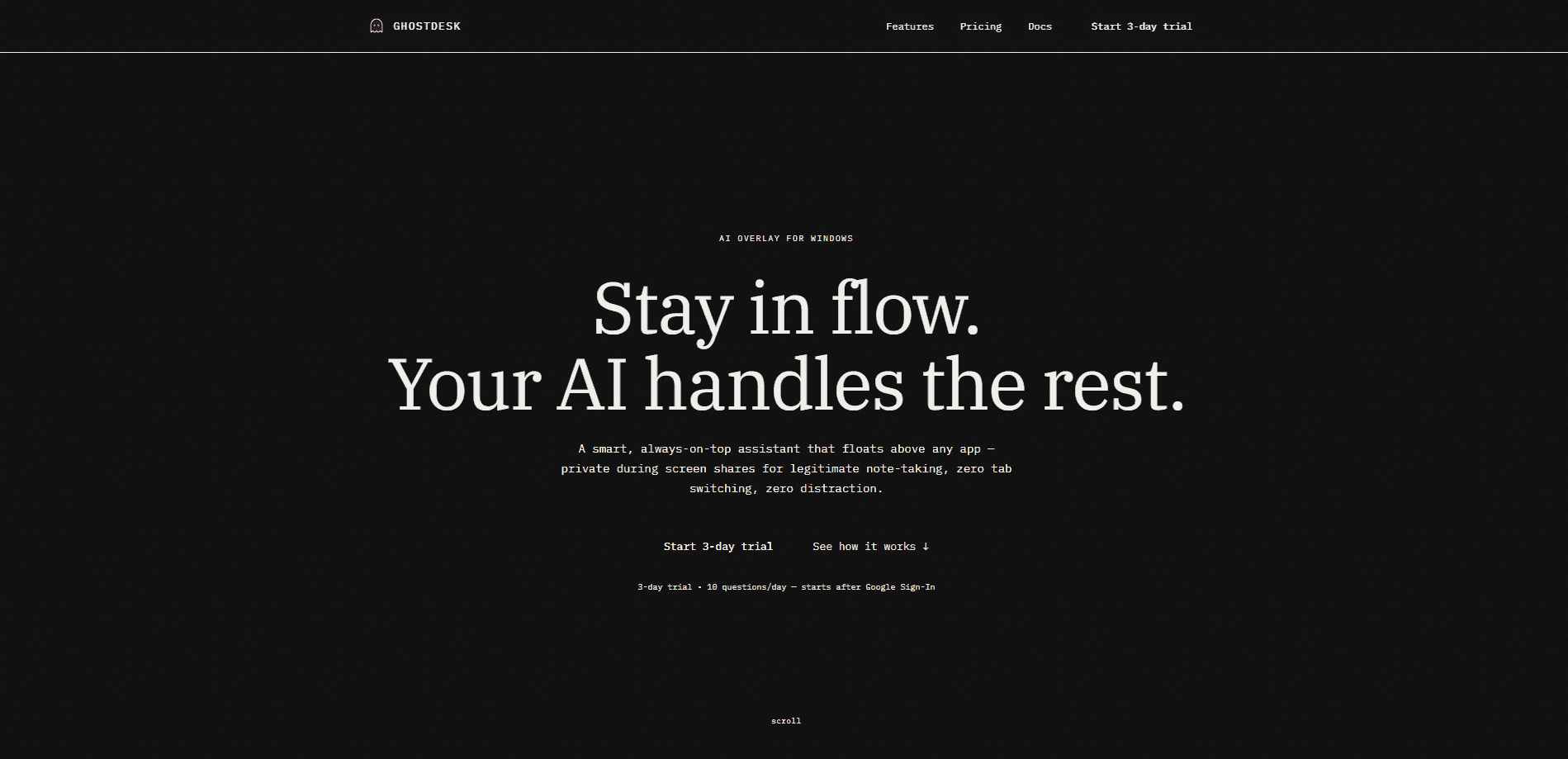
GhostDesk is a privacy-first AI overlay assistant for Windows that floats on top of any application and stays hidden during screen sharing. It runs on DeepSeek V3 and GPT-4o, streams voice responses, and can capture text from whatever is on your screen through OCR. You keep it open beside your notes, your editor, or a meeting window. Ask what you need. It answers without showing up in a shared view, and it does all of this while sitting quietly on top of your screen rather than in a separate window you have to keep switching back and forth to.
About GhostDesk
What Is GhostDesk
GhostDesk is a Windows desktop assistant built around one unusual idea: the AI can sit on top of your screen without being visible to anyone watching it. It renders as an overlay above whatever you have open. So you can ask a question mid-task and read the answer without switching windows. Sound too good? That's the claim the whole product rests on.
The product targets people who work on camera or share their screen often. Interviews, livestreams, remote support calls, and sales demos all put your desktop in front of strangers. GhostDesk gives you an assistant in that moment while keeping the assistant itself out of the shared frame. That's the whole point. It draws on DeepSeek V3 and GPT-4o depending on the task, streams replies as voice, and grabs on-screen text with OCR so you can ask about a document you're already looking at.
The limit worth knowing early: this is a Windows-only desktop app, not a web service or phone tool. You install it locally. And you're relying on the developer's claims about how the invisibility behaves across different screen-sharing tools. I haven't seen independent, tool-by-tool verification of that behavior. So test it with the exact software you use before trusting it in a live call.
Getting Started
- Download the Windows build from the official site and run the installer.
- Launch GhostDesk and grant the screen-capture and microphone permissions the overlay needs to read your screen and stream voice.
- Pick your model and connect the account or API key the app asks for, so it can reach DeepSeek V3 and GPT-4o.
- Open the app you want to work in and start a screen share, then confirm the overlay stays hidden in the shared view.
- Ask your question by voice or text and use OCR capture when you want the assistant to read on-screen content.
Product Information
A quick look at GhostDesk's pricing, supported platforms, and performance.
Best for
The users, tasks, and scenarios where this tool fits best.
Users
- Job candidates in live interviews
- Streamers and presenters
- Remote support and sales staff
- Students in online exams or remote classes
Tasks
- Reading on-screen documents
- Drafting replies during live chat
- Voice-first note taking
- Quick code and formula lookups
Scenarios
- A video interview where you want prepared answers ready but not visible to the interviewer.
- A customer demo where you need product facts on hand while sharing your screen.
- A livestreamed session where you want an assistant for pacing and prompts that viewers never see.
- A remote troubleshooting call where you read error text off the screen through OCR and get guidance in the overlay.
Key features
Invisible Overlay During Screen Shares
GhostDesk's headline behavior is an overlay window that floats above your applications but stays out of the shared view. The pitch is simple: you see the assistant, the people watching your screen don't. Nobody else does. That single idea is what separates it from a normal side-panel chatbot, and it's the feature most worth verifying against the exact tool you use to share.
DeepSeek V3 and GPT-4o Backends
The assistant runs on two model families rather than one. DeepSeek V3 handles the everyday drafting and lookup work, while GPT-4o is available for heavier reasoning and multimodal tasks. Switching between them lets you trade speed and cost against raw capability depending on what you're asking.
Voice Streaming
Voice streaming turns the overlay into something closer to a quiet co-host than a text box you have to keep reading.
OCR Screen Capture
Screenshot text capture reads what is already on your display. Point it at a contract, a slide, a chat thread, or an error message and ask about it directly instead of retyping. For anyone working off dense on-screen material, this is the difference between a useful assistant and a toy.
Privacy-First Design
The product is positioned around privacy: the overlay is meant to be invisible to screen capture, and the assistant is framed as something that stays out of the way of what you share. Treat that framing as a design goal to test, not a guarantee, and check how it handles your data before putting anything sensitive through it.
Floating on Top of Any Application
Because it renders above your active window instead of inside it, GhostDesk works alongside your editor, browser, presentation, or call app without you rearranging your layout. You launch it once. It follows you across whatever you open.
Pros and cons
Pros
- The invisible-overlay idea solves a real problem for anyone who shares a screen in interviews, demos, or streams.
- Running on both DeepSeek V3 and GPT-4o gives you a choice between lighter and heavier models.
- Voice streaming and OCR capture make it useful when your hands and eyes are already occupied.
- A Windows overlay that sits above any app fits into existing workflows instead of forcing a new one.
Cons
- The site wasn't reachable when I checked, so pricing, plans, and system requirements couldn't be confirmed from the official source.
- Invisibility depends on how a specific screen-sharing tool captures windows, so behavior may vary and needs testing per tool.
- The lack of confirmed API access and pricing means teams can't yet plan a rollout around it.
Frequently asked questions
GhostDesk is a Windows AI overlay assistant that floats above your applications so you can ask questions and read answers without switching windows. Its main selling point is staying invisible during screen shares, which suits people on camera or sharing their desktop.
Related content
Explore related tools, skills, and articles for GhostDesk.
GhostDesk Alternatives

Base Code
Base44 (Wix) · Coding · ProductivityBase Code is a shared cloud development environment from Base44. Teammates describe changes to an existing GitHub codebase in chat, preview them live and send them back as pull requests.

Knocket
Knocket (Tencent RTC team) · Productivity · Business · ChatbotKnocket is a free live chat and contact page tool that lets visitors message you from your website, app, or a shareable link, with every reply handled from Telegram or one inbox.

FloorGen
Vinit Kumar (FloorGen) · Productivity · China AIFloorGen is a browser-based floor plan maker that turns a sentence or a sketch into an editable 2D plan and a 3D walkthrough. Export to PDF, DXF or video, and draw without an account.