

Gistr
Gistr · Productivity · Leaning
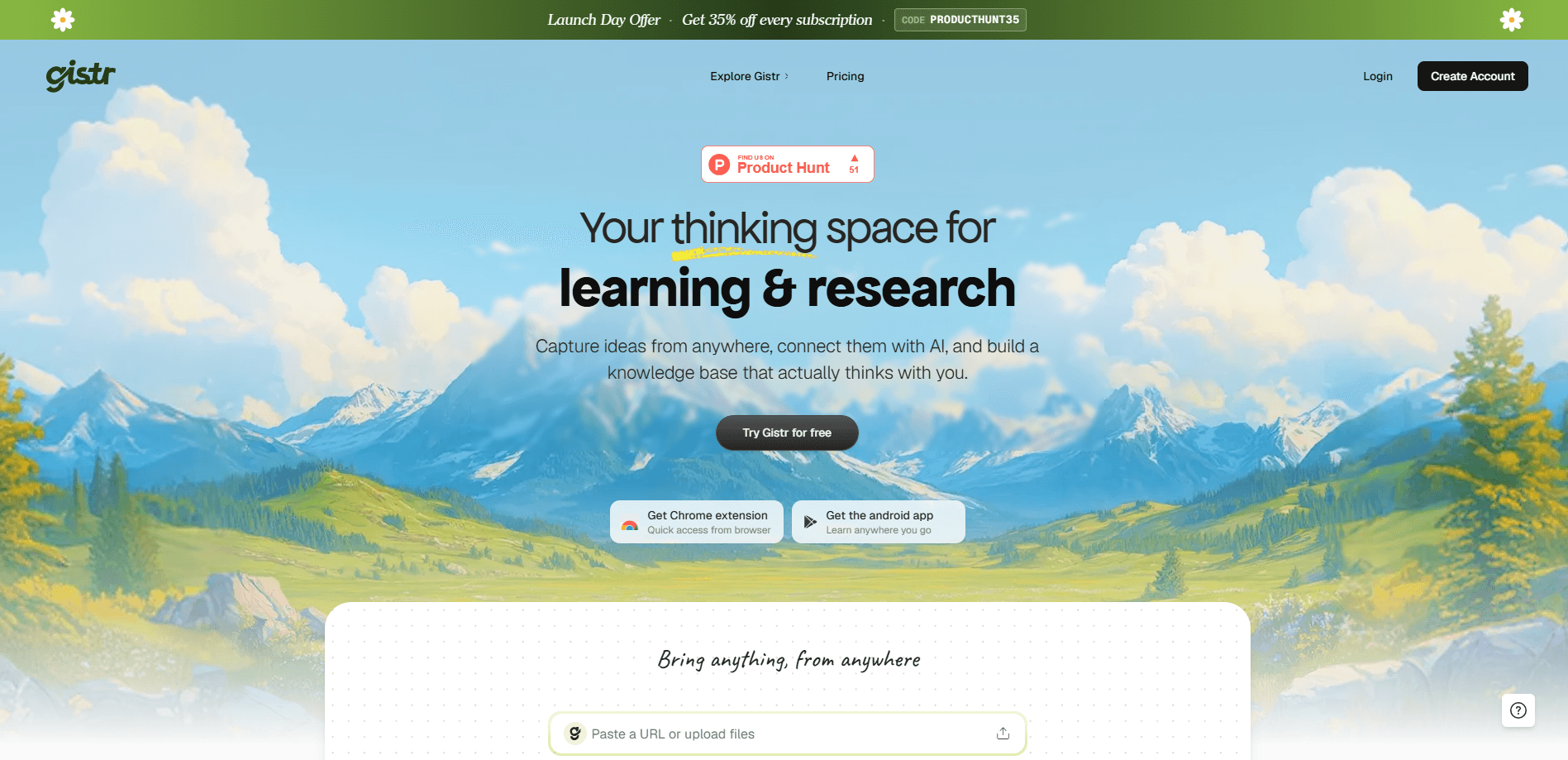
Gistr is an AI-native smart notebook that turns YouTube videos, podcasts, PDFs, and web articles into editable, source-linked notes. You highlight a line in a lecture, ask a follow-up question, and the answer points back to the exact timestamp or page it came from. Everything sits in threads and collections, so a semester of scattered sources becomes one connected study hub.
About Gistr
What Is Gistr
Gistr is a browser-based AI note taking app built for people who learn from a lot of different sources. The pitch is simple. Instead of watching a two-hour video and forgetting most of it, you pull the useful moments into a notebook where they stay linked to their origin. A highlight from a YouTube clip remembers its timestamp. A quote from a PDF remembers its page number.
The part that separates it from a plain notes app is what happens next. You can ask questions against your own material and get answers grounded in the sources you saved, rather than in whatever the model happens to remember from training. That grounding matters when you're studying something technical and can't afford a confident wrong answer.
It's not for everyone. If you just need a place to dump quick text reminders, Gistr is overkill, and a basic notes app will do the same job for free. There's no mobile app either, so everything runs in a desktop browser. Think of it as a research notes app for people with enough source material to actually connect.
Getting Started
- Go to the Gistr site and create an account with your email.
- Add your first source by pasting a YouTube link, uploading a PDF, or dropping in a web article URL.
- Highlight the lines and moments you want to keep. Each one keeps its link back to the source.
- Ask the AI a question about what you've saved to get an answer grounded in those notes.
- Group related notes into a thread or collection, then share it with a link if you want feedback.
Product Information
A quick look at Gistr's pricing, supported platforms, and performance.
Best for
The users, tasks, and scenarios where this tool fits best.
Users
- Students
- Lifelong learners
- Researchers and analysts
- Content curators
Tasks
- Taking notes from a long video
- Reviewing a dense PDF
- Building a research trail
- Preparing a study summary
- Sharing what you learned
Scenarios
- Working through an online course
- Digging into a new topic over several weeks
- Writing a report on a deadline
- Listening to a long interview podcast
Key features
Source-Linked Notes
Every highlight you save keeps a path back to where it came from. A line pulled from a YouTube video remembers its timestamp, and a passage from a PDF remembers its page, so you never lose the thread between a claim and where it actually appeared. That link is the whole point. When you revisit a note weeks later, you can jump straight to the moment instead of hunting through a two-hour recording to find it.
Grounded AI Q&A
You can ask questions about your own notes and get answers tied to the sources you saved. Gistr doesn't answer from general knowledge alone. It works from your material, so the reply points back to the passages behind it. Does that matter? For technical or academic subjects, it's the line between a useful answer and one you can't trust.
Threads and Collections
Threads let you weave insights from several sources into one narrative, so a video, a PDF, and an article on the same idea sit together instead of in separate piles. Collections group threads into something larger. That's handy when you're assembling a mini-course or a research hub over months. It's the structure that keeps a growing notebook from turning into a mess.
Rich Notes Editor
The editor handles formatting, highlights, and code blocks, so your notes can be as structured as you need them to be. It doesn't lock text into a fixed template. You reshape what the AI captured and add your own thinking on top. Raw highlights become notes you'd actually reread.
Interactive Source Cards
When you pull a moment from a YouTube video, a PDF, or an article, it shows up as a card you can move around and arrange inside your notes. The source content stays playable or readable in place. You don't leave the notebook to check something. Reading and note taking happen in one window.
Sharing and Publishing
You can publish a thread and share it with peers, a team, or the public through a link. That turns a private notebook into something closer to a small published resource, which is genuinely useful for a study group. Study groups love it. So does anyone who writes about what they're learning. It's a lighter alternative to exporting raw notes and cleaning them up by hand.
Pros and cons
Pros
- Notes stay tied to their source. A highlight always leads back to the exact timestamp or page.
- Answers come grounded in your own saved material, which is safer for technical and academic work.
- Threads and collections keep a large body of research organized instead of scattered.
- It runs in the browser with no install. The free tier lets you test the workflow first.
- The rich editor means you're shaping your own notes, not just pasting AI summaries.
Cons
- There's no mobile app, so you can't capture, review, or add notes from your phone the way you would in a regular cloud notes app.
- You're relying on AI to surface the right passages. It can miss context when a source is long or ambiguous.
- Sources are limited to video, PDF, and web article formats. Anything else has to be handled outside the app.
- The paid tier is needed for heavier use, with no public API for automating a personal workflow.
Frequently asked questions
It's an AI notebook that turns videos, podcasts, PDFs, and articles into editable notes that keep links to their sources. You highlight what matters, ask questions about it, and organize the results into threads. No setup beyond an account.
Related content
Explore related tools, skills, and articles for Gistr.
Gistr Alternatives

Base Code
Base44 (Wix) · Coding · ProductivityBase Code is a shared cloud development environment from Base44. Teammates describe changes to an existing GitHub codebase in chat, preview them live and send them back as pull requests.

Knocket
Knocket (Tencent RTC team) · Productivity · Business · ChatbotKnocket is a free live chat and contact page tool that lets visitors message you from your website, app, or a shareable link, with every reply handled from Telegram or one inbox.

FloorGen
Vinit Kumar (FloorGen) · Productivity · China AIFloorGen is a browser-based floor plan maker that turns a sentence or a sketch into an editable 2D plan and a 3D walkthrough. Export to PDF, DXF or video, and draw without an account.