

Gizmo
Gizmo (Gizmo AI) · Leaning
Gizmo is an AI study app that turns notes and PDFs into flashcards, quizzes and practice tests for students.
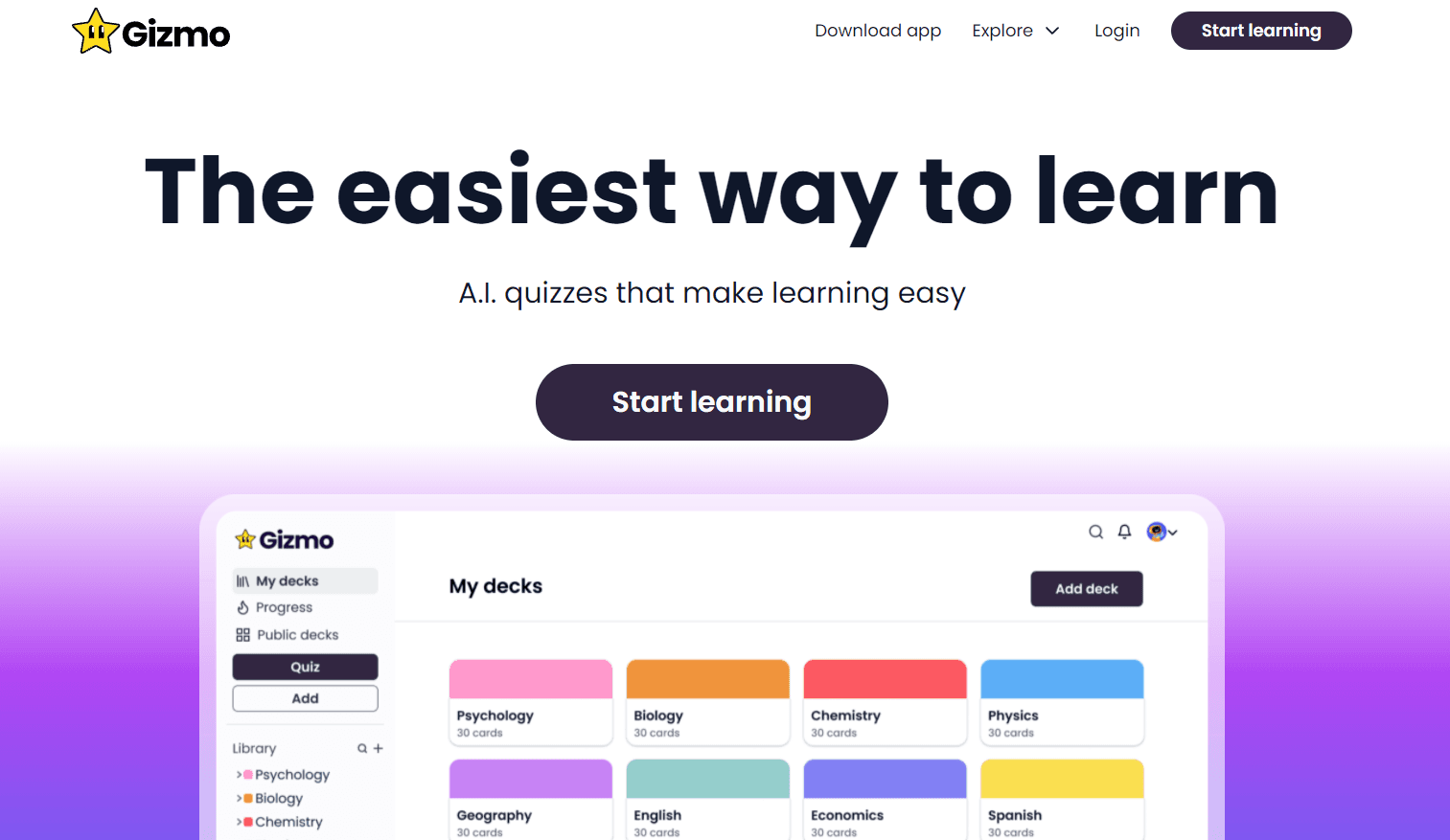
About Gizmo
What Is Gizmo
Gizmo is a study app built around one idea: you shouldn't have to spend hours making flashcards before you can start learning. Paste in your notes, drop in a PDF, or point it at a topic you barely understand yet, and the app turns that raw material into cards, quizzes and practice questions for you. The whole thing runs on your phone, so revision fits into a bus ride or a spare ten minutes between classes.
The people who seem to get the most out of it are secondary and university students. Search the App Store reviews and you'll see the same story repeated again and again: GCSE and A-level pupils in the UK, AP students in the US, and undergrads cramming for biology or history exams. Gizmo leans into that crowd with a gamified layer of streaks, XP and leagues, which is a big part of why it feels less like homework and more like a game you keep opening.
The catch is simple. It's a study aid, not a substitute for understanding, and it can't read your mind, so a card built from a vague note will stay vague no matter how many times you review it. Generated cards are only as good as the source material you feed in. Thin notes make thin cards. It's also a mobile-first product, so there's no desktop version worth using for long writing sessions.
Getting Started
- Download the Gizmo app and create an account with your email or an existing login.
- Add your material by pasting notes, uploading a document, or typing a topic you need to revise.
- Let the app build a deck of flashcards, then start a quiz or study session.
- Use the AI Tutor when a card doesn't make sense and you want a plain-language explanation.
- Take a practice test before your exam to see which topics still need work.
Product Information
A quick look at Gizmo's pricing, supported platforms, and performance.
Best for
The users, tasks, and scenarios where this tool fits best.
Users
- Secondary school students
- University students
- Self-taught learners
Tasks
- Turning lecture notes into flashcards
- Pre-exam practice
- Quick recall drills
Scenarios
- Revision the night before a test
- Study groups
- Building a daily habit
Key features
AI flashcard generation
This is the core of the app. You paste notes or upload a PDF, and Gizmo breaks the content into question-and-answer cards. It works like a flashcard maker that never gets tired. It removes the slowest part of studying, which is the tedious business of writing cards by hand before you've actually learned a single useful thing. The quality depends on your source. Clean notes produce noticeably better decks.
AI Tutor
When a card doesn't click, the AI Tutor explains the underlying concept in plain language instead of just telling you the answer. It's like having someone patient sitting next to you at 11pm. Ask follow-up questions. It keeps going until the topic makes sense.
Memorise mode
Gizmo schedules your cards so you review them at spaced intervals rather than all at once. That approach, borrowed from spaced repetition research, is what makes things stick over weeks instead of days. Leave it on. It's the right setting if your goal is long-term retention rather than last-minute cramming.
Practice tests
Generate a full practice test from your material and sit it under exam-like conditions. The app works as an AI quiz generator on top of your own notes. It then shows where you lost marks, so you know exactly which topics to revisit. Students preparing for a specific exam lean on this more than any other feature.
Gizmo Live
Challenge friends to a live quiz on the same deck and see who answers fastest. It sounds gimmicky. Still, it turns a solo chore into something social. It's a good fit for study groups who want to test each other without writing their own questions.
Gamified progress
Hearts, coins, XP and leagues add a game layer on top of revision, and you earn rewards for opening the app consistently. Leagues rank you against other users based on how much you study each week. Whether this motivates you or annoys you depends on your personality. Either way, it's designed to keep daily sessions going.
Deck management
Organise cards into decks by subject, add your own cards, and edit anything the AI got wrong. Having manual control matters, because generated cards aren't always perfect and you'll want to fix the odd mistake.
Pros and cons
Pros
- Turns raw notes into study-ready flashcards in minutes, cutting out the most tedious part of revision.
- Spaced repetition and practice tests build real long-term retention, which matters far more when you sit the actual exam than a single caffeine-fueled review session the night before ever could.
- The free tier is genuinely usable, so you can test it before paying.
- Gamified streaks and leagues give procrastinators a concrete reason to study daily.
Cons
- Card quality is only as good as your input, so messy notes produce messy decks.
- It's mobile-first, which makes long editing sessions awkward on a phone.
- The gamification won't suit everyone, and some users find the reward loop distracting.
- There's no public API, so it can't be plugged into other study tools or workflows.
Frequently asked questions
Gizmo creates flashcards, quizzes and practice tests from your own study material so you can memorise and revise more efficiently. It's aimed at students preparing for school and university exams.
Related content
Explore related tools, skills, and articles for Gizmo.
Gizmo Alternatives

HireKey
HireKey · Voice & Language · Productivity · LeaningHireKey is an AI job search copilot built by a former tech recruiter. It checks role fit, tailors resumes, runs interview practice and tracks every application.

Lune
Retrograde Labs · Productivity · LeaningLune is a research search engine for scientific AI agents. It runs as an MCP server that lets Claude, ChatGPT and Cursor search peer-reviewed computer science papers and cite them.
Coddy
Coddy · Coding · LeaningCoddy is a gamified platform to learn to code through short interactive lessons in 20+ languages, with a browser editor, an AI tutor and free certificates.