
Glam AI: Video & Photo Editor
Glam Labs, Inc. · Image · Video
Glam AI is an all-in-one AI photo editor and AI video editor for iPhone, iPad, and Apple Vision. It turns a single selfie into lifelike photoshoots, image-to-video clips, and talking avatars.
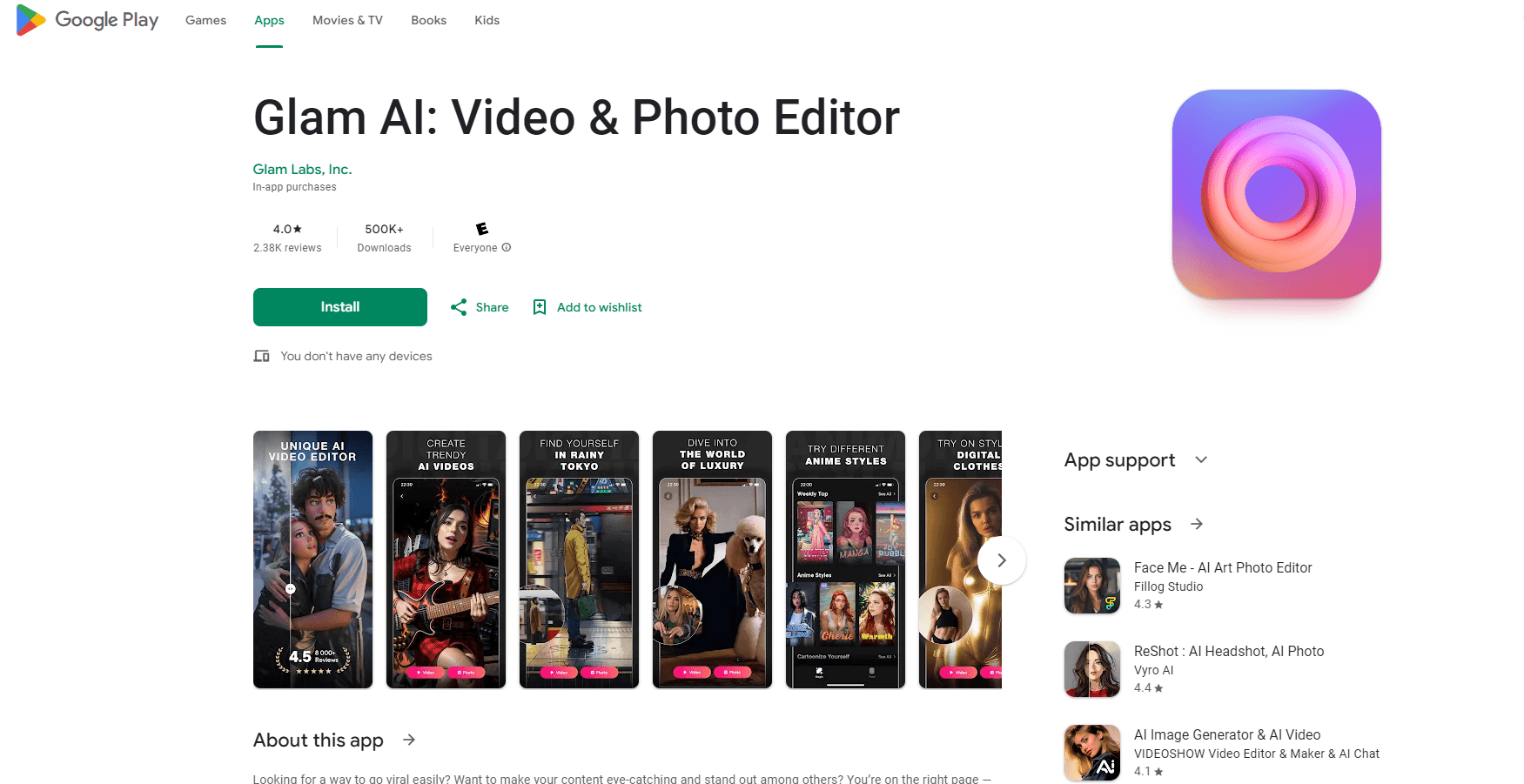
About Glam AI: Video & Photo Editor
What Is Glam AI
Glam AI is a mobile AI studio built by Glam Labs, Inc. It leans on one idea: a single clear selfie is enough to generate a whole feed of content. From that photo you get studio-style portraits, animated clips, stylized video effects, and avatars that speak with lip-sync.
The app targets people who post on Reels, TikTok, and Stories but don't want to hire a photographer or learn an editing timeline. Templates handle the hard part; a prompt box handles the rest when you want something specific.
The main limits are practical. Glam AI runs on Apple hardware only, so Android users are out. Most generations burn credits, and the free tier gives you just enough to try things before a subscription or credit pack kicks in. Bottom line: this is a fast content machine for one person's face, not a full desktop editor.
Getting Started
- Download Glam AI from the App Store and open it. The app needs iOS 17.0 or later on iPhone, or iPadOS 17.0 or later on iPad.
- Create a profile by uploading one clear photo of yourself. This is what keeps every result looking like you.
- Pick a look. Choose a trending template, or type what you want into AI Chat for photos, videos, styles, or effects.
- Generate and export. Save your photos and clips in HD, then post them straight to Reels, TikTok, or Stories.
Product Information
A quick look at Glam AI: Video & Photo Editor's pricing, supported platforms, and performance.
Best for
The users, tasks, and scenarios where this tool fits best.
Users
- Social media creators
- Small business owners
- Casual users who want better photos
Tasks
- Making AI photoshoots from one photo
- Turning stills into video
- Building talking avatars for ads
- Producing business visuals
Scenarios
- Keeping a daily posting schedule
- Testing a trend before committing
- Making a product promo on short notice
Key features
AI Photoshoots
Upload one selfie and the app builds a full shoot in several looks, from studio black-and-white to sunset beach and travel sets. You get a set of portraits that share your face and your pose, not a generic model. It's the core reason people open the app.
Image to Video
Any still becomes motion. The app animates your AI photos or real shots into short clips that hold up in a scrolling feed. Good for turning a strong portrait into a Reel without shooting new footage.
Talking Avatars
Avatars read your script with lip-sync that tracks the words. Advertisers and small shops use them for promos and explainers that would otherwise need a camera, a light, and a person on screen.
AI Chat (Prompt Studio)
Type what you want and the app generates photos, videos, styles, or effects from the prompt. It's the control layer for anyone who has moved past templates and wants a specific result.
AI Video Effects
Clips pick up stylized looks and effects such as anime or fire. These are built for the feed, where a strong effect earns the stop and the share.
Reels and Business Effects
Vertical, reel-ready videos come from templates you fill with your own content. Product animations, 3D billboards, and logo effects round out the set for brand work.
Pros and cons
Pros
- One selfie drives the whole workflow, so there's no photographer, lighting rig, or editing timeline to manage.
- Templates and a prompt box sit side by side, letting beginners move fast and experienced users keep control.
- Talking avatars with working lip-sync handle ads and explainers that otherwise need on-camera talent.
- The app covers photos, video, and business visuals in one place instead of juggling several tools.
Cons
- No Android version, so iPhone and iPad owners are the only ones who can use it. Android users need a different app.
- Credits run out fast on heavy use, and the free tier is a taster rather than a full plan. Expect a subscription or credit pack for regular work.
- The best results lean on a clear, well-lit selfie. Blurry or dim uploads lead to weaker faces, which means a bad source photo wastes a generation.
Frequently asked questions
Glam AI is an all-in-one AI studio for photo and video. It builds lifelike photoshoots from one selfie, animates images into video, applies stylized video effects, creates talking avatars with lip-sync, and turns text prompts into content.
Related content
Explore related tools, skills, and articles for Glam AI: Video & Photo Editor.
Glam AI: Video & Photo Editor Alternatives

Google EmbeddingGemma 2
Google DeepMind · Writing · Image · CodingGoogle EmbeddingGemma 2 is a 740M-parameter open model that turns text, code, images, audio, and video frames into vectors in one 768-dimension space, running on phones and laptops.

Tractionwave
TractionWave · Image · MarketingTractionWave is an AI attention heatmap tool for static ads. Upload a PNG or JPG and it returns predicted attention, ranked hotspots, and fixes before you spend budget.

Imejis.io
Imejis.io · Image · MarketingImejis.io is an AI design studio for agents and marketing teams. Describe an image in plain words, and it writes the copy, builds the layout, reflows it to every size, then exports a finished file.