

Go Legal AI
Go Legal AI · AI Assistant · Other
Go Legal AI is a UK legal platform that drafts, reviews, and signs documents using 5,000+ lawyer-approved templates and an AI assistant, with optional on-demand lawyer help.
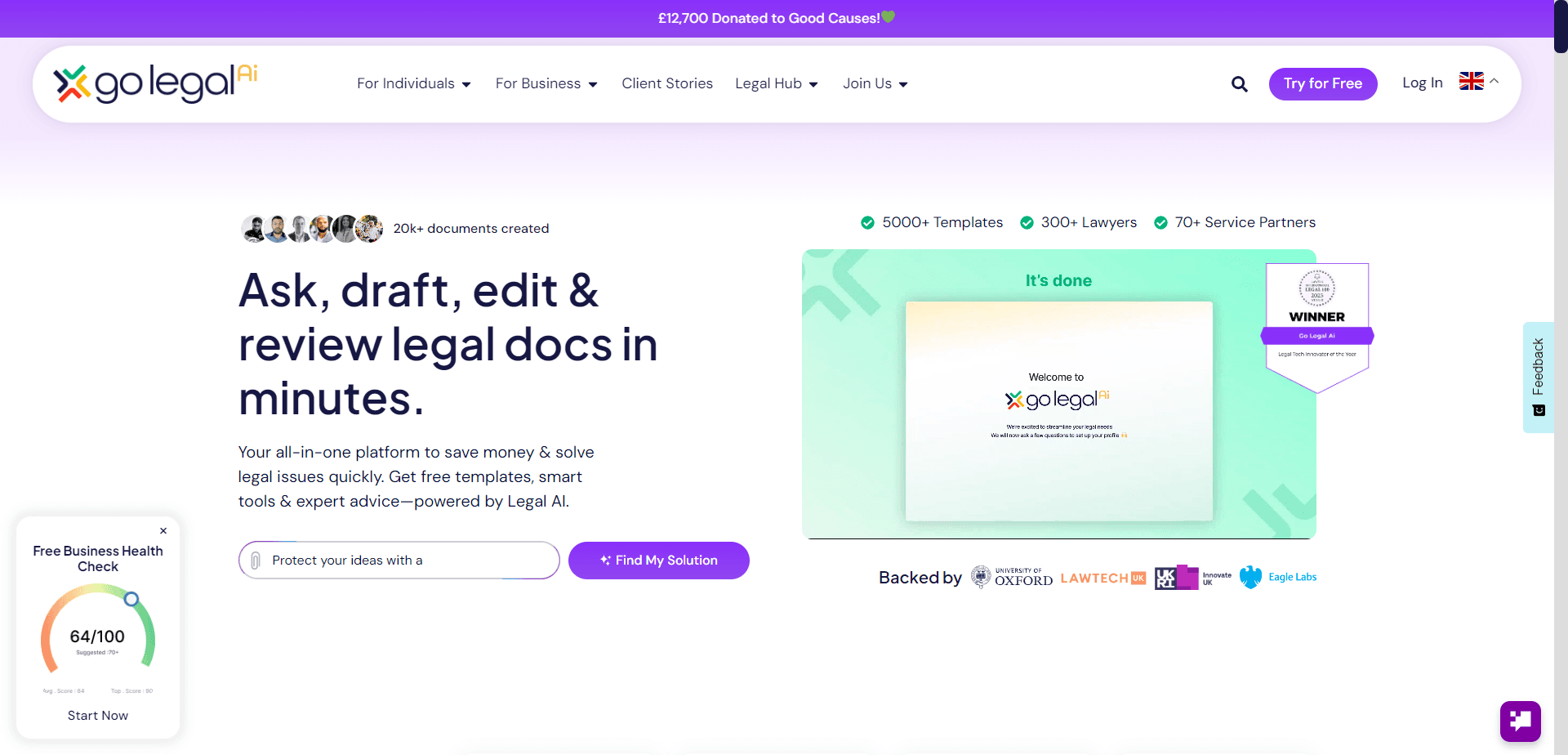
About Go Legal AI
What Is Go Legal AI
Go Legal AI is a consumer and small-business legal platform built by a UK company of the same name. It handles the paperwork side of legal work: contracts, policies, letters, notices, and court forms. You pick a template, answer plain questions, and the AI tailors the wording for your situation.
The pitch is cost. A traditional solicitor bills by the hour and often starts at hundreds of pounds just to read a contract. Go Legal AI pushes routine drafting and first-pass review into software, then brings in a human lawyer only when you ask for one. That keeps the entry price low for freelancers, founders, and anyone handling a one-off legal task.
The limits matter too. This is not a law firm, and the platform says as much. Output is a starting document, not legal advice tied to your specific case, so high-stakes disputes, litigation, or anything with criminal exposure still needs a qualified solicitor.
Getting Started
- Create a free account on the Go Legal AI website and pick the individual or business view.
- Choose a template from the library, or upload your own document to work from.
- Answer the guided questions and let the AI draft or review the clauses.
- Invite a counterparty to comment, then send the document for e-signature with tracking.
- Request a lawyer consultation from inside the dashboard if you want a human check.
Product Information
A quick look at Go Legal AI's pricing, supported platforms, and performance.
Best for
The users, tasks, and scenarios where this tool fits best.
Users
- Freelancers
- Small business owners
- Startup founders
Tasks
- Drafting a contract
- Reviewing a document you were sent
- Checking compliance gaps
Scenarios
- A late-night legal question that cannot wait for office hours
- Onboarding a new client or supplier
- Watching for supplier trouble
Key features
Smart Templates
The template library holds 5,000+ documents covering business, family, debt, contracts, consumer, construction, intellectual property, and real estate. Each one is written in plain English and approved by lawyers before it goes live. You customize it by answering questions rather than editing legal text yourself, which cuts a drafting task from hours to minutes.
Rapid Review
Upload a contract you did not write and Rapid Review reads it back to you. It runs a clause-by-clause pass, flags risky terms with a traffic-light score, and tests how the wording holds up under different scenarios. The platform claims this makes document review 90% faster, which is the kind of number to treat as a vendor estimate rather than a guarantee.
Ask Go Legal AI
This is the 24/7 question-and-answer layer. You describe your situation and get a plain-language answer grounded in the platform's legal content. It is close to chatting with a paralegal who never sleeps, with the same caveat that general answers are not tailored advice for your case.
Expert Access
When the AI is not enough, Expert Access connects you to regulated lawyers and pre-vetted service providers. Matching happens through the platform, and consultations run at fixed, discounted rates. Paid plans bundle a set number of consultations per month, which is the main reason to move off the free tier.
Risk and Insolvency Tracker
Aimed at businesses, this tool watches your supply chain for early signs of trouble and sends alerts when a partner looks unstable. It pairs the alerts with recommended next steps, so you can act before a supplier failure turns into a legal fight.
Collaborate and Sign
Team members and counterparties can comment on a document inside the platform, then sign it with tracked e-signatures and reminders. Everything stays on an ISO27001-compliant setup, which matters if your client or procurement team asks how documents are stored.
Pros and cons
Pros
- Free tier with a 7-day trial gives you 25 AI credits and full template access before you pay.
- On-demand lawyer consultations at fixed rates beat open-ended hourly billing for small tasks.
- 5,000+ templates and 150+ jurisdictions cover a wide range of common documents.
- E-signature, collaboration, and version tracking sit in the same tool as drafting.
- The risk and insolvency tracker is unusual for a self-serve legal platform.
Cons
- It is not a law firm, so output is a document starting point rather than legal advice for your case.
- Credits are the real cost driver, and heavy AI review use burns through the 100-credit tier quickly.
- The strongest business features, like the insolvency tracker, add value mainly to companies with real supplier chains.
- Most templates and guidance lean toward UK law, so users outside the UK may need extra checks.
Frequently asked questions
Go Legal AI is used to draft, review, and sign legal documents without hiring a solicitor for every task. It covers contracts, policies, letters, notices, and court forms, then adds optional lawyer consultations for anything the AI cannot handle.
Related content
Explore related tools, skills, and articles for Go Legal AI.
Go Legal AI Alternatives
Agibot
Agibot · Productivity · AI Assistant · ChatbotAgibot is a personal AI agent for Mac that keeps running after you close the window, runs routines on a schedule, and works from Telegram or Slack with your own API keys.

Foley
Hanamori Labs, LLC · Voice & Language · Productivity · AI AssistantFoley is a voice to-do list that turns a spoken sentence into a filed task, complete with project, date and time, then helps you plan the day around what is already there.

Ghost Core
Ghost · Productivity · AI AssistantGhost Core is a $3,499 screenless personal AI computer that runs local AI models on its own hardware, builds context from your apps and devices, and acts without waiting for a prompt.