
Goodnotes: AI Notes, Docs, PDF
Goodnotes Limited · Productivity
Goodnotes is an AI note taking app that blends handwriting, typed docs, and PDF markup in one digital notebook, built for students and professionals who want their notes to stay useful. It is the most polished handwritten notes app for iPad style workflows, and its Goodnotes cost stays low on the entry plan.
About Goodnotes: AI Notes, Docs, PDF
What Is Goodnotes
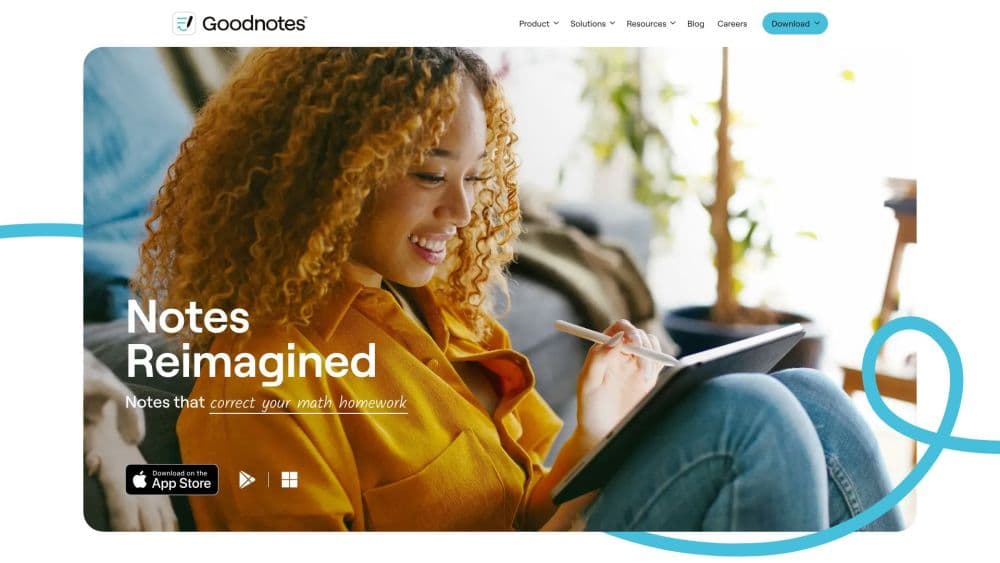
Goodnotes is a note taking app from Goodnotes Limited that replaces paper notebooks with a digital workspace. You write with a stylus or type on a keyboard, drop in PDFs and images, and keep everything in one searchable place. The app started on iPad and now runs across iOS, macOS, Android, Windows, and the web.
The problem it solves is fragmentation. Instead of scattering lecture notes, a signed contract, and a whiteboard sketch across three tools, you keep them in folders and search across every file at once. Handwriting search means a scribbled lecture page is as findable as a typed document.
The main catch is that the best writing feel lives on tablets with a stylus, and the full AI toolkit sits behind a paid AI Pass. The free tier is genuinely usable, but its three notebook limit and 100MB of storage run out fast for heavy users.
Getting Started
- Download Goodnotes on your device or open it in a browser and create an account, or sign in with Apple or Google.
- Pick a template, cover, and paper style, then open a fresh notebook, text document, or whiteboard.
- Write with a stylus or type, and import PDFs, photos, or audio recordings as you work.
- Use Goodnotes AI to summarize, search, or convert handwriting to text when you need to move faster.
- Export or share the finished file as PDF, image, or link, and sync it across your other devices.
Product Information
A quick look at Goodnotes: AI Notes, Docs, PDF's pricing, supported platforms, and performance.
Best for
The users, tasks, and scenarios where this tool fits best.
Users
- Students
- Professionals
- Planners and journalers
- Teams and admins
Tasks
- Annotating a PDF
- Recording a lecture or meeting
- Turning handwriting into text
- Building a visual plan
- Solving and checking math
Scenarios
- Back to back classes where you need to search a semester of notes in seconds
- A client meeting with a signed document due the same day
- Sketching a project on a flight and finishing the write up at a desk
- Managing a team rollout where IT needs SSO and domain control
Key features
Goodnotes AI Search and Summaries
Goodnotes AI searches across typed text, handwriting, PDFs, images, and diagrams to surface an answer in seconds. It can also condense a long file or a supported recording into a short summary with key takeaways, which saves you from rereading everything before a meeting. For anyone who writes a lot, this is the feature that keeps old notes from becoming dead weight.
Handwriting to Text with Spell Check
The app converts your handwriting into clean, editable text with built-in spell check and formatting. That matters because most people write faster by hand than they type on a tablet, but a handwritten page is hard to reuse in a report. Converting it lets you move a page of notes straight into a document without retyping.
Audio Recording and Transcription
You can record a lecture or meeting and get a transcript tied to your notes. Goodnotes AI then turns the recording into structured minutes, and you can merge the transcript with what you wrote by hand. For professionals, this covers note taking during long discussions where writing everything down is unrealistic.
Whiteboards and Visual Thinking
Whiteboards give you an infinite canvas for brainstorming, mind mapping, and diagrams, with real time collaboration so a team can workshop in the same space. Goodnotes AI helps capture the takeaways from a session afterward. It is the part of the app that suits people who think in shapes and connections rather than lines of text.
PDF Annotation and Markup
You import a PDF and mark it up the way you would on paper, then search your annotations and export the file when you are done. This turns Goodnotes into a workhorse for contracts, briefs, and study papers, and the export step means the marked copy travels easily to people who never open the app.
Templates, Planners, and Covers
The app ships with a deep library of paper templates, planners, covers, and stickers, and you can size and recolor them or import your own. Students, journalers, and planners lean on this heavily, because a notes app you enjoy looking at is one you actually keep using. Custom stationery turns a generic tool into a personal system.
Cross Platform Sync
Your notebooks follow you across iPad, iPhone, Mac, Android, Windows, and the web, so you can start on a tablet and finish on a laptop. Cloud storage integration and backup options keep the files safe, and smooth sync across devices is one of the reasons people move up to the Pro plan.
Pros and cons
Pros
- Handwriting search spans typed text, ink, PDFs, and diagrams, so old notes stay findable without manual tagging.
- The writing feel on a tablet with a stylus is one of the smoothest in the category, and stroke erase and shape snapping reduce friction.
- Templates, planners, and covers give the app a personal, paper like character that keeps casual users coming back.
- Cross platform sync runs across iPad, Mac, Android, Windows, and the web, covering mixed device households.
- Real time collaboration and link sharing make it usable for study groups and small teams, not just solo writers.
Cons
- The free plan caps you at three notebooks and 100MB of storage, which heavy users will hit within weeks and then have to pay to move past.
- Full AI features sit behind a separate AI Pass at $9.99 per month on top of a plan, so the advertised AI is not fully included in any tier.
- The best handwriting experience needs a tablet and a stylus, which leaves plain laptop and phone users with a much thinner version of the product.
- Nothing is available through an open API, so you cannot wire Goodnotes into custom automations the way you might with some rivals.
Frequently asked questions
Goodnotes is a note taking app for written and typed notes, text documents, whiteboards, and PDF annotation. It combines those formats in one searchable workspace and adds AI features for summarizing, searching, and converting handwriting. Think of it as a handwritten notes app and a PDF tool in one.
Related content
Explore related tools, skills, and articles for Goodnotes: AI Notes, Docs, PDF.
Goodnotes: AI Notes, Docs, PDF Alternatives

Base Code
Base44 (Wix) · Coding · ProductivityBase Code is a shared cloud development environment from Base44. Teammates describe changes to an existing GitHub codebase in chat, preview them live and send them back as pull requests.

Knocket
Knocket (Tencent RTC team) · Productivity · Business · ChatbotKnocket is a free live chat and contact page tool that lets visitors message you from your website, app, or a shareable link, with every reply handled from Telegram or one inbox.

FloorGen
Vinit Kumar (FloorGen) · Productivity · China AIFloorGen is a browser-based floor plan maker that turns a sentence or a sketch into an editable 2D plan and a 3D walkthrough. Export to PDF, DXF or video, and draw without an account.