

Google.dev
Google LLC · Coding
Google.dev is the free Google Developer Program, a hub where developers learn Google AI, Android, Chrome, Firebase and Cloud tools, track projects and claim credits and skill badges.
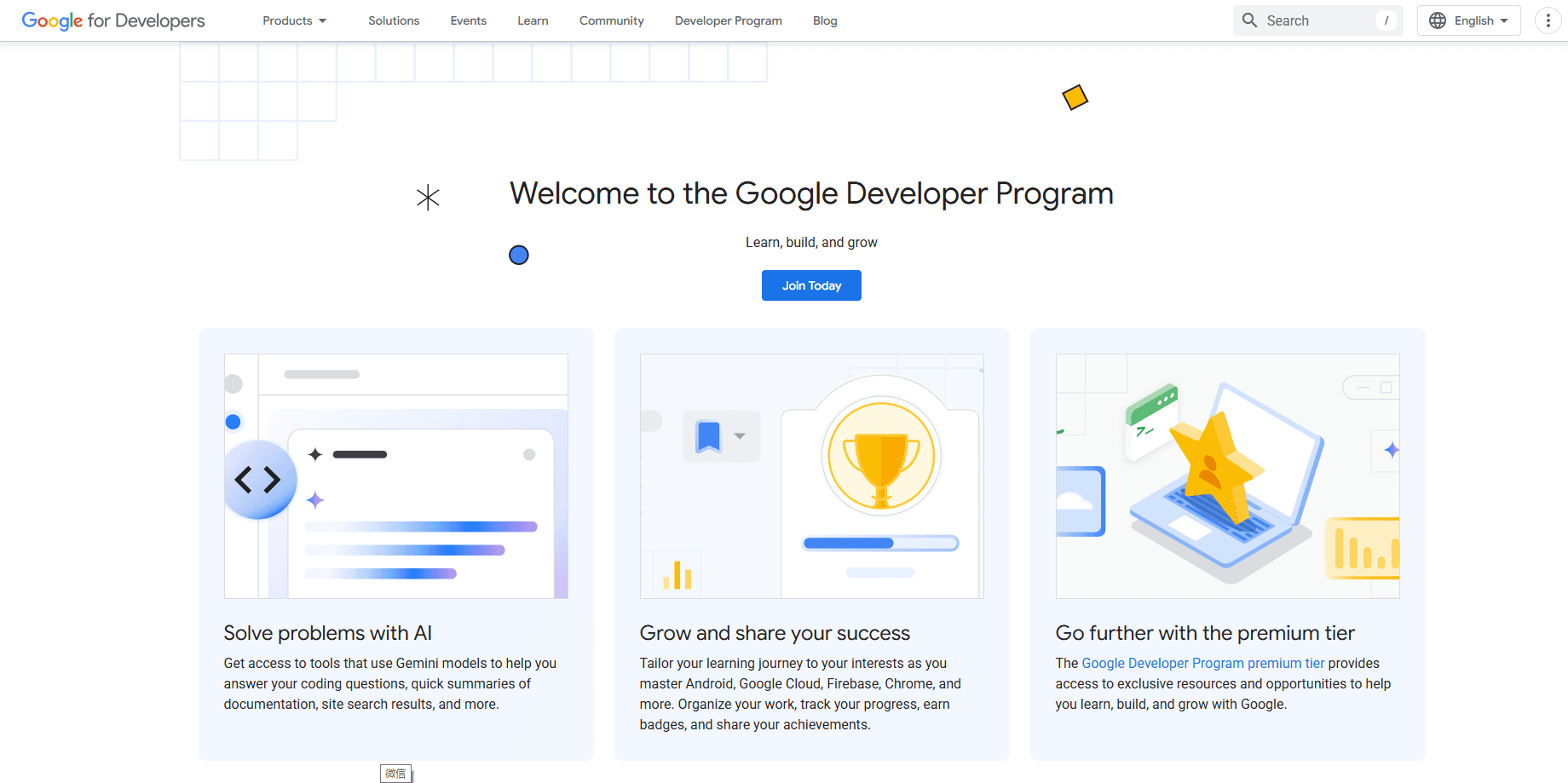
About Google.dev
What Is Google.dev
Google.dev is the public home of the Google Developer Program, a free membership that ties Google's developer docs, AI tools, training and community into one account. The program site now routes most day-to-day work through the Builders Hub, which pulls your Google Cloud, AI Studio and Firebase projects into a single dashboard. Sign up with a Google account and the loose set of docs turns personalized: interests, saved pages, badges and notifications all live under your developer profile.
The pitch is breadth. Where a single tool like Android Studio covers one platform, the Google Developer Program spans the whole line, from Gemini API and Google AI Studio for AI apps to Flutter, Firebase, Chrome and Google Cloud. That range is the point and also the catch. The membership is free, but real use of the underlying products runs on Google Cloud billing, so a free plan does not mean a free project.
Two limits matter before you commit time. The premium and enterprise tiers that once came with consultations and certification vouchers have been retired, and Google now points paid users to Google AI Pro or Ultra instead. And the program is a layer on top of Google's developer stack, not a replacement for it, so anything you build still depends on the platform you chose.
Getting Started
- Sign in at google.dev with a personal Google account and create your developer profile
- Set your interests and save the docs you use most so the Builders Hub feed and emails reflect your stack
- Claim the no-cost credits on your My Benefits page and link a Cloud billing account to spend them
- Start a project in Google AI Studio, Firebase or Cloud, then track it from the Builders Hub dashboard
- Work through codelabs and learning paths to earn badges, and apply Google Skills credits if you joined GEAR
Product Information
A quick look at Google.dev's pricing, supported platforms, and performance.
Best for
The users, tasks, and scenarios where this tool fits best.
Users
- App developers on Android, Chrome or Flutter
- AI developers
- Cloud and backend engineers
- Students and career switchers
- Startup and indie builders
Tasks
- Learning a new Google stack
- Building and deploying an AI agent
- Getting documentation answers
- Managing developer projects
- Showcasing skills
Scenarios
- You start a new AI project and need credits
- You are stuck on an API
- You want to prove your skills publicly
- Your team prototypes on cloud
- You cannot travel to a conference
Key features
Builders Hub Dashboard
The Builders Hub is the connective tissue of the Google Developer Program. It imports your existing work from Google Cloud, AI Studio and Firebase and shows projects, tools and news in one real-time feed. A For You tab tailors that feed to the interests and stack on your profile. The result is one place to see what you are building across products that would otherwise live in separate consoles.
Gemini Across the Docs and Tools
Google now bakes Gemini into its own developer surfaces. Side Panel Chat, Code Explain and Search Summaries answer questions on sites like developers.google.com and firebase.google.com without leaving the page, and Gemini in Android Studio generates code and points to relevant resources. The value is speed: you get a working answer inside the docs instead of switching to a separate chatbot and pasting context back and forth.
Google Cloud and GenAI Credits
Free membership still unlocks credits, which is where the value concentrates for builders testing paid products. No-cost micro-credits let you try Google services end to end on a personal account, and linking Google AI Pro or Ultra raises the ceiling, with $10, $40 or $100 in monthly Cloud credits depending on the plan. Those credits apply across Cloud, Firebase, Vertex AI and the Maps API, with a separate bucket for GenAI models like Gemini and Imagen.
Google Antigravity and Agent Tooling
The program has leaned hard into agents. Google Antigravity is an agent-first development platform that puts an IDE to work on multi-step coding tasks, and the enterprise path ships it alongside Android Studio. Google skills that focus on agents run through the GEAR group, which bundles 35 monthly Google Skills credits for agentic learning paths, codelabs and deployment toolkits. For teams building autonomous workflows, this is the fastest way into Google's agent stack.
Google Skills Courses and Codelabs
Learning sits at the center of the membership. Google Skills hosts a catalog of 700+ courses, hands-on labs and skill badges, and the codelab library has grown past 1,000 entries that you can filter by Android, Chrome, Firebase or Geo. Completing a path earns a verifiable badge that shows on your public profile. It is structured training rather than a scattered playlist, which helps when you need to prove a skill, not just acquire it.
Public Developer Profile and Badges
Your profile is part account and part portfolio. You can make it public to show your name, role, company, bio, earned badges and links to GitHub, GitLab, X, LinkedIn and Stack Overflow, while saved pages and rated pages stay private. That split lets you present a curated public face without exposing your working notes. Badges tie the whole thing together by turning course completions into credentials a client or recruiter can check.
Global Community and Events
The program connects you to a network that spans more than 100 Google Developer Group chapters across 140 countries, each running hackathons and the annual DevFest. Developer Experts, meetups and 1:1 mentorship round it out, and virtual events mean you do not have to be in the room. The trade-off is that the community is volunteer-led, so how much you get out depends on how active your local chapter happens to be.
Pros and cons
Pros
- The standard membership is genuinely free, and you get real credits and AI tools rather than a trial shell
- Gemini inside the docs and Android Studio cuts the time spent hunting through Google's scattered developer sites
- Over 1,000 codelabs and 700+ Google Skills courses cover Android, Chrome, Firebase, Cloud and AI under one login
- Public profiles with verifiable badges turn course completions into something a client or recruiter can check
- One profile links to Cloud, AI Studio, Firebase and Antigravity, so projects stop living in separate consoles
Cons
- The premium and enterprise tiers were retired, so consultations, certification vouchers and unlimited Skills access are gone
- Free credits are capped and tied to a personal Gmail account, which rules out many managed Workspace setups
- Anything you actually ship still bills through Google Cloud, so the free program does not mean a free project
- Community value swings on your local GDG chapter, and virtual-only members get far less of it
- The Builders Hub is young, and its project imports cover Google products better than outside tools
Frequently asked questions
Google.dev is the home of the Google Developer Program, a free membership that brings Google's developer documentation, AI tools, training and community into one account. The Builders Hub sits at the center, and it unifies projects from Google Cloud, AI Studio and Firebase. A Google account is all you need, and from there you set up a developer profile.
Related content
Explore related tools, skills, and articles for Google.dev.
Google.dev Alternatives

Udon
Udon · Coding · ProductivityUdon turns an Apple Silicon Mac into a home server you run from a browser, with container controls, file shares, and an optional AI sysadmin.

offstage
offstage cloud · Coding · Productivityoffstage gives AI coding agents and CI jobs a real Mac: a fresh macOS account on Apple silicon, driven over an API and billed by the second.

BotBus
Chengdu Tuyang Tusen Technology Co., Ltd. · Coding · ProductivityBotBus lets you control AI coding agents from your phone and watch: approve commands, start tasks and read results while the code stays on your desktop.