

Google NotebookLM
Google · Productivity
Google NotebookLM is a source-grounded AI research assistant from Google that reads your PDFs, docs, and videos, then answers questions and builds study guides, podcasts, and reports from them alone.
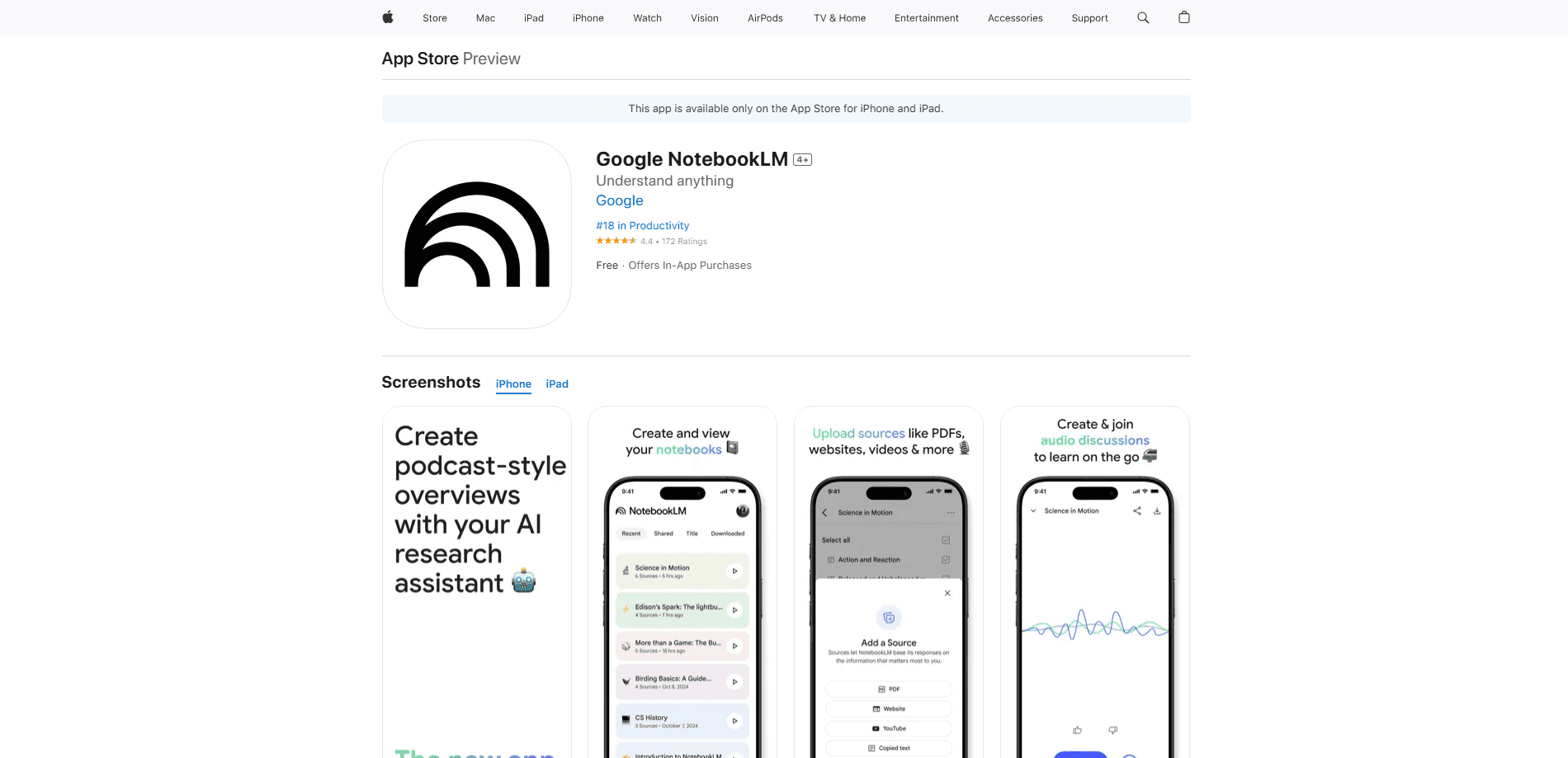
About Google NotebookLM
What Is Google NotebookLM
Google NotebookLM is an AI research assistant built by Google Labs. Think of it as an AI note taking app for your own files: you load it with sources you choose, such as PDFs, Google Docs, websites, YouTube links, or pasted text, and it answers questions using only that material. It's now officially branded Gemini Notebook, and most people still search for it as NotebookLM.
The appeal is the grounding. A general chatbot draws on everything it was trained on, so it can drift or invent details. Google NotebookLM stays inside your notebook, and most answers carry inline citations that jump back to the exact passage. That's why students, analysts, and writers who need traceable output reach for it first.
The main limitation is the flip side of that focus. The tool won't brainstorm freely or pull in outside facts you didn't give it. If the answer isn't in your sources, it says so instead of guessing.
Getting Started
- Sign in at notebooklm.google.com with a free Google Account, or open the Gemini Notebook app on Android or iOS.
- Create a notebook and add sources by uploading files, linking Google Drive items, pasting text, or using Discover sources to find related material online.
- Ask a question in the chat panel, or pick a preset task like a study guide, briefing doc, or FAQ.
- Generate an artifact such as an Audio Overview, mind map, report, or slide deck from the Studio panel.
Product Information
A quick look at Google NotebookLM's pricing, supported platforms, and performance.
Best for
The users, tasks, and scenarios where this tool fits best.
Users
- Students
- Researchers and analysts
- Writers and content creators
Tasks
- Summarizing long documents
- Building study materials
- Turning text into audio
Scenarios
- Prepping for an exam or certification
- Grinding through a research pile
- Catching up on a long recording
Key features
Source-Grounded Answers With Citations
Every response is built from the sources in your notebook, not the open web. Click a citation and the original passage highlights on the left, so you can confirm a claim in seconds. This is the feature that separates it from a general chatbot, and it's what makes the output safe to reuse.
Audio Overviews
The tool turns dense documents into a conversational audio summary hosted by two AI voices. You can steer the discussion, set the language, and interrupt with a question while it plays. It's the fastest way to absorb a long report without reading it line by line.
Interactive Study Tools
From one set of sources you can generate flashcards, quizzes, mind maps, and a study guide. Flashcard decks now support "Got it" and "Missed it" marking plus a results screen that reruns the cards you skipped. Good for spaced repetition without building anything by hand.
Reports, Infographics, and Slide Decks
Ask for a briefing document, an infographic, or a slide deck and the tool drafts it from your sources. Each artifact keeps its links back to the source material, so you can fact-check before sharing. Cinematic Video Overviews add narrated, animated explainers for longer topics.
Deep Research and Source Discovery
Deep Research acts like a dedicated researcher. Give it a topic and it assembles an online report or recommends relevant papers, articles, and sites you can drop straight into the notebook. Discover sources does a lighter version of the same job when you need a running start.
Multimodal Source Support
You can mix PDFs, Google Docs and Slides, Google Sheets, .docx files, images, websites, YouTube videos, and audio transcripts in a single notebook. Each source caps at 500,000 words or 200 MB. A notebook holds 50 sources on the free tier and up to 600 on the top plan.
Pros and cons
Pros
- Answers cite the exact source passage, so you can verify claims instead of trusting a black box.
- The free tier covers core features with 100 notebooks and 50 sources per notebook.
- Audio Overviews turn heavy reading into something you can listen to on the move.
- Downloaded apps for Android and iOS bring offline playback and background listening.
- As an AI study tool, it builds quizzes, flashcards, and mind maps from your own material instead of generic content.
Cons
- It won't answer from general knowledge, so a weak source set gives weak results.
- No public API, which rules out building custom pipelines on top of it.
- Audio Overviews run on a limited language set at launch and expand slowly.
- The newest features, such as Cinematic Video Overviews and some sharing controls, sit behind paid plans.
Frequently asked questions
Yes. A free Google Account gets you the core experience, including cited answers, Audio Overviews, and study tools, with limits of 100 notebooks and 50 sources per notebook. Higher limits and earlier access to new features come with paid Google AI plans.
Related content
Explore related tools, skills, and articles for Google NotebookLM.
Google NotebookLM Alternatives

Udon
Udon · Coding · ProductivityUdon turns an Apple Silicon Mac into a home server you run from a browser, with container controls, file shares, and an optional AI sysadmin.

offstage
offstage cloud · Coding · Productivityoffstage gives AI coding agents and CI jobs a real Mac: a fresh macOS account on Apple silicon, driven over an API and billed by the second.

BotBus
Chengdu Tuyang Tusen Technology Co., Ltd. · Coding · ProductivityBotBus lets you control AI coding agents from your phone and watch: approve commands, start tasks and read results while the code stays on your desktop.