
Goover AI
Goover · Leaning · Business
Goover AI is an AI research agent that turns one question into a cited report, a live briefing page, or a fast sourced answer. It runs on the web, iOS, and Android.
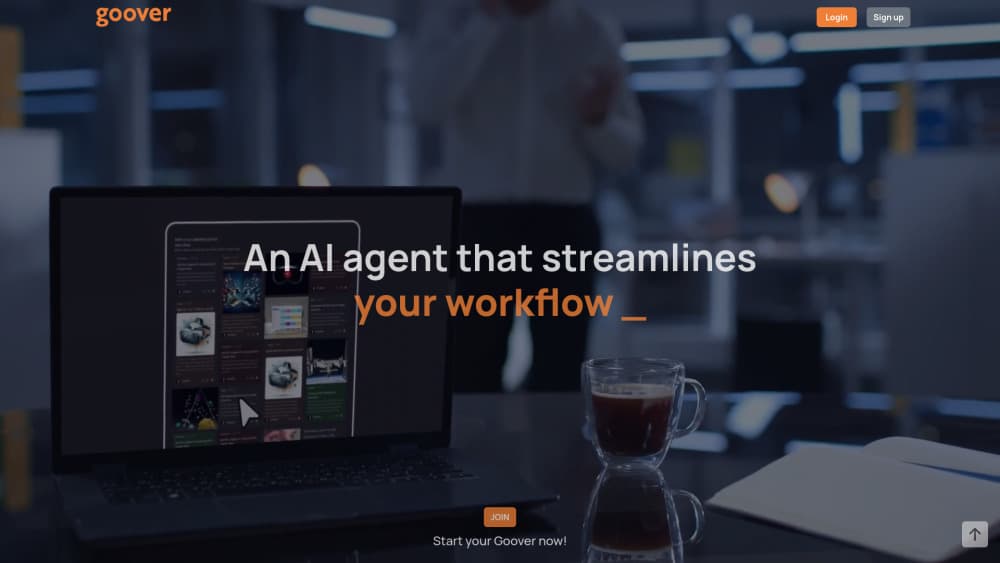
About Goover AI
What Is Goover AI
Goover AI is a research tool from Goover, a Sunnyvale company that shipped its first agent in June 2025. You type a question, and the product returns an answer with sources attached instead of a wall of unlinked text. Longer runs produce a full report you can read, share, or keep updating.
The pitch is narrower than a general chatbot. Goover works as a research assistant for documents and topics, not for chit-chat. You can attach PDFs, your own notes, and saved links as context, then ask questions that only make sense against that material. The company says more than 1.3 million people have used it.
The limit worth knowing up front: Goover is not a math engine or a coding copilot. It reads, summarizes, and connects sources. Ask it to solve a proof or debug a script and the results fall behind dedicated tools. Deep reports also take minutes, not seconds.
Getting Started
- Sign in at goover.ai with an email address or a Google account. The same login works in the iOS and Android apps.
- Pick a mode: a fast answer for a single question, deep research for a topic that needs cross-checking, or a report when you want a document at the end.
- Add context if the topic is yours alone. Upload files, paste notes, or clip pages with the Chrome extension.
- Read the output and follow the numbered citations back to the original pages before you quote anything.
- Turn a good report into a briefing page so it refreshes on its own and notifies you when something changes.
Product Information
A quick look at Goover AI's pricing, supported platforms, and performance.
Best for
The users, tasks, and scenarios where this tool fits best.
Users
- Analysts and consultants
- Students and early-career researchers
- Writers and journalists
Tasks
- Building a first-draft literature overview
- Tracking a competitor or a market
- Turning scattered notes into a shareable document
Scenarios
- Starting a project in an unfamiliar industry
- Keeping up with a fast-moving topic
- Preparing for a meeting with documents in hand
Key features
Ask Goover
The default entry point is a search box that answers in plain language with sources linked under each claim. It works as a general AI search engine for everyday questions, and you can switch the underlying model instead of being locked to one vendor. Fast mode suits a single fact check, while deep mode spends more time reasoning across several pages.
Deep Research
Deep research runs a longer loop: it breaks the question into sub-questions, searches, reads, and compares what it found before writing. This is where the deep research tool earns its keep on tangled topics such as a policy change with five years of history. Expect a few minutes per run, and expect the citations to be the useful part.
In-Depth Reports
Goover acts as an AI report generator for longer outputs, producing documents that run past twenty pages with numbered references and current links. Reports can be exported and edited like any draft. The structure holds up well for backgrounders and briefings, less well for anything that needs original analysis or proprietary data.
Talk to Your Documents
You can attach PDFs, personal notes, saved links, and other resources to a thread, then ask questions that draw on all of them at once. The wider input set is the real difference from tools that only accept file uploads. It suits contract review, meeting prep, and any task where the answer sits in material you already own.
Briefing Agent
A briefing page is a living document tied to a topic. You set the questions once, and the agent regenerates reports and widgets on a schedule, then notifies you when something material changes. In practice this is the part that keeps an AI briefing app in your week rather than in a bookmark folder.
Topic Tracking and Chrome Extension
The Chrome extension clips a page, a paragraph, or a quote into your workspace while you browse, and topic cards pull related news, reactions, and figures into one view. The feed side, called Discovery, suggests material you did not think to search for. Both features reduce the copy-paste step that usually breaks a research habit.
Pros and cons
Pros
- Every answer and report carries clickable citations, so you can check a claim instead of trusting the summary.
- Context goes beyond file uploads: notes, saved links, and clipped pages all feed the same thread.
- Briefing pages refresh on a schedule, which turns one-off research into monitoring you do not have to remember.
- The same account works on the web, iOS, and Android, with a Chrome extension for collecting sources.
Cons
- Long reports take minutes, so quick fact checks feel slower than a plain search engine.
- Math and multi-step logic are weak spots. Expect errors on calculations, proofs, and code debugging.
- There is no public API, which blocks teams that want to wire Goover into their own tooling.
- Pricing sits behind a sign-in, so you cannot compare plans before creating an account.
Frequently asked questions
Goover AI answers questions with cited sources and can expand a question into a multi-page research report. It also builds briefing pages that refresh on their own, so a topic stays current without you running the search again.
Related content
Explore related tools, skills, and articles for Goover AI.
Goover AI Alternatives

HireKey
HireKey · Voice & Language · Productivity · LeaningHireKey is an AI job search copilot built by a former tech recruiter. It checks role fit, tailors resumes, runs interview practice and tracks every application.

Lune
Retrograde Labs · Productivity · LeaningLune is a research search engine for scientific AI agents. It runs as an MCP server that lets Claude, ChatGPT and Cursor search peer-reviewed computer science papers and cite them.
Coddy
Coddy · Coding · LeaningCoddy is a gamified platform to learn to code through short interactive lessons in 20+ languages, with a browser editor, an AI tutor and free certificates.