

GoSearch
GoLinks · Coding · Leaning
GoSearch is an AI enterprise search platform that connects 100+ workplace apps, returns cited answers across your tools, and respects your existing access permissions.
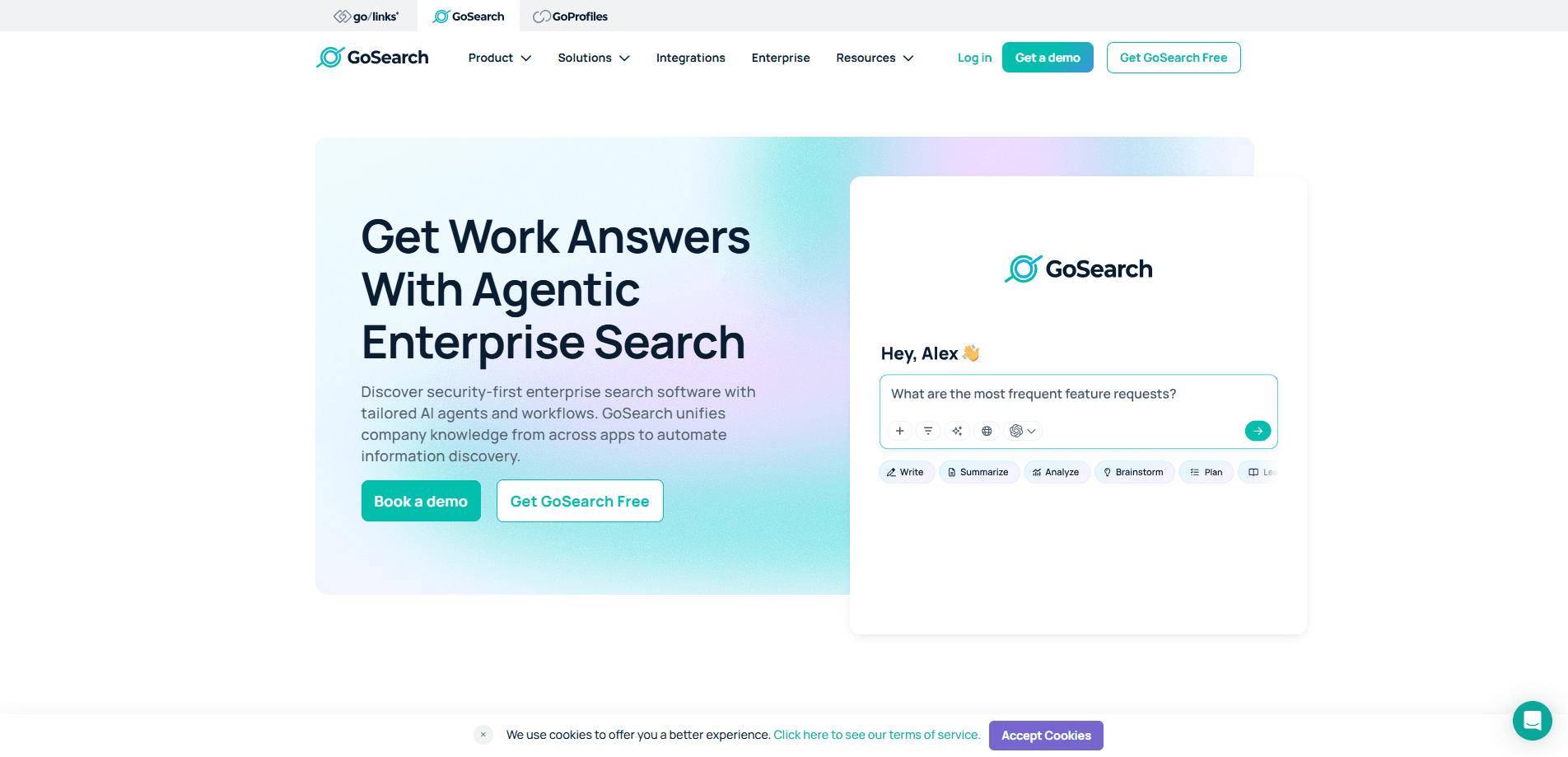
About GoSearch
What Is GoSearch
GoSearch is an AI search layer for companies that keep their work scattered across many apps. You connect the tools your team already uses, and the platform builds one search box on top of all of them. Ask a question in plain language, and you get an answer with a link back to the document, ticket, or message it came from, rather than a list of links you still have to open.
It comes from GoLinks, a San Jose company founded in 2017 that also makes GoLinks and GoProfiles. GoSearch sits alongside those products and targets the same problem: people spend too much time hunting for information that already exists somewhere in the company. The pitch leans on speed of setup and on permissions, since it reuses the access rules you already have in each connected app instead of rebuilding them.
The main limits are scope and cost. It is built for teams and enterprises, not for a single user managing a handful of files, and the paid plans run through a sales conversation rather than a public price list. Setup still takes real admin work, because an index that ignores your permission structure can expose the wrong content to the wrong people.
Getting Started
- Create an account at gosearch.ai, using the free plan to test a small workspace or booking a demo for a full rollout.
- Connect the apps your team uses, choosing indexed connectors for automatic syncing, federated connectors to query data in place, or MCP connectors for custom sources.
- Set access rules by team, department, or role so search results match the permissions each person already holds.
- Search in the browser, Slack, or Teams, or open the AI chat assistant, and refine the source set as the index grows.
Product Information
A quick look at GoSearch's pricing, supported platforms, and performance.
Best for
The users, tasks, and scenarios where this tool fits best.
Users
- Enterprise knowledge workers
- IT and help desk teams
- Engineering and product teams
- HR and people teams
Tasks
- Finding a document without knowing where it lives
- Getting a cited answer to a policy question
- Onboarding new hires
- Surfacing expert knowledge
- Auditing where information sits
Scenarios
- Rolling out search across a mid-size company
- Reducing repeat questions in Slack and Teams
- Bringing scattered knowledge under one roof after a merger or a reorg
- Cutting time spent on internal support
Key features
One search across 100+ connected apps
GoSearch connects to more than 100 workplace tools, including Google Drive, Confluence, Notion, Jira, Coda, Hubspot, and Slack. You search once and the results come from every source you have linked. The value is in the breadth, since most teams lose time switching between a handful of apps that each hold part of the answer.
Cited answers and an AI chat assistant
The AI assistant answers in natural language and attaches the source to each point, so you can check a claim before you rely on it. Answers appear at the top of search results and inside AI chats. This matters for policy and process questions, where a confident answer without a source is worse than no answer.
Three connector types for different data rules
The platform offers indexed connectors that sync and index data automatically, federated connectors that fetch in real time without copying your data, and MCP connectors that cover official servers, the GoSearch MCP, and custom sources. That range lets an admin keep sensitive data in place while indexing what is safe to store.
Permission-aware access controls
Admins set access rules by team, department, or role, and search results follow the same rules each person already has in the underlying apps. GoSearch says it respects existing permissions rather than rebuilding them. The practical effect is that a search never hands someone a document they were not allowed to open.
Agents and no-code workflows
Beyond search, the product includes AI agents and no-code workflows that run tasks across your connected apps. You can wire a process that pulls from several sources and acts on them without writing code. Teams use this to automate recurring lookups and handoffs that used to be manual.
Company glossary and sensitive data controls
GoSearch learns your acronyms, project codenames, and internal shorthand, so a query using a nickname still finds the right material. Admins can also flag, restrict, and audit sensitive content across connected sources. Both features target the gap between a generic search engine and how a specific company actually talks.
Pros and cons
Pros
- Connects 100+ apps into one search box, so people stop checking tools one at a time.
- Cited answers let you verify a result against its source instead of trusting a summary.
- Permission-aware results reuse your existing access rules, which lowers the risk of exposure.
- Federated connectors query data without copying it, useful when source systems must stay put.
- Setup is fast for this category, with first results inside days rather than a quarter-long rollout.
Cons
- Pricing is quote-based, so you cannot estimate cost from the site alone and must talk to sales first.
- It is aimed at teams and enterprises, which makes it heavy for a single user or a tiny group.
- Setup still needs an admin to map connectors and permissions, so it is not a plug-in-and-go tool.
- Answer quality depends on how well the sources are connected and maintained, so a thin index gives thin results.
Frequently asked questions
It is an AI enterprise search platform that connects the apps a company already uses and returns cited answers from across them. You search in one place instead of opening each tool, and every result links back to its source.
Related content
Explore related tools, skills, and articles for GoSearch.
GoSearch Alternatives

Udon
Udon · Coding · ProductivityUdon turns an Apple Silicon Mac into a home server you run from a browser, with container controls, file shares, and an optional AI sysadmin.

offstage
offstage cloud · Coding · Productivityoffstage gives AI coding agents and CI jobs a real Mac: a fresh macOS account on Apple silicon, driven over an API and billed by the second.

BotBus
Chengdu Tuyang Tusen Technology Co., Ltd. · Coding · ProductivityBotBus lets you control AI coding agents from your phone and watch: approve commands, start tasks and read results while the code stays on your desktop.