
Granola
Granola · Productivity
Granola is an AI meeting notes app that captures your calls without a bot joining the room. You jot rough notes, it fills in the detail, then helps you search and reuse what was said.
About Granola
What Is Granola
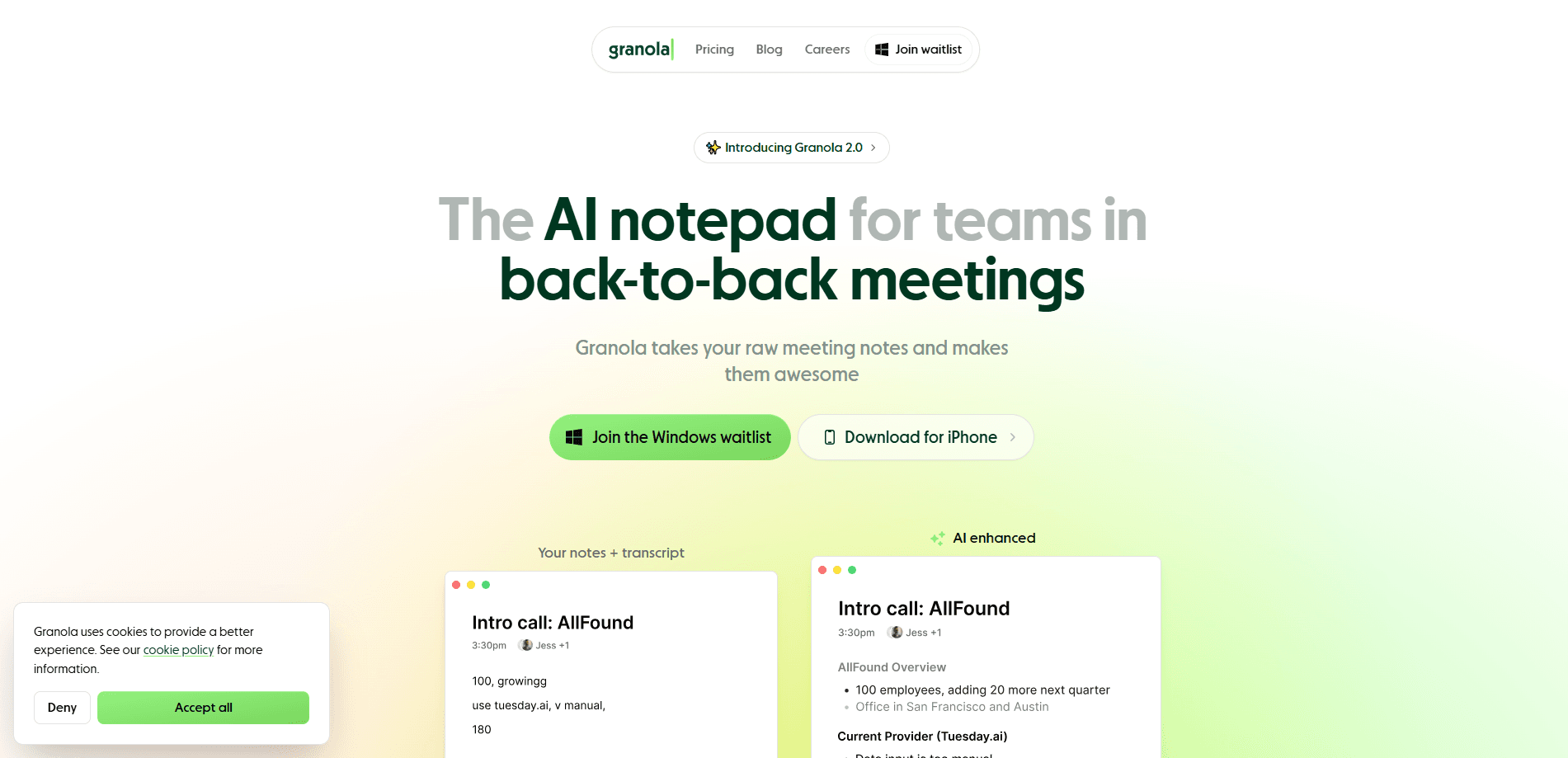
Granola is an AI notepad built for people who live in back-to-back meetings. Instead of sending a recording bot into your call, it listens to your device audio in the background while you stay in the conversation. Your own rough notes become the skeleton, and the app fills in context from the transcript.
The idea differs from tools like Otter or Fireflies. Those apps hand you a full, machine-written transcript and hope you read it. Granola keeps you in charge of what matters, then uses AI to sharpen it. The company behind it, Granola, pitches the product as memory for your working life rather than a replacement for your judgment.
The trade-off is that you still have to type something. If you want a hands-off record of every word, this isn't that. Free users also only keep 30 days of history, which matters if you treat notes as a long-term archive.
Getting Started
- Download the desktop app for macOS or Windows, or the iOS or Android app, and create an account with your work email.
- Connect your calendar so Granola can detect upcoming meetings and open the right note automatically.
- Join a call as usual. When it starts, Granola captures the audio and you type short notes as things stand out.
- When the meeting ends, review the enriched note, edit anything the AI got wrong, and share or export it.
Product Information
A quick look at Granola's pricing, supported platforms, and performance.
Best for
The users, tasks, and scenarios where this tool fits best.
Users
- Founders and VCs in high-frequency meetings
- Sales and customer success teams
- Students and researchers
Tasks
- Turning fragmented scribbles into structured minutes
- Recalling what you promised
- Prep before a meeting
Scenarios
- A day of stacked virtual calls
- In-person chats and walking meetings
- Feeding meeting context into other AI tools
Key features
Bot-free device audio capture
Granola transcribes your computer or phone audio locally instead of dialing a bot into the meeting. No unexpected guest appears in the participant list, and nobody gets a "this meeting is being recorded" prompt from a third party. For calls where mentioning a recorder would change the tone, that quiet approach is the whole point.
Note enrichment
This is the feature that shapes how you use the app. You type short, messy phrases during a call, and Granola rewrites them into fuller points using the transcript as a reference. You keep editing control, so the note reads the way you think, not the way a summarizer decided to.
Chat across your meeting history
Granola Chat lets you ask questions that span many meetings at once. You can track how a project evolved, find where a decision was made, or pull every objection a client raised. Business and Enterprise users can also pick which AI model answers.
Calendar sync and pre-meeting briefs
Connecting your calendar lets Granola spot upcoming meetings and open the matching note with one click. Pre-meeting briefs recap the last exchange with that contact, which is useful when you have five calls a day and no time to reread anything.
Integrations and the MCP connector
Notes flow into Slack and shared folders, and tools like Notion, Zapier and HubSpot connect through integrations. The MCP connector is the more interesting one: it makes your notes readable by AI apps such as Claude and ChatGPT, so what you talked about can directly inform what you're building.
Multi-language capture and speaker tagging
Granola handles meetings in many languages and labels who said what, so a transcript reads like a script. Speaker tags matter most in long calls, where "who owns this" is often the first thing you need to know.
Pros and cons
Pros
- No bot joins the call, so bot-free meeting transcription keeps meetings private and participants aren't put on edge.
- Free plan allows unlimited notes, which is generous for testing the workflow.
- Note enrichment keeps your own priorities front and center instead of burying them in a wall of transcript.
- Available on macOS, Windows, iOS, Android and Apple Watch, so capture follows you.
- MCP connector and integrations push your notes into the AI tools you already use.
Cons
- You have to take some notes yourself, so it doesn't suit people who want a fully hands-off record.
- Free accounts only keep 30 days of meeting history, which limits it as a long-term archive.
- Bot-free capture depends on device audio, so it can miss a call if your settings or permissions block it.
- The richest controls, like SSO, audit API and admin policies, sit in Enterprise, out of reach for small teams.
Frequently asked questions
Yes. Every detail in this Granola review comes from the company's own site and pricing page, not from secondhand write-ups, so features and prices reflect what Granola actually sells today.
Related content
Explore related tools, skills, and articles for Granola.
Granola Alternatives

Base Code
Base44 (Wix) · Coding · ProductivityBase Code is a shared cloud development environment from Base44. Teammates describe changes to an existing GitHub codebase in chat, preview them live and send them back as pull requests.

Knocket
Knocket (Tencent RTC team) · Productivity · Business · ChatbotKnocket is a free live chat and contact page tool that lets visitors message you from your website, app, or a shareable link, with every reply handled from Telegram or one inbox.

FloorGen
Vinit Kumar (FloorGen) · Productivity · China AIFloorGen is a browser-based floor plan maker that turns a sentence or a sketch into an editable 2D plan and a 3D walkthrough. Export to PDF, DXF or video, and draw without an account.