

granthOS
granthOS · Productivity
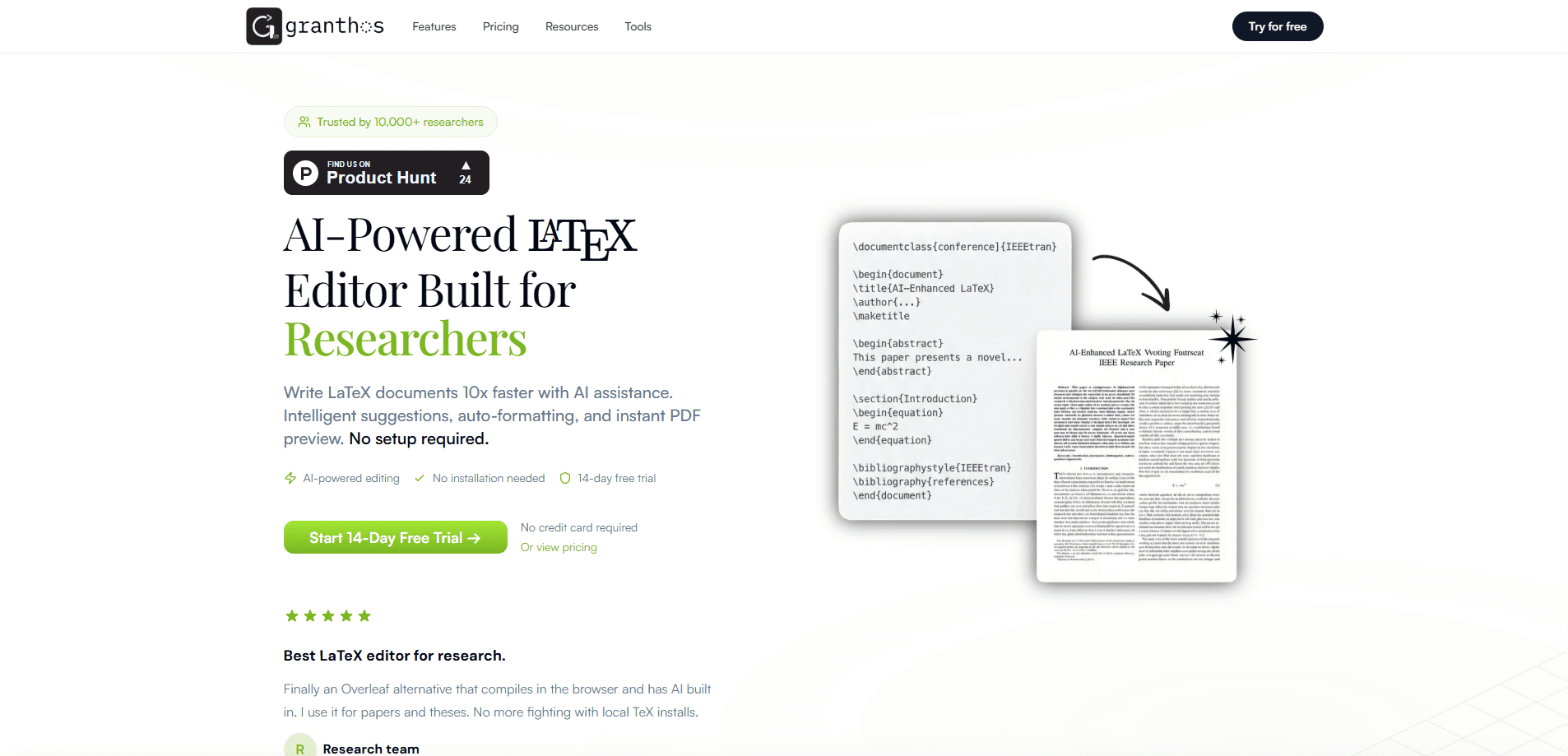
granthOS is an AI-powered online LaTeX editor. It's an academic writing tool built for researchers, students, and educators who need to write and format documents without wrestling with local TeX installs. It runs in the browser, compiles in under 100ms, and bakes AI directly into the document workflow, so you can draft sections, fix broken equations, and refine prose with a chat prompt instead of hunting through syntax. A 14-day free trial and 100+ ready-to-use templates make it easy to test before committing.
About granthOS
What Is granthOS
granthOS is a browser-based LaTeX editor that treats AI as a first-class part of writing, not a bolt-on. No install. No package manager. You open the site, pick a template or start blank, and let the AI draft, rewrite, or repair your code as you go.
The core problem it solves is setup friction and syntax fatigue. Researchers lose hours to missing packages, compile errors, and TikZ diagrams that won't render. granthOS handles the compile server-side and offers conversion tools that turn math, images, and spreadsheets into clean LaTeX, so the tool bends to your workflow rather than the other way around.
The biggest limit is scope. This is a web app, so an offline workflow isn't on the table, and heavy AI use depends on a paid plan once the trial ends. Anyone with strict data policies should check where documents are stored before uploading sensitive unpublished work.
Getting Started
- Open granthos.com and start the 14-day free trial. No credit card is needed to begin.
- Choose a template, like a research paper or thesis skeleton, or create a blank document.
- Write in the editor or open the AI chat and ask it to draft a section, generate a TikZ diagram, or fix an equation.
- Use the built-in tools to convert math, images, or Excel data into LaTeX, and pull citations from the web.
- Compile and preview the PDF instantly, then export it when the document is ready.
Product Information
A quick look at granthOS's pricing, supported platforms, and performance.
Best for
The users, tasks, and scenarios where this tool fits best.
Users
- Graduate students
- Academic researchers
- Educators
Tasks
- Writing a thesis or research paper
- Generating TikZ diagrams and equations
- Building question papers and answer keys
- Converting math, images, or spreadsheets to LaTeX
Scenarios
- Finishing a paper when your local TeX install is broken
- Collaborating on a shared document
- Preparing course materials during a busy semester
Key features
AI-first document drafting
The AI writes LaTeX, not just edits it. Ask it to draft a section, restructure an argument, or repair broken syntax, and it works directly in the document context rather than in a separate chat window. Why does that matter? Because you're mid-chapter, and leaving the editor breaks your focus.
Sub-100ms browser compilation
granthOS compiles on the server and renders the PDF in the browser, and the site claims compile times under 100ms. In practice, that means you see formatting and layout problems almost as you type, instead of waiting on a local TeX run. No installation, no package management.
100+ ready-to-use LaTeX templates
The template library covers research papers, PhD theses, Beamer presentations, academic CVs, cover letters, lab reports, question papers, answer keys, rubrics, schema, and conference formats. You fill in your content rather than rebuilding a document class from scratch, which saves hours on every new project.
Conversion tools for math, images, and spreadsheets
A set of tools sits alongside the editor: math to LaTeX, an Excel-to-table converter, a TikZ generator, Pgfplots support, and PDF or image to LaTeX. Tedious. Slow. But these are the parts that eat your afternoon, like rebuilding a table by hand or describing a diagram in code.
Web citation and in-editor referencing
You can cite from the web inside the editor, so references get pulled in without switching to a separate manager. For longer projects, this keeps the citation workflow close to the writing rather than tangling it across three apps.
Question paper and answer key generation
A feature most LaTeX editors don't offer. granthOS can generate a question paper and a matching answer key from a prompt, which is aimed squarely at educators who produce assessments regularly and want consistent formatting without a manual template each time.
Pros and cons
Pros
- AI is built into the editing flow, so drafting and fixing LaTeX happens where you write rather than in a separate tool.
- No local install and no package management, which removes the usual TeX setup headache.
- 100+ templates across papers, theses, slides, CVs, and exam materials cover most academic needs out of the box.
- Conversion tools handle math, images, and spreadsheets, cutting the manual work of turning data into LaTeX.
Cons
- It's a web app, so you can't work offline, which is a real problem on a flaky connection or in a secured environment.
- The free access is a 14-day trial, and longer AI-heavy use needs a paid plan, so cost shows up fast for regular writers.
- API availability and data storage details are unclear, so anyone with strict policies on unpublished work should verify before uploading.
Frequently asked questions
granthOS is an online LaTeX editor for academic and technical writing. You use it to draft research papers, theses, lab reports, presentations, and exam materials in the browser, with AI handling drafting, formatting help, and syntax fixes.
Related content
Explore related tools, skills, and articles for granthOS.
granthOS Alternatives

Udon
Udon · Coding · ProductivityUdon turns an Apple Silicon Mac into a home server you run from a browser, with container controls, file shares, and an optional AI sysadmin.

offstage
offstage cloud · Coding · Productivityoffstage gives AI coding agents and CI jobs a real Mac: a fresh macOS account on Apple silicon, driven over an API and billed by the second.

BotBus
Chengdu Tuyang Tusen Technology Co., Ltd. · Coding · ProductivityBotBus lets you control AI coding agents from your phone and watch: approve commands, start tasks and read results while the code stays on your desktop.