
AI YC interview with Gstack agents
Garry Tan (open-source gstack, MIT license) · Leaning · Business
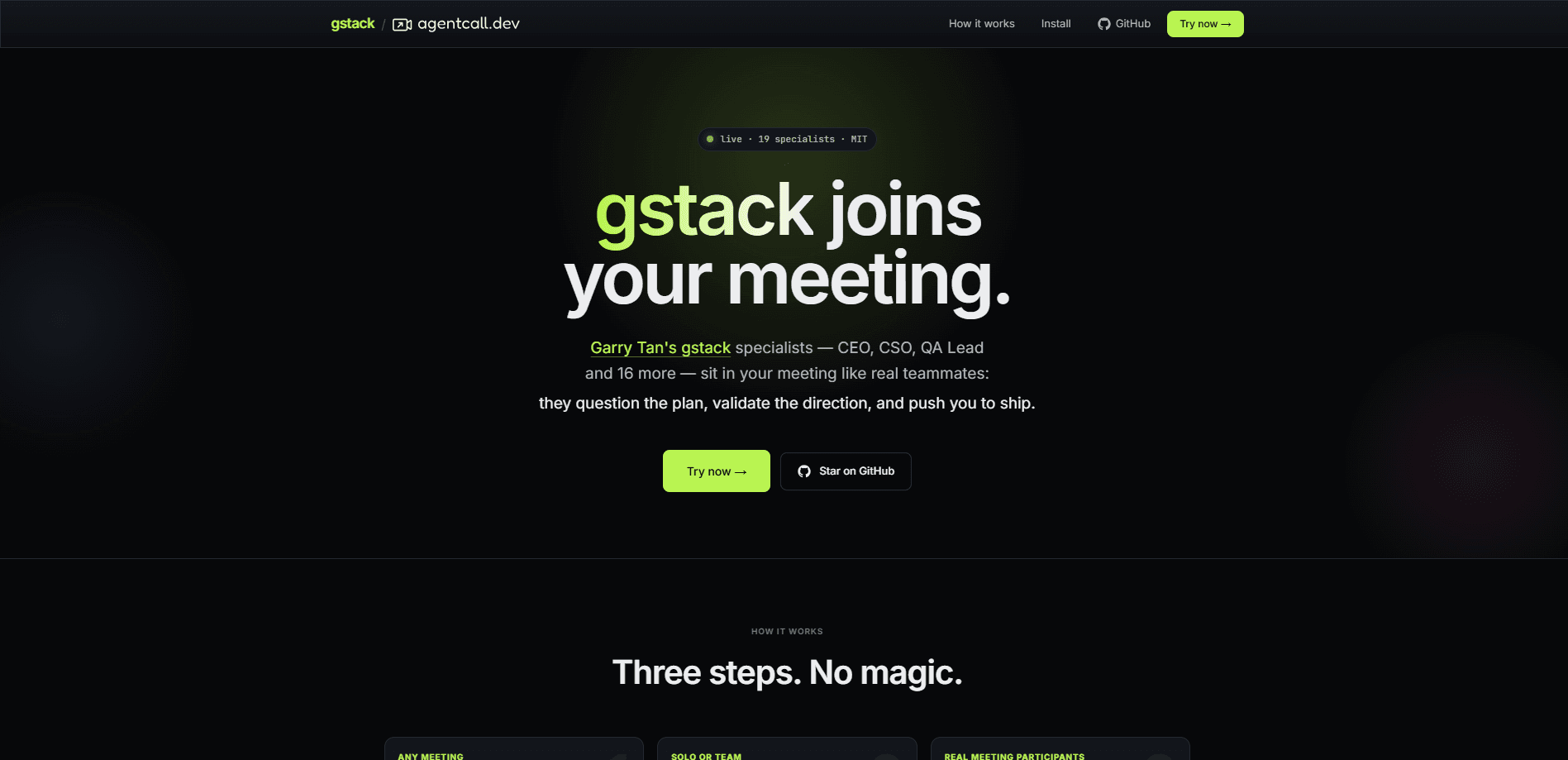
AI YC interview with Gstack agents is a YC-style mock interview that drops role-based voice bots into your live Meet, Zoom, or Teams call so you can rehearse a startup pitch under real pressure. Each bot carries the persona of a gstack specialist from Garry Tan's open-source toolkit, joins as a speaking participant with an avatar, and answers or challenges you in real time. The bots run on your own local coding-agent setup, such as Claude Code, Codex, or Cursor, rather than a hosted SaaS brain.
About AI YC interview with Gstack agents
What Is AI YC interview with Gstack agents
This tool turns a normal video call into a practice room for founder interviews. Instead of recording a pitch alone, you invite AI personas that play the roles Garry Tan built into gstack: a CEO who rethinks the product, an eng manager who locks architecture, a designer who spots weak points, and a YC-style reviewer who asks the six hard questions that investors reach for when an idea hasn't been stress-tested yet.
The personas join your call as voice bots with avatars, so the pressure feels close to a real interview. They listen, respond out loud, and push back on fuzzy answers. That's the core value: you get a rehearsed, adversarial audience without booking a human panel. No calendar. No favors.
The catch is that the intelligence comes from your own machine. You point the bots at a local coding agent, so setup isn't a one-click download. If your laptop is off, the personas have nothing to think with. That's a real constraint, not a footnote.
Getting Started
- Open the tool's site and pick the gstack personas you want in the room, such as the CEO or eng manager reviewer.
- Connect your local coding agent (Claude Code, Codex, or Cursor) so the personas have a brain to draw answers from.
- Start a Meet, Zoom, or Teams call, then let the bots join as participants with their avatars.
- Pitch your idea and answer their questions out loud; they respond as the roles you selected.
- End the call, review where you stumbled, and run another round with a different set of specialists.
Product Information
A quick look at AI YC interview with Gstack agents's pricing, supported platforms, and performance.
Best for
The users, tasks, and scenarios where this tool fits best.
Users
- Founders and early-stage CEOs
- First-time pitchers
- Technical leads prepping a demo day
Tasks
- Rehearsing a YC-style interview
- Pressure-testing an idea
- Practicing a live demo script
Scenarios
- Late-night pitch prep before an investor call
- Remote pitch prep over Meet or Zoom
- Team dry runs
- Solo founder practice
Key features
Role-Based Voice Personas
Each voice bot is built from one of the gstack specialists Garry Tan ships in his open-source toolkit. CEO. Eng manager. Designer. QA lead. The personas keep their distinct viewpoint during the call, so a design reviewer won't suddenly start asking about burn rate. You pick who joins based on what you want tested.
Joins Your Existing Call
The bots enter Meet, Zoom, or Teams as regular participants rather than living in a separate app. They show up with avatars and speak as voice agents, so the flow stays close to a real remote interview. You don't rebuild your pitch setup to use it. Just invite them and go.
Your Local Agent Is the Brain
The AI interview bot needs a brain, and it runs on your own coding agent rather than a hosted model. Point it at Claude Code, Codex, or Cursor. That keeps your product details and pitch content on hardware you control. The tradeoff is real: nothing works until your agent is running and reachable.
MIT-Licensed Prompts
The persona prompts come from gstack, which Garry Tan publishes under an MIT license. You can read, fork, and rewrite the prompts to fit your own idea. That openness is unusual for interview-training tools, which usually hide their logic.
Real-Time Pushback
The bots don't just ask soft questions; they respond to what you say and follow up when an answer sounds vague. The reviewer persona in particular keeps pressing on the weak parts of a pitch. Want to know how your pitch holds up? Answer out loud and find out. This is the feature that makes practice feel closer to the real thing than reading a script, because a written script never talks back or notices when you dodge the hard part of your own idea under pressure.
Pros and cons
Pros
- Casts a realistic, adversarial panel without booking any humans.
- Personas are grounded in a widely used, MIT-licensed toolkit, so their roles are specific.
- Runs on your own agent, which keeps sensitive pitch material off third-party servers.
- Works inside Meet, Zoom, and Teams, so there's no new meeting app to learn.
Cons
- Requires a configured local coding agent, so it isn't plug-and-play for non-technical founders.
- The site is thin on public documentation, so you're partly figuring out setup as you go. That gets old fast.
- Persona quality depends on the model behind your agent; a weak setup gives weaker pushback.
- No clear API or pricing page, which makes it hard to plan for team-wide use.
Frequently asked questions
It puts role-based AI voice bots into your live video call so you can practice a startup pitch. The bots play gstack specialist personas and respond to your answers in real time.
Related content
Explore related tools, skills, and articles for AI YC interview with Gstack agents.
AI YC interview with Gstack agents Alternatives

HireKey
HireKey · Voice & Language · Productivity · LeaningHireKey is an AI job search copilot built by a former tech recruiter. It checks role fit, tailors resumes, runs interview practice and tracks every application.

Lune
Retrograde Labs · Productivity · LeaningLune is a research search engine for scientific AI agents. It runs as an MCP server that lets Claude, ChatGPT and Cursor search peer-reviewed computer science papers and cite them.
Coddy
Coddy · Coding · LeaningCoddy is a gamified platform to learn to code through short interactive lessons in 20+ languages, with a browser editor, an AI tutor and free certificates.