

Guidemaker
Tettra (AGC Labs, LLC) · Productivity
Guidemaker is a free AI SOP generator by Tettra that records your screen and turns any workflow into step-by-step guides, tutorials, and how-to documentation.
About Guidemaker
What Is Guidemaker
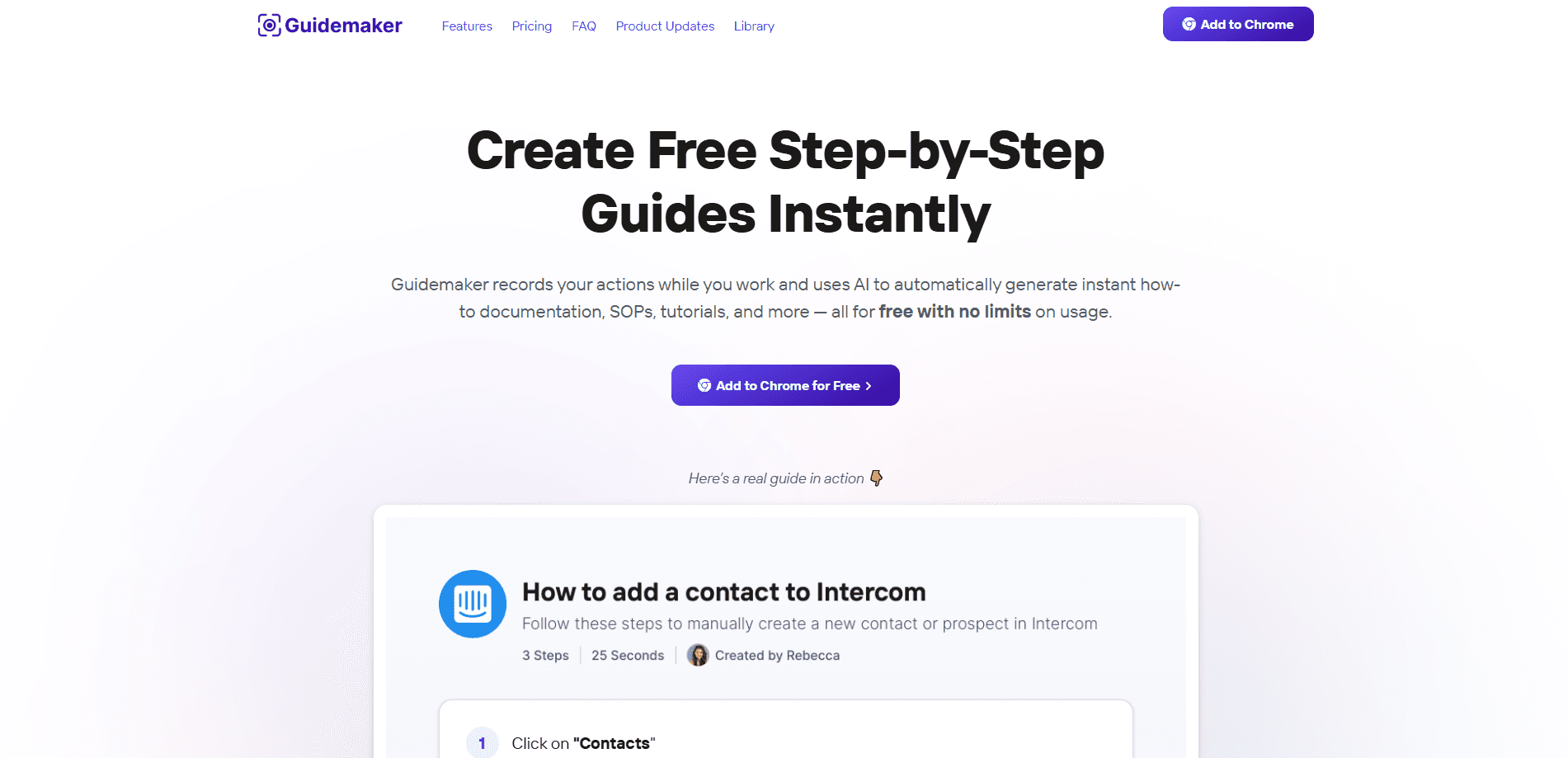
Guidemaker is a documentation tool that watches you work and writes the guide for you. You press record, run through a task the way you normally would, and stop. The extension snaps screenshots of each action, then its AI stitches them into a clean how-to guide with numbered steps and captions. Tettra, the team behind a known internal knowledge base product, built it so teams could stop hand-writing SOPs that go stale the moment a process changes.
The core idea is speed. Writing a step-by-step guide by hand takes an hour or more once you count the screenshots, the cropping, and the wording. Guidemaker claims a full guide in about 25 seconds, and three versions of it, so you can pick the one that reads best.
The obvious limit is scope. This is a Chrome-based screen recording tool, so it documents work you do on a screen, not physical tasks or conversations. It also keeps your captured screenshots in the cloud, which matters if your process touches private data.
Getting Started
- Install the free Guidemaker extension from the Chrome Web Store and sign in with your email.
- Hit record, then perform the task you want documented at your normal pace.
- Let the AI assemble the screenshots into a draft guide with steps and titles.
- Edit the draft in the built-in editor: rewrite captions, swap screenshots, add blur over sensitive fields.
- Share the finished guide with a link, embed it in your knowledge base, or export it as PDF, HTML, Markdown, or video on a paid plan.
Product Information
A quick look at Guidemaker's pricing, supported platforms, and performance.
Best for
The users, tasks, and scenarios where this tool fits best.
Users
- Operations and support teams
- Customer success and agency staff
- New hires and trainers
Tasks
- Writing standard operating procedures
- Building onboarding documentation
- Creating customer-facing how-tos
- Process documentation for repetitive back-office work
Scenarios
- A process changes and the old guide is wrong
- Onboarding a remote teammate
- Handing work to a contractor
Key features
Record-to-Guide Automation
Press record and do your work. Guidemaker captures screenshots of each click and keystroke, then generates a numbered guide with AI-written captions. It produces three versions of the same guide so you can choose the clearest one, and it names the guide for you based on what it saw.
Built-In Guide Editor
Once the draft lands, you edit it in the browser without touching another tool. You can rewrite step text, crop and annotate screenshots, drag click targets onto the exact spot a user should click, and rearrange steps. The editor is where a rough AI draft becomes something you would actually send to a teammate.
Blur and Redaction Tools
Guidemaker can blur sensitive information before it captures the screen, and it supports manual redaction afterward. This matters because a screen recording of a billing or admin tool can easily pick up customer names, account numbers, or tokens you do not want in a shared guide.
Sharing and Embedding
Finished guides live at a link you can send to anyone, and you can embed them inside the tools your team already uses, such as a knowledge base, wiki, or support site. A slideshow-style paged layout is available for walkthroughs that read better as a deck than a scrolling page.
Integrations and Exports
Guidemaker embeds into common documentation and support platforms so guides sit next to the content they explain. Paid plans add exports to PDF, HTML, Markdown, and video, which lets you move a guide into a legacy system or hand it to someone who cannot open a link.
Team Workspaces and Branding
The paid tiers add team and private workspaces, so different groups can keep their guides separate. You can apply custom team branding and remove Guidemaker branding, and the Team plan bundles editor and viewer seats that mix and match as your headcount changes.
Pros and cons
Pros
- Free tier with unlimited guides, one of the few free SOP software options that does not cap usage.
- AI drafts a full guide with captions in seconds, which removes the slowest part of documentation work.
- Built-in blur and redaction tools help keep sensitive data out of shared screenshots.
- Captures both browser and desktop activity, covering more than browser-only recorders.
- Multiple export formats on paid plans make it easy to move guides between systems.
Cons
- No public API, so you cannot trigger guide creation or pull guides into your own pipeline programmatically.
- Captures only screen-based work, which means physical tasks and phone-based processes are out of reach.
- The free plan keeps Guidemaker branding and lacks PDF, video, and Markdown exports, so polished client-facing guides need a paid seat.
- Everything is Chrome-first, so teams standardized on another browser have no native option.
Frequently asked questions
Guidemaker creates step-by-step guides, SOPs, and tutorials automatically. You record a task on your screen, and its AI turns your actions into written documentation with screenshots and captions. It is built for the kind of repeatable internal processes that teams normally write out by hand.
Related content
Explore related tools, skills, and articles for Guidemaker.
Guidemaker Alternatives

Base Code
Base44 (Wix) · Coding · ProductivityBase Code is a shared cloud development environment from Base44. Teammates describe changes to an existing GitHub codebase in chat, preview them live and send them back as pull requests.

Knocket
Knocket (Tencent RTC team) · Productivity · Business · ChatbotKnocket is a free live chat and contact page tool that lets visitors message you from your website, app, or a shareable link, with every reply handled from Telegram or one inbox.

FloorGen
Vinit Kumar (FloorGen) · Productivity · China AIFloorGen is a browser-based floor plan maker that turns a sentence or a sketch into an editable 2D plan and a 3D walkthrough. Export to PDF, DXF or video, and draw without an account.