

Guru AI | Solve any Exercise
Guru AI · Leaning
Guru AI | Solve any Exercise is an Android study app that scans your homework and explains each answer step by step.
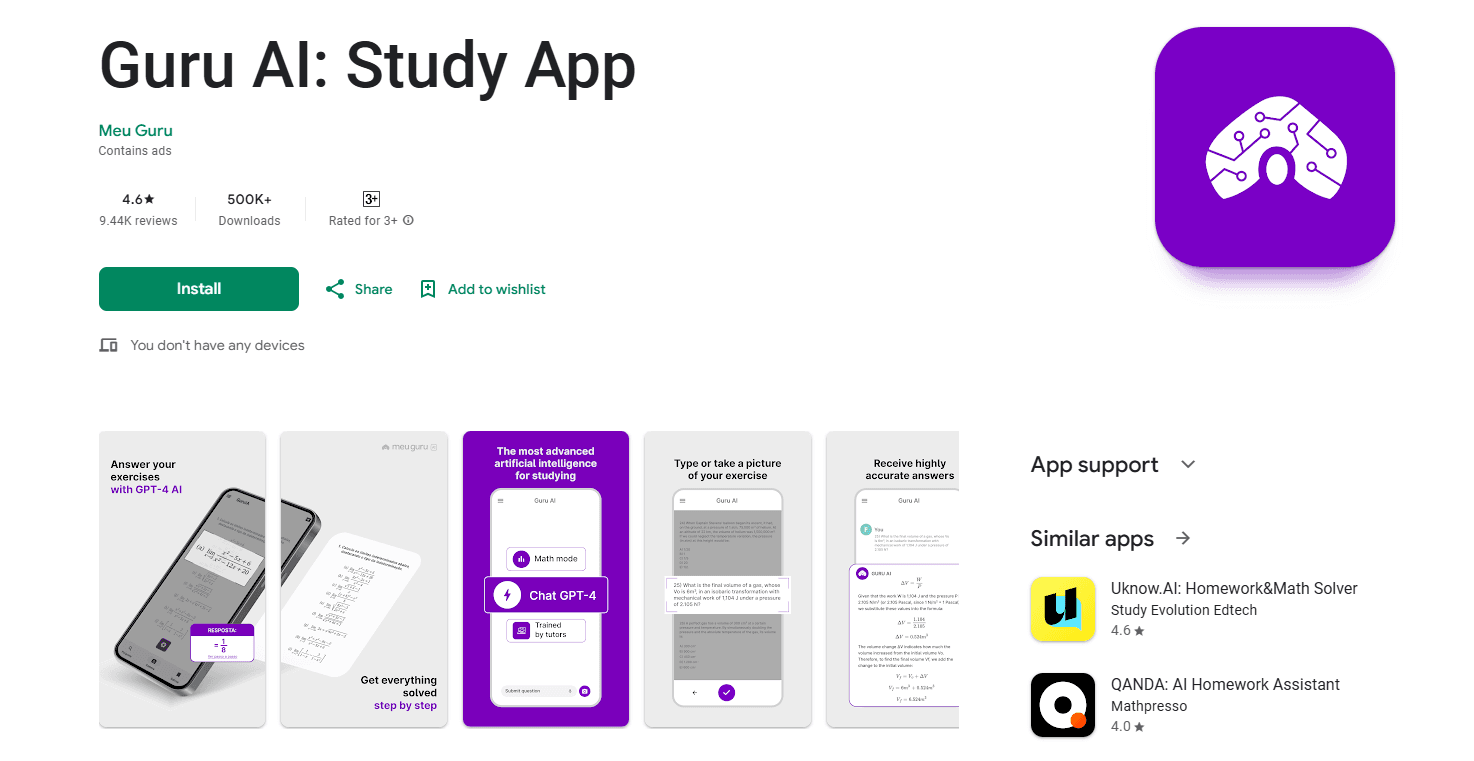
About Guru AI | Solve any Exercise
What Is Guru AI | Solve any Exercise
Guru AI | Solve any Exercise is a mobile app for students who get stuck on homework and want to understand the answer, not just copy it. It uses AI to read a problem and break down the solution into steps you can follow. Why does this matter? Because copying an answer teaches you nothing. The whole thing runs from your phone, so there's no textbook, tutor booking, or desktop software involved.
You bring the question in whatever form is easiest. Point your camera at the worksheet, type the problem out, or record your voice describing it. The app takes it from there and returns an explanation that walks through the reasoning instead of dropping a final number and leaving you to guess how it got there. That's homework help you can actually learn from.
That last part is the real draw. A plain answer key tells you nothing about where you slipped. Guru AI aims at the gap between "I know the result" and "I know why," which is where most studying actually happens. The catch? AI explanations aren't always right. Treat the steps as a study aid and sanity-check anything that looks off, especially on the harder problems where models tend to drift.
Getting Started
- Install Guru AI | Solve any Exercise from Google Play and open the app.
- Pick how you want to enter the problem: scan it with your camera, type it, or dictate it by voice.
- Let the app read the question and generate a step-by-step explanation.
- Read through each step and check where your own attempt went wrong.
- Save or revisit the solution later if you want to review the same topic.
Product Information
A quick look at Guru AI | Solve any Exercise's pricing, supported platforms, and performance.
Best for
The users, tasks, and scenarios where this tool fits best.
Users
- Students stuck on homework
- Parents helping with assignments
- Self-learners reviewing a topic
Tasks
- Solving a math or science problem
- Checking your own work
- Reviewing before a test
Scenarios
- Working through a homework set late at night
- Studying at a desk with no signal to a teacher
- Preparing for an exam on the go
Key features
Photo scan for quick input
The fastest way in is the camera. Point it at a printed worksheet or a handwritten equation and the app reads the problem without you typing it out. For a page full of questions, that saves real time compared with retyping each one by hand. Just aim and shoot.
Step-by-step explanations
Answers come with the working shown, not a bare result. Each solution breaks the problem into ordered steps, so you can follow the logic and find the point where your own attempt drifted, which is exactly what turns a wrong answer into a lesson you actually keep. That's the difference between a homework solver and an answer key.
Text and voice input
Not every problem lives on paper. You can type out a question or describe it out loud when a keypad is awkward, like working through a proof or a word problem while your hands are busy. Three input methods cover most of the ways students actually ask for help, whether they're at a desk or on a bus with the question half-remembered.
Multi-subject coverage
Guru AI handles questions across several academic subjects rather than locking into one. Math gets the most attention, but the app also fields science and other coursework, which matters if your night's homework spans more than a single class.
On-device convenience
Everything runs through the phone, so there's no account setup to wade through before your first question. Open the app, scan, and read. That low-friction start is what makes it useful for a quick check mid-assignment rather than a planned study session. No setup. No waiting.
Pros and cons
Pros
- Explains the reasoning step by step, so you learn the method instead of just the answer.
- Three ways to enter a problem, which covers paper, typed, and spoken questions.
- Free to use with no subscription, so there's no cost to try it on tonight's homework.
- Covers multiple subjects, useful when your assignments cross more than one class.
- Works from a phone with no desktop setup, so help is available wherever you're studying.
Cons
- AI can make mistakes on harder problems, so you still need to check the steps against your own understanding.
- There's no API, so developers can't integrate the solver into other tools or study platforms.
- There's little detail on the pricing tiers beyond the free entry, so heavier users may hit limits without much warning.
Frequently asked questions
It's a study app that reads homework questions and explains the answer step by step. You scan, type, or speak a problem, and the app shows you the worked solution so you can follow the method.
Related content
Explore related tools, skills, and articles for Guru AI | Solve any Exercise.
Guru AI | Solve any Exercise Alternatives

HireKey
HireKey · Voice & Language · Productivity · LeaningHireKey is an AI job search copilot built by a former tech recruiter. It checks role fit, tailors resumes, runs interview practice and tracks every application.

Lune
Retrograde Labs · Productivity · LeaningLune is a research search engine for scientific AI agents. It runs as an MCP server that lets Claude, ChatGPT and Cursor search peer-reviewed computer science papers and cite them.
Coddy
Coddy · Coding · LeaningCoddy is a gamified platform to learn to code through short interactive lessons in 20+ languages, with a browser editor, an AI tutor and free certificates.