
Hakko AI
HAKKO AI PTE. LTD. · Image · Chatbot
Hakko AI is an AI game companion for PC and mobile that puts an anime character on your desktop, watches your screen, talks through voice chat, and remembers past sessions.
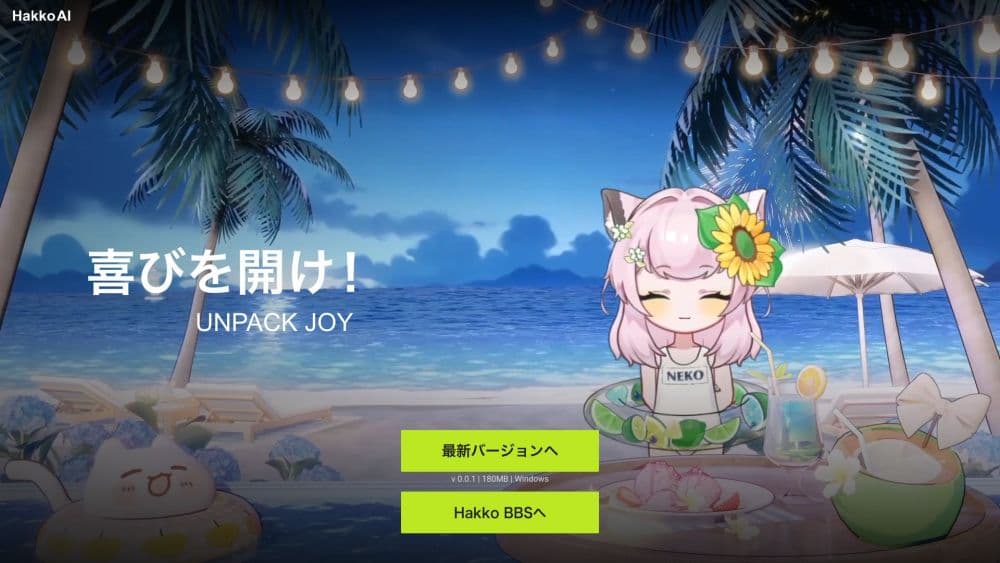
About Hakko AI
What Is Hakko AI
Hakko AI is a gaming companion built by HAKKO AI PTE. LTD. The idea is narrow on purpose: instead of alt-tabbing to a wiki when a boss phase changes or a quest note reads like a riddle, you ask your companion out loud and keep playing. The persona side is just as central. Official characters such as Neneko, Nika, and Yutao each carry a written personality and a voice, and that tone shows up in every reply.
Underneath sits LynkSoul VLM v1, a vision language model the company says it trained for game footage. It reads the visible screen, answers questions about the current scene, and pushes tips during key moments. Voice chat runs alongside the game, and memory carries details from one session to the next, which keeps you from re-explaining your build or your save file every evening.
The catch is the placement of features. Screen recognition and proactive tips sit behind the paid plans, so the free tier gives you the character and the conversation but not the part that makes Hakko AI different. The desktop app on Windows is also the only place with full screen awareness, since the iOS and Android apps don't read game screens the same way.
Getting Started
- Sign up at the Hakko AI site and download the PC app, or install the mobile app from the App Store or Google Play.
- Pick an official companion such as Neneko, Nika, or Yutao, or build a character in the Workshop.
- Keep the game window on screen and start a voice chat from the companion panel.
- Ask about the screen directly, for example the next objective or a weapon upgrade.
- Add a Hakko+ plan when you want screen recognition and proactive tips.
Product Information
A quick look at Hakko AI's pricing, supported platforms, and performance.
Best for
The users, tasks, and scenarios where this tool fits best.
Users
- RPG and story-driven players
- Anime and Live2D fans
- Casual and exploration gamers
- Character creators and roleplay users
Tasks
- Finding the next objective
- Choosing an upgrade
- Understanding an item
- Reviewing a fight
Scenarios
- Long evening sessions on a story game
- Watching a video or browsing in the same window
- Working through a newcomer guide
Key features
Screen Recognition With LynkSoul VLM v1
The companion watches the game screen and reads what is happening in it, then answers questions about that scene. In practice, that means asking why a fight went wrong instead of describing it yourself. The company reports a visual understanding score of 3.44 out of 5 in gaming scenarios, which comes from its own testing. Screen recognition requires a paid plan, and it works best in the PC app.
Real-Time Voice Chat
Voice chat turns the companion into something closer to a headset buddy than a chat window. You speak, it answers out loud, and the exchange happens during play rather than after it. Response time sits around four seconds total in the company's published figures, so advice lands after the moment has passed in a fast shooter. Dialogue is also available in text when you want to stay quiet.
Proactive Tips During Play
Instead of waiting to be asked, the companion pushes suggestions when the screen suggests you are stuck or when a choice matters. The official examples include battle tactics, equipment upgrade direction, and quest guidance. This is the feature that separates Hakko AI from a plain chatbot, and it's locked to Pro and Ultra tier plans.
Cross-Game Memory
Memory carries details between sessions and between different games, so a preference stated last week still shapes this week's reply. The memory system includes pinned notes and character events, which users can use to mark moments worth revisiting. Retention has no published limit. How much memory you get depends on the plan.
Official Anime Companions
Neneko, Nika, and Yutao each have a backstory, a zodiac sign, and a defined personality. Nika reads as a sharp-tongued character who needles you but warms up, while Neneko plays the well-behaved type. Written dialogue is the main draw here, and the tone holds across text and voice.
Character Workshop
The Workshop lets you upload an image, persona, voice sample, and video to build a companion of your own, then publish it for other users. Creating characters is free, and the community library keeps growing. Custom voice work in the character workshop takes more effort than picking a preset, so expect some setup time.
Image and Video Generation
Companions can turn a conversation or roleplay moment into an image or a short video, which launched in a 2026 update. It is a side feature rather than a reason to subscribe, and it uses credits from your plan.
Pros and cons
Pros
- Screen-aware help: the companion reads the game screen, so you can ask about what is visible instead of describing it.
- Distinct characters: three official companions with real backstories and consistent voices, plus a Workshop for custom builds.
- Memory across sessions: builds, preferences, and story moments carry over between games.
- Voice and text both work: pick whichever fits the moment, and stay quiet in voice channels if you prefer.
- Mobile and PC coverage: iOS and Android apps carry the companion when you are away from the desk.
Cons
- Paywall on the core feature: screen recognition and proactive tips need Pro or Ultra, so the free plan cannot show what makes the product different.
- Roughly four seconds of lag: advice arrives too late for fast competitive shooters, which limits the useful genres.
- Desktop is the full experience: mobile apps don't read game screens, so buyers who play on a phone get less than the pitch suggests.
- Feature drift over time: autoplay voice moved from free to paid, so check the current plan list before you commit.
Frequently asked questions
Hakko AI is an AI game companion that places an anime character on your screen, reads the game through screen recognition, and talks with you by voice while you play. It runs on Windows and as iOS and Android apps.
Related content
Explore related tools, skills, and articles for Hakko AI.
Hakko AI Alternatives

Google EmbeddingGemma 2
Google DeepMind · Writing · Image · CodingGoogle EmbeddingGemma 2 is a 740M-parameter open model that turns text, code, images, audio, and video frames into vectors in one 768-dimension space, running on phones and laptops.

Tractionwave
TractionWave · Image · MarketingTractionWave is an AI attention heatmap tool for static ads. Upload a PNG or JPG and it returns predicted attention, ranked hotspots, and fixes before you spend budget.

Imejis.io
Imejis.io · Image · MarketingImejis.io is an AI design studio for agents and marketing teams. Describe an image in plain words, and it writes the copy, builds the layout, reflows it to every size, then exports a finished file.