

HD Photo Converter
HD Photo Converter · Image
HD Photo Converter is a free online AI tool that upscales images up to 4x their original resolution and sharpens blurry or low-res photos, with no software to install.
About HD Photo Converter
What Is HD Photo Converter
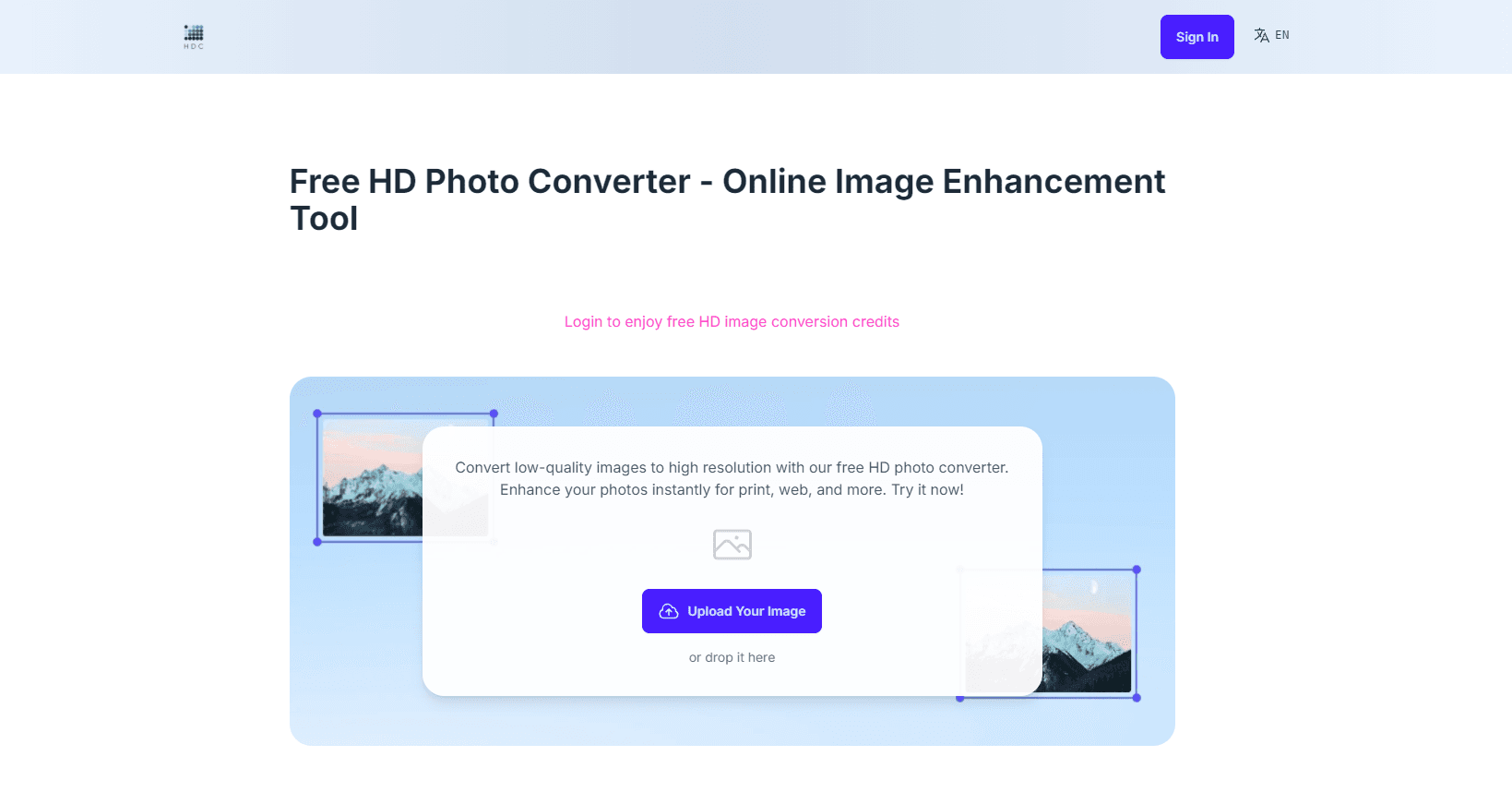
HD Photo Converter is an online AI image upscaler. You upload a photo, an AI model reads the surrounding pixels and fills in new detail, then you download a larger, sharper version at up to 4x the original resolution.
Most free upscalers just stretch pixels, so a bigger file looks just as blurry. This one tries to reconstruct the missing information instead, which is what makes the result usable for print or a product page. A 500x500 image can come back at 2000x2000.
The catch is scope. It handles one image at a time, caps free uploads at 10 MB and 5 conversions, and outputs PNG only. If you need batch jobs or a format other than PNG, you'll hit those walls fast.
Getting Started
- Open the site and upload an image, or drag and drop it onto the page. JPEG, PNG, BMP and TIFF are supported.
- Let the AI model analyze the file and rebuild it at a higher resolution.
- Wait for processing, which takes seconds for simple images and a few minutes for complex ones.
- Review the result and download the HD version as a PNG.
- Sign in with Google if you want extra credits beyond the free allowance.
Product Information
A quick look at HD Photo Converter's pricing, supported platforms, and performance.
Best for
The users, tasks, and scenarios where this tool fits best.
Users
- Online sellers
- People restoring old photos
- Social media and blog creators
Tasks
- Upscaling a low-res image
- Sharpening blurry photos
- Preparing an image for print
Scenarios
- Fixing a compressed screenshot
- Reviving a family photo before printing
- Testing quality before buying
Key features
AI upscaling up to 4x
The model analyzes each image and adds pixels based on what surrounds them, so a 500x500 photo can enlarge to 2000x2000. That's the core difference from a basic resize tool, which just stretches existing pixels and keeps the blur.
Detail and noise handling
Beyond raw size, the converter helps sharpen blurry photos by cleaning up edges and toning down compression noise. The result matters most on text-heavy screenshots and product shots, where soft edges are the first thing a buyer or reader notices.
Wide format support for uploads
You can upload JPEG, PNG, BMP and TIFF files, covering most photos, scans and digital art. Downloads come out as PNG, a lossless format that keeps the added detail intact.
Browser-based, no install
Everything runs online, and the site works in mobile browsers too. There's no app to download and no editing workflow to learn, which suits anyone who needs a one-off upscale rather than a full photo editor.
Privacy-minded processing
The site states it doesn't store your original or converted images once you've downloaded the result, and uploads and downloads are encrypted. For people uploading personal or client photos, that's a stated policy worth knowing about.
Pros and cons
Pros
- Free to start, with 5 credits that let you test the upscaler on real photos before paying.
- Handles up to 4x resolution gain, enough for most print and product-listing needs.
- No install and no account required for basic use, so a single upscale takes minutes.
- Works in mobile browsers, which helps when the only device on hand is a phone.
Cons
- One image at a time, so a folder of photos takes many rounds.
- The 10 MB upload cap rules out large RAW files or high-resolution scans.
- PNG-only downloads leave out users who need JPEG or WebP output.
- Extremely blurry or damaged originals only improve so far, since the model can't invent detail that isn't hinted at.
- No documented API, so it can't slot into an automated pipeline.
Frequently asked questions
It's an AI image upscaler that increases an image's resolution up to 4x and sharpens blurry or low-quality photos. You upload a file, the model rebuilds it with new detail, and you download the HD result as a PNG.
Related content
Explore related tools, skills, and articles for HD Photo Converter.
HD Photo Converter Alternatives

Google EmbeddingGemma 2
Google DeepMind · Writing · Image · CodingGoogle EmbeddingGemma 2 is a 740M-parameter open model that turns text, code, images, audio, and video frames into vectors in one 768-dimension space, running on phones and laptops.

Tractionwave
TractionWave · Image · MarketingTractionWave is an AI attention heatmap tool for static ads. Upload a PNG or JPG and it returns predicted attention, ranked hotspots, and fixes before you spend budget.

Imejis.io
Imejis.io · Image · MarketingImejis.io is an AI design studio for agents and marketing teams. Describe an image in plain words, and it writes the copy, builds the layout, reflows it to every size, then exports a finished file.