

Headshot Photo
HeadshotPhoto.io · Image
Headshot Photo is an AI headshot generator that turns a few selfies into professional business photos for LinkedIn and resumes, starting at $34.
About Headshot Photo
What Is Headshot Photo
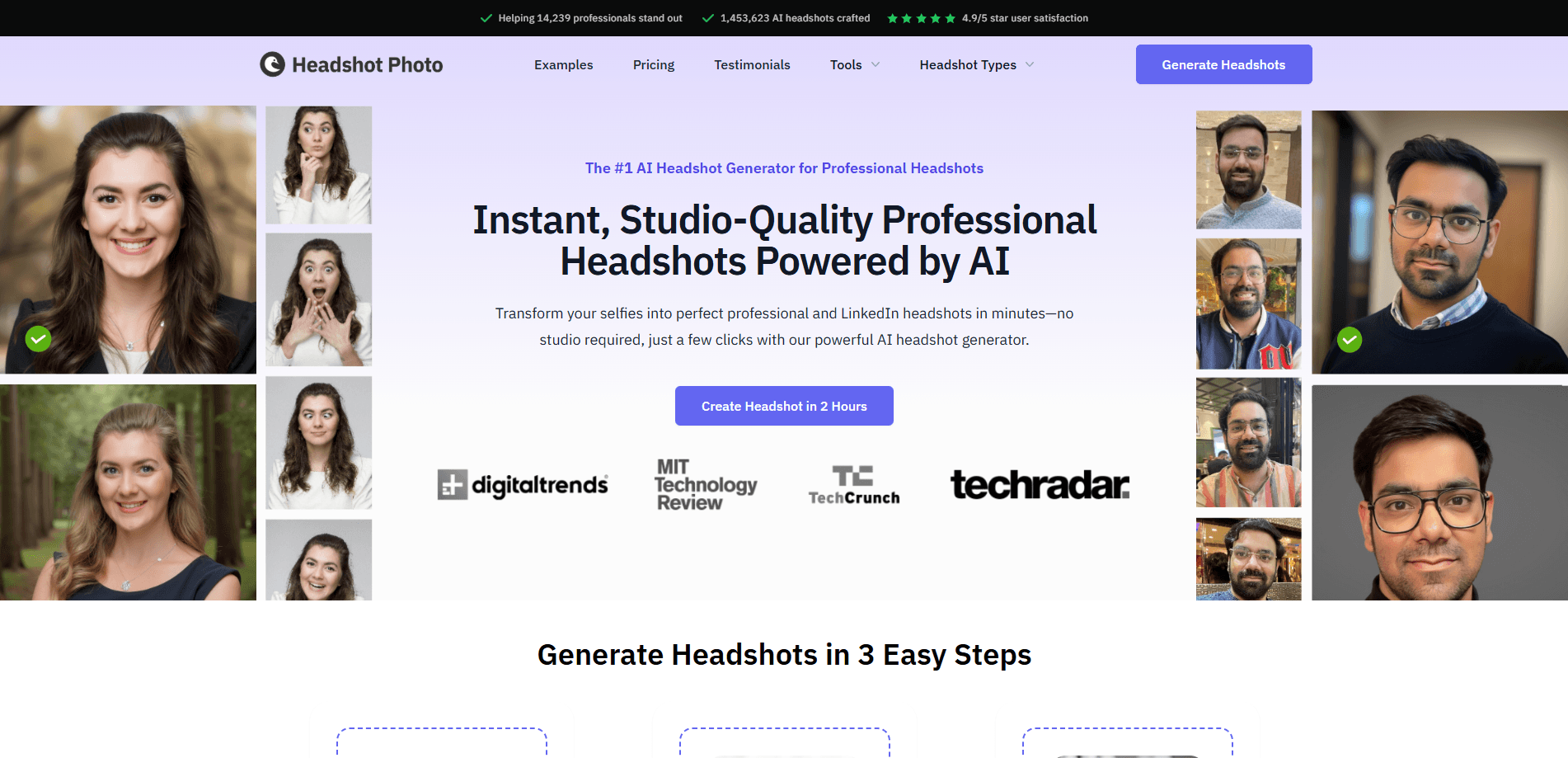
Headshot Photo is a web-based AI headshot generator built by HeadshotPhoto.io. You upload a handful of everyday selfies, and the service renders a batch of studio-style portraits you can use on LinkedIn, a resume, or a company page. The pitch is simple. A real photo shoot costs around $200 in the U.S. and takes weeks of scheduling, while this tool delivers finished images in one to three hours for a fraction of that.
The product is aimed at people who need one decent professional photo and don't want to hire a photographer. Job seekers, freelancers, remote workers, and small teams updating an entire directory all fit that description. You don't need wardrobe changes or studio lighting. The AI keeps your face recognizable and rebuilds the setting around it.
The catch is that it isn't free, and it isn't instant. You pay a one-time fee per batch, and results depend heavily on the quality of the photos you feed in. Blurry, filtered, or heavily angled selfies lead to weak output, and the refund policy won't cover that.
Getting Started
- Sign up at app.headshotphoto.io and pick a plan. Basic, Premium, and Enterprise differ mainly in how many headshots and backgrounds you get.
- Upload a set of clear, recent selfies. Face the camera, keep the lighting even, and skip sunglasses, hats, and filters.
- Choose your backgrounds and outfits from the library of 120+ backdrops and 60+ styles.
- Wait for delivery. Turnaround runs from one hour on Enterprise up to three hours on Basic.
- Preview each result on a mock LinkedIn layout, then download the ones you like and spend your edit credits on swaps or upscaling.
Product Information
A quick look at Headshot Photo's pricing, supported platforms, and performance.
Best for
The users, tasks, and scenarios where this tool fits best.
Users
- Job seekers
- Freelancers and consultants
- Remote teams and HR
Tasks
- Refreshing a LinkedIn profile
- Building a resume or portfolio image
- Testing different looks
Scenarios
- Applying on short notice
- Solo professionals without a team
- Small businesses standardizing a staff page
Key features
Selfie-to-Headshot Generation
You upload ordinary phone photos and the AI rebuilds them as professional portraits, keeping your facial features intact while improving lighting and framing. The service reports more than 1.4 million headshots generated to date. You don't need previous editing skills or a specific camera.
120+ Backgrounds and 60+ Outfit Styles
The library covers office settings, outdoor spaces, and studio backdrops, paired with business formal, smart casual, and creative outfits. This is the part that makes corporate headshots look intentional rather than homegrown. You pick a look that matches your industry, from law to design.
LinkedIn Preview
Before you download anything, you can see how a headshot sits inside a LinkedIn profile card. It sounds minor, but a photo that looks fine on its own can crowd or clash once it's cropped into a real profile. This step lets you catch that before committing.
Edit Credits for Swaps and Upscaling
Every plan includes free credits to swap backgrounds, change outfits, upscale, or expand an image after the batch is done. It means a single generation isn't final. If a background feels off, you fix it without paying for another round.
Tiered Turnaround and Volume
The three plans map to how many headshots you need and how fast. Basic gives 40 headshots in about three hours, Premium gives 80 in two, and Enterprise gives 100 in one hour plus a free reshoot. The free reshoot is worth noting if the first pass misses.
One-Time Pricing with a Money-Back Guarantee
There's no monthly subscription. You pay once per batch, and Premium and Enterprise orders carry a 100% money-back guarantee under the stated conditions. For a one-off need like a resume photo, that's cheaper than most recurring plans.
Pros and cons
Pros
- One-time pricing from $34 makes a single professional photo affordable without a subscription.
- 120+ backgrounds and 60+ outfit styles give you real control over the final look.
- Turnaround as fast as one hour on the Enterprise plan.
- LinkedIn preview helps you judge a headshot in context before downloading.
- Edit credits let you refine background, outfit, and resolution after generation.
Cons
- No free plan or free trial, so you pay before you see your own results.
- Output quality depends on your input photos, and bad selfies aren't refundable.
- Refund eligibility excludes downloaded images and subjective style preferences.
- No mobile app, so everything runs through the browser.
Frequently asked questions
Headshot Photo creates professional-looking headshots from your selfies. People use it to fill a LinkedIn profile, a resume, a personal website, or a company directory when a real photo shoot isn't practical.
Related content
Explore related tools, skills, and articles for Headshot Photo.
Headshot Photo Alternatives

Google EmbeddingGemma 2
Google DeepMind · Writing · Image · CodingGoogle EmbeddingGemma 2 is a 740M-parameter open model that turns text, code, images, audio, and video frames into vectors in one 768-dimension space, running on phones and laptops.

Tractionwave
TractionWave · Image · MarketingTractionWave is an AI attention heatmap tool for static ads. Upload a PNG or JPG and it returns predicted attention, ranked hotspots, and fixes before you spend budget.

Imejis.io
Imejis.io · Image · MarketingImejis.io is an AI design studio for agents and marketing teams. Describe an image in plain words, and it writes the copy, builds the layout, reflows it to every size, then exports a finished file.