

AI Logo Maker, AI Design: Hexa
Superapp Labs · Image
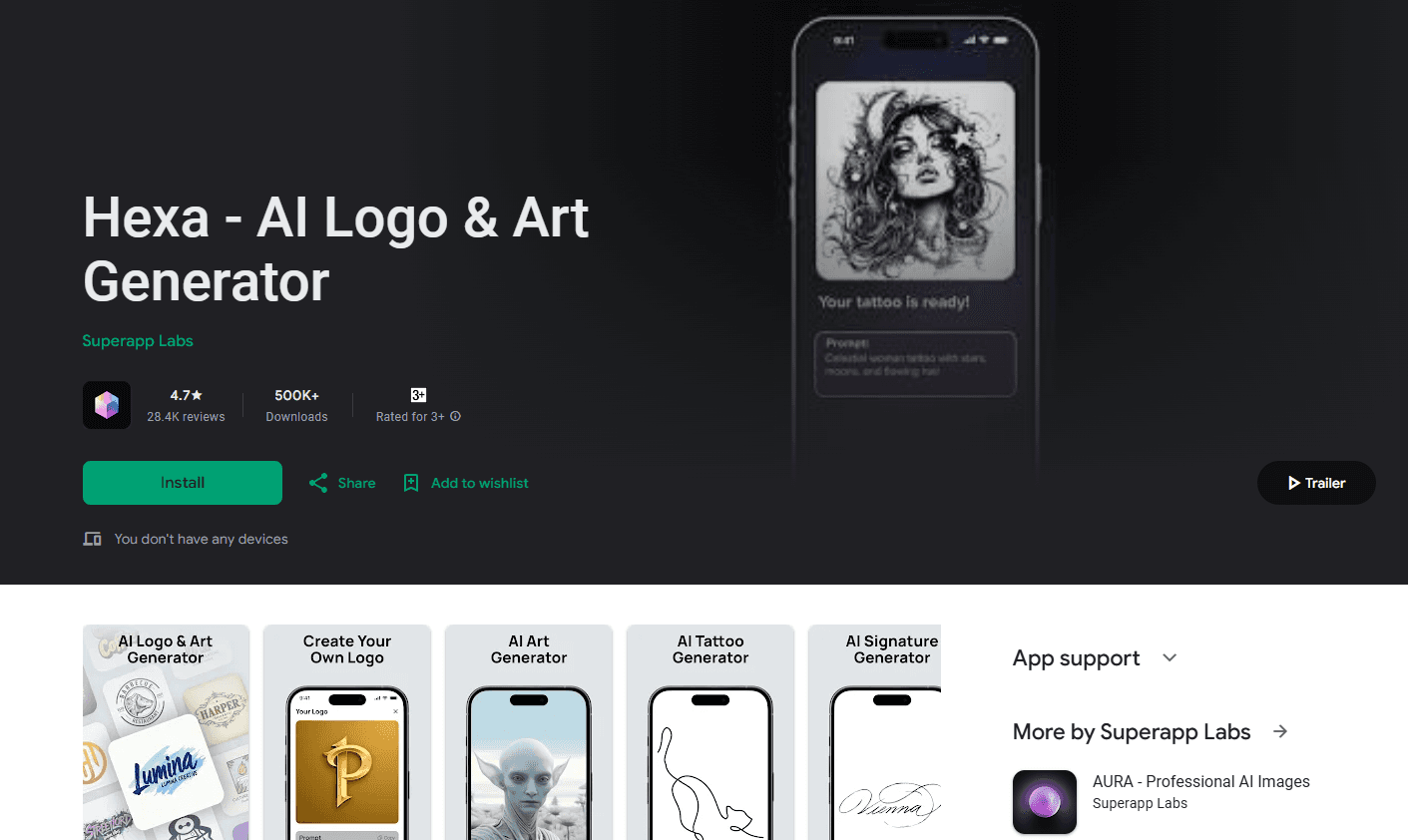
Hexa AI is a mobile AI design app by Superapp Labs that turns short text prompts into logos, product photos, album covers, tattoos, and room designs.
About AI Logo Maker, AI Design: Hexa
What Is Hexa AI
Hexa AI leans on a simple promise: type what you want, get a finished visual in seconds. The app pairs an AI logo maker with a stack of other design jobs, including product photography, album and poster covers, business cards, signature art, tattoos, and AI interior design. One mobile app handles all of them.
That breadth is the main draw. A small online seller who needs a logo, a product shot, and a business card can stay in one place instead of bouncing between three subscriptions. A logo maker for small business use matters here, and Superapp Labs pushes prompt-driven output over template picking, which helps when a generic layout will not fit the brand.
The tradeoff is control and cost. Reviews on both app stores repeatedly mention a coin system: you spend coins each time you generate or edit an image, and weekly allowances run out fast for heavy users. Results also drift from the prompt, so expect touch-ups.
Getting Started
- Download Hexa AI from the App Store or Google Play and open it.
- Pick a design mode from the home screen, such as logo, product photo, or album cover.
- Type a prompt describing what you want, or pick a layout to guide the result.
- Review the concepts the app returns, then edit fonts, colors, and layout to match your brand identity.
- Export at high resolution for print, web, or social media.
Product Information
A quick look at AI Logo Maker, AI Design: Hexa's pricing, supported platforms, and performance.
Best for
The users, tasks, and scenarios where this tool fits best.
Users
- Small business owners who need a logo, business card, and product photo without hiring a designer.
- Content creators and side-project founders building a consistent visual identity on a phone.
- Hobbyists exploring tattoos, coloring pages, or room makeovers who want quick concept art.
Tasks
- Generating a first-draft logo from a brand name and a few keywords, then refining it.
- Producing clean product photos for an online store without a studio setup.
- Designing album covers, posters, and invitations for personal or small events.
Scenarios
- Launching a new brand and needing several asset types in one afternoon.
- Refreshing an outdated logo or business card before a networking event.
- Planning a room redesign by previewing styles on an uploaded photo.
Key features
AI Logo Generator
Type a brand name and some keywords, and the AI logo generator returns several logo concepts at once. You can then tweak fonts, colors, shapes, and layout until the mark fits. It is built for people who need a usable starting point rather than a blank canvas.
AI Product Photography
Upload a product and describe the scene you want, and this product photo generator builds studio-style shots without lighting or a backdrop. This suits e-commerce sellers who post new listings weekly and cannot afford a full shoot every time.
Album, Poster, and Book Covers
The app includes dedicated modes for album covers, event posters, invitations, and book covers. You can upload your own photo and have it stylized, which speeds up cover art for a single or a small release.
Business Card Design
A recent update added business card creation, so the same session that produces a logo can also turn out matching cards. Cards stay consistent with the brand colors and type you have already set.
AI Room and Interior Design
Upload a photo of a living room, bedroom, or kitchen and describe your ideas, and the app renders a restyled version. It works as a cheap way to test a color or furniture direction before committing.
Animated Designs
Animation tools add motion to logos, titles, and graphics in a few taps. Short animated marks work well for social posts and video intros where a static image feels flat.
Pros and cons
Pros
- Covers logos, product photos, covers, cards, and interiors in one app.
- Prompt-driven output means designs are not locked to generic templates.
- Runs on a phone, so you can design without a laptop or desktop software.
- Beginner-friendly interface with font, color, and layout editing built in.
Cons
- The coin system charges you for edits, so repeating a job gets expensive fast.
- Outputs often drift from the prompt, which means extra runs and extra coins.
- Weekly allowances run out quickly for anyone producing more than a handful of images.
- No public API, so it cannot plug into an automated design workflow.
Frequently asked questions
Hexa AI creates visual assets from text prompts, including logos, product photos, album and book covers, business cards, signatures, tattoos, and room designs. It is aimed at people who need a quick design without professional software.
Related content
Explore related tools, skills, and articles for AI Logo Maker, AI Design: Hexa.
AI Logo Maker, AI Design: Hexa Alternatives

Google EmbeddingGemma 2
Google DeepMind · Writing · Image · CodingGoogle EmbeddingGemma 2 is a 740M-parameter open model that turns text, code, images, audio, and video frames into vectors in one 768-dimension space, running on phones and laptops.

Tractionwave
TractionWave · Image · MarketingTractionWave is an AI attention heatmap tool for static ads. Upload a PNG or JPG and it returns predicted attention, ranked hotspots, and fixes before you spend budget.

Imejis.io
Imejis.io · Image · MarketingImejis.io is an AI design studio for agents and marketing teams. Describe an image in plain words, and it writes the copy, builds the layout, reflows it to every size, then exports a finished file.