

Heywa
Heywa · Leaning
Heywa is an AI curiosity companion that turns a question into a short, structured story you can read card by card. Instead of handing back a wall of text, it builds picture-led explainers and taps into topics like history, travel, food, and everyday science. It fits people who want to learn something small and finish it in a few minutes.
About Heywa
What Is Heywa
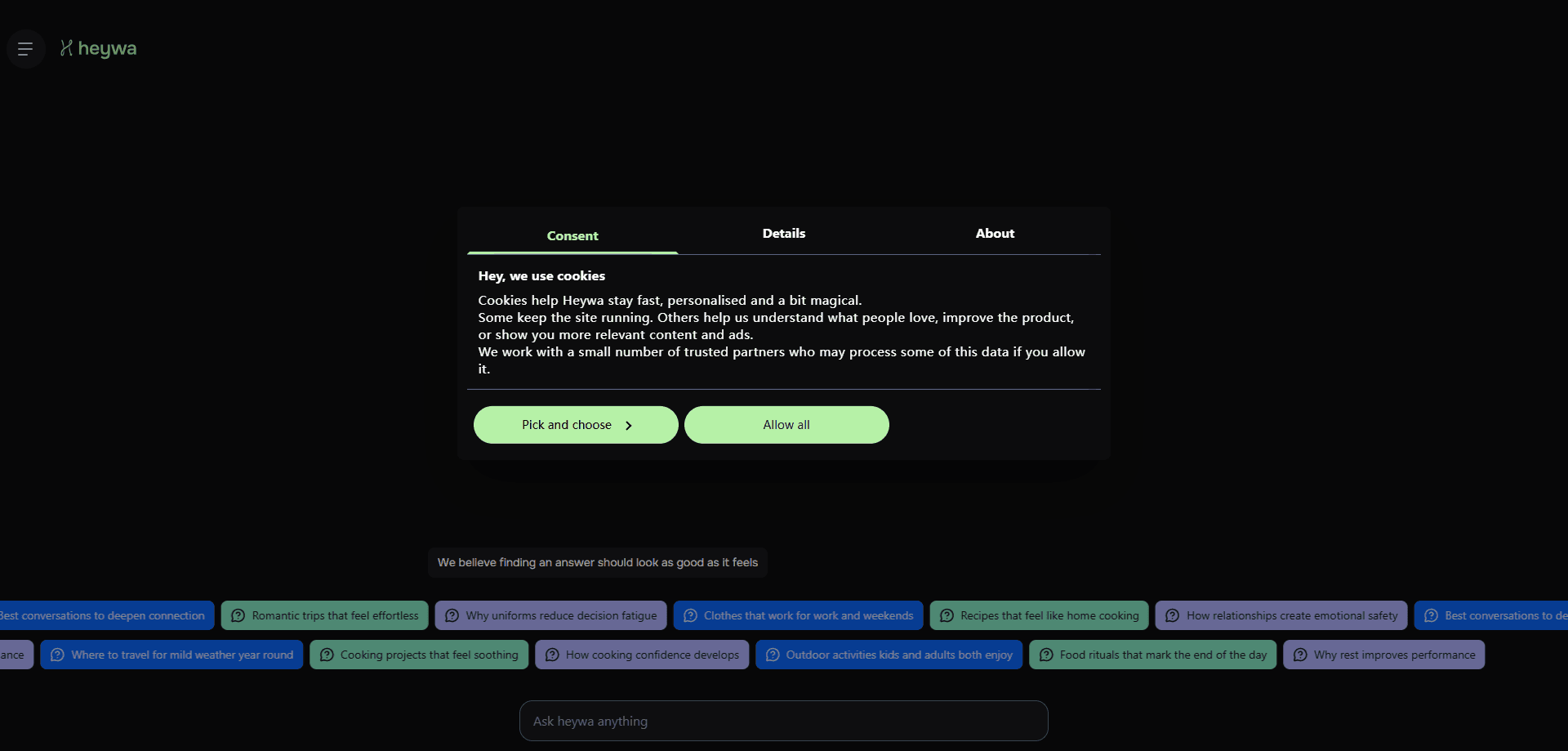
Heywa is a web-based AI companion built around one idea: curiosity should feel like a story you can finish, not a search you have to wade through. You ask a question, or you tap the "curiosity of the day," and it answers with a set of card-based stories you swipe through. Each card carries one step of the explanation. That's the whole trick.
The product pitches itself as an antidote to scrolling. Topics on the home page run from best documentaries for understanding history to why homes feel different at night, so the range leans everyday rather than academic. You don't need a background in anything to follow along. That's the point. Call it a learning app for people who don't like learning apps.
The catch is scope. Heywa is a web product, so you use it in a browser rather than a native app store download. It's also built for shallow-to-mid depth curiosity: if you need a deep technical answer or a long-form report, a general chatbot will serve you better, because a card story trades completeness for clarity and a general assistant will happily keep going long after Heywa would stop. And because the site asks you to sign in before saving much, treat it as a companion you keep coming back to, not a one-off lookup.
Getting Started
- Open heywa.com in your browser. No install is needed.
- Sign in when the site asks, so your explored topics and saved stories stay tied to your account.
- Type a question into the box, or tap the curiosity of the day to get a ready-made topic.
- Read through the card story, swiping or scrolling from one card to the next, and follow any related topics that show up.
- Ask a follow-up question to branch into a new story when a card leaves you wanting more.
Product Information
A quick look at Heywa's pricing, supported platforms, and performance.
Best for
The users, tasks, and scenarios where this tool fits best.
Users
- Curious learners
- Casual readers who are tired of endless feeds
- Students and hobbyists
Tasks
- Exploring a topic quickly
- Turning a question into something visual
- Finding a starting point for a discussion
Scenarios
- A short break in the day
- Morning curiosity routine
- Light research before a trip or purchase
Key features
Card-Based Story Format
Heywa answers your question as a sequence of visual cards rather than a single block of text. Each card holds one step, so you move through the idea at a pace you control. It's the feature that makes the app feel different from a chatbot, and it's what keeps a topic from turning into a wall of words. Think of it as an AI story app that respects your attention span.
Curiosity of the Day
The home page offers a standing prompt, so you don't have to arrive with a question ready. Tap it and Heywa builds a story around that day's topic. It's a low-effort way to keep a learning habit going, since the choice is already made for you. No blank page. No indecision.
Topic Exploration
An explore area groups stories into themes like documentaries, travel, comfort foods, climate, and daily routines. You can browse a theme instead of searching, which is handy when you want to wander rather than look for something specific. Each theme opens into a set of related visual stories, so you always land somewhere new.
Adaptive Story Flow
Heywa adjusts the story based on what you do as you read. Ask a follow-up or branch to a related topic, and the next set of cards builds on where you already are. The result is a path through a subject instead of a fixed article. It bends. It doesn't restart.
Question-to-Story Search
Type a question and Heywa turns it into a structured explainer rather than a list of links. What comes back is closer to an AI explainer than a search result. It's the core loop, and it's what makes the tool feel like a companion rather than a search engine. Why does that matter? Because a list of links makes you do the work, and Heywa does the first pass for you.
Cross-Device Browser Access
Because Heywa runs in the browser, the same account works across your devices, which means you can pick up a story on one screen and keep going on another without installing anything on each device you own.
Pros and cons
Pros
- Card stories make short topics easy to finish, which suits people who lose focus on long reads.
- The visual, step-by-step format helps ideas stick better than a paragraph of plain text.
- Curiosity of the day removes the blank-page problem and keeps a daily habit alive.
- Topic browsing covers a wide, everyday range rather than only academic subjects.
- Runs in the browser, so there's nothing to install and your account follows you across devices.
Cons
- It's a web product, so there's no Google Play download and offline use is limited compared to a native app.
- Depth is capped at beginner-to-intermediate. Anyone wanting a rigorous technical answer will need another tool.
- Pricing isn't published on the site, so you can't compare plans before signing in.
- Because the site gates some features behind login, anonymous use feels limited if you just want a quick answer.
Frequently asked questions
Heywa is an AI curiosity companion that takes a question and turns it into a short story told through visual cards. You read it step by step, then branch into related topics if you want to keep going.
Related content
Explore related tools, skills, and articles for Heywa.
Heywa Alternatives

HireKey
HireKey · Voice & Language · Productivity · LeaningHireKey is an AI job search copilot built by a former tech recruiter. It checks role fit, tailors resumes, runs interview practice and tracks every application.

Lune
Retrograde Labs · Productivity · LeaningLune is a research search engine for scientific AI agents. It runs as an MCP server that lets Claude, ChatGPT and Cursor search peer-reviewed computer science papers and cite them.
Coddy
Coddy · Coding · LeaningCoddy is a gamified platform to learn to code through short interactive lessons in 20+ languages, with a browser editor, an AI tutor and free certificates.