

AI Image Generator
Higgsfield · Image
Soul 2.0 is Higgsfield's flagship AI photo model, built for creative and fashion-aware AI image generation. It pairs a preset-driven workflow with Soul ID character consistency, so you can shoot the same face across a full set of looks without retouching. The output leans photorealistic, aimed at fashion and editorial visuals rather than generic stock art. Think of it as fashion AI photos with a real art director attached. If you sell clothing, run social campaigns, or just want studio-grade portraits without a studio, this is the model you'll reach for first.
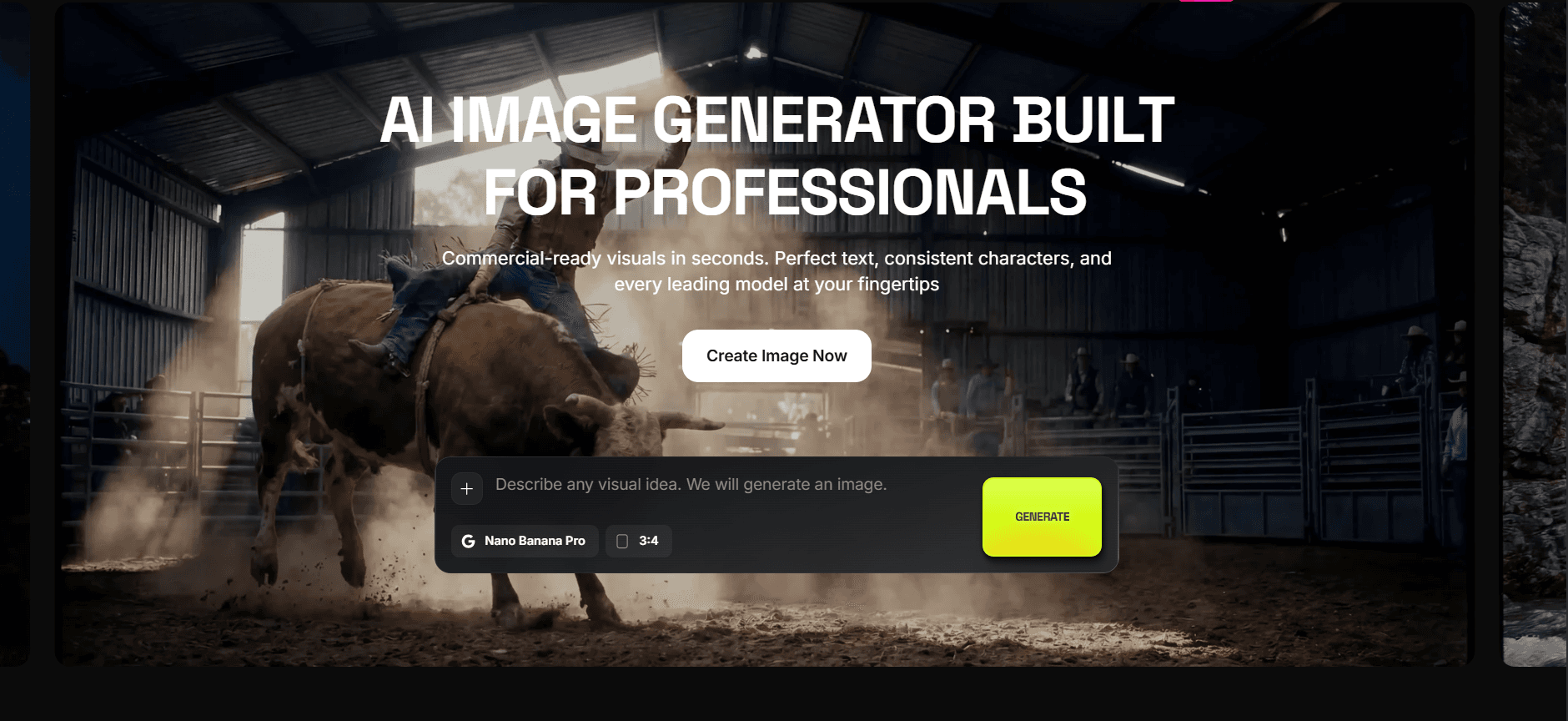
About AI Image Generator
What Is Soul 2.0
Soul 2.0 is a photo generation model from Higgsfield, an AI-native creative platform for brands, creators, and agencies. It's the successor to the original Soul model, which was Higgsfield's first in-house image model and quickly became one of the most used tools on the platform. The big pitch is aesthetic control: instead of wrestling with long prompts, you pick from dozens of style presets that were designed with people who come from fashion and brand backgrounds.
The model solves a specific, annoying problem. Most AI generators produce images that look like AI: plastic skin, melted hands, weird color casts. Soul 2.0 leans on a curated lookbook of presets to land closer to art-directed photography, where the lighting and styling feel intentional. So what's the catch? It doesn't fix everything for free.
There are limits worth knowing up front. Soul 2.0 is a paid, credit-based tool inside Higgsfield, and heavy use burns through credits fast. It also works best with clear, focused prompts. Vague requests come back vague.
Getting Started
- Create a Higgsfield account at higgsfield.ai and sign in.
- Open the image generator and select a Soul 2.0 model from the model list.
- Pick a style preset that matches the look you want, from Y2K street style to clean editorial.
- Write a short prompt describing your subject, setting, and lighting, then generate.
- If you need the same face again, save it as a Soul ID and reuse it in later shots.
Product Information
A quick look at AI Image Generator's pricing, supported platforms, and performance.
Best for
The users, tasks, and scenarios where this tool fits best.
Users
- Fashion and streetwear brands that need campaign-ready visuals without booking a full shoot
- Social media marketers producing branded content at volume (Higgsfield says around 85% of its users work in social marketing)
- Indie designers and creators who want editorial-grade images but can't afford a studio
- Agencies running multiple client accounts that need consistent character looks
Tasks
- Generating photorealistic fashion and editorial images from a short text description
- Keeping one face consistent across a series of shots with Soul ID
- Producing social-ready visuals for product launches and short-video ads
- Testing multiple styling directions quickly before committing to a real photoshoot
- Turning a static image into motion clips for platform-ready video
Scenarios
- A clothing brand drafts a lookbook in an afternoon instead of a week
- A solo creator posts daily outfit or lifestyle content without hiring a model
- A marketing team spins up ad variants to test which look performs better
- A product page needs lifestyle shots of the item in use, with no studio time
Key features
Preset-Driven Style Library
Soul 2.0 ships with dozens of style presets that act like a stylist and art director in one click. You can jump between Y2K fashion, Japanese minimalism, iPhone-style snapshots, and polished editorial looks without rewriting your prompt each time. The presets are the fastest way to get a coherent visual identity across a whole batch of images.
Soul ID Character Consistency
Soul ID lets you lock a character's look and reuse it across later generations. Upload a reference, and the model keeps the face, features, and general style stable from shot to shot. For brands, that means the same "model" can front a campaign across every image and clip without the face drifting between frames.
Photorealistic Fashion Output
The model is tuned for realistic skin, fabric texture, and light behavior rather than glossy AI sheen. Fold lines in clothing, pore-level detail, and natural shadows all show up. That realism is the whole reason it works for commercial visuals. A plastic look would out the image as fake in one glance. Here's where it earns the AI fashion photography label. On a typical run, the model reads the fabric, catches how light falls across a face, and keeps proportions sane. That combination is rare in AI fashion photography, where hands and hems usually break first.
Text-to-Image with Short Prompts
You don't need a paragraph of tags to get a usable result. A plain description like a model on a neon-lit Tokyo street is usually enough, and the preset carries the rest. Each run returns four separate images, so you get variations to choose from instead of a single take.
Image-to-Video in the Same Workflow
Once an image works, you can animate it in the same editor using Higgsfield's motion tools. Cinematic camera moves and short clips come out without exporting to another app. It's handy for turning a finished still into a Reels-ready clip in one place.
Cross-Model Access
Soul 2.0 lives inside an AI image generator platform that also hosts models from OpenAI, Google, and others, including Sora, Veo, and Nano Banana. You can switch engines for a given task without rebuilding your pipeline. Soul is the aesthetic specialist; the other models handle jobs where you need something different.
Team Collaboration Tools
Higgsfield's Canvas workspace lets a team drop prompts, references, and outputs onto one shared board and connect them into a workflow. Payments, credits, and shared workspaces are handled at the account level. For agencies juggling several clients, that keeps everyone working from the same source of truth.
Pros and cons
Pros
- Preset library delivers art-directed fashion looks without prompt engineering
- Soul ID keeps characters consistent across an entire image set
- Photorealistic output with believable skin, fabric, and lighting
- Sits in one workspace alongside video and third-party models
- Strong fit for social marketing content, which is where most of its users live
Cons
- No free tier, and heavy usage burns credits quickly, so costs can climb on big campaigns
- Web only, so there's no mobile app for shooting on the go
- Best results still depend on a clear prompt, and vague requests come back vague
- Quality can dip during peak hours when queues build up
Frequently asked questions
Soul 2.0 generates photorealistic fashion and editorial images from text. It's aimed at brands, marketers, and creators who need campaign or social visuals without a traditional photoshoot.
Related content
Explore related tools, skills, and articles for AI Image Generator.
AI Image Generator Alternatives

Google EmbeddingGemma 2
Google DeepMind · Writing · Image · CodingGoogle EmbeddingGemma 2 is a 740M-parameter open model that turns text, code, images, audio, and video frames into vectors in one 768-dimension space, running on phones and laptops.

Tractionwave
TractionWave · Image · MarketingTractionWave is an AI attention heatmap tool for static ads. Upload a PNG or JPG and it returns predicted attention, ranked hotspots, and fixes before you spend budget.

Imejis.io
Imejis.io · Image · MarketingImejis.io is an AI design studio for agents and marketing teams. Describe an image in plain words, and it writes the copy, builds the layout, reflows it to every size, then exports a finished file.