

Hitpaw AI Image Generator
HitPaw · Image
HitPaw AI Image Generator is a mobile app that turns short text prompts into finished AI artwork. You type an idea, pick a style, adjust the size and saturation, and the app produces a painting you can save or share. That's the whole loop. Nothing to configure beyond that. It also doubles as an AI cartoon maker for selfies, so it covers both fresh creations and photo transformations in one place.
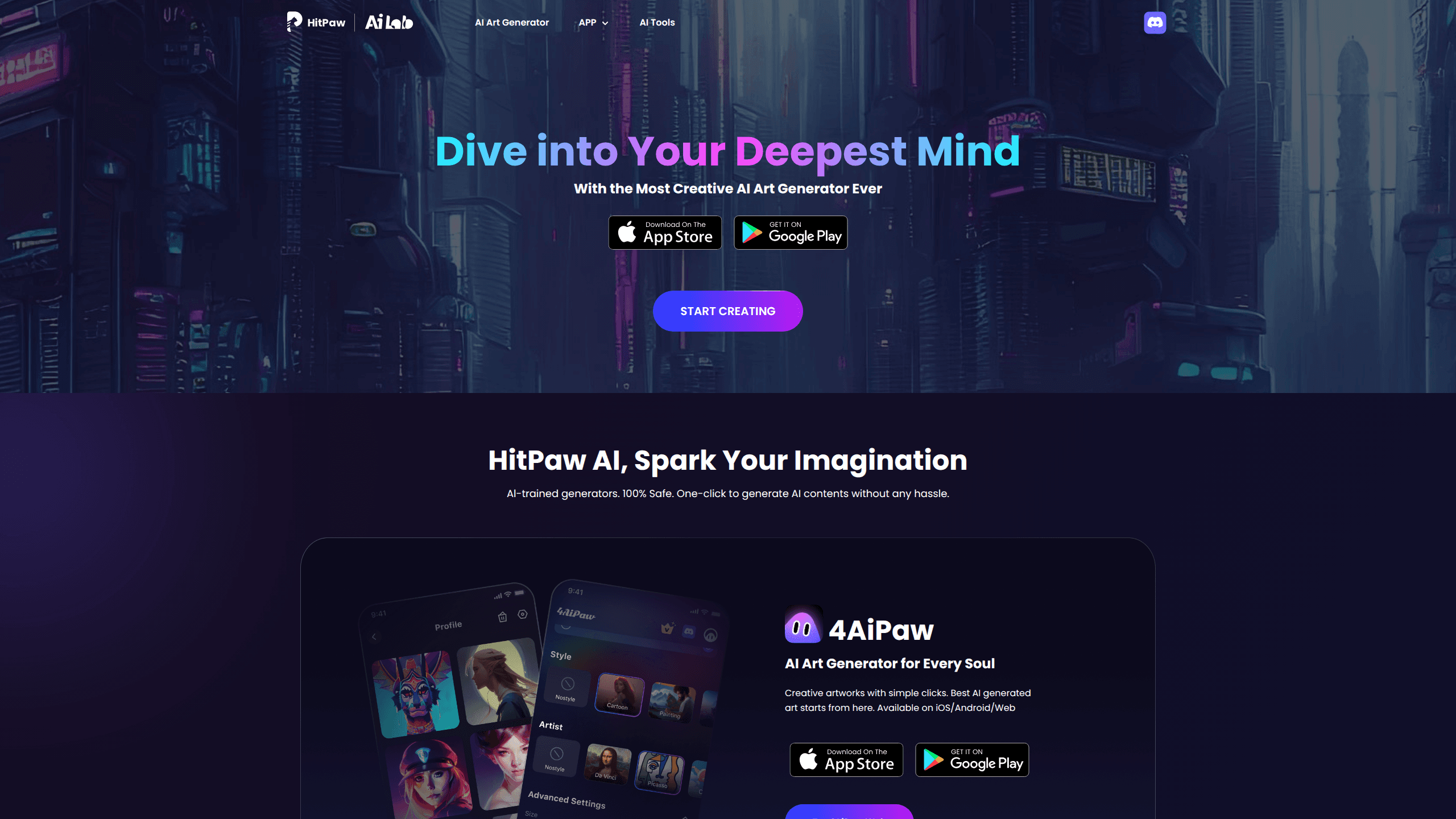
About Hitpaw AI Image Generator
What Is HitPaw AI Image Generator
HitPaw AI Image Generator is a text to image app built by HitPaw. It targets people who want artwork without drawing skills, people who can picture a finished scene clearly in their head but have never managed to get that picture onto paper or screen. The community styles matter here, because they hand you a ready-made look that already works, which saves you from guessing the exact wording that freeform prompting usually demands before anything decent appears.
The app also flips photos into cartoon looks. Selfies, pictures of friends, and short videos can be restyled with filters and effects. Handy when you want a profile picture or a social post that matches whatever look is trending this week. Quick results.
The catch is consistency. Reader reviews on the app listing report that results vary a lot from one prompt to the next, and that some images still miss the mark even after you've paid for a subscription. Results are hit and miss, plain and simple. The app also splits output into three fixed size options and pushes weekly or monthly subscriptions rather than a single one-time purchase, which means heavy users keep paying for as long as they keep creating.
Getting Started
- Install the app and open it, then create a free account or sign in.
- Choose whether you want to generate from text or restyle a photo.
- Type a prompt, then pick an art style, painter style, size, and saturation level.
- Tap generate and wait for the app to render your AI art.
- Save the result or share it straight to social media from the app.
Product Information
A quick look at Hitpaw AI Image Generator's pricing, supported platforms, and performance.
Best for
The users, tasks, and scenarios where this tool fits best.
Users
- Casual creators with no art background
- Social media users
- Designers hunting for concept ideas
Tasks
- Turning a written prompt into AI art
- Cartooning a selfie or friend photo
- Generating variations in a fixed style
Scenarios
- Making a themed profile picture on a phone
- Filling a content calendar with visual ideas
- Early brainstorming for a project
Key features
Text to AI Art
Type a prompt and HitPaw AI Image Generator renders it as finished artwork. You describe the scene in plain language, and the app turns those words into a painting rather than a rough sketch. It's aimed at people who can picture what they want but can't draw it, so the prompt is the only input you truly need, and everything else is handled by the style presets you choose.
Style and Painter Presets
The app ships with pre-made styles drawn from a community gallery, plus the option to paint in the style of a chosen artist type. Instead of guessing which words trigger the look you're after, you select a preset and let the app match it for you. Simple. This shortens the trial and error that freeform prompting usually involves. Output still depends on how clearly you describe the subject, so a vague prompt stays vague. Not ideal.
Cartoon Photos and Videos
Beyond text prompts, the app restyles real images. You can turn selfies, photos of friends, and short videos into cartoon and animation looks using filters and photo effects. This is the feature most people reach for first. A cartoon version of a real photo is far easier to judge than an abstract prompt result. No guesswork, which matters when you're scrolling through a dozen results and just want to spot the one that reads right straight away.
Size and Saturation Controls
You can set the output size and pick a saturation level from low, medium, or high before generating. Which size should you pick? Those two controls give a bit of room to steer brightness and framing without rewriting your prompt. The tradeoff hurts. HitPaw AI Image Generator offers only three image sizes, fewer than some rival apps, so very specific dimensions aren't an option.
Built-In Sharing
Finished works can go straight to friends or social media from inside the app. There's no need to export to another tool first, which keeps the flow simple for people who mainly create to post. Small convenience, big time saver. Still, it counts. It's the step most casual users do after every generation.
Pros and cons
Pros
- Runs on Android and mobile web, so you can create art from a phone without desktop software.
- Style and painter presets remove most of the guesswork that freeform prompt writing normally forces on you.
- Cartoon photo and video filters turn real images into shareable looks.
- Free plan lets you test output quality on your own prompts before you pay anything for more generations.
- Direct sharing skips the extra step of moving files between apps.
Cons
- Output is inconsistent; users report a high rate of misses per prompt, which means extra retries.
- Only three image sizes, fewer than comparable apps offer.
- No lifetime option, so payment is weekly or monthly and long-term use costs more.
Frequently asked questions
It's a mobile app that turns text prompts into AI artwork and also restyles photos into cartoon looks, so a single download covers both generation and photo transformation. You pick a style, set size and saturation, then generate.
Related content
Explore related tools, skills, and articles for Hitpaw AI Image Generator.
Hitpaw AI Image Generator Alternatives

X Ray Interpreter
X-ray Interpreter · ImageX Ray Interpreter is a web-based AI radiology tool that turns X-rays, CT scans, MRI, ultrasound, and PET images into plain-language reports. You upload a scan, get a preliminary X-ray interpretation in moments, then ask follow-up questions if something needs explaining. It works as a second opinion and a learning aid, not as a medical diagnosis.

Aieasypic
AIEasyPic · ImageAIEasyPic is an AI image generator that turns plain text prompts into finished artwork in seconds. You can also train custom models on your own photos, swap faces in existing images, and create short video clips from text, all from a browser. It suits casual creators who want quick visuals and hobbyists who want to build a personal model without touching any code.

Chargen
Chargen · ImageChargen is an AI character generator and worldbuilding toolkit built for Dungeons & Dragons and other tabletop RPGs. It turns a one-line idea into a painted character portrait, spins up NPCs, monsters, maps and encounters from the same session, and keeps every creature's details close at hand. The tabletop RPG art side runs on a credit system called Gold, while the text generators stay free for everyone.