

Hivinq
Hivinq · Productivity · Marketing
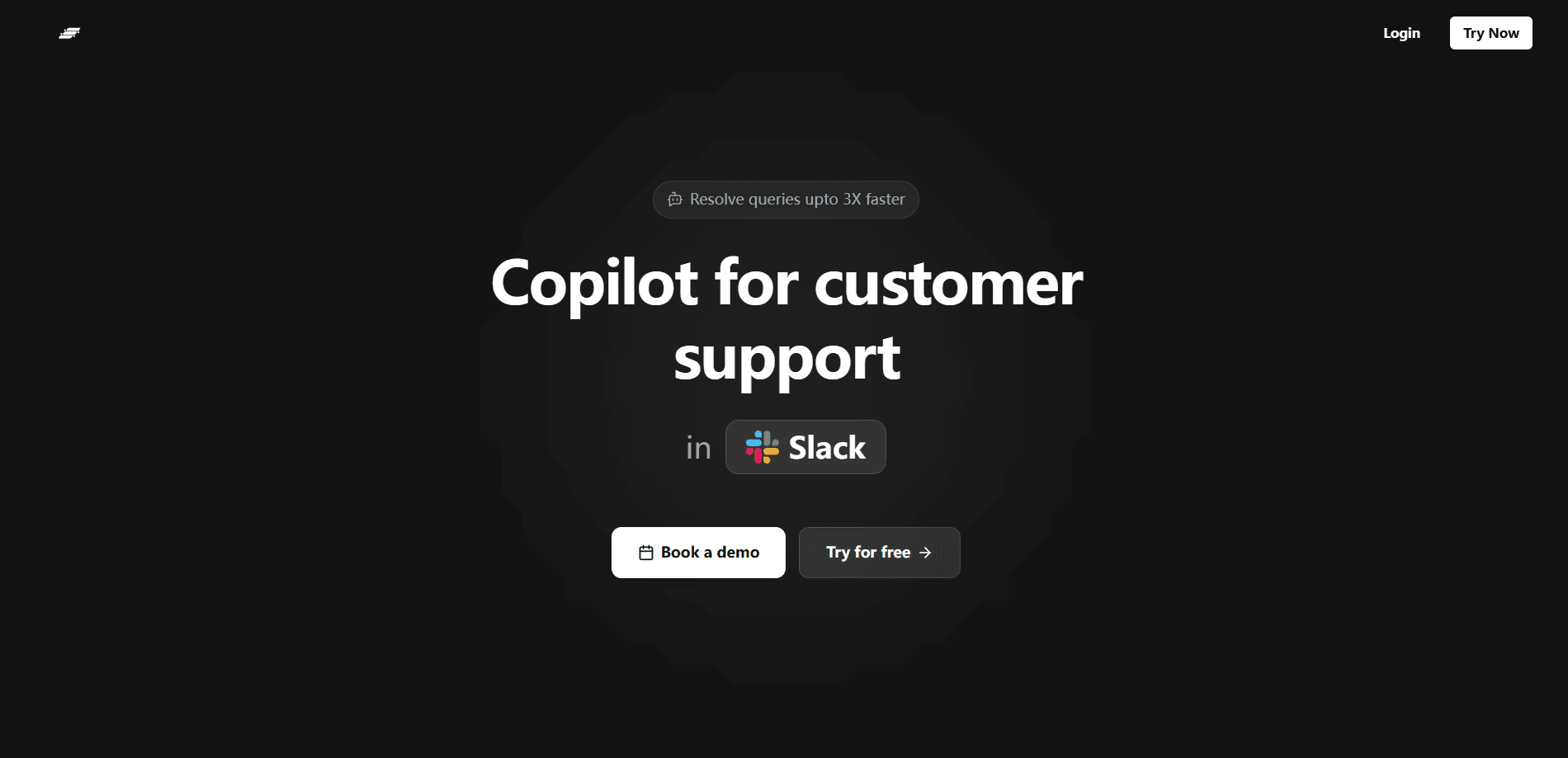
Hivinq is a customer support automation platform for teams that get buried in a crowded inbox. It analyzes incoming customer queries, sorts them by topic and urgency, and gives teammates a shared space to work the conversation to resolution. The pitch is simple: less time triaging tickets by hand, more time actually helping people. It suits small and mid-sized support teams that want structure without hiring a full-time operations person. Simple idea. Most teams still get it wrong.
About Hivinq
What Is Hivinq
Hivinq sits between your customers and your support agents. When a message arrives, the platform reads it, works out what the person is asking about, and tags it so the right person can pick it up. That sounds minor until you're staring at 200 unread messages on a Monday morning and no one knows which ones are angry churn risks. Then it stops sounding minor.
The second half of the product is collaboration. Instead of agents solving tickets in isolation, Hivinq keeps notes, context, and internal discussion tied to each query. A teammate can step in without asking "what happened here so far," which cuts down the back-and-forth that eats support teams alive, and that back-and-forth is usually where the worst delays hide in a growing team.
The main thing to know before you commit: this is a workflow layer, not a magic answer machine. It organizes and speeds up your support process, but the quality of your final reply still comes from the humans using it. Teams looking for a bot that answers customers on its own should check what escalation and takeover controls look like before signing up.
Getting Started
- Create an account on the Hivinq website and set up your workspace.
- Connect the support channel your customers already use, such as a shared inbox or contact form.
- Define how queries get categorized, or let the platform suggest categories and adjust them.
- Invite your teammates and assign roles so each person sees the tickets they own.
- Work your first batch of queries together and check how well the sorting matches reality.
Product Information
A quick look at Hivinq's pricing, supported platforms, and performance.
Best for
The users, tasks, and scenarios where this tool fits best.
Users
- Small support teams
- Team leads
- Solo founders
Tasks
- Triaging a crowded inbox
- Spotting repeated questions
- Handing off between agents
Scenarios
- Monday morning backlog
- Launch week spikes
- Training a new hire
Key features
Query Analysis
Hivinq reads each incoming customer message and works out what it's about. It sorts queries by topic and can flag the ones that sound urgent, frustrated, or ready to churn. The value shows up on busy days, when you can start with the screaming customers and leave the "how do I change my email" notes for later. Not glamorous. Extremely useful.
Team Collaboration
Every query carries its own trail of notes and internal discussion. Agents see what a teammate already tried, so nobody re-asks the same question or repeats a failed fix. For teams that used to coordinate over a separate chat app, this keeps the conversation attached to the actual ticket instead of drifting into a thread nobody can find later. No more lost context.
Centralized Support Workflow
The whole support process lives in one place, from the first message to the closed ticket. You don't need to bounce between a help desk, a spreadsheet, and a group chat to know the status of a query. That's the main draw if your current setup is held together with browser tabs. One window. That's the whole pitch.
Query Categorization
The platform groups similar questions automatically, which turns a messy inbox into something closer to a labeled set of buckets. Over time this makes patterns visible: if 40 people asked the same thing this week, that's a product signal, not just a support problem. What does that change? It means you can fix the cause instead of answering the same question 40 more times next week.
Workflow Customization
Teams can adjust how queries are sorted and which ones get priority, so the automation matches how your actual support process runs instead of forcing you into a fixed structure. Setup takes some judgment up front, but it means the tool fits your team rather than the other way around, and that flexibility matters most for teams whose support flow changes with every product release.
Pros and cons
Pros
- Cuts the manual work of sorting a crowded support inbox. Big time-saver.
- Keeps agent collaboration attached to each query instead of scattered across apps.
- Surfaces repeated questions, which helps teams fix the underlying cause.
- Gives small teams structure that usually takes a dedicated ops hire to build.
Cons
- Pricing isn't published, so you have to contact sales to find out what it costs, which slows down comparison shopping.
- API availability is unclear, so teams that need to plug Hivinq into other systems should confirm this before committing.
- The automation organizes queries but doesn't replace human judgment, so it won't run support on its own.
Frequently asked questions
Hivinq automates the busywork around customer support. It reads incoming queries, sorts them by topic and urgency, and gives your team a shared space to handle them. The goal is to spend less time triaging and more time resolving. That's the whole deal.
Related content
Explore related tools, skills, and articles for Hivinq.
Hivinq Alternatives

Base Code
Base44 (Wix) · Coding · ProductivityBase Code is a shared cloud development environment from Base44. Teammates describe changes to an existing GitHub codebase in chat, preview them live and send them back as pull requests.

Knocket
Knocket (Tencent RTC team) · Productivity · Business · ChatbotKnocket is a free live chat and contact page tool that lets visitors message you from your website, app, or a shareable link, with every reply handled from Telegram or one inbox.

FloorGen
Vinit Kumar (FloorGen) · Productivity · China AIFloorGen is a browser-based floor plan maker that turns a sentence or a sketch into an editable 2D plan and a 3D walkthrough. Export to PDF, DXF or video, and draw without an account.