

Homework Helper
Homework Helper · Leaning
Homework Helper is a web-based AI homework solver that takes your questions by text or photo and returns worked solutions with explanations. It pitches itself as 24/7 homework help across all subjects, leaning on GPT-class models to break problems into steps a student can actually follow. The site frames itself as "question AI," meaning you ask and it answers. You don't download anything. You open the site, ask, and read.
About Homework Helper
What Is Homework Helper
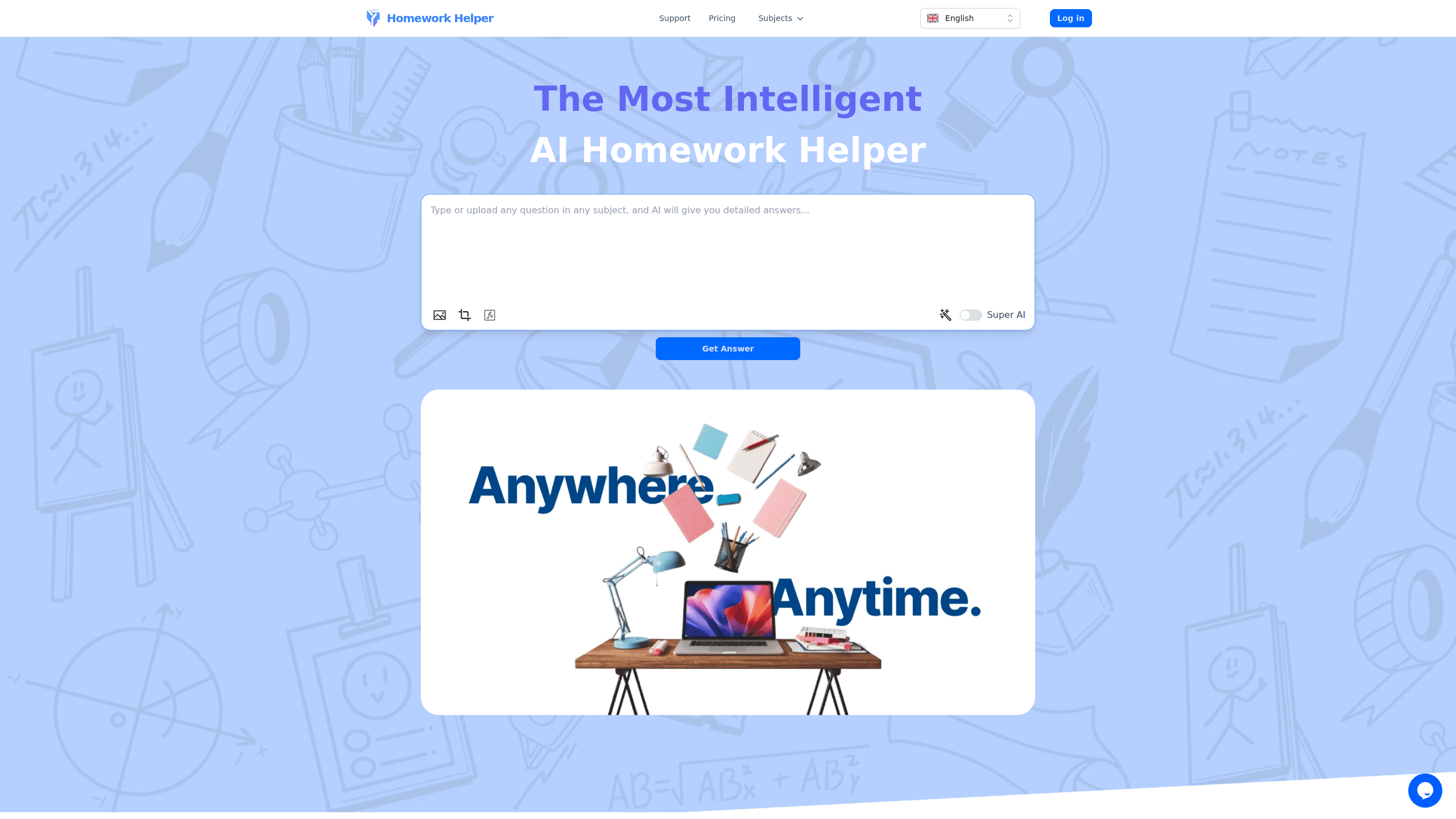
Homework Helper is an online AI tutor built around one promise: you get unstuck fast. Type a question or upload a photo of a problem, and the tool returns an answer with the reasoning spelled out. The walkthrough is the point here. Get the steps and you can try the next one alone.
It covers the usual school spread, math, science, and beyond, and it markets itself as a study aid rather than a shortcut. The interface is deliberately plain. There's a question box, a few sample prompts, and a pricing link. That's most of the product. So what do you actually get for your money, and where does the tool stop being trustworthy?
The main catch is accuracy. AI models get things wrong, and a confident wrong answer is worse than no answer at all. Treat every result as a draft to check, not gospel. The site's own numbers (5K+ learners, a claimed 10% average grade bump) come from the company, so take them with salt.
Getting Started
- Open homeworkhelper.io in a browser. No app install is needed.
- Type your question into the box, or upload an image of the assignment.
- Let the AI process it and generate a solution.
- Read the step-by-step explanation, not just the final answer.
- Re-check the reasoning against your own notes before you rely on it.
Product Information
A quick look at Homework Helper's pricing, supported platforms, and performance.
Best for
The users, tasks, and scenarios where this tool fits best.
Users
- Students stuck on a single problem
- Parents helping with homework
- Self-learners reviewing old material
Tasks
- Working through algebra and geometry problems when no one else is awake.
- Getting a plain-English explanation of a science concept before a quiz.
- Turning a photo of a printed worksheet into a readable solution without retyping it.
Scenarios
- Late-night study sessions when a tutor isn't reachable.
- Last-minute homework checks before class.
- Spot-checking your own answer to see whether your method holds up.
Key features
Text and Photo Input
You can submit a question as text or as an image. That image option matters for anyone with a printed worksheet or a screenshot, since retyping a long problem by hand is where most people give up. The AI reads the input and adapts to whichever type you send.
Step-by-Step Explanations
The tool doesn't just hand over a final number. It lays out the reasoning in stages, so you can see where a method starts, turns, and lands. That's what makes step-by-step homework help useful over a plain answer key: for students, it's the difference between copying a result and learning an approach you can repeat on the next problem set.
All-Subject Coverage
Homework Helper is marketed as a generalist, handling math, science, and other school subjects rather than one narrow niche. That breadth is handy if you're juggling several classes in one sitting and don't want to switch tools for each one.
24/7 Availability
There's no appointment and no waiting room. The pitch is instant help at 2 a.m. or 2 p.m., which is the real draw for students who work late and find that their usual sources of help, teachers and classmates and parents, are simply unavailable at the hour when they need a question answered most. Response time is quoted at around 20 seconds on average, according to the company.
No Install Required
Everything runs in the browser. You skip app stores, permissions, and storage. The trade-off is that heavy users get nothing offline, and everything depends on a live connection.
Pros and cons
Pros
- Answers by text or photo, so you rarely have to retype a problem.
- Step-by-step output is genuinely useful for learning a method, not just getting the result.
- Works in any browser with no download and no setup.
- Available around the clock, which fits late-night study habits.
- Handles many school subjects instead of one narrow slice.
Cons
- AI can return confident wrong answers, so every result needs a manual check.
- There's no offline mode, meaning no help without a working connection.
- Free access is limited and the paid tier uses an unfamiliar paywall channel, which makes pricing harder to pin down.
- It's a study aid, not a substitute for a teacher, and it won't tell you when it's out of its depth.
Frequently asked questions
It's an online AI tool that answers homework questions submitted as text or images. It returns a solution plus an explanation of the steps, and it's aimed at students who want to understand a problem rather than just copy an answer.
Related content
Explore related tools, skills, and articles for Homework Helper.
Homework Helper Alternatives

Kaggle AI
Google · Coding · LeaningKaggle AI is a community platform where people build, test, and compare machine learning models against shared data. It combines data science competitions, tens of thousands of public datasets, and free cloud notebooks with GPU and TPU access, so anyone with a browser can train a model without buying hardware. Google owns the platform, and joining costs nothing.

Bunch
Bunch AI · Leaning · BusinessBunch is an AI leadership coaching app that turns a few spare minutes a day into real management practice. It hands you one short, personalized tip each day, tracks how you respond, and lets you compare notes with peers inside private groups. The pitch is simple: you lead better by practicing a little, often, instead of sitting through a weekend seminar. Think of it as a leadership training app you actually open.

AI Mock Interview
SQLPad · Coding · LeaningAI Mock Interview is a practice tool built into SQLPad that simulates real job interviews and gives you instant feedback on both what you say and how you say it. You pick a role template or upload a job description, answer questions out loud in real time, and then review a transcript with notes on structure, clarity, and grammar. It's aimed at data professionals prepping for SQL, Python, data engineering, machine learning, and system design roles, and it works entirely in the browser. No install needed.